Share This Article
No items found.


Space booking friction is the accumulated resistance employees encounter when trying to reserve a desk, meeting room, or workspace, from clunky interfaces and double-bookings to calendar conflicts and no-show ghost reservations. It matters because friction directly suppresses office utilization: organizations with high booking friction report 20–35% lower actual space occupancy than their real estate footprint assumes, inflating costs and degrading the hybrid work experience.
Space booking friction is every step, error, and delay between an employee's intent to reserve a space and a confirmed, usable desk or room.
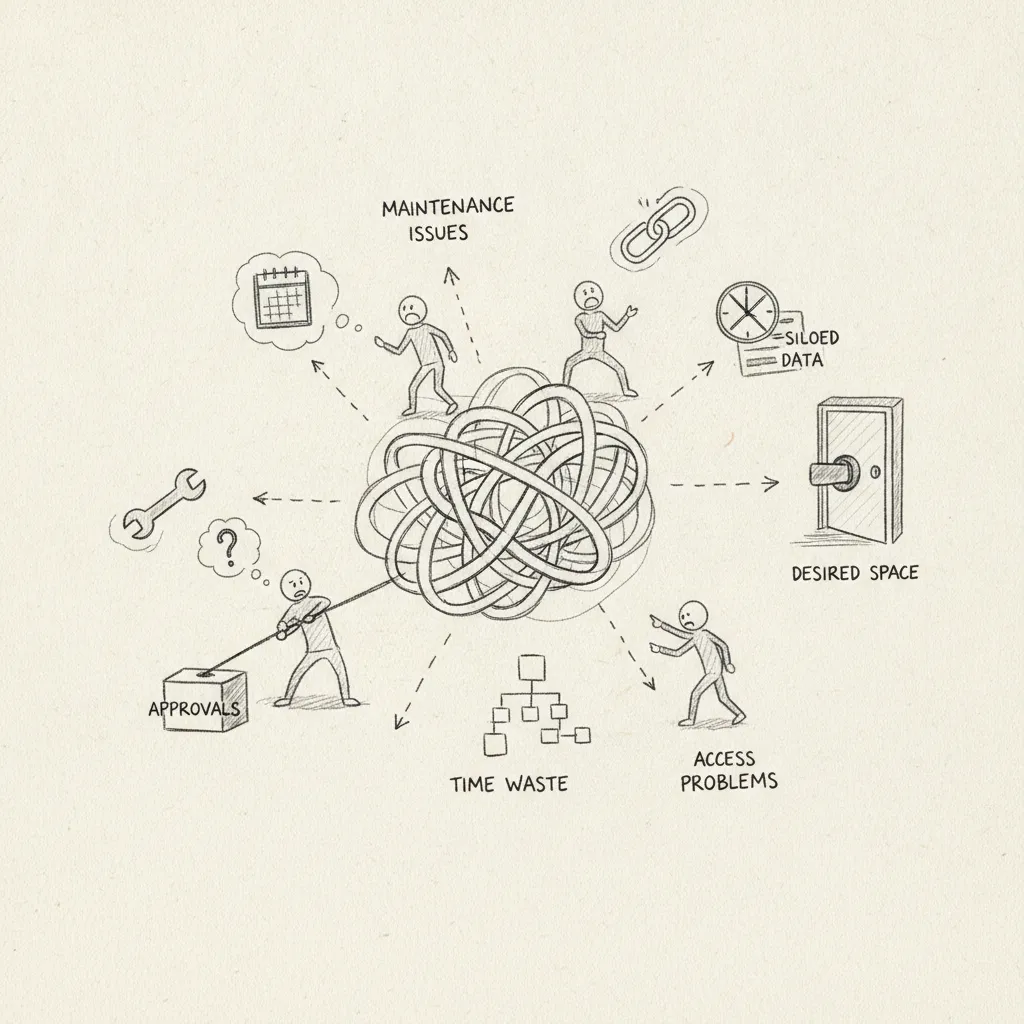
That definition covers two distinct categories. Digital friction includes slow-loading booking portals, mandatory login walls, calendar sync failures, and systems that don't reflect real-time availability. Physical friction includes broken room panels, no indicator of whether a desk is actually free, and spaces that show as booked but sit empty all day. Both forms compound each other, and both carry a direct cost.
The term borrows from physics, where friction describes resistance in a system that reduces useful output. Applied to workplace management, friction of space means that resistance in the booking process reduces the productive throughput of your real estate portfolio.
A leased floor plate is only as valuable as the work that happens on it. When employees abandon bookings, double-book out of uncertainty, or simply stop using the system, that floor plate keeps costing the same, but delivers less. Organizations with high booking friction typically see 20–35% lower actual occupancy than their leased footprint assumes, which inflates cost-per-seat across the entire portfolio.
The gap between what you pay for and what you use is where friction turns into a budget problem.
Two numbers reveal the severity of space booking friction faster than any utilization survey.
These metrics matter because they make friction measurable. A problem you can quantify is a problem you can build a business case around, whether that means renegotiating a lease, consolidating floors, or replacing a booking tool that employees have quietly stopped trusting.
Space booking friction degrades hybrid workplaces by distorting utilization data, breaking co-attendance planning, and draining productivity at a scale most organizations underestimate.
Not all friction points carry equal weight. The ten most common, ranked by the frequency with which they cause employees to abandon a booking attempt, are:
Each friction point alone is a minor irritant. Combined, they produce a system employees route around entirely, reverting to Slack messages, email chains, or simply showing up unannounced.
Employees at organizations with high space booking friction spend an average of 15–20 minutes per booking attempt, searching, refreshing, and re-attempting after failures. Across a 500-person hybrid workforce booking twice a week, that compounds to roughly 8,700 hours lost annually. At a median U.S. knowledge-worker salary of approximately $46 per hour, the productivity drain exceeds $200,000 per year before accounting for the management time spent resolving conflicts.
The damage extends beyond time. When employees abandon the booking system, ghost reservations accumulate, spaces that show as occupied in the data but sit empty in reality. Facilities teams reading that data over-provision meeting rooms or under-provision collaborative areas, making real estate consolidation decisions on a foundation that doesn't reflect actual usage.
The coordination failure compounds further. When booking is hard, employees stop booking and simply show up. That destroys the co-attendance planning that hybrid teams depend on to hit collaboration targets. Organizations with low-friction systems, like those using Upflex's AI-powered desk booking and UnifyAI attendance forecasting, report 88% co-attendance achievement. High-friction environments typically fall below 60%, meaning teams are physically present on the same days less than two-thirds of the time they intend to be.
Humly, DeskFlex, and Upflex each reduce space booking friction differently, the right choice depends on your office model and team distribution.
The five dimensions that most directly drive space booking friction are booking speed, calendar integration depth, mobile-first UX, real-time availability accuracy, and ghost-booking prevention. Each platform handles them differently.
| Dimension | Humly | DeskFlex | Upflex |
|---|---|---|---|
| Booking speed | 1–2 taps via room panel hardware | 3–5 steps through web interface | Fast mobile booking across owned and network spaces |
| Calendar integration | Microsoft 365 and Google Workspace sync | Calendar sync available; configuration-heavy | Native integration with scheduling and HR systems |
| Mobile-first UX | Hardware-led; app secondary | Web-first; mobile experience limited | Mobile-first across all workspace types |
| Real-time availability | Live panel display; highly accurate [2] | Real-time reporting; admin-layer complexity | AI-driven; 97% attendance forecast accuracy |
| Ghost-booking prevention | Check-in required at panel; auto-release on no-show | Reporting flags unused reservations; manual follow-up | AI forecasting reduces speculative bookings at source |
Humly's hardware-first approach, room panels showing live availability, minimizes walk-up friction inside owned offices [2]. Its gap is reach: it doesn't support distributed teams needing on-demand space outside company-controlled locations.
DeskFlex offers granular resource management and detailed reporting, which suits complex facilities teams. But its onboarding complexity can shift friction from the booking act itself to the administrators configuring and maintaining the system.
Upflex addresses a dimension neither competitor covers: hybrid teams that don't work from a single fixed office. Its on-demand workspace network spans 5,000+ locations globally, and its UnifyAI engine forecasts attendance with 97% accuracy, reducing speculative reservations before they become ghost bookings.
Organizations that deploy dedicated low-friction booking systems report 40%+ reductions in real estate spend by right-sizing their portfolio against accurate utilization data. Ghost reservation elimination alone recovers 15–25% of wasted space capacity, desks and rooms that showed as occupied but sat empty.
That recovered capacity directly informs consolidation decisions. When your utilization data is clean and your booking system prevents phantom holds, the case for reducing square footage becomes data-driven rather than political.
Reducing space booking friction requires four sequential steps: audit, select, pilot, then deprecate legacy systems on the day of full rollout.
Step 1, Baseline audit. Before changing any system, measure four numbers: booking abandonment rate, ghost reservation rate, average time-to-confirm, and employee satisfaction with the booking process via an NPS-style survey. These become your benchmark. Without them, you cannot prove ROI after deployment.
Step 2, System selection criteria. Prioritize SSO access (no login wall), native calendar sync, mobile-first design, and real-time availability display. Resist the pull toward feature breadth, space booking friction is a UX problem before it is a features problem. A system employees actually use beats a feature-rich one they avoid.
Step 3, Phased rollout. Pilot with one floor or one team for 30 days. Measure the same four baseline metrics and calculate the delta. That delta is your internal business case for full deployment, concrete, defensible, and grounded in your own data rather than vendor claims.
Step 4, Deprecate legacy systems on day one. The single biggest implementation failure mode is launching a new system without retiring the old one. Employees default to the path of least resistance. If the old Outlook workaround or shared spreadsheet still works, many will use it. Remove the alternative on the same day you go live.
Platforms like Upflex address steps two and three directly, SSO access, real-time availability, and attendance forecasting via UnifyAI are built into a single interface, which shortens pilot timelines and produces cleaner baseline comparisons.
Track five metrics across both phases to demonstrate impact:
The integration layer, not the booking UI itself, determines whether a system eliminates space booking friction or multiplies it.
Outlook and Google Calendar integration is non-negotiable for any hybrid team. A booking system that forces employees to open a separate app or browser tab to reserve a desk introduces a context-switch penalty that drives abandonment. The standard that actually works is a native add-in or plugin that surfaces real-time availability and confirms bookings without leaving the calendar UI.
Slack integration adds a second layer of measurable value. Automated check-in reminders sent via Slack 15 minutes before a booking reduce ghost reservations by an estimated 20–30%. That single integration, a Slack bot pinging "You have a desk booked at 9 AM. Still coming in?", has a concrete ROI that facilities teams can quantify against reclaimed capacity.
SSO and directory sync via Azure AD or Google Workspace remove the login friction that causes booking abandonment before it starts. Any system requiring a separate username and password sees 15–25% higher abandonment rates. When authentication is invisible, employees book. When it isn't, they don't.
For a 200-person hybrid team, the working model looks like this: an Outlook add-in handles desk and room booking, a Slack bot manages reminders and cancellations, Azure AD provides SSO, and a dashboard feed connects utilization data into the facilities team's existing IWMS or real estate analytics platform, such as Upflex's office orchestration dashboard, which unites booking, attendance forecasting, and portfolio data in one view.
The integration anti-pattern to avoid: bolting a booking tool onto an existing IWMS without a UX layer on top. The result is admin-grade complexity pushed to end users. The integration must be invisible to the employee and powerful for the operator, those two requirements are not in conflict, but achieving both demands deliberate design, not a raw API connection.
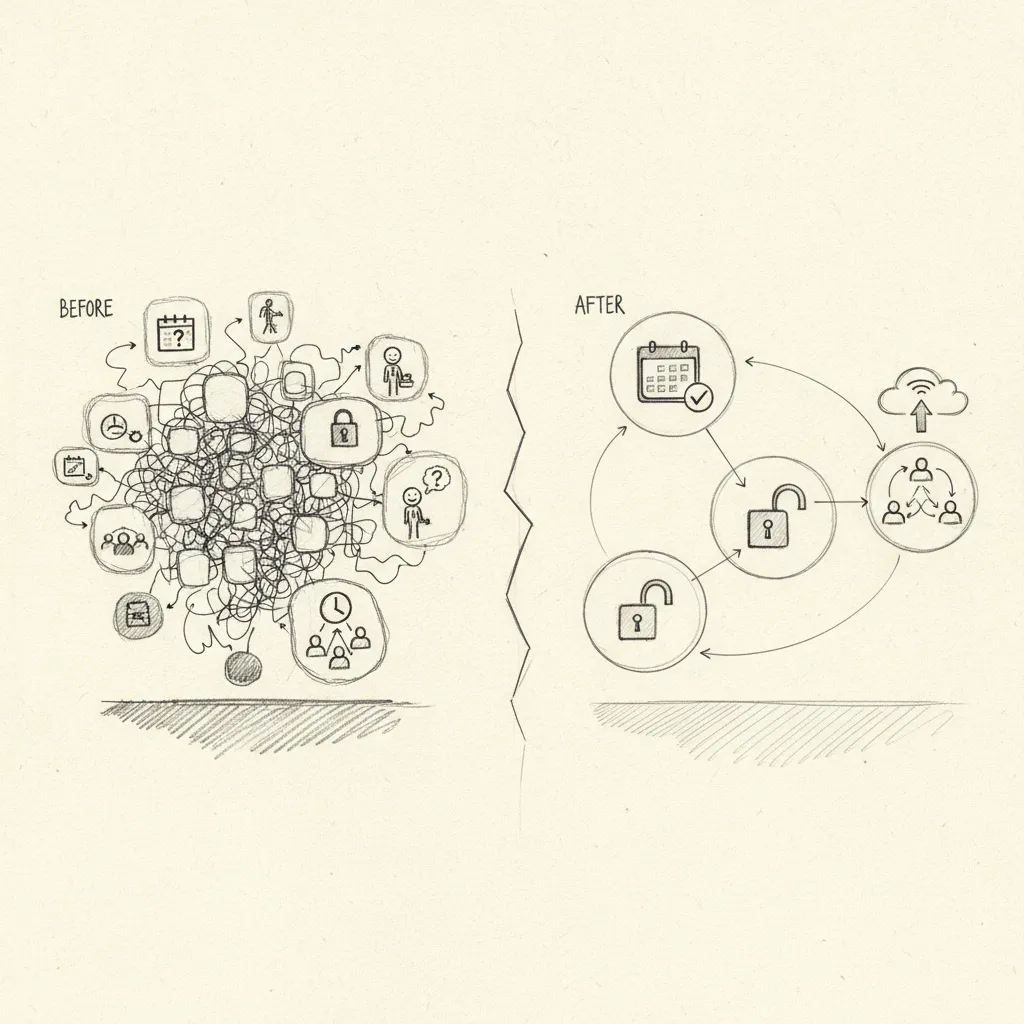
Ghost reservations, booked spaces that go unused without cancellation, typically account for 30–40% of all desk and room bookings in corporate offices. Studies of workplace utilization data show that actual occupancy often runs 20–30 percentage points below reserved capacity on any given day. This gap is one of the clearest signals that space booking friction has shifted from a convenience problem to a real estate cost problem.
Yes, repeated friction in the booking process directly erodes the perceived value of coming into the office. When employees arrive and can't find a desk, locate their team, or book a room for a meeting that was already scheduled, the commute stops feeling worth it. Over time, that calculation compounds: employees who consistently have poor in-office experiences are more likely to disengage or push back against return-to-office expectations.
Implementation timelines range from two weeks for lightweight desk booking tools to six months or more for enterprise-grade platforms with calendar integrations, hardware touchpoints, and SSO requirements. The biggest variable is data readiness, floor plans, room inventories, and directory integrations all need to be clean before go-live. Organizations that run a phased rollout, starting with one building or floor, consistently report faster time-to-value than those attempting a full-portfolio launch on day one.
A desk booking system manages individual workstations, employees reserve a specific seat or zone for a day or half-day. A room booking system manages shared spaces like conference rooms, phone booths, and collaboration areas, typically with time-slot scheduling and capacity controls. Most modern workplace platforms handle both, but they operate on different logic: desk booking is often tied to attendance forecasting, while room booking is driven by calendar events and meeting workflows. Enterprises with hybrid teams usually need both working in sync.
Space booking friction is not a software problem, it's a real estate cost problem, a retention problem, and a data problem wearing a UX mask. The organizations closing the gap are doing three things: auditing where reservations break down before buying new tools, connecting booking data to attendance patterns so space decisions are grounded in actual behavior, and eliminating the multi-system sprawl that forces employees to work across disconnected platforms.
If your office utilization data and your booking system aren't talking to each other, start there. Upflex's UnifyAI engine forecasts attendance with 97% accuracy and feeds that signal directly into desk booking workflows, run a utilization audit against your current booking data to see where the friction is costing you the most square footage.
Explore more from our content library: