Share This Article
No items found.

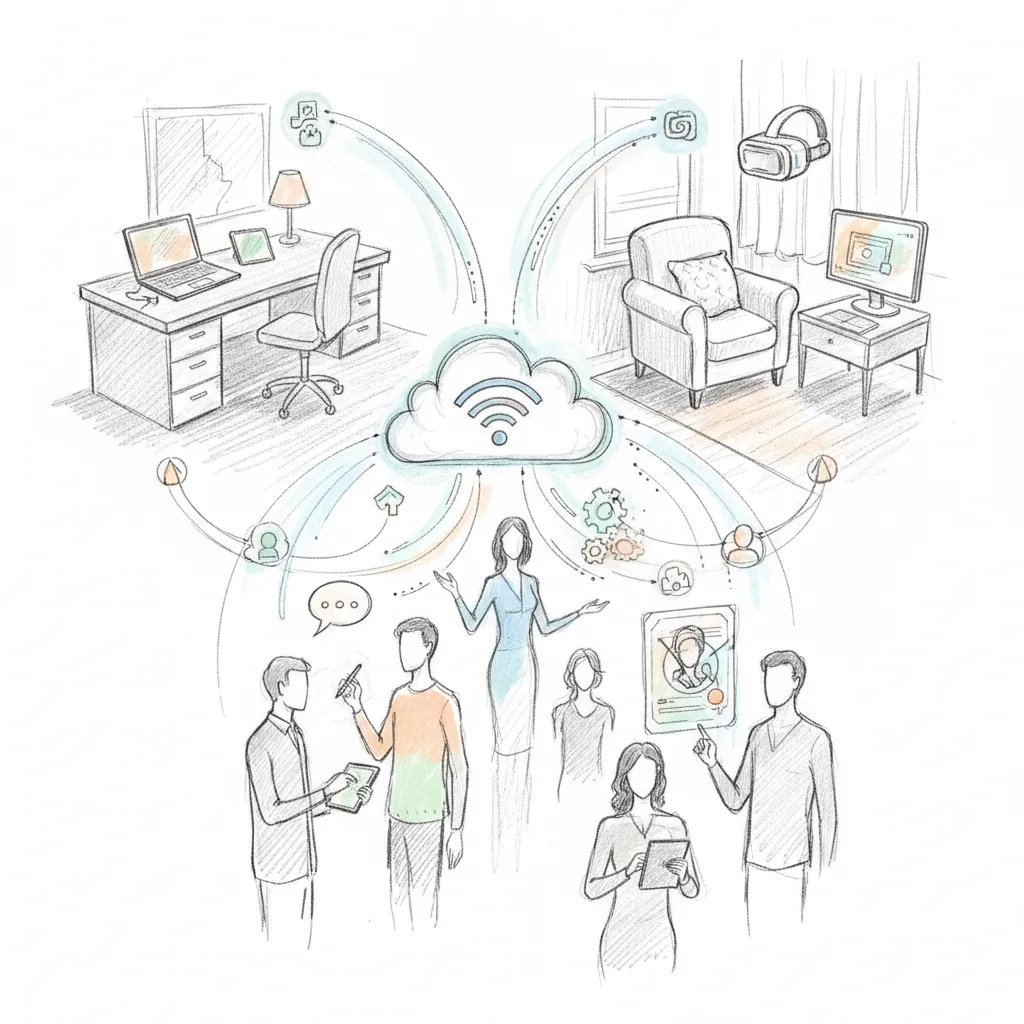
Hybrid workplace technology is the integrated stack of tools, scheduling software, collaboration platforms, device management systems, and space analytics, that lets employees work effectively from any location while keeping teams coordinated and real estate costs in check. Organizations that deploy it strategically report 40%+ reductions in real estate spend and measurable gains in attendance predictability. The right stack isn't just video calls and chat; it's purpose-built infrastructure that connects people, spaces, and data across every location your workforce uses.
"The shift to hybrid work is not a temporary adjustment — it's a structural transformation that requires organizations to rethink their technology infrastructure from the ground up." — Nicholas Bloom, Professor of Economics at Stanford University and Senior Fellow at the Stanford Institute for Economic Policy Research (SIEPR)
Before selecting any hybrid workplace technology, audit four things: your attendance data, IT baseline, budget ceiling, and compliance obligations.
Start with a headcount and attendance audit. Pull badge data or calendar analytics to identify your peak office days, then calculate your average desk utilization rate, industry figures typically sit between 40% and 60%. Document every location you manage. Without this baseline, you have no way to size a technology deployment or justify the spend to Finance.
Confirm your IT baseline next. At minimum, your environment needs a functioning SSO or identity provider, Okta and Azure AD are the most common, plus mobile device management (MDM) capability and a cloud-first network that supports split-tunnel VPN for remote workers. Any AI-driven scheduling or occupancy tool you evaluate will depend on these foundations being in place before go-live.
Set a per-seat budget before you open a single vendor demo. Hybrid tech stacks typically run $25–$80 per employee per month depending on platform depth; knowing your ceiling stops scope creep before it starts.
Map your compliance obligations at the same time. GDPR and SOC 2 apply to most global deployments. If you operate EU-based teams, the EU AI Act, phased requirements beginning in 2026, directly affects AI-driven scheduling and occupancy tools [2].
Finally, align your decision-makers before day one. HR, IT, Corporate Real Estate, and Finance each hold effective veto power over a deployment. Agree on your primary success metric, cost savings, employee experience, or compliance, before evaluating a single platform. Misaligned stakeholders are the most common reason hybrid technology rollouts stall after procurement.
Match tools to your workforce's actual work patterns, collaboration tier, space management, and device policy, before signing any contract.
The three dominant collaboration platforms serve different organizational profiles. Microsoft Teams is the strongest fit for Microsoft 365 shops: native calendar integration, room booking through Places, and a single license bundle reduce tool sprawl. Slack suits async-first cultures and developer-heavy teams who prioritize threaded conversation and deep API integrations. Zoom leads for video-heavy workflows and external client meetings, where call quality and breakout-room controls matter most.
Most hybrid organizations need two of these three, not all of them. Running all three simultaneously creates notification fatigue and fragments institutional knowledge across platforms [2].
Space management and scheduling are a separate category entirely. UCaaS platforms handle communication; they don't manage desk reservations, attendance forecasting, or overflow workspace. Upflex fills that gap, its platform combines AI-powered desk booking with access to 5,000+ on-demand workspace locations globally, covering employees who work from client sites, satellite cities, or third-party offices that Teams or Slack will never touch.
"Technology alone doesn't create a great hybrid workplace — but without the right technology, even the best hybrid policies will fail. The tools you choose signal to employees how seriously leadership takes flexible work." — Chris Herd, Founder and CEO at Firstbase, writing on improving employee experience in hybrid workplaces
Require every vendor to show movement on three specific numbers before you commit. First, real estate cost reduction: the benchmark for AI-driven workplace platforms is 40%+. Second, attendance forecast accuracy: AI-driven tools should hit 97%, anything below that produces scheduling errors that erode the in-office experience. Third, co-attendance achievement rate: 88% is the documented benchmark for teams that coordinate in-person days through automated scheduling.
According to HP's workforce experience research on hybrid workplace technology adoption, organizations that score vendors on multi-location device management see significantly better long-term outcomes. Look for unified endpoint management (UEM) support, BYOD policy enforcement, and the ability to push security policies across home offices, corporate locations, and third-party workspaces simultaneously [1].
Run a 30-day pilot with one team before org-wide rollout. Measure desk utilization delta and employee NPS at the end of the pilot, both numbers should move before you sign a multi-year contract.
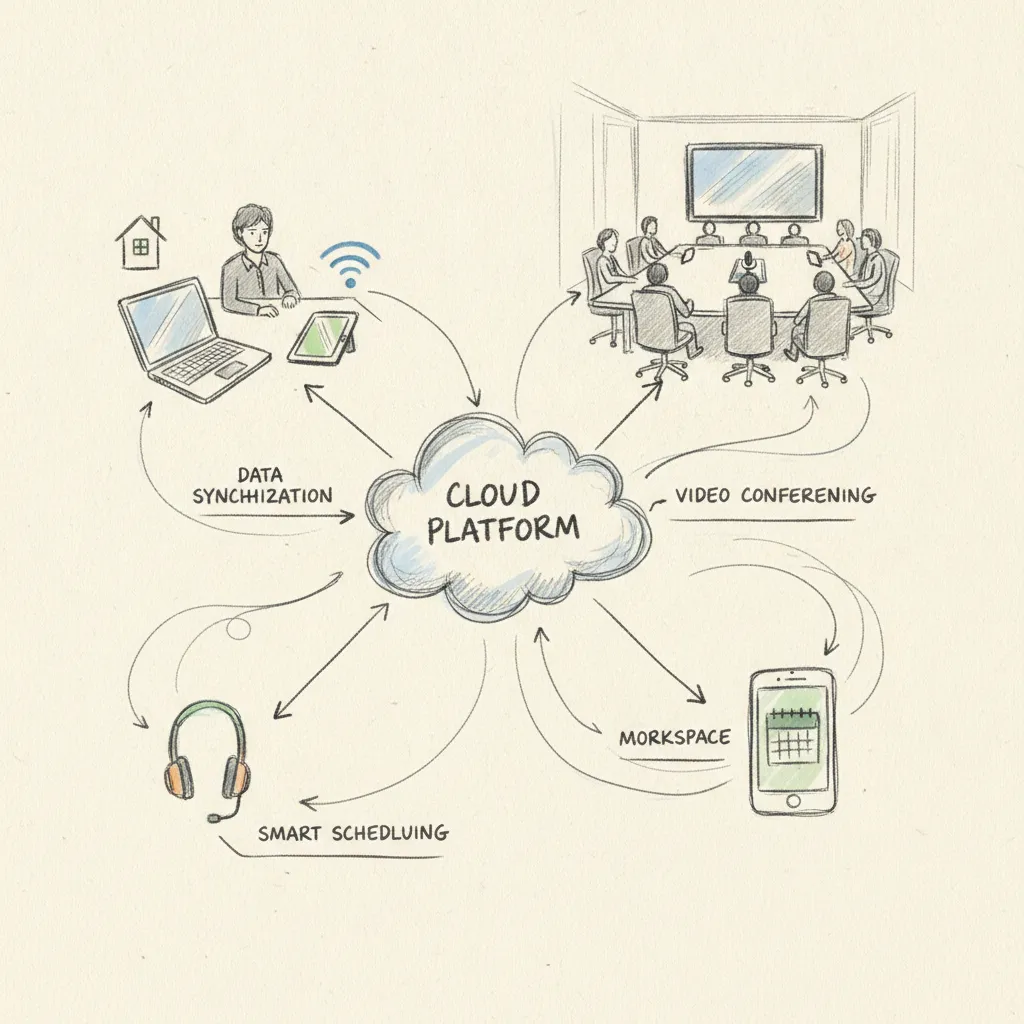
A modern hybrid work environment expands your attack surface across devices, locations, and platforms, securing it requires zero-trust policies, device controls, and proactive compliance documentation.
Employees connecting from coworking spaces on public Wi-Fi are the most common entry point for credential theft and man-in-the-middle attacks [2]. A VPN alone does not close this gap. Enforce zero-trust network access (ZTNA) as your baseline, every connection request is verified against user identity, device health, and location before access is granted, regardless of where the employee sits.
Hybrid workers also accumulate permissions over time across office systems, coworking platforms, and cloud tools. Unused access is the most common compliance gap auditors flag. Run quarterly access reviews to revoke stale permissions before they become a liability.
If your team uses third-party workspaces in the EU, confirm that any occupancy or booking data stays within GDPR-compliant infrastructure. Request data processing agreements (DPAs) from every vendor before signing, this is a live compliance requirement, not a future consideration. Platforms like Upflex, which operates a global on-demand workspace network, publish DPA documentation for enterprise procurement reviews.
Implement conditional access policies tied to device compliance state. A personal laptop that has not completed an MDM check within 72 hours should be blocked automatically from accessing sensitive collaboration channels, no manual intervention required.
For AI-driven scheduling tools, document your AI decision logic now. The EU AI Act's workplace AI provisions take effect in 2026 and require explainability for any automated scheduling decisions that affect employees [3]. If your attendance forecasting tool cannot produce a plain-language explanation of why it recommended a specific desk assignment or in-office day, that is a compliance gap you need to close before enforcement begins.
A phased rollout paired with structured change management gets your workplace tools to full adoption in 60–90 days, not 6 months.
Phase your rollout in three waves. Weeks 1–2: IT and facilities teams configure the platform, test integrations, and document known issues. Weeks 3–4: team leads and managers run the system in live conditions, surface friction points, and build familiarity before their direct reports arrive. Week 5 onward: all staff go live, with a feedback loop already in place from the first two waves. Each wave catches failure modes that would otherwise hit the entire organization at once.
Assign a hybrid workplace champion in every department, a peer advocate who fields basic questions and coaches colleagues through daily workflows. Internal champions reduce support ticket volume by an estimated 30% compared to top-down mandates alone.
Frame the technology around the employee benefit, not the business need. "You'll always have a desk next to your team on Tuesdays" lands better than "the company needs utilization data." When Upflex's desk booking is introduced this way, tied to co-attendance goals employees already care about, daily active use climbs faster than when it's positioned as a compliance tool.
Organizations that pair structured change management with a hybrid tech rollout reach full adoption in 60–90 days. Those that skip it average 6+ months and roughly 2x the support cost.
"Adoption is the real implementation challenge. You can deploy the most sophisticated scheduling and space management platform available, but if employees don't use it consistently, you've spent your budget on shelfware." — Tsedal Neeley, Professor at Harvard Business School and author of Remote Work Revolution
Track three leading indicators across the first 90 days:
Review these three metrics together every two weeks. A drop in active users alongside rising ticket volume usually points to a UX friction point, fix it at the tool level before defaulting to more training.
The five most costly mistakes organizations make with their hybrid work infrastructure are all avoidable, and each one has a specific corrective action you can take before deployment.
Video conferencing and chat tools solve communication. They do not solve space coordination, attendance forecasting, or real estate optimization. A typical hybrid organization needs at least three distinct tool categories: communication, space management, and utilization analytics [1]. Buying Microsoft Teams or Zoom and stopping there leaves the hardest problems untouched.
If you don't measure desk utilization before deployment, you have no benchmark to prove ROI after. Set your baseline in week one, not month six. Without it, you cannot tell whether a 30% drop in empty desks reflects your technology working or seasonal headcount changes.
A scheduling platform that doesn't sync with your calendar, badge access system, and HR directory forces manual reconciliation. That friction kills adoption within 90 days. Upflex's UnifyAI engine, for example, pulls scheduling inputs and utilization data into a single platform precisely to eliminate this gap.
When the official tools feel too complex, employees default to personal apps, WhatsApp groups, personal Google Calendars, consumer scheduling links. This is how GDPR violations occur in hybrid environments [2]. Simplicity is a compliance strategy, not a nice-to-have.
Hybrid work patterns are still shifting. Contracts longer than 24 months without exit clauses leave your organization paying for capacity it no longer needs as headcount or real estate strategies change. Prioritize vendors that offer flexible terms and modular pricing, your office footprint in 2026 may look nothing like it does today.
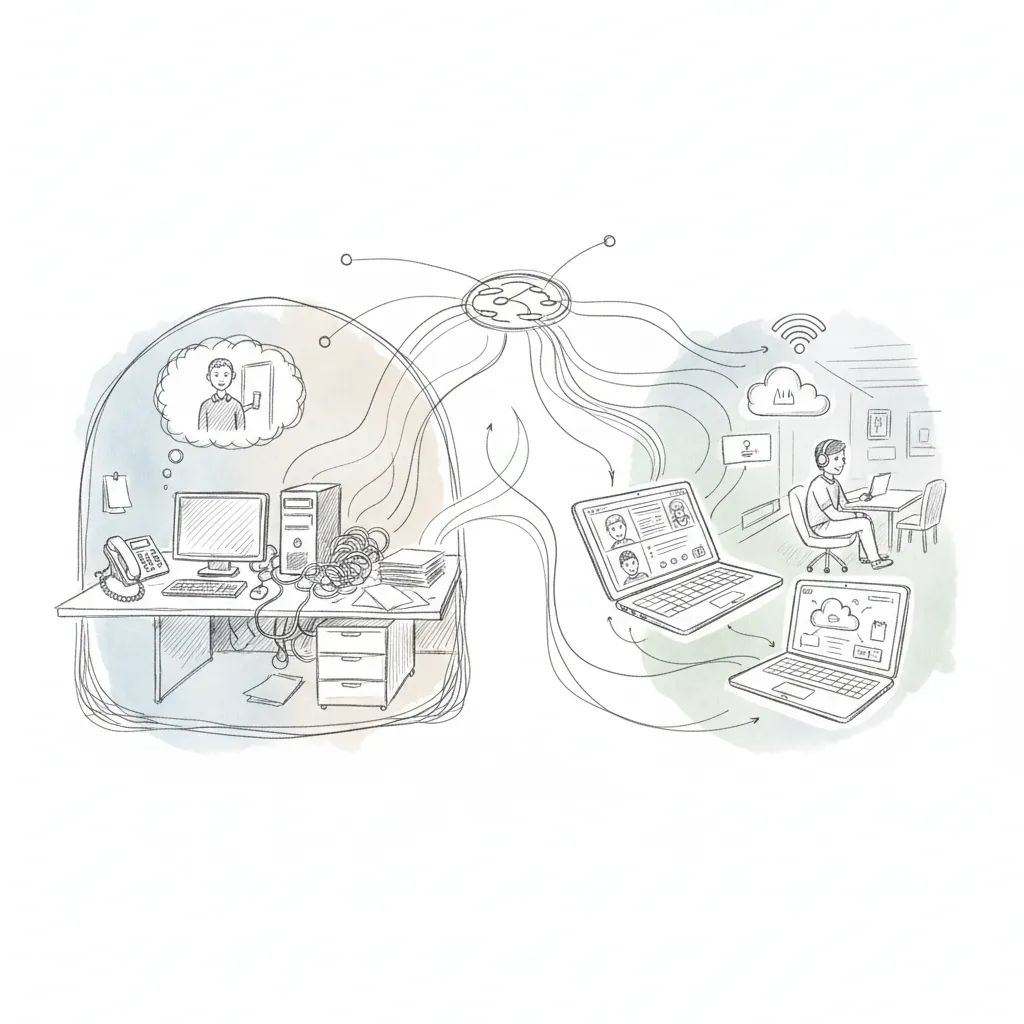
Hybrid workplace technology manages physical office space alongside remote work, while traditional remote work tools focus only on digital connectivity. Remote work solutions, video conferencing, VPN access, cloud file sharing, assume employees are always off-site. Hybrid technology adds a physical layer: desk booking, attendance forecasting, and real estate utilization tracking. Platforms like Upflex, for example, predict which employees will be in the office on a given day with 97% accuracy, then coordinate space accordingly, something a video conferencing tool cannot do.
Organizations typically see real estate cost reductions of 30–40%+ and significant improvements in team co-attendance rates. Upflex customers have achieved 88% co-attendance targets and reduced real estate spend by more than 40% by acting on AI-generated utilization data rather than assumptions. Beyond cost, the right platform also reduces the administrative burden on facilities teams by automating desk booking workflows and attendance coordination, outcomes that compound over a multi-year lease cycle.
Unified endpoint management (UEM) platforms work best for hybrid teams spread across locations [1]. Tools such as Microsoft Intune and Jamf allow IT teams to manage, patch, and secure employee devices remotely, whether those devices are in a headquarters, a satellite office, or a third-party workspace. The key requirement is a solution that can enforce security policies without requiring the device to be on a corporate network [1].
Match the vendor's feature set to your specific workforce structure before evaluating pricing or UI. A company with 500 employees in one city needs different capabilities than a 5,000-person global enterprise with distributed teams across time zones. For larger organizations, prioritize vendors that offer AI-driven attendance forecasting, multi-location space management, and access to external workspace networks. Verify that the platform integrates with your existing calendar and HR systems, Microsoft 365 and Google Workspace compatibility are baseline requirements for most enterprise deployments.
A well-planned hybrid technology implementation typically takes 60–90 days from initial configuration to full employee adoption when paired with structured change management. Organizations that skip change management protocols often take 6 or more months and incur roughly twice the support costs. The fastest rollouts follow a phased wave approach: IT configuration first, then manager pilots, then full staff deployment, with feedback loops built into each phase to catch issues before they affect the entire organization.
The organizations that get hybrid workplace technology right share one discipline: they make decisions from utilization data, not assumptions. That means auditing your current tool stack for gaps before adding new software, setting attendance and co-attendance targets before deploying booking systems, and choosing platforms that connect physical space management to real estate portfolio decisions.
If your lease renewal is approaching and you still can't reliably forecast which days your teams will be in the office, that's the gap to close first. Request a demo of Upflex's UnifyAI attendance forecasting to see what 97% forecast accuracy looks like applied to your specific office footprint.
Explore more from our content library: