Share This Article
No items found.

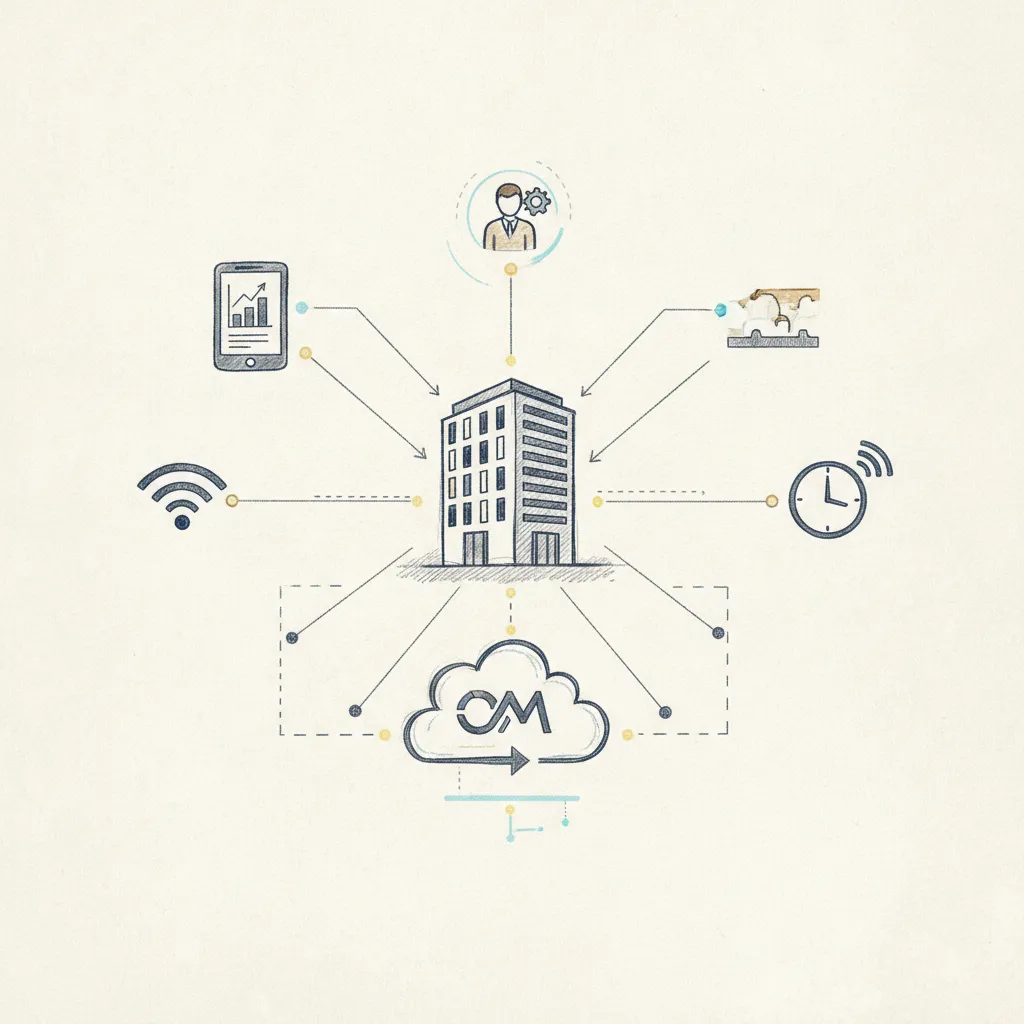
Occupancy management software tracks how many people use a space, and when, so organizations can right-size their real estate, cut costs, and plan hybrid schedules with confidence. It pulls data from sensors, badge readers, or WiFi signals, then surfaces utilization rates, peak-hour patterns, and desk or room availability in real time. Companies that deploy it consistently report 30–40%+ reductions in real estate spend by eliminating space they're paying for but not using.
This category of workplace technology collects presence data from physical sensors and digital systems, processes it into utilization metrics, and delivers dashboards that drive real estate decisions.
The platform sits between raw building data and the decisions made by corporate real estate, facilities, and HR teams. It replaces manual headcounts and badge-swipe guesswork with a continuous, structured data feed that shows which floors, rooms, and desks are actually being used, and when.
Every occupancy management platform runs the same core pipeline, regardless of vendor or deployment model.
Modern platforms combine multiple data sources rather than relying on a single feed. Pairing calendar bookings with desk sensor data, for example, catches "ghost bookings", reserved rooms that go unoccupied, and corrects the utilization figure a single source would miss.
Three sensor categories dominate the market, each with distinct cost, accuracy, and privacy profiles.
WiFi and BLE are the most common starting point because they use existing network infrastructure with minimal additional hardware spend. Their 70–80% accuracy ceiling is acceptable for portfolio-level decisions, identifying which floors to consolidate, but too imprecise for individual desk assignment.
Computer vision closes that accuracy gap but introduces a consent overhead that slows deployment in regulated environments. Financial services and government organizations often opt for on-premise deployments of workplace monitoring tools for this reason, while cloud-based SaaS now dominates across most other industries.
Platforms like Upflex address the accuracy problem differently, by combining sensor feeds with calendar data, mobile check-ins, and AI-driven attendance forecasting through its UnifyAI engine, which predicts office attendance at 97% accuracy without requiring camera hardware at every desk.
Occupancy management, space management, and facility management are three distinct software categories, each answers a different operational question about your workplace.
"The organizations that get the most value from workplace technology are those that treat occupancy data not as a reporting exercise, but as a strategic input into every real estate decision they make." — CoreNet Global Research Team, CoreNet Global, International Association of Corporate Real Estate
The clearest way to separate these categories is by the question each one answers.
The three layers overlap but don't substitute for each other. Occupancy data feeds space management decisions directly: you can't right-size a floor plan without first knowing that a 200-person floor ran at 34% utilization last quarter.
Many enterprise platforms, integrated workplace management systems (IWMS) like Archibus or Planon, bundle all three layers into a single suite. The trade-off is deployment complexity; standalone occupancy tools typically offer deeper sensor integrations and faster time-to-value.
A practical decision rule: if your primary question is "how many people actually used this floor last quarter," you need occupancy management. If it's "how should we assign desks for next quarter," you need space management.
Hybrid work has blurred that line considerably. Platforms like Upflex address both sides, combining occupancy visibility through AI-powered attendance forecasting with on-demand workspace booking, so corporate real estate teams get utilization data and space allocation in a single layer rather than two separate tools.

Evaluate occupancy management software on five must-haves, three differentiators, and two deployment factors before any vendor demo.
Every platform you evaluate should include real-time occupancy dashboards, historical utilization reports at daily, weekly, and monthly intervals, and granularity down to individual rooms and desks. Without desk-level data, you're making portfolio decisions based on floor averages that mask which spaces are actually underused.
Calendar integration with Microsoft 365 and Google Workspace is non-negotiable, employees won't adopt a booking tool that sits outside their existing workflow. Mobile access matters for the same reason: if staff can't check desk availability from their phones, adoption drops fast.
The features that separate strong platforms from basic ones are AI-driven demand forecasting, anomaly detection, multi-site portfolio views, and open API access for HRIS or badge-system integration. On forecasting specifically, use 97% attendance forecast accuracy, the benchmark Upflex's UnifyAI engine achieves, as a concrete standard to hold vendors to. Ask for accuracy figures under real-world conditions, not controlled lab tests.
Multi-site portfolio views matter most for enterprises managing offices across cities or countries. API access determines whether the platform can pull badge data or sync headcount from your HRIS, without it, you're maintaining two systems manually.
A 200-person, single-office deployment typically goes live in 2–6 weeks. A 5,000-person multi-site rollout can take 3–6 months, depending on sensor infrastructure and IT security review cycles.
Sensor hardware ownership is a separate decision. Some vendors bundle proprietary hardware, simpler support, higher lock-in. Others integrate with third-party sensors, which gives you more flexibility but more integration work upfront. Clarify this before signing.
Always request a pilot on one floor before full commitment. A single-floor pilot surfaces data accuracy issues, adoption gaps, and IT friction before they become portfolio-wide problems.
Organizations that act on occupancy data, consolidating underused floors or exiting leases, typically reduce real estate spend by 30–40%. Upflex customers have documented reductions exceeding 40% by combining utilization data with AI-driven attendance forecasting to make the case for portfolio consolidation to their CFO.
The savings aren't automatic. The platform surfaces the data; your real estate team has to act on it. Build a clear decision threshold before deployment, for example, any floor running below 40% average occupancy for 90 consecutive days triggers a consolidation review.
These platforms typically cost $3–$15 per seat/month, with payback periods of 12–18 months for most mid-market deployments.
Three pricing structures dominate the market. Per-seat/per-month SaaS subscriptions run $3–$15 depending on feature tier, basic desk booking sits at the low end; AI forecasting and analytics push toward $15. Per-sensor licensing applies when vendors bundle hardware, charging separately for each device deployed. Enterprise flat-fee contracts cover 1,000+ seat organizations and replace variable per-seat math with a negotiated annual figure.
Total cost of ownership extends well beyond the software license. Factor in sensor hardware, passive IR desk sensors run $50–$150 per unit; BLE gateways cost $100–$300, plus installation labor and ongoing IT support. A 200-desk office could easily add $20,000–$40,000 in hardware alone before a single software invoice arrives. Comparing vendor quotes without accounting for all four cost categories produces a misleading picture.
Two ROI drivers consistently appear in documented outcomes. The first is real estate consolidation: organizations acting on occupancy data typically find 20–40% of their space is consistently underutilized. Consolidating just 15% of a 50,000 sq ft portfolio at $60/sq ft saves $45,000 per year, a figure that compounds across a multi-site portfolio.
The second driver is energy reduction. Demand-controlled HVAC and lighting triggered by occupancy data cuts energy costs 15–25% in commercial office settings, per ASHRAE and U.S. Department of Energy studies. Upflex customers using the platform's utilization data to support real estate decisions have documented 40%+ reductions in real estate spend, among the strongest published outcomes in this category.
Enterprise deals with real estate consolidation as the primary driver often achieve payback in under 12 months. Mid-market deployments without immediate lease decisions typically land in the 12–18 month range.
Deploying occupancy management software without a compliance framework exposes your organization to regulatory fines, employee grievances, and potential enforcement action.
Both GDPR (EU) and CCPA (California) classify persistent location and presence data as personal data when it can be linked to an individual. Anonymizing data at the point of collection, before it enters any database, is the safest technical architecture and the one most regulators expect to see documented. According to the International Association of Privacy Professionals (IAPP), documenting anonymization methodology is one of the most commonly cited gaps in workplace monitoring compliance audits.
Computer vision and AI-camera systems face the strictest scrutiny of any sensor type. Several EU member states have issued guidance requiring explicit employee consent and a Data Protection Impact Assessment (DPIA) before any camera-based occupancy system goes live. Skipping the DPIA is not a procedural shortcut, it is a compliance gap that regulators have already cited in enforcement actions.
A best-practice consent framework covers four commitments in writing: what data is collected, how long it is retained (90-day rolling deletion is a widely adopted standard), who can access it, and, critically, how it will not be used, such as for individual performance monitoring. Employees who understand these boundaries are significantly more likely to accept monitoring without pushback.
The EU AI Act, which began phasing in from August 2024 with full enforcement milestones running through 2026, classifies certain workplace monitoring AI systems as high-risk. Vendors selling into the EU must demonstrate conformity assessments, buyers should request this documentation before shortlisting any platform.
Before signing a contract, require every vendor to provide a data processing agreement (DPA), confirm EU data residency for GDPR-scoped deployments, and document their anonymization methodology in writing. These three items are non-negotiable due-diligence checkpoints, not optional vendor extras.

Yes, most occupancy management platforms connect directly to badge readers, HRIS platforms, and calendar tools via API or pre-built connectors. Badge data feeds real-time headcount into the platform, while HR system data populates employee profiles and team structures. This integration eliminates manual data entry and gives corporate real estate leaders a single, accurate picture of who is in the office, when, and on which floor, without running parallel reporting processes.
Industry benchmarks put a healthy office utilization rate between 60% and 70% of total capacity on peak days. Most hybrid offices currently run at 30–50%, leaving significant real estate spend with no return. Occupancy management software closes that gap by surfacing which floors and desks go unused, forecasting demand by team, and letting you right-size the footprint accordingly. Platforms like Upflex pair that data with AI-driven attendance forecasting, hitting 97% accuracy, so you can make consolidation decisions with confidence rather than guesswork.
Occupancy management software is most cost-effective for organizations with 200 or more employees across multiple locations, where underutilized space represents a material budget line. Smaller businesses with a single office and predictable headcount rarely generate enough utilization complexity to justify the investment. That said, fast-growing companies approaching a lease renewal, regardless of size, often find the data these platforms provide directly informs whether to expand, consolidate, or shift to flexible workspace arrangements.
Occupancy management software supports hybrid scheduling by predicting which days employees plan to come in and automatically coordinating desk availability to match that demand. Rather than relying on ad hoc booking or manager-enforced mandates, the platform aligns team presence so colleagues share the office on the same days. Upflex's UnifyAI engine, for example, forecasts attendance patterns and automates workplace coordination workflows, helping teams achieve co-attendance targets, with documented outcomes reaching 88% co-attendance achievement across enterprise deployments.
Success is typically measured across three dimensions: data accuracy, adoption rate, and business outcomes. On accuracy, verify that sensor-reported occupancy aligns with manual headcounts during a validation period. Adoption is tracked by the percentage of employees actively using booking or check-in features within 90 days of launch. Business outcomes include changes in average utilization rates, real estate cost per head, and energy spend. Setting baseline measurements before go-live is essential — without them, demonstrating ROI to leadership becomes difficult regardless of actual results.
Occupancy management software solves a specific, measurable problem: offices that cost full price while delivering half the value. The clearest takeaway from this guide is that data collection alone is not enough, the platforms that drive real estate savings combine sensor-level utilization data with predictive forecasting and automated scheduling workflows.
Three actions worth prioritizing: audit your current utilization data sources to identify gaps before evaluating any platform; set a co-attendance target your team can actually measure; and map your next lease renewal date, since that deadline is the most natural forcing function for a consolidation decision.
If you manage a hybrid portfolio and want to see what 97% attendance forecast accuracy looks like applied to your own office data, request a demo from Upflex and bring your current utilization numbers to the conversation.
Explore more from our content library: