Share This Article
No items found.

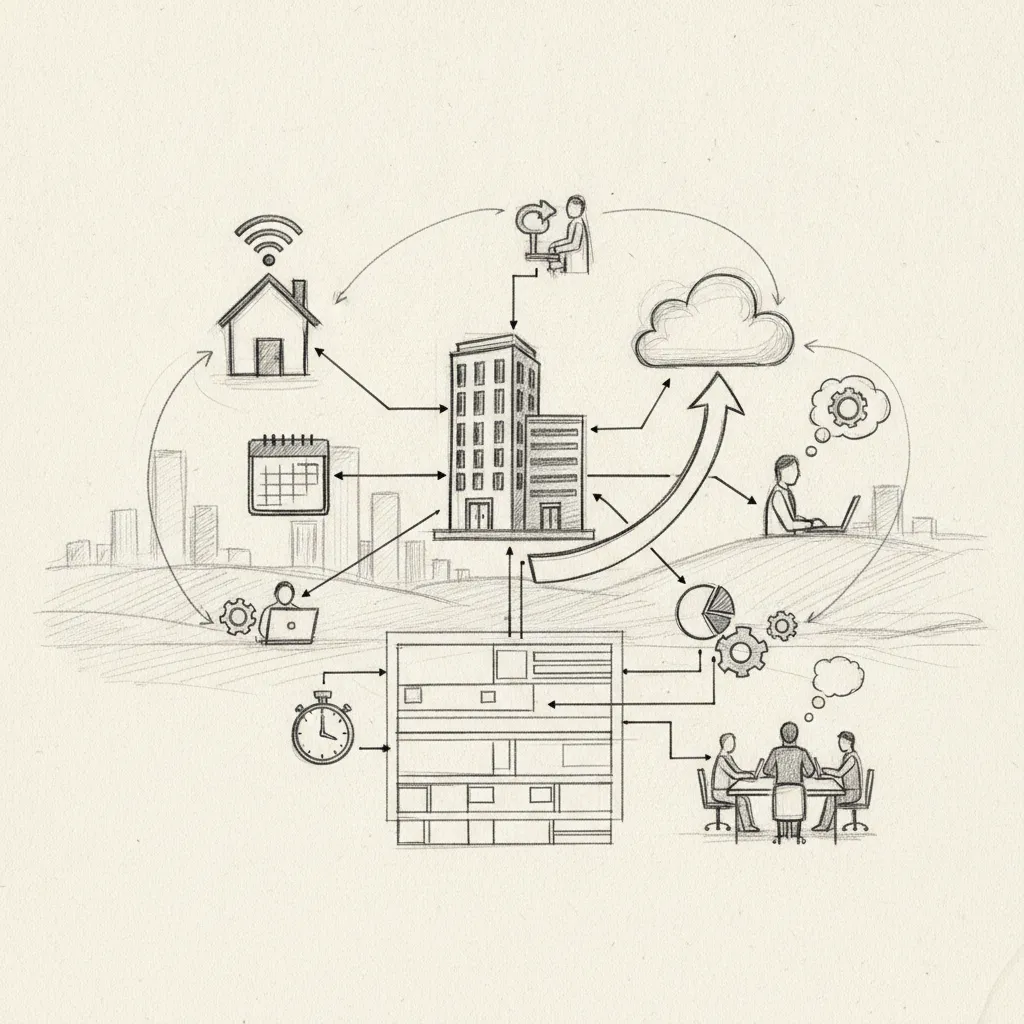
Hybrid work management software helps companies schedule desks, coordinate in-office days, track space utilization, and integrate with HR systems, all from one platform. Unlike remote work tools that focus on async communication, hybrid platforms manage the physical-digital intersection: who's in, when, and where. The best options cut real estate costs by 40%+ while giving managers the attendance visibility they need to run a productive, flexible office.
Hybrid work management software coordinates the physical-digital intersection of work, desk booking, attendance forecasting, and space utilization, where remote tools like Slack or Zoom handle only async communication.
The core distinction is presence logic. Remote tools assume everyone is off-site. Hybrid platforms assume variable presence, some people in the office Tuesday, others Thursday, and must optimize space for both states simultaneously. That requires a different data model entirely.
"The future of work is not remote or in-office — it's the intelligent management of both simultaneously. Organizations that invest in the right coordination infrastructure will outperform those that don't." — Dr. Nicholas Bloom, Professor of Economics at Stanford University and co-founder of WFH Research
Corporate Real Estate leaders, HR operations teams, and Facilities managers are the primary buyers, not IT or engineering. These are the people accountable for lease decisions, headcount-to-desk ratios, and whether teams actually show up on the same days.
The operational problems are concrete: ghost desks that sit empty while employees can't find a seat, uncoordinated in-office days where teammates miss each other, underutilized real estate that still carries full lease cost, and zero visibility into future attendance. Platforms like Upflex extend this further, adding an on-demand workspace network so hybrid management reaches beyond the company's own offices entirely.
According to the U.S. General Services Administration's workplace innovation research, organizations that implement structured hybrid scheduling tools see measurably higher space utilization rates compared to those relying on ad hoc attendance policies. The data underscores why purpose-built hybrid work management software has become a strategic priority rather than a convenience.
Key operational problems that hybrid work management software solves include:
Upflex is a hybrid workplace optimization platform that pairs AI-powered attendance forecasting with access to a global on-demand workspace network, a combination no other tool in this list offers.
Its UnifyAI engine forecasts who's coming in, when, and where with 97% accuracy. That forecast drives automated scheduling workflows that help teams hit in-person collaboration targets, Upflex documents an 88% co-attendance achievement rate without requiring rigid attendance mandates.
Best for: Enterprise and mid-market companies with distributed teams and multi-city real estate portfolios actively looking to consolidate space.
Differentiator: Upflex is the only platform in this list with documented real estate portfolio consolidation outcomes, a 40%+ reduction in real estate spend, backed by utilization data that gives CFOs a defensible basis for lease decisions. That angle is absent from the top-ranked SERP competitors entirely.
The platform integrates with major HRIS tools and calendar systems. Its mobile app lets employees book desks across both owned offices and 5,000+ on-demand external workspaces globally, making it the only tool here that manages space the company doesn't own alongside space it does.
Archie is a desk booking, meeting room management, and visitor management platform built into a single interface, designed for teams that want low-friction booking without enterprise-level complexity.
Best for: Mid-size companies with 50–500 employees that need a clean, intuitive booking experience and don't require advanced AI forecasting or multi-city space management.
Differentiator: Archie's built-in visitor management includes QR-code check-in, which removes the need for a separate front-desk tool, a practical cost saving for offices without dedicated reception staff. No other tool in this list bundles that natively at Archie's price point.
Archie ranks #1 in the leading SERP comparison for this category [1], which reflects its strong product-market fit for its target segment. For a detailed breakdown of how Archie compares to other platforms, see the 10 Best Hybrid Workplace Management Software: 2026 Review. That said, it carries two meaningful gaps: no AI-driven attendance forecasting and no on-demand external workspace network. For companies managing employees across multiple cities or looking to consolidate real estate, those absences matter.
Pricing sits in the mid-range tier, making it accessible, but the value ceiling is lower than platforms built for portfolio-level decisions.
Robin is a hybrid workplace platform that prioritizes the in-office experience, wayfinding, desk neighborhoods, and team-day coordination, alongside standard desk and room booking.
Best for: Companies with complex, multi-floor office layouts where employees need wayfinding support and teams want to cluster by department or project without a seating mandate.
Differentiator: Robin's "team days" feature nudges teammates to align their in-office schedules based on who else is coming in, without requiring manager intervention. That behavioral nudge layer is distinct from simple desk booking and addresses the coordination problem directly [1].
Robin's analytics dashboard shows space utilization trends broken down by floor, team, and day, giving Facilities teams data to support lease renewal decisions. The reporting is solid for pattern analysis after the fact.
Two gaps worth noting: Robin has no external on-demand workspace network for employees working outside company offices, and its attendance forecasting doesn't reach the predictive accuracy of AI-first platforms like Upflex. If your priority is knowing who's coming in before they decide, Robin's data is retrospective rather than predictive.
OfficeSpace is an enterprise-grade workplace platform built for large organizations with complex, multi-floor campuses, its CAD floor plan import and space planning tools are the strongest in this segment.
Best for: Enterprises with 1,000+ employees managing dense, multi-building campuses where accurate floor plan data and headcount sync are non-negotiable.
Differentiator: OfficeSpace's move management module lets Facilities teams plan and execute office reconfigurations, desk moves, team relocations, floor consolidations, without spreadsheets. No other tool in this list handles physical space reconfiguration at that level of operational detail.
HRIS integrations are deep: Workday, SAP SuccessFactors, and ADP are all supported, so headcount data syncs automatically rather than requiring manual updates. For large enterprises where org charts shift frequently, that sync matters.
The trade-offs are real. Implementation typically runs 8–16 weeks for large organizations, and cost reflects that complexity. Analytics are strong for historical utilization reporting, but forecasting is reactive, the platform shows what happened, not what's likely to happen next week. There's also no on-demand workspace network, so employees working outside company offices have no booking support through the platform.
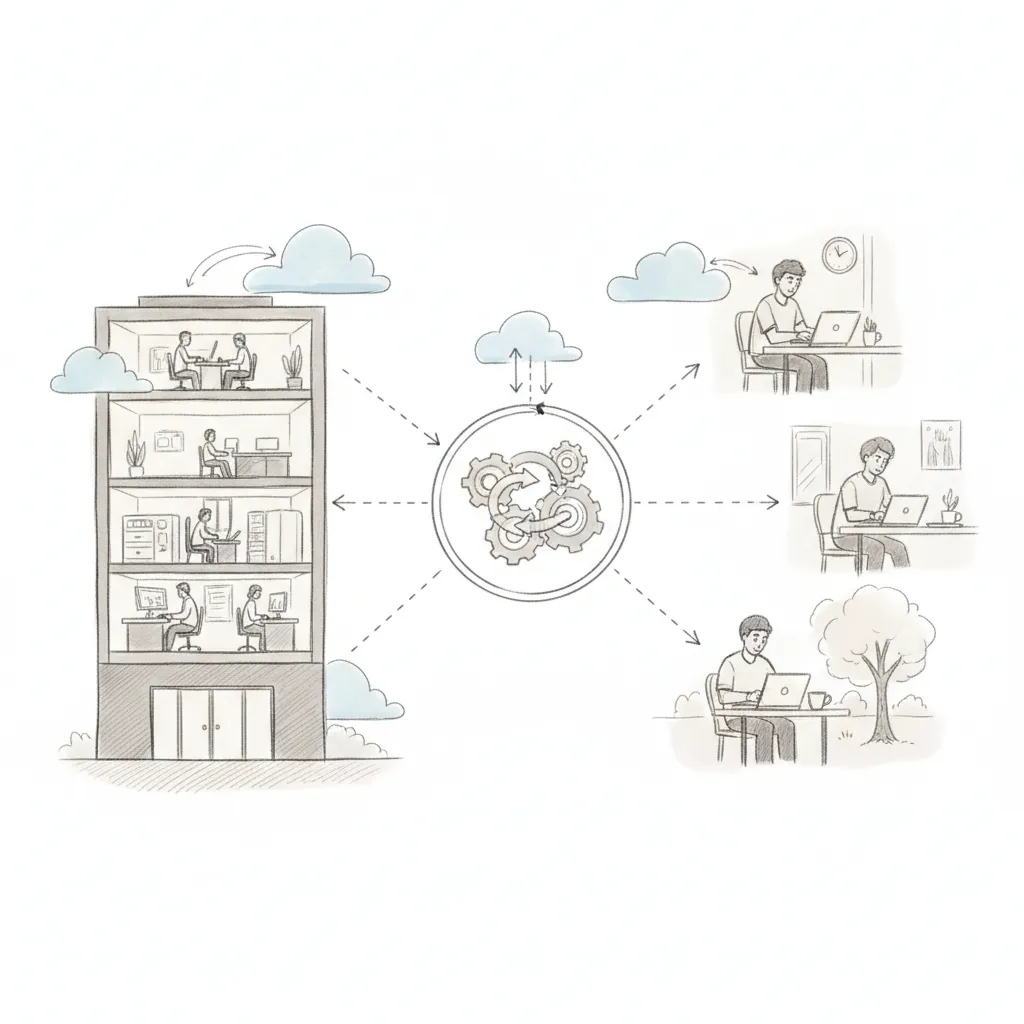
Envoy is the strongest hybrid workplace platform for regulated industries where visitor identity verification, audit trails, and on-site compliance are non-negotiable requirements.
Envoy started as a visitor management system, NDA signing, badge printing, and watchlist screening were its founding use cases, and later expanded into desk booking and hybrid scheduling. Those visitor compliance features remain best-in-class and are the primary reason legal, finance, and healthcare organizations choose it over pure desk-booking competitors.
Desk booking and team scheduling work well, but they are secondary to Envoy's visitor management core. Teams that need deep space analytics or utilization forecasting will find the platform relatively light on those capabilities.
Envoy integrates with Slack, Microsoft Teams, Google Workspace, and major access control systems including Lenel and Genetec.
Differentiator competitors miss: Envoy's health and safety screening workflows, symptom checks, capacity limits, and on-site protocol enforcement, remain active features, making it the clearest choice for organizations with strict physical security or public health requirements that outlasted the pandemic.
"Hybrid work coordination tools are most effective when they reduce friction for employees rather than adding another system to manage. The platforms that win adoption are those that integrate seamlessly into existing workflows." — Tsedal Neeley, Professor at Harvard Business School and author of Remote Work Revolution
Skedda is a self-service space booking platform built around a highly configurable rule engine, the right fit for universities, coworking operators, and SMBs that need flexible booking logic without enterprise pricing.
Admins set booking windows, approval flows, and recurring reservation limits without developer help. The rule engine is more granular than most competitors, useful for organizations managing complex sharing policies across departments, floors, or user groups.
Pricing is publicly listed, starting around $99/month for small teams, making Skedda one of the few platforms where cost is immediately comparable without a sales call. That transparency alone shortens the evaluation process for budget-conscious buyers.
The platform does not include AI attendance forecasting, meaningful space analytics, HRIS sync, or access to an external workspace network. It is purpose-built for booking logic, not portfolio optimization.
Best for: SMBs and non-enterprise operators, coworking spaces, campus facilities teams, and small professional offices, that need reliable, self-managed booking rules and predictable monthly costs.
Kadence is a team coordination tool that shows who's in on which day and nudges colleagues to align schedules, reducing the empty-office problem without requiring top-down attendance mandates.
Its Slack-native experience is the clearest adoption advantage: employees book desks and check team schedules without leaving Slack, which cuts the friction that kills rollout rates on heavier platforms. For mid-market companies already running on Slack, that integration alone can determine whether hybrid coordination actually sticks.
Best for: Companies with 100–500 employees that want lightweight hybrid coordination without a multi-month platform deployment.
Differentiator: Kadence's "preferred days" feature lets individuals set their typical in-office pattern. The system then surfaces team overlap opportunities automatically, a scheduling nudge that works without mandates or manager intervention.
Analytics are lighter than OfficeSpace or Robin. Kadence does not include visitor management or access to an on-demand workspace network, so it is not suited to enterprises managing multi-city real estate portfolios.
YAROOMS covers desk booking, room scheduling, and hybrid work planning with a clean interface suited to mid-market and enterprise buyers, and adds a sustainability angle no direct competitor currently matches.
The differentiator the top-ranking hybrid work management software reviews miss entirely: YAROOMS includes a carbon footprint dashboard that tracks commute-related emissions per employee. For companies with active ESG reporting requirements, that data connects workplace decisions directly to environmental metrics, a link most space management platforms do not make.
Best for: Organizations with sustainability mandates that need workplace utilization data tied to Scope 3 emissions reporting, not just occupancy rates.
YAROOMS integrates with Microsoft 365 and Google Workspace. Pricing uses per-user monthly billing at a mid-range rate, with no publicly listed enterprise tier.
AI-powered attendance forecasting is limited compared to platforms like Upflex, which predicts office attendance with 97% accuracy through its UnifyAI engine. YAROOMS also has no external workspace network, so distributed teams needing on-demand access to third-party offices will need a separate solution.
Match your tool to company size first, then your primary pain point, then your integration stack, in that order, and the shortlist writes itself.
According to the Society for Human Resource Management (SHRM), organizations that establish clear hybrid work policies supported by dedicated technology report significantly higher employee satisfaction and lower voluntary turnover than those managing hybrid arrangements informally. Selecting the right platform is therefore both an operational and a talent retention decision.
Step 1, Match tool to company size. SMBs fit Skedda or Kadence: low deployment complexity, transparent pricing, no enterprise procurement cycle. Mid-market companies (200–2,000 employees) get the most from Archie, Robin, or YAROOMS, where analytics depth and HRIS connectivity start to matter. Enterprises managing multi-site portfolios need OfficeSpace or Upflex, platforms built for utilization data at scale and real estate consolidation decisions.
Step 2, Identify your primary pain point. Space utilization waste points to analytics-heavy tools. Uncoordinated team days point to scheduling-first tools like Kadence. Multi-city real estate costs point to platforms with on-demand workspace networks, Upflex, for example, pairs AI-powered attendance forecasting with access to a global network of third-party workspaces, so distributed employees always have somewhere to work without you signing another lease. For a comprehensive feature comparison across leading platforms, Workstatus's hybrid work management overview provides a useful reference point for evaluating scheduling and tracking capabilities.
Step 3, Audit your HRIS before shortlisting. If your organization runs Workday or SAP SuccessFactors, OfficeSpace and Upflex are safer bets than lighter tools that lack enterprise directory sync. A mismatch here creates manual data reconciliation that erodes any efficiency gain the platform was supposed to deliver.
Step 4, Calculate your ROI baseline. Benchmark current cost-per-desk and office utilization rate before you buy anything. Platforms that reduce real estate spend by 40%+ typically pay back within 12 months for mid-market companies, but only if you have a pre-deployment baseline to measure against.
Step 5, Pilot with one floor or one team for 30 days. Deployment complexity ranges from same-day (Skedda) to 16 weeks for a full OfficeSpace enterprise rollout. Set a realistic timeline, pick a contained test group, and measure co-attendance rates and desk utilization before expanding. A failed broad rollout is harder to recover from than a slow, deliberate one.
When evaluating vendors, consider requiring evidence across these five dimensions before shortlisting:
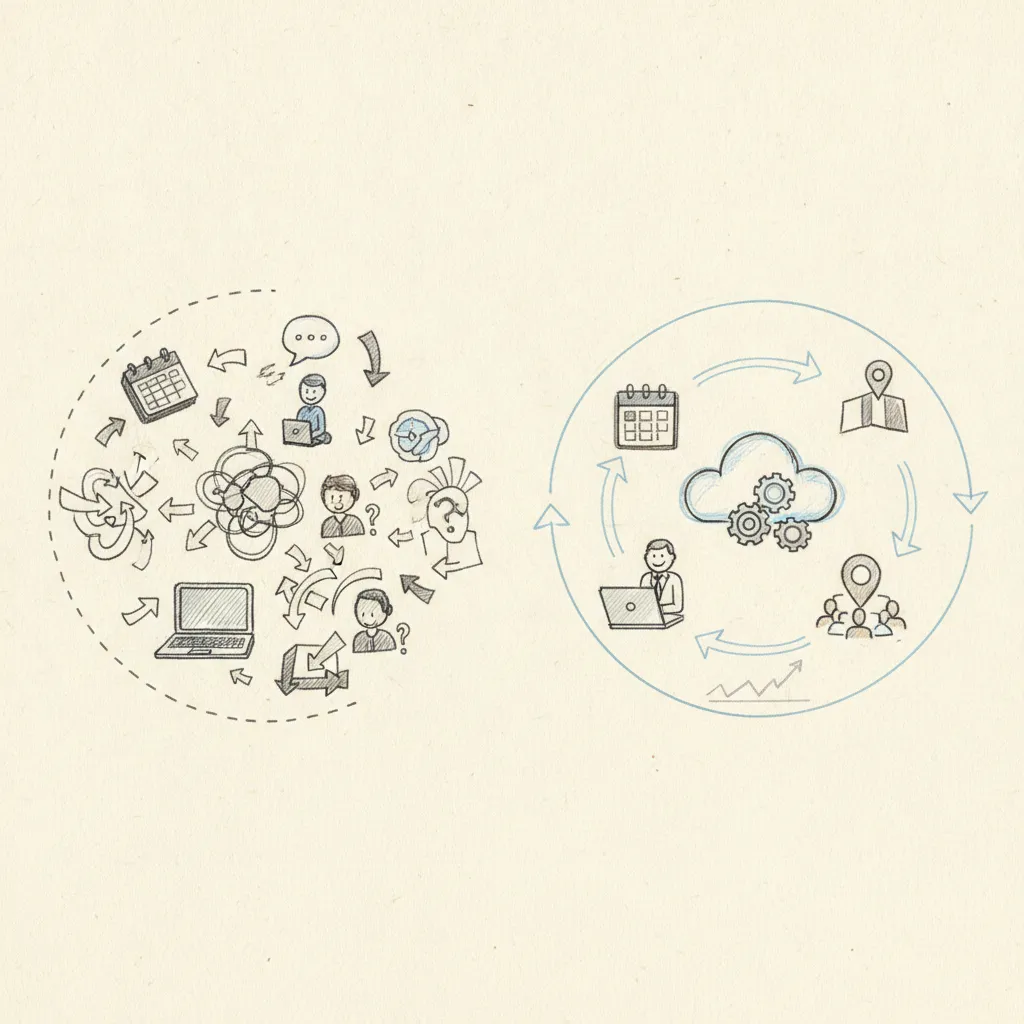
The 4-1 model means employees work four days remotely and one day in the office, typically anchored to a fixed team day. It's one of the most common structured hybrid schedules adopted by enterprises post-2022. Software that supports it needs strong co-attendance coordination, not just desk booking. Platforms with AI-driven attendance forecasting, like Upflex's UnifyAI engine, are built for this: they predict which employees will be in on a given day and align team schedules to hit co-attendance targets, with documented outcomes of 88% co-attendance achievement.
Start with your current cost per square foot, multiply by underutilized space, then subtract the platform's annual license cost from projected savings. A straightforward formula: (average real estate cost per desk × number of desks you can eliminate) − software cost = net annual ROI. Enterprises using Upflex have documented real estate spend reductions of 40%+, which for a company paying $15,000 per desk annually across 200 surplus desks equals $3 million in savings before software costs. Also factor in reduced facilities management overhead and avoided lease renewals.
The three features that drive daily adoption are one-tap desk booking, real-time floor map visibility, and push notifications for team schedule changes. Employees who can book a desk and check who's in the office in under 30 seconds are far more likely to use the platform consistently. Wayfinding, the ability to locate a specific colleague's desk on arrival, also reduces friction significantly in large offices with hot-desking across multiple floors.
Most mid-market deployments take four to twelve weeks from contract to full rollout, depending on the number of office locations, existing calendar integrations, and IT security review requirements. Single-location companies with Microsoft 365 or Google Workspace already in place tend to go live fastest, sometimes in under three weeks. Multi-region enterprise rollouts with custom SSO, HRIS integration, and phased location onboarding typically run eight to twelve weeks. Ask vendors for a deployment timeline specific to your tech stack before signing.
Hybrid work management software is available at every scale. Platforms like Skedda and Kadence are purpose-built for small and mid-size businesses, with transparent monthly pricing starting under $100 and same-day deployment for single-location offices. Enterprise platforms like OfficeSpace and Upflex serve organizations with thousands of employees and multi-city portfolios. The key is matching platform complexity to your actual headcount, number of locations, and integration requirements — not defaulting to the most feature-rich option available.
"The organizations winning at hybrid work aren't the ones with the most flexible policies — they're the ones with the clearest systems for coordinating presence. Technology is the enabler, but intentional design is the differentiator." — Lynda Gratton, Professor of Management Practice at London Business School and author of Redesigning Work
The right hybrid work management software isn't the one with the longest feature list, it's the one that closes the gap between where your employees actually show up and where your real estate budget assumes they will. Three decisions matter most: choose a platform with verified attendance forecasting (not just booking), confirm it covers both your owned offices and locations where employees work remotely, and validate the ROI model against your actual cost per desk before committing.
If real estate consolidation is your primary driver, map your current utilization data against a platform's forecasting accuracy claims before signing. Upflex publishes a 97% attendance forecast accuracy benchmark, request that your shortlisted vendors match it with comparable evidence. Research from commercial real estate analysts consistently shows that companies without data-driven space management tools overpay for office space by 20–35% on average. Start there.
Explore more from our content library: