Share This Article
No items found.

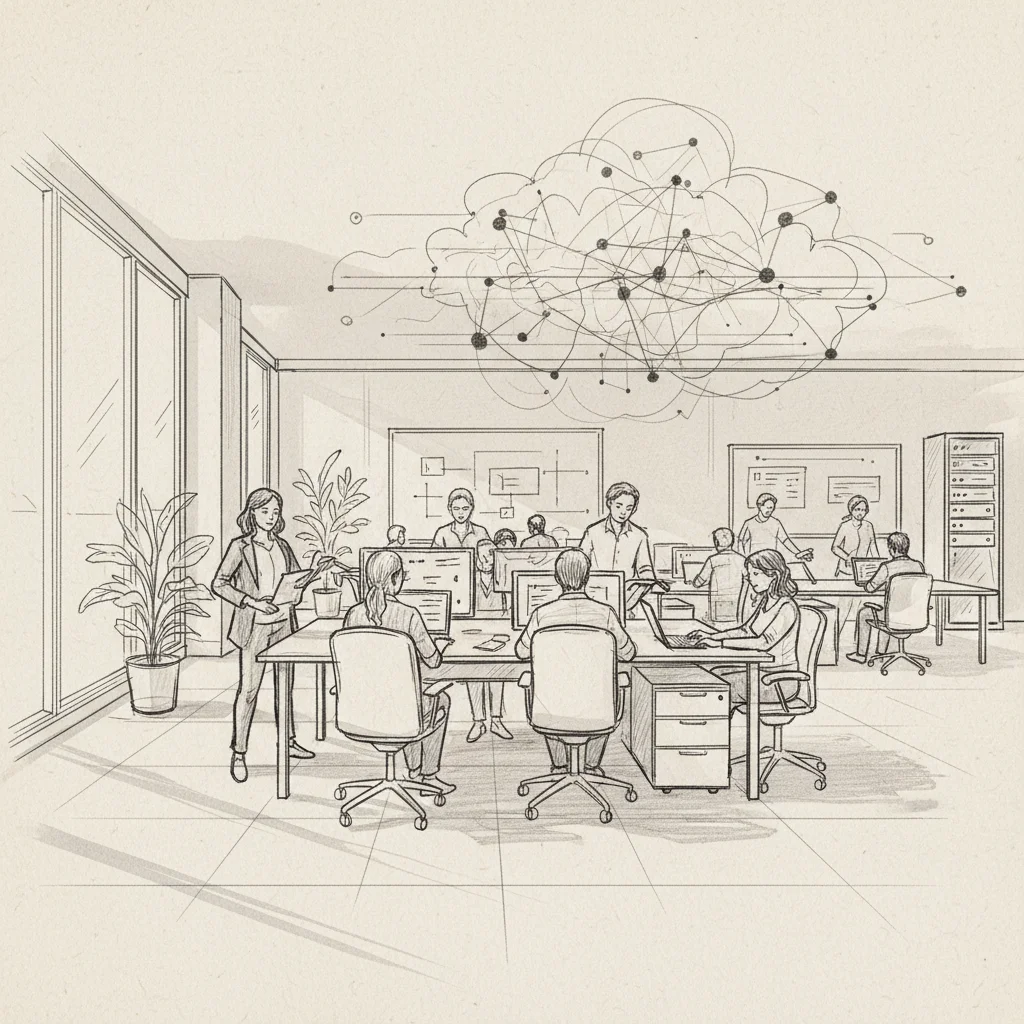
Half your floor is empty on a Tuesday. You're still paying for every square foot. And nobody can tell you with confidence who's actually coming in next week. This is the defining pressure of hybrid work in 2026, and it's exactly the problem that workplace technology solutions are built to solve.
Workplace technology solutions are the integrated software platforms, AI-powered tools, and digital systems that help organizations manage how, where, and when work gets done. They span everything from desk booking software and attendance forecasting to real estate portfolio analytics and on-demand workspace access. For enterprise leaders, they're not a nice-to-have. They're the operating infrastructure of the modern office.
This guide covers what these solutions actually are, how they work in practice, what benefits the best implementations deliver, and what mistakes to avoid. Whether you're a Corporate Real Estate leader facing a lease renewal decision or an HR leader trying to get teams into the office on the same days, you'll find actionable frameworks here.
Workplace technology solutions are the integrated digital tools and platforms that organizations use to manage physical office environments, coordinate hybrid teams, and optimize real estate spend. They range from simple room booking apps to enterprise AI platforms that forecast attendance and automate space allocation across global portfolios.
The term has broadened considerably since 2023. Early definitions focused on hardware and AV systems. Today, workplace technology encompasses the full stack of tools that shape the employee experience in and out of the office [1]. That includes:
Scope confusion is expensive. Many organizations invest in one layer of this stack, typically desk booking, and assume they've solved the problem. They haven't. CIPD research consistently finds that fragmented technology adoption undermines both employee experience and the data quality needed for real estate decisions [2].
The organizations seeing the strongest outcomes in 2026 treat workplace technology solutions as a connected system, not a collection of point tools. According to SHRM's Workplace Tech Pulse, companies using integrated platforms report significantly higher employee satisfaction with in-office experiences than those relying on standalone apps [3].
The distinction between a booking tool and a genuine workplace optimization platform is the difference between recording what happened yesterday and predicting what will happen tomorrow. That predictive capability is where the real value sits, and it's what separates modern AI-powered solutions from legacy IWMS deployments.
| Solution Type | Primary Function | Key Output |
|---|---|---|
| Desk Booking Software | Reserve workstations and rooms | Utilization logs |
| AI Attendance Forecasting | Predict in-office presence | Staffing and space recommendations |
| On-Demand Workspace Network | Flex access to third-party spaces | Employee flexibility without new leases |
| IWMS | Consolidated facilities management | Lease and maintenance data |
| Occupancy Sensors (IoT) | Real-time space utilization | Live occupancy dashboards |
Modern workplace technology solutions work by capturing employee scheduling data, processing it through AI or analytics engines, and translating the output into automated coordination workflows and actionable real estate insights.
The mechanics vary by platform, but the best systems follow a consistent logic. Here's how a fully integrated workplace technology solution typically operates:
AI that forecasts who's coming in, when, and where is what Upflex calls office orchestration. That's UnifyAI in practice, and it delivers 97% attendance forecast accuracy. That number matters because most real estate decisions are still being made on badge swipe averages and gut instinct.
CBRE's workplace technology practice identifies integration capability as the top selection criterion for enterprise clients [4]. The strongest platforms connect with Microsoft 365, Google Workspace, Slack, and legacy IWMS tools without requiring a full rip-and-replace.
From experience, the organizations that get the most from their workplace technology solutions are those that treat the platform as a data layer sitting above their existing tools, not a replacement for them. That approach preserves existing IT investments while adding the forecasting and coordination intelligence that legacy systems can't provide.
Pro Tip: Before selecting a workplace technology platform, audit your existing data sources: calendar systems, badge readers, and booking logs. The quality of AI-generated forecasts depends directly on the richness of the inputs. Platforms that can ingest multiple data streams will outperform those relying on a single source.
IFMA's analysis of workplace technology trends notes that IoT-enabled occupancy sensing is now considered table stakes for enterprise deployments, with the differentiator shifting toward AI-driven prediction and automation rather than data collection alone [5].

The measurable benefits of workplace technology solutions fall into three categories: cost reduction, employee experience improvement, and data-driven decision-making capacity. Organizations that deploy integrated platforms consistently outperform those using fragmented tools across all three.
The headline number for most Corporate Real Estate leaders is cost. Upflex customers achieve 40%+ reductions in real estate spend by using utilization data to right-size their portfolios before lease renewals rather than after. That's not a rounding error. On a portfolio carrying $10M in annual occupancy costs, a 40% reduction is $4M returned to the business.
The mechanism is straightforward. Accurate attendance forecasting reveals which floors, buildings, or locations are chronically underutilized. That data gives CFOs the confidence to consolidate, not just speculate about it. Without it, downsizing decisions carry too much political and operational risk to execute.
Cost isn't the only metric that matters. HR leaders need to demonstrate that office consolidation doesn't destroy culture or team cohesion. This is where co-attendance achievement (the rate at which team members successfully share in-office days) becomes a critical KPI.
Upflex customers achieve 88% co-attendance rates using AI-powered coordination workflows. That figure gives CHROs concrete evidence that hybrid work is working, not just anecdotally, but measurably.
Industry analysts at SHRM note that employee satisfaction with hybrid arrangements correlates strongly with predictability: workers want to know that when they commute in, their teammates will be there [3]. Workplace technology solutions that coordinate presence rather than just record it directly address this need.
Pro Tip: Frame your workplace technology investment to the CHRO in terms of co-attendance achievement, not just cost savings. Showing that 88% of planned team overlaps are actually happening is a culture argument and a cost argument simultaneously — and it's the kind of data that survives board-level scrutiny.
CIPD's research on workplace technology and employee experience confirms that employees who feel their employer has invested in tools that make in-office work easier are significantly more likely to voluntarily increase their office attendance [2]. The technology itself becomes a retention and engagement signal.
The most common failure mode for workplace technology solutions isn't technical. It's organizational: buying a platform without aligning the stakeholders who need to act on its outputs.
A common mistake is deploying a desk booking tool and declaring the workplace technology problem solved. Booking tools tell you where people sat yesterday. They don't tell you who's coming tomorrow, which teams are failing to overlap, or whether your portfolio is sized correctly for actual demand. Organizations that stop at booking software typically see utilization rates improve marginally while the underlying cost and coordination problems persist.
One pitfall to watch for: purchasing a platform based on its feature list rather than its data outputs. The question to ask vendors isn't "what can this system do?" It's "what decisions will this system help me make, and how accurate are its predictions?"
Align's workplace technology practice identifies employee adoption as the single biggest implementation risk for enterprise deployments [6]. A platform that employees don't use generates bad data. Bad data produces bad forecasts. Bad forecasts undermine the cost-reduction case entirely.
In practice, the organizations that achieve the highest adoption rates treat the technology rollout as a communication campaign, not an IT project. They explain to employees what the platform does for them (better team coordination, less wasted commutes) before explaining what it does for the business.
Results may vary depending on organizational culture, existing tool complexity, and the quality of the change management program. One limitation is that even the most accurate AI forecasting engine requires a minimum data history to produce reliable predictions, typically 8 to 12 weeks of baseline attendance data.
The organizations extracting the most value from workplace technology solutions in 2026 share a set of consistent practices: they start with outcomes, build cross-functional ownership, and treat the platform as a living system rather than a one-time deployment.
At Upflex, we've found that the most successful implementations start with a clear statement of the business problem being solved, not a feature comparison. Is the primary goal reducing real estate spend ahead of a lease renewal? Improving team co-attendance? Providing distributed employees with workspace access without signing new leases? Each goal points to different platform capabilities and different success metrics.
A practical framework for building the business case:
Research on the workplace technology shift consistently shows that the gap between leading and lagging organizations in 2026 is their use of predictive versus reactive data [7]. Reporting on last month's utilization is useful. Predicting next week's attendance with 97% accuracy is what drives actual decisions.
The PSNI framework for hybrid workplace enablement recommends that technology selection prioritize tools that actively support employee coordination rather than passively recording behavior [8]. This distinction, between active orchestration and passive monitoring, is the defining characteristic of next-generation workplace technology solutions.
Pro Tip: Run a 90-day pilot with a single team or floor before enterprise rollout. Use that period to validate forecast accuracy against actual attendance, identify integration gaps, and build internal advocates who can support broader adoption. A well-documented pilot also makes the CFO conversation significantly easier.
| Practice | Why It Matters | Common Shortcut to Avoid |
|---|---|---|
| Define outcomes before selecting tools | Ensures platform selection matches business goals | Buying based on feature lists alone |
| Integrate all data sources | Maximizes forecast accuracy | Relying on booking data only |
| Run a 90-day pilot | Validates accuracy and builds internal buy-in | Enterprise-wide rollout without baseline data |
| Treat rollout as a communication campaign | Drives adoption and data quality | IT-only deployment with no employee context |
| Report on business outcomes, not platform usage | Demonstrates ROI to CFO and CHRO | Measuring logins and bookings as success metrics |

Workplace technology solutions are the integrated software platforms, AI tools, and digital systems organizations use to manage how, where, and when work happens. They include desk booking software, AI-powered attendance forecasting, occupancy sensors, on-demand workspace networks, and real estate portfolio analytics. Unlike standalone apps, the most effective this practice connect these capabilities into a unified platform that supports both employee experience and cost-reduction decisions.
Meta announced the shutdown of Workplace (its enterprise communication platform) as part of a strategic refocus on AI, augmented reality, and the metaverse. The decision reflects a broader trend: enterprise communication tools are consolidating around platforms like Microsoft Teams and Slack, which have deeper integrations with productivity suites. Meta concluded that competing in this market was not aligned with its core investment priorities. Organizations still using Workplace by Meta should evaluate migration to integrated enterprise communication platforms before the service ends.
Examples of this method in 2026 include AI-powered attendance forecasting platforms (such as Upflex's UnifyAI), desk and room booking software, IoT-enabled occupancy sensors, on-demand workspace networks for distributed employees, integrated workplace management systems (IWMS), employee experience apps for wayfinding and visitor management, and real estate portfolio analytics dashboards. The most impactful implementations combine several of these into a connected system rather than deploying them as isolated point tools.
The three most consequential workplace problems in 2026 are: unpredictable hybrid attendance (which makes space planning and team coordination nearly impossible), underutilized real estate (organizations paying for space that sits empty most of the week), and fragmented employee experience (workers who commute in only to find their team isn't there). AI-powered this strategy address all three simultaneously by forecasting attendance, right-sizing space allocation, and coordinating team presence, turning reactive facilities management into proactive office orchestration.
The gap between organizations that are managing hybrid work and those that are optimizing it comes down to data quality and the systems that generate it. this approach have matured well beyond booking tools and badge readers. The leading platforms in 2026 predict behavior, coordinate teams, and produce the utilization evidence that CFOs need to make confident real estate decisions.
For Corporate Real Estate and HR leaders, the practical question isn't whether to invest in workplace technology. It's whether your current stack gives you the forecasting accuracy and coordination capability to actually act on what it tells you. A desk booking log is not a strategy. A 97% accurate attendance forecast that automatically coordinates team presence and feeds a real estate consolidation case is.
Upflex combines AI-powered office orchestration with access to the world's largest on-demand workspace network, giving enterprise leaders a single platform to manage owned offices, support distributed employees, and reduce real estate spend by 40% or more. If your lease renewal is approaching or your hybrid attendance is still unpredictable, that's exactly where to start.
Explore more from our content library: