Share This Article
No items found.

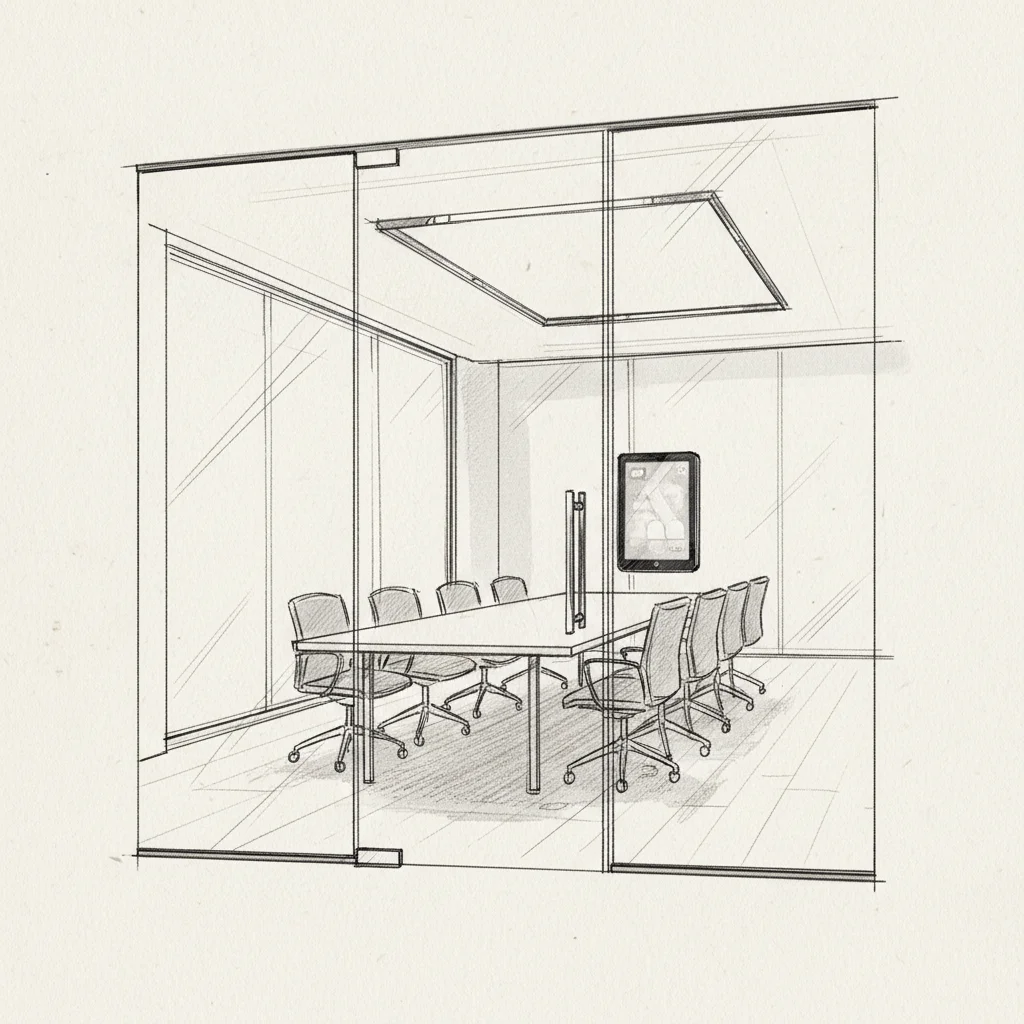
Half-empty conference rooms that still show "booked" on the calendar. Back-to-back scheduling conflicts that derail your entire afternoon. Sound familiar? Meeting room booking systems solve exactly these problems by giving employees a single, reliable way to reserve workspace while giving corporate real estate leaders the utilization data they actually need. This guide walks you through everything from selecting the right platform to configuring it for a hybrid workforce, in roughly 30 minutes of reading and planning time. Whether you're managing a single headquarters or a global portfolio, you'll finish with a clear action plan.
Before evaluating any software, you need a clear picture of your current space inventory, your calendar infrastructure, and your team's booking habits. Skipping this step is the single most common reason implementations stall.
Industry analysts at AVIXA note that IT departments often underestimate the importance of room-level network reliability. A booking display that goes offline during peak hours erodes employee trust faster than having no system at all [1].
Pro Tip: Before you purchase any software, audit your existing Microsoft 365 or Google Workspace resource calendars. Many organizations already have partial room booking infrastructure built in that a dedicated system can extend, rather than replace from scratch.
| Prerequisite | Why It Matters | Priority |
|---|---|---|
| Microsoft 365 / Google Workspace | Native calendar sync eliminates double-booking | Critical |
| Space inventory / floor plan | Enables accurate room configuration and capacity rules | Critical |
| SSO / Active Directory | Reduces friction at login; improves adoption rates | High |
| Booking policy document | Prevents ghost meetings and no-show waste | High |
| Room-level Wi-Fi | Keeps display panels online during peak hours | Medium |
Auditing your space utilization means collecting hard data on which rooms are booked, which are actually occupied, and which sit empty despite calendar holds. This data becomes your baseline and your business case.
Research from Archie's 2026 review of booking platforms confirms that organizations implementing dedicated meeting room booking systems reduce ghost-meeting rates by an average of 47% within the first quarter [2]. That's not a marginal improvement. It's the difference between needing three extra conference rooms and not needing them at all.
One limitation to flag: badge data alone doesn't tell you how many people were in a room, only that someone entered the floor. Pairing badge data with occupancy sensors or meeting check-in features gives you a far more accurate picture.
Pro Tip: When auditing, pay special attention to your smallest rooms. Focus rooms and huddle spaces are chronically over-booked by individuals who could work at a desk. Tagging these rooms with a "collaboration only" policy in your new system often frees up 15-20% of your total room inventory immediately.
Defining your requirements means translating your audit findings into a prioritized feature checklist before you evaluate any vendor. Teams that skip this step end up buying on demos rather than outcomes.
For global enterprises managing multiple locations, add these to your checklist:
According to People Managing People's 2026 software review, the most-requested enterprise feature is real-time floor plan visualization, cited by 68% of corporate real estate buyers as a "must-have" rather than "nice-to-have" [3].
Evaluating meeting room booking systems means scoring each vendor against your requirements list, not against their marketing materials. The market has matured significantly, and feature parity among mid-tier platforms is higher than it was two years ago.

| Platform | Best For | Key Strength | Notable Limitation |
|---|---|---|---|
| Skedda | Customizable booking rules | Highly flexible scheduling logic | Limited native analytics depth |
| Envoy | Visitor + room management | Strong visitor experience layer | Attendance forecasting is basic |
| Tactic | Hybrid team scheduling | Desk + room in one interface | Smaller enterprise feature set |
| MeetingRoomApp | Room panel hardware focus | Broad hardware compatibility | Less robust mobile experience |
| Upflex | Enterprise portfolio optimization | AI forecasting + global flex network | Designed for enterprise scale |
From experience evaluating these platforms with enterprise clients, the biggest differentiator isn't the booking interface itself. It's what happens with the data afterward. Platforms that only record bookings leave real estate leaders flying blind on right-sizing decisions. Platforms that layer attendance forecasting on top of booking data are where the real ROI lives.
At Upflex, we've found that organizations often arrive at room booking software as a tactical fix, then realize the strategic value is in the utilization intelligence it generates. Upflex's UnifyAI engine, for example, doesn't just record who booked a room. It forecasts who's actually coming in with 97% accuracy, enabling proactive space orchestration rather than reactive scheduling.
For a broader comparison of options, HybridHero's 2026 roundup covers 15 platforms with honest pros and cons for mid-market and enterprise buyers [4].
Configuring your meeting room booking system for hybrid work means going beyond basic calendar sync to set rules that reflect how your teams actually work, not how they worked in 2019.
Hybrid work introduces a configuration challenge that purely in-office setups don't face: rooms need to support both in-person and remote participants simultaneously. Configure your system to flag rooms as "hybrid-enabled" only if they have adequate camera, microphone, and display equipment. Employees booking for a mixed team shouldn't end up in a room with a single speakerphone.
Tidaro's platform comparison highlights that hybrid-capable room tagging is one of the most underutilized configuration features, present in most enterprise platforms but activated by fewer than 40% of IT administrators during initial setup [5].
Pro Tip: Connect your meeting room booking system to your attendance forecasting data. When you know that 60% of a team will be in the office on Thursday, you can proactively surface larger room availability to that team's manager rather than waiting for a last-minute scramble.
Driving adoption means removing every possible reason employees have to revert to booking rooms via email or hallway conversation. The best system in the world fails if people don't use it consistently.
Track these metrics in your first 90 days:
According to Officely's implementation guide, organizations that pair room booking software with a formal 30-day adoption program see 2.3x higher sustained usage rates at the six-month mark compared to those that simply launch the software and send one announcement email [6].
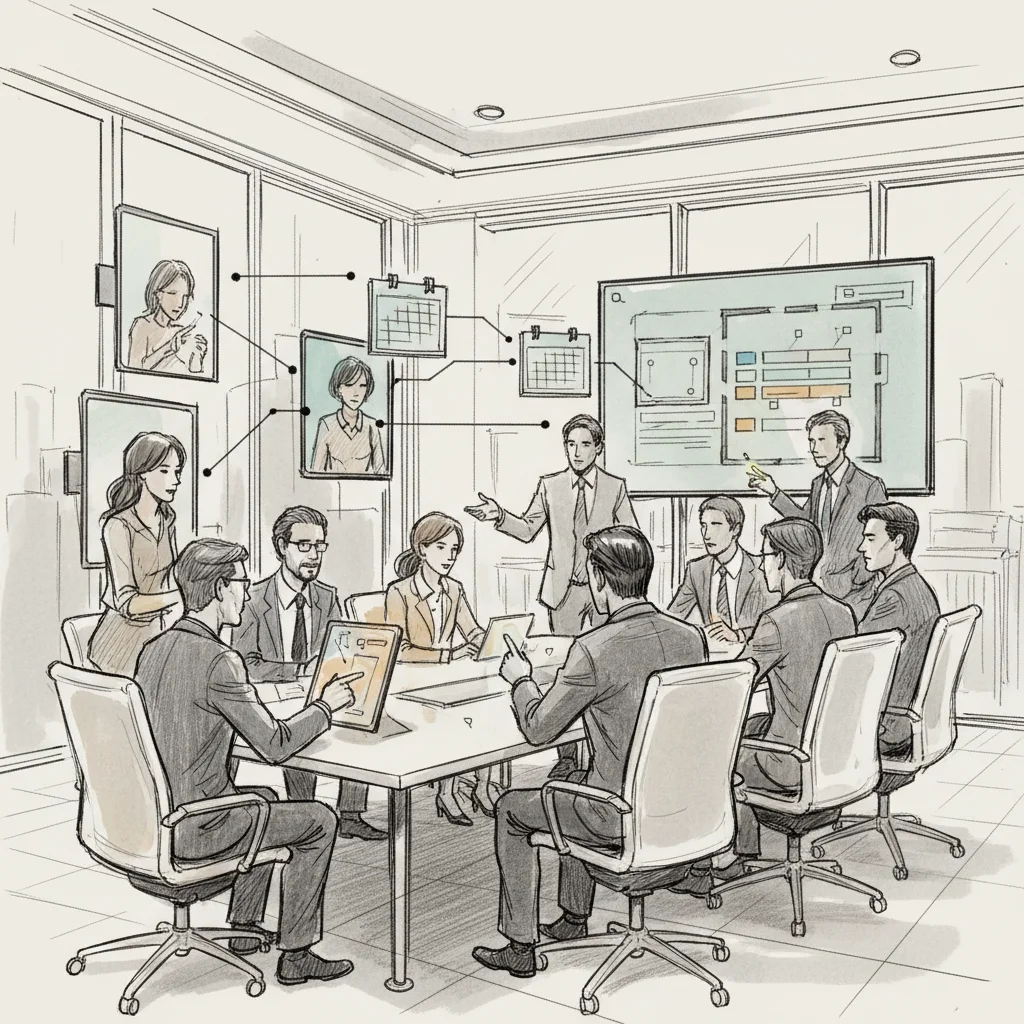
Even well-resourced teams make avoidable errors when implementing meeting room booking systems. Here are the ones that cause the most damage, and how to sidestep them.
A common mistake at the strategic level is treating a room booking system as a finished product rather than a data source. The booking system is the input layer. The real value comes from the analytics, the forecasting, and the portfolio decisions that data enables downstream.
One pitfall to watch for: selecting a platform based on the lowest per-seat cost without accounting for integration complexity. A cheaper tool that requires custom API work to connect to your IWMS or HR system often costs more in IT hours than the price difference justifies. Gitnux's 2026 analysis of total cost of ownership for room booking platforms found that integration costs account for 25-40% of first-year spend for enterprise deployments [7].
Results will vary based on your organization's size, existing tech stack, and IT capacity. But in practice, the organizations that get the most from their room booking investment are those that connect it directly to a broader workplace optimization strategy, not those that treat it as a standalone scheduling tool.
The best room booking apps for groups depend on your team size, calendar platform, and hybrid work setup. For enterprise hybrid teams, Upflex stands out by combining room and desk booking with AI-powered attendance forecasting, so groups can coordinate in-office days before booking space. Skedda excels at customizable booking rules for complex organizations. Tactic is strong for hybrid teams needing combined desk and room management. Envoy works well when visitor management is also a priority. For most mid-to-large enterprises, the right answer is a platform that integrates with Microsoft 365 or Google Workspace and provides utilization analytics, not just a scheduling interface.
Yes. Microsoft 365 includes native resource calendar functionality that allows you to create bookable rooms and integrate them into Outlook and Teams. For basic needs, this is a workable free option. The limitation is that it lacks dedicated room panels, utilization analytics, auto-release for no-shows, and the floor plan visualization that purpose-built meeting room booking systems provide. CoworkingResources.org also lists several free scheduling tools suitable for smaller teams. Most organizations outgrow the native Microsoft solution once they need data-driven space decisions.
At minimum, you need a tablet or dedicated room panel mounted outside each bookable space. Most platforms support iPads, Android tablets, or purpose-built devices from vendors like Logitech. Purpose-built panels are more reliable in high-traffic environments because they're designed to run a single app continuously without battery or software update interruptions. Beyond panels, occupancy sensors are a strong add-on for detecting actual room use vs. booked status, which directly feeds ghost-meeting prevention.
Meeting room booking systems reduce real estate costs by generating utilization data that reveals how much space is actually being used versus how much you're paying for. When organizations discover that 35-40% of their conference rooms sit empty during peak hours, they have the evidence to right-size their portfolio, consolidate floors, or exit leases early. Platforms like Upflex take this further by combining room booking data with AI-powered attendance forecasting, enabling 40%+ reductions in real estate spend by giving corporate real estate leaders the hard numbers they need to make defensible consolidation decisions.
A ghost meeting is a calendar booking for a room where nobody actually shows up, leaving the space locked and unavailable to other employees. Ghost meetings are estimated to waste 30-40% of conference room capacity in organizations without automated policies. Meeting room booking systems prevent them through auto-release rules: if a meeting isn't checked in via the room panel or app within a set window (typically 5-15 minutes after the start time), the booking is automatically cancelled and the room becomes available. This single feature is often responsible for the largest immediate improvement in apparent room availability after implementation.
Yes, open-source options exist for organizations with IT resources to self-host. MRBS (Meeting Room Booking System) is one of the oldest open-source options, though it lacks the modern UI and analytics of commercial platforms. For most enterprises, the total cost of maintaining an open-source deployment, including IT time for updates, security patches, and integrations, exceeds the subscription cost of a purpose-built SaaS platform. Open-source is most practical for smaller organizations with strong internal development capacity and minimal integration requirements.
Getting meeting room booking systems right isn't a one-time project. It's an ongoing operational discipline. The steps in this guide, from auditing your current space to driving adoption and avoiding common pitfalls, give you a repeatable framework for turning conference room chaos into a measurable competitive advantage.
The organizations seeing the biggest returns aren't just booking rooms more efficiently. They're using the data those systems generate to make smarter real estate decisions, consolidate underused space, and give employees a consistently reliable in-office experience. That's where the 40%+ real estate savings come from.
Upflex goes further than a standalone room booking tool by pairing space management with AI-powered attendance forecasting through UnifyAI, which delivers 97% accuracy on who's coming in and when. The result is a workplace optimization platform that connects your meeting room booking data directly to your real estate portfolio strategy, so every square foot you pay for earns its keep. If you're ready to move from reactive scheduling to proactive space orchestration, Upflex is built exactly for that transition.
Explore more from our content library: