Share This Article
No items found.

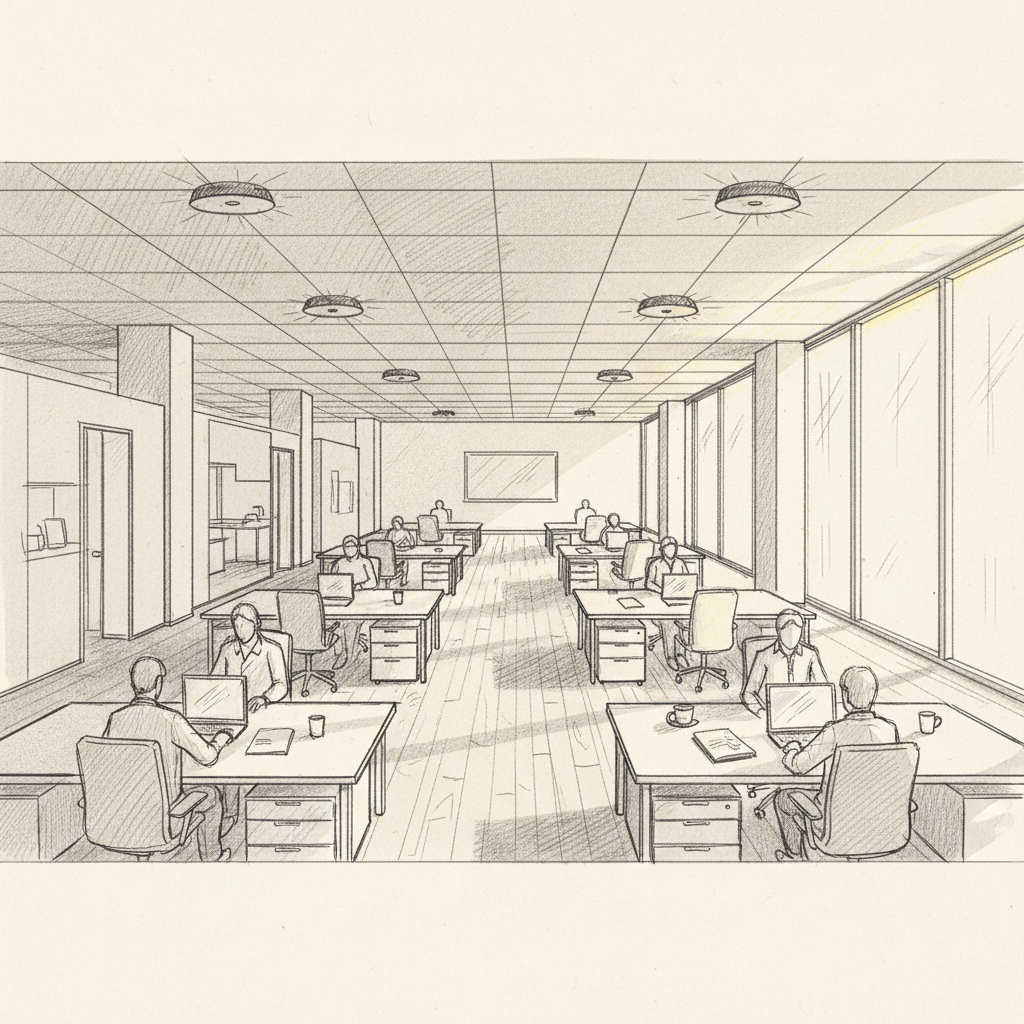
Half-empty offices that cost the same as full ones. Conference rooms booked but vacant. Desks reserved and abandoned by 10 a.m. These are the daily realities that make occupancy sensing technology one of the most valuable investments a corporate real estate leader can make right now. Occupancy sensing technology is a category of hardware and software systems that detect human presence within a physical space, enabling buildings to respond intelligently to how they're actually being used. The result is smarter energy management, better space allocation, and real estate decisions grounded in data rather than guesswork.
This guide covers everything you need to know: how the technology works, which sensor types are best suited for different environments, what benefits you can realistically expect, and how leading enterprises are combining sensor data with AI-powered platforms to reduce real estate spend by 40% or more.
Occupancy sensing technology refers to any system that detects whether a person is present in a defined area and uses that data to trigger automated responses or feed analytics platforms. It goes well beyond a simple light switch. These systems inform HVAC scheduling, desk booking software, energy management platforms, and real estate portfolio decisions.
At its most basic level, an occupancy sensor is an indoor device that detects the presence of a person and communicates that status to a connected system [1]. The U.S. Department of Energy describes occupancy sensors as devices that "detect indoor activity within a certain area" and provide the data layer needed for automated lighting and HVAC control [2]. But the enterprise application extends much further than energy savings alone.
In a hybrid work context, occupancy data answers a question that facility managers have struggled with for years: which spaces are actually being used, by how many people, and at what times? Without that answer, organizations are essentially guessing when they decide how much office space to lease, how to configure floors, and when to run building systems.
The two terms are often used interchangeably, but they're not the same thing. Motion sensors detect movement. Occupancy sensors detect presence, including stationary occupancy. Someone sitting still at a desk, reading or on a call, won't trigger a basic passive infrared (PIR) motion sensor. An occupancy sensor, particularly a multi-technology one, will still register that person as present.
This distinction matters enormously for workplace analytics. If your sensor data only captures movement, you'll systematically undercount actual occupancy, leading to flawed utilization metrics and potentially bad real estate decisions.
| Feature | Motion Sensor | Occupancy Sensor |
|---|---|---|
| Detects movement | Yes | Yes |
| Detects stationary presence | No | Yes (multi-tech models) |
| Counts individuals | No | Some models (ToF, thermal) |
| Privacy-preserving | Generally yes | Depends on technology |
| Primary use case | Security, basic lighting | Workplace analytics, energy, HVAC |
Occupancy sensing technology works by using one or more detection methods to identify human presence, then transmitting that signal to a building management system, analytics platform, or automation controller. The specific mechanism depends on the sensor type deployed.
There are several distinct sensor technologies in common use, each with different working principles, coverage areas, and accuracy profiles [3]:
A sensor on its own is just a trigger. The real value comes from what happens after detection. Modern occupancy sensing systems feed data into building management systems (BMS), integrated workplace management systems (IWMS), or dedicated analytics platforms. These systems aggregate sensor readings across a floor or building to produce utilization metrics: average occupancy rates, peak usage periods, underutilized zones, and space efficiency scores.
According to research from Pressac, the most effective deployments combine multiple sensor types to compensate for the weaknesses of any single technology [3]. In practice, a well-designed system might use PIR/ultrasonic dual-tech sensors at the desk level, ToF counters at room entrances, and CO2 sensors as a secondary validation layer.
Pro Tip: Don't rely on a single sensor type for workplace analytics. Pair PIR or ultrasonic sensors with people-counting technology at entry points to cross-validate your occupancy data. Discrepancies between the two data streams often reveal calibration issues or coverage gaps before they distort your utilization reports.
The business case for occupancy sensing technology spans energy savings, real estate optimization, and employee experience improvements, with measurable ROI documented across all three categories.
The most widely cited benefit is energy reduction. Lighting and HVAC together account for roughly 70% of a commercial building's energy consumption [2]. Occupancy-based controls ensure these systems only run when a space is actually occupied. The Syracuse Center of Excellence has documented projects where occupancy sensing reduced building energy use by 30-50% in spaces with variable or unpredictable occupancy patterns [7].
Amherst College's occupancy sensor program, one of the more thoroughly documented institutional deployments, uses PIR sensors with panoramic Fresnel lens coverage to cut lighting energy in classrooms and offices [8]. The principle scales directly to corporate environments.
For organizations with ESG commitments and sustainability reporting requirements, occupancy data provides the granular, auditable evidence needed to demonstrate real reductions in carbon footprint rather than estimated savings.
This is where occupancy sensing technology delivers its highest financial return for corporate real estate leaders. Utilization data collected over weeks and months reveals the true picture of how office space is being used, typically far below what organizations assume.
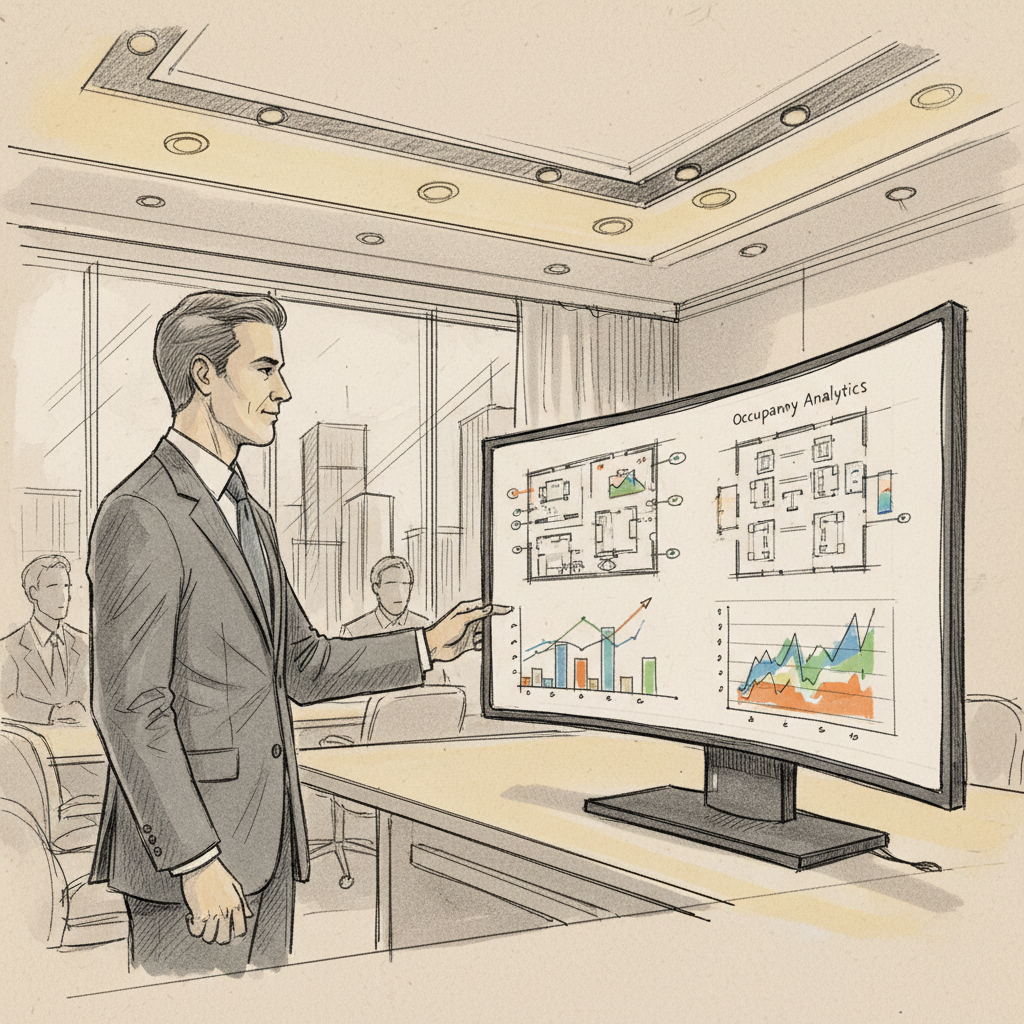
Industry analysts consistently find average office utilization rates of 40-60% even in organizations with active return-to-office programs. Paying for 100% of a floor when 50% is typically occupied represents a significant and measurable waste. Sensor data makes that waste visible and quantifiable, creating the evidence base for lease renegotiation, floor consolidation, or portfolio right-sizing decisions.
Advances in manufacturing and sensor fabrication, including innovations in Machining Technology, have driven down the cost of precision sensor components significantly over the past three years, making enterprise-grade occupancy sensing more accessible than ever for mid-market organizations.
At Upflex, we've found that organizations combining occupancy sensor data with AI-powered attendance forecasting achieve the most dramatic real estate savings. Sensor data tells you what happened; predictive AI tells you what will happen. Together, they give corporate real estate leaders the confidence to make consolidation decisions that stick.
Pro Tip: Before presenting a real estate consolidation case to your CFO, collect at least 90 days of occupancy sensor data across multiple days of the week. Single-week snapshots are too easily dismissed as anomalies. A 90-day baseline gives you statistically defensible utilization averages that hold up to financial scrutiny.

Occupancy sensing technology deployments fail more often from implementation errors than from technology limitations. Understanding the most common pitfalls saves significant time and budget.
A common mistake is choosing sensor technology based on unit cost alone. PIR sensors are cheap, but deploying them in spaces where people work quietly at desks produces chronic false-vacancy readings, lights that turn off mid-meeting, and occupancy data that systematically undercounts actual usage [9].
Coverage gaps are equally problematic. A sensor positioned to cover an open-plan floor may miss a private office or a corner workstation. When those gaps exist, utilization data appears lower than reality, potentially driving incorrect consolidation decisions.
Collecting occupancy data without integrating it into a decision-making platform is one of the most common and expensive mistakes. Sensor data sitting in a siloed building management system doesn't inform desk booking software, doesn't feed attendance forecasting models, and doesn't support portfolio decisions. The data becomes shelfware.
Privacy is the other major risk. Computer vision and badge-based systems that can identify individuals raise significant employee trust and compliance concerns. According to Innerspace's analysis of occupancy sensing deployments, organizations that fail to communicate clearly about what data is collected and how it's used face employee resistance that undermines adoption of broader workplace technology programs [9].
The best practice is to use anonymized, aggregate occupancy data for space analytics and to be explicit with employees about the distinction between presence detection and individual tracking. Thermal and PIR sensors are naturally privacy-preserving because they don't capture identifiable information.
| Sensor Type | Best For | Key Limitation | Privacy Risk |
|---|---|---|---|
| PIR | Lighting control, corridors | Misses stationary occupants | Low |
| Ultrasonic | Private offices, meeting rooms | HVAC false positives | Low |
| Dual-Tech (PIR+US) | General office spaces | Higher unit cost | Low |
| Thermal Imaging | Desk-level analytics | Cost, calibration complexity | Very Low |
| ToF (Time-of-Flight) | Entry counting, flow analysis | Limited to entry points | Low |
| Computer Vision | Detailed behavioral analytics | Privacy concerns, cost | High |
| CO2 / Environmental | HVAC optimization, sustained occupancy | Slow response time | Very Low |
Getting occupancy sensing technology right requires a structured approach that covers sensor selection, deployment design, data integration, and ongoing governance. Here's what the most effective enterprise deployments have in common.
Start with a clear use-case hierarchy before selecting any hardware. The sensor technology that works best for lighting control is not necessarily the right choice for space utilization analytics or HVAC optimization. Define your primary objective first, then choose technology accordingly.
Sensor data is most powerful when it feeds a decision-making system rather than sitting in a standalone dashboard. Research from Milesight's occupancy sensor guide emphasizes that integrating sensor outputs with space management software closes the loop between measurement and action [10].
The most advanced enterprise deployments in 2026 combine occupancy sensor data with predictive AI to move from reactive reporting to proactive orchestration. Platforms like Upflex use AI that forecasts who's coming in, when, and where, what Upflex calls UnifyAI, to deliver 97% attendance forecast accuracy. When that forecast layer sits on top of real occupancy data, organizations can coordinate team co-attendance, right-size daily space allocation, and make portfolio decisions with confidence.
Industry analysts at FM:Systems note that organizations integrating occupancy sensors with IWMS platforms consistently outperform those using standalone sensor systems on both utilization accuracy and cost reduction outcomes [4].
Pro Tip: Treat your occupancy sensing deployment as a data infrastructure investment, not a hardware project. The sensors are the collection layer. The real ROI comes from what your analytics and forecasting platforms do with that data. Budget accordingly for integration and platform costs, not just sensor hardware.
The most common problem with PIR sensors in workplace settings is false-vacancy: the sensor stops detecting presence when an occupant is stationary, causing lights or HVAC to shut off while someone is still in the room. This happens because PIR technology detects changes in infrared radiation caused by movement, not static heat signatures. Voltage instability during installation is a secondary issue, but chronic false-vacancy is the primary reason PIR-only deployments underperform in desk-intensive office environments. Pairing PIR with ultrasonic technology in a dual-tech sensor largely eliminates this problem by maintaining occupancy detection even when movement is minimal.
Attempting to trick an occupancy sensor is generally counterproductive in a workplace context and increasingly difficult with modern multi-technology systems. Basic PIR sensors can be fooled by masking the sensor's field of view or by remaining completely still, but dual-technology sensors that combine PIR with ultrasonic detection will still register stationary occupants through micro-movement detection. Some older PIR units can be temporarily blinded by a directed infrared light source, but this approach doesn't work on ultrasonic, thermal, or CO2-based systems. For facilities managers, the more practical concern is ensuring sensors aren't inadvertently triggered by non-human sources like HVAC airflow or equipment heat, which requires proper placement and calibration rather than any deliberate manipulation.
There are more than three sensor types in common use, but the three most widely deployed in commercial buildings are: (1) Passive Infrared (PIR) sensors, which detect changes in infrared radiation caused by a warm body moving through their field of view; (2) Ultrasonic sensors, which emit high-frequency sound waves and detect Doppler shifts caused by any movement, including subtle ones like breathing or typing; and (3) Dual-technology sensors that combine PIR and ultrasonic methods to reduce both false-on and false-off errors. Beyond these three, enterprise-grade occupancy sensing technology increasingly includes thermal imaging sensors, Time-of-Flight people counters, microwave sensors, and environmental sensors measuring CO2, temperature, and humidity as indirect proxies for human presence [3][5].
An occupancy sensor automatically turns lights or systems on when it detects presence and off after a set timeout period when no presence is detected. A vacancy sensor requires a manual action to turn the system on, but turns it off automatically when the space is vacated. The U.S. Department of Energy notes that vacancy sensors can achieve greater energy savings than occupancy sensors because they prevent automatic activation in spaces that don't need lighting, such as a room someone walks through briefly [2]. In workplace analytics, both types can feed utilization data; the distinction matters primarily for lighting control design.
Accuracy varies significantly by sensor type, placement, and integration quality. Single-technology PIR sensors in desk environments may undercount actual occupancy by 20-40% due to stationary occupant misses. Dual-technology and thermal sensors in well-calibrated deployments typically achieve 90-95% accuracy for presence detection. People-counting systems using Time-of-Flight or computer vision at entry points can reach 95-98% accuracy for headcount. The most reliable workplace analytics programs layer multiple sensor types and cross-validate against other data sources, such as desk booking records and Wi-Fi association data, to produce utilization metrics that hold up to financial scrutiny.
Yes, and this integration is one of the highest-value use cases in modern workplace management. When occupancy sensors detect that a booked desk is vacant past a set threshold, typically 15-30 minutes, the integration can automatically release that booking and make the desk available to others. This closes the "ghost booking" problem that plagues many hybrid offices, where employees book desks they don't use, creating artificial scarcity. Platforms that combine occupancy sensing data with desk booking and AI-powered attendance forecasting, like Upflex, deliver the most complete picture of actual versus planned space utilization.
Occupancy sensing technology has moved well past its origins as a simple light switch trigger. As of 2026, it's a foundational data layer for every serious workplace optimization strategy. The organizations getting the most value from it aren't just saving energy, though the 30-50% energy reductions are real and significant. They're using occupancy data to make defensible real estate decisions, right-size their portfolios, and create office environments that employees actually want to use.
The gap between organizations that treat occupancy sensing as a facilities tool and those that treat it as a strategic data asset is growing. The former get marginally lower utility bills. The latter get the evidence base to cut real estate spend by 40% or more, coordinate hybrid team attendance with AI-powered accuracy, and build a workplace experience that justifies every square foot they pay for.
Upflex combines the utilization intelligence that occupancy sensing technology provides with UnifyAI attendance forecasting and access to the world's largest on-demand workspace network. The result is a platform that doesn't just measure how your office is being used; it actively optimizes it, giving corporate real estate, finance, and HR leaders the data and tools to make every workspace decision count.
Explore more from our content library: