Share This Article
No items found.

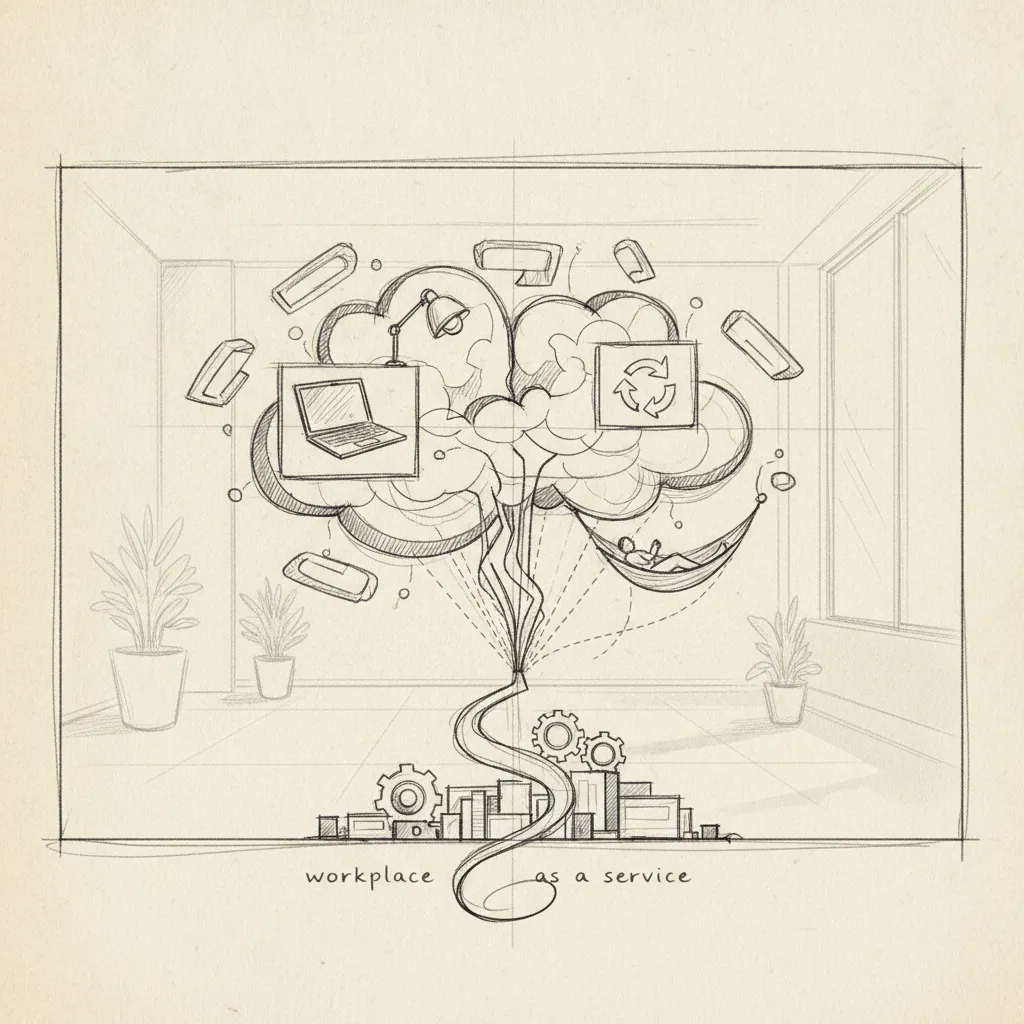
Workplace flexibility as a service (WFaaS) is a managed model in which companies subscribe to on-demand workspace access, scheduling infrastructure, and utilization analytics instead of locking capital into fixed leases and static policies. Unlike traditional flexible work arrangements—which are HR policy documents—WFaaS is an operational layer: technology, physical space, and data working together so employees can work where and when they're most productive. Companies adopting workplace flexibility as a service report real estate savings of 40% or more alongside measurable gains in retention and space utilization.
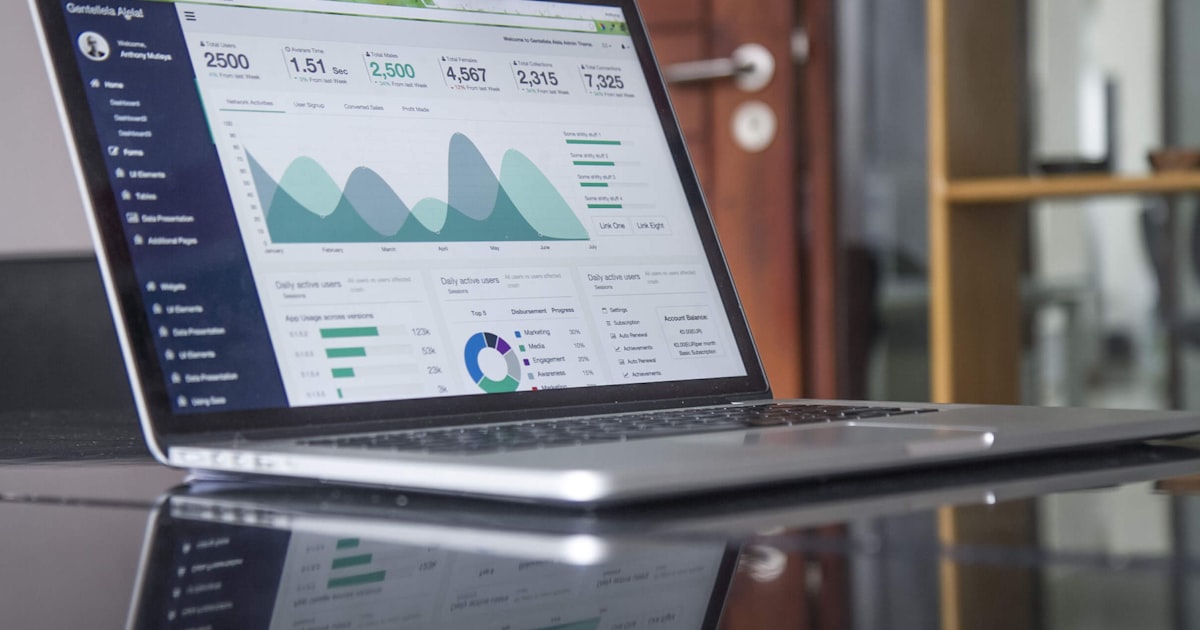
Workplace flexibility as a service is a subscription-based operational model that bundles on-demand workspace access, scheduling software, and utilization analytics into a single managed layer—not an HR policy document.
Traditional flexible work policies are static text: "employees may work from home two days per week" [2]. They define permission, then hand responsibility to the employee. WFaaS inverts that model. The platform provisions space, measures actual attendance, and adjusts capacity continuously—accountability sits with the infrastructure, not the individual.
"Flexibility is no longer just a perk—it's a core business strategy that requires the same operational rigor as any other managed service." — Janet Brewer, Director of Workforce Strategy at SHRM
Most organizations still treat flexibility as a benefit they describe in an employee handbook. A managed flexibility model treats it as a service delivered through technology and physical infrastructure working in combination [3]. According to AskEARN's workplace flexibility research, organizations that operationalize flexibility through structured systems see significantly higher employee retention and engagement than those relying on informal policy alone.
The operational difference is significant. A static policy cannot respond when 60% of a team unexpectedly shows up on a day they weren't scheduled. A WFaaS platform—drawing on real-time attendance data—can reroute employees to available desks, flag capacity constraints before they become problems, and log the utilization event for future forecasting.
That forecasting layer is what separates the model from a simple desk-booking app. Platforms like Upflex use AI to predict office attendance with 97% accuracy, so space is matched to actual demand rather than theoretical headcount.
The clearest organizational signal of WFaaS adoption is a change in how a company commits to real estate. Instead of signing long-term leases for every seat it might need, the company maintains a core office footprint and draws on an on-demand workspace network for overflow capacity and distributed teams [3].
This shift moves real estate from a fixed cost to a variable one. The company pays for space when employees actually use it—not for square footage that sits empty three days a week.
Workplace flexibility breaks into four distinct models: schedule, location, space, and contract—each solving a different operational problem for a different workforce profile.
Researchers and HR practitioners commonly describe work-life balance through four dimensions: time, place, workload, and autonomy [2]. Each maps directly onto one of the four flexibility types that make up a managed flexibility model.
Knowledge-work firms with more than 200 employees gain the most from combining space and schedule flexibility. Field-service and manufacturing organizations typically extract more value from contract and schedule models, where physical presence at a fixed site is non-negotiable but shift timing and staffing levels are not.
Activity-based working is the space flexibility model with the strongest utilization data. Companies that have adopted ABW report a 20–30% reduction in dedicated desks with no measurable productivity loss [3]—a meaningful outcome when corporate real estate is a top-three operating cost line item.
Microsoft's European offices documented seat ratios dropping from 1:1 to roughly 0.7:1 after implementing ABW principles alongside a hybrid attendance policy. That shift translates directly to leasable square footage a company no longer needs to pay for.
Platforms like Upflex operationalize this by pairing AI-powered attendance forecasting with access to an on-demand workspace network—so the desks you eliminate from your owned portfolio are replaced by bookable capacity elsewhere, not by frustrated employees without a place to work.
"The office of the future is not a place you go to—it's a service you access. Organizations that understand this distinction will win the talent war of the next decade." — Janet Pogue McLaurin, Global Director of Workplace Research at Gensler

Implementing workplace flexibility as a service requires a five-phase rollout, four non-negotiable technology components, and a change management plan that precedes any desk-sharing mandate.
Four components are non-negotiable: desk and room booking software, occupancy analytics, an on-demand workspace network API, and SSO integration. Remove any one of them and you cannot automate access control, billing, or capacity management at scale.
The platform must also connect to your identity provider, Okta or Azure AD, and your expense management system. These two integrations automate workspace billing and enforce access control without requiring manual IT intervention every time an employee books an external workspace.
The hardest part of this transition is change management, not technology. Employees resist hot-desking when they cannot see who else is coming in on a given day, the uncertainty makes the commute feel like a gamble.
The fix is co-attendance coordination before you mandate desk-sharing. Deploy features that show teammates' planned in-office days so employees can align their schedules. Once employees trust the visibility, resistance to shared desks drops significantly. Mandate the policy after the behavior is already forming, not before.
WFaaS pricing typically runs $15–$50 per seat per month for the software layer, with payback periods of 12–18 months for companies that cut real estate by 40%+.
Three pricing structures dominate the market. First, a per-seat-per-month subscription covers the software layer, desk booking, attendance forecasting, utilization analytics, and typically runs $15–$50 per seat depending on feature depth. Second, pay-per-use workspace access bills employees by the hour or day at network rates when they work outside a company's primary office. Third, enterprise flat-fee bundles combine the software subscription with a pre-purchased credit allowance for on-demand space, the model Upflex uses to give corporate real estate teams a single, predictable line item covering both owned-office management and external workspace access.
Apply this three-line payback formula to your own numbers:
Companies that achieve a 40%+ reduction in real estate spend, a documented outcome for Upflex customers, typically clear payback within 12–18 months.
The retention math alone often justifies a managed flexibility investment before you count a single square foot of eliminated lease. Replacing one mid-level employee costs 50–200% of that person's annual salary when you account for recruiting, onboarding, and lost productivity. In a 500-person company, a 5-percentage-point drop in voluntary attrition can generate retention savings that exceed the entire platform cost.
The productivity case is equally concrete. Research by Stanford economist Nicholas Bloom shows hybrid workers are 4–5% more productive than fully in-office counterparts when flexibility is structured rather than ad hoc [3]. That figure represents a measurable output gain, not a satisfaction score, which makes it a defensible input for any CFO-facing business case. As noted by Circles' analysis of workplace flexibility and retention, organizations that embed flexibility into their operational infrastructure consistently outperform those treating it as an informal benefit.
Stack real estate savings, retention gains, and productivity uplift together, and the ROI case for a well-implemented WFaaS model is rarely close.
No single platform category owns this space—the right choice depends on whether space access and analytics are native or bolted on. According to Gensler's research on workplace-as-a-service office evolution, the most effective implementations treat the office itself as a dynamic service rather than a fixed asset.
Four distinct categories compete for this budget. Desk and room booking specialists like Robin and Condeco excel at in-office scheduling and calendar integration, but neither offers access to external workspaces, employees who need a desk outside a company's own offices are on their own. Envoy adds visitor management and occupancy sensing on top of booking, making it a fuller workplace OS, but it still operates within your four walls.
Upflex sits in a different category: an on-demand workspace network backed by AI-driven attendance forecasting. Its UnifyAI engine predicts office attendance with 97% accuracy, and employees can book from a global network of third-party coworking locations when they're away from headquarters. Space access and analytics are native, not added on.
Traditional HR platforms like Workday and ServiceNow offer bolt-on flexibility modules, but occupancy analytics and workspace network access are not core to their architecture. Comparison sites list these tools side by side without explaining that gap, a booking tool and a full WFaaS network solve fundamentally different problems.
Use this five-point checklist when evaluating any platform. A solution missing three or more of these is a partial answer:
The clearest benchmark comes from organizations that moved from fixed leases to a WFaaS model. Companies using Upflex report 40%+ reductions in real estate spend and 88% co-attendance achievement, meaning teams reliably share the office on the same days without rigid mandates.
Those two numbers set the evaluation standard. If a platform cannot demonstrate measurable cost reduction and verified team co-presence, it is optimizing for convenience, not outcomes.
"When employees have genuine control over when and where they work, productivity and satisfaction rise together—but only when the supporting infrastructure is reliable and transparent." — Nicholas Bloom, Professor of Economics at Stanford University and co-founder of WFH Research

WFaaS works for mid-size companies, though the entry point and feature depth differ from enterprise deployments. A company with 200 employees can access on-demand workspace networks and basic hybrid scheduling tools without the full AI forecasting stack a 5,000-person organization needs. The subscription model means mid-size teams pay for what they use, no long-term lease commitments or six-figure implementation fees. The practical floor is roughly 50–100 employees; below that, the coordination overhead rarely justifies a dedicated platform.
WFaaS platforms manage scheduling and space logistics, but compliance with local labor law remains the employer's responsibility. That said, better platforms surface policy guardrails, flagging jurisdiction-specific rules around working hours, right-to-disconnect regulations, or mandatory in-office requirements, so HR teams can configure policies accordingly. Organizations operating across multiple countries should treat WFaaS as a coordination layer, not a legal compliance engine, and pair it with dedicated employment counsel for each jurisdiction.
A coworking membership gives one employee access to one provider's locations; WFaaS gives your entire workforce access to a managed network of workspaces, integrated with your own offices, scheduling data, and utilization analytics. The key distinction is orchestration: WFaaS connects space access to attendance forecasting, desk booking, and real estate cost reporting. Upflex, for example, pairs its global on-demand workspace network with AI-driven attendance coordination, so space access and office management operate as one system, not two separate subscriptions.
Most organizations see measurable utilization data within 30 days and meaningful cost signals within one full quarter. Attendance forecasting accuracy improves as the AI ingests more scheduling history, typically 8–12 weeks of data produces reliable predictions. Real estate consolidation decisions, which require sustained utilization evidence to justify lease exits or downsizes, generally take 6–12 months from deployment to execution, depending on lease renewal timelines and internal approval cycles.
Flexible work models can significantly benefit employees who require accommodations, such as those managing chronic illness, mobility limitations, or neurodivergent conditions. A service-based approach allows accommodation needs to be embedded directly into scheduling and workspace booking workflows rather than handled as one-off HR exceptions. AskEARN's guidance on workplace flexibility highlights how structured flexibility programs improve retention and performance among employees with disabilities when supported by the right operational infrastructure.
this approach is a procurement and operations model, not a perk. The organizations getting real value from it treat space as a variable cost, use attendance data to make lease decisions, and give employees access to workspaces that match where they actually work, not where a signed lease says they should.
Three things to act on: audit your current office utilization rate against what you're paying per square foot; identify which employee populations have no good workspace option outside headquarters; and map your next lease renewal date against how long it takes to build the utilization case for a portfolio change.
If that lease date is within 18 months, request a demo of Upflex's UnifyAI forecasting and on-demand network, bring your current utilization data and ask for a modeled projection of potential real estate spend reduction against your specific portfolio.
Explore more from our content library: