Share This Article
No items found.


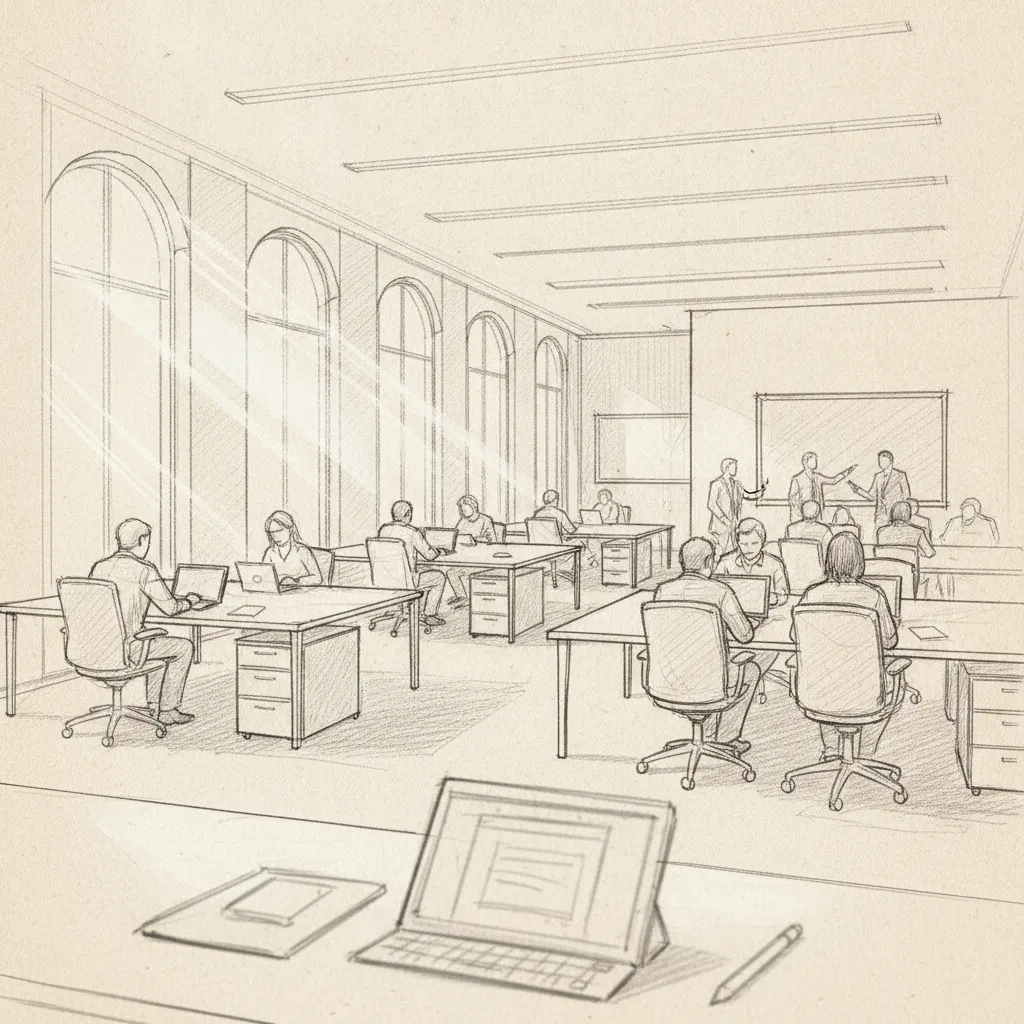
Office neighborhoods are designated zones within an office where specific teams, projects, or work activities cluster together instead of employees holding permanently assigned desks. Each neighborhood typically groups a team's flexible desks, storage, and nearby meeting or focus spaces so people can find colleagues quickly on the days they're in. Unlike full hot desking, where anyone sits anywhere, neighborhoods keep loose team affiliation while still letting the company reduce its total desk count to match hybrid attendance patterns.
A neighborhood assigns a bounded zone of the office to a team or function rather than to any one person, so the desks inside it rotate among that group's members. Instead of Priya owning desk 14 for good, desk 14 belongs to the marketing neighborhood, and any marketer can claim it on any given day. This is the structural shift that separates office neighborhoods from the assigned-seating model most companies ran before hybrid work took hold [1].
The zone itself is fixed even though the occupants inside it change daily. That distinction matters for corporate real estate teams trying to cut square footage without losing the sense of place employees associate with "their" part of the office [3].
A typical neighborhood packs a small, functional mix rather than a full floor of amenities. Most include a bank of flexible desks sized to roughly match the team's expected daily attendance, a handful of lockers for personal storage since desks aren't personally assigned, one or two adjacent huddle rooms for quick team calls, and shared amenities like a coffee point or printer positioned close enough to keep people from wandering across the floor [4].
This footprint is deliberately smaller than a one-desk-per-employee layout. Office neighborhoods designed this way let a real estate team size a zone for the number of people actually showing up on a peak day, not the number on the org chart [3].
Neighborhood seating lets employees pick any open desk inside their team's zone on the days they come in, so running into teammates happens as a byproduct of geography rather than a scheduled mandate. Nobody needs to coordinate exact seat assignments, showing up and sitting inside the zone is enough to put people within arm's reach of the colleagues they need [5].
This is where forecasting tools add value on top of the physical layout. Upflex's UnifyAI engine predicts attendance with 97% accuracy, which helps workplace teams size each neighborhood correctly and lets employees see, before they commute in, whether their teammates are likely to be in the same zone that day.
Office neighborhoods differ from pure free-address hot desking in one key way: hot desking scatters people anywhere in the building, while neighborhoods preserve a home-base feeling for each team even as they free up unused desk capacity [2]. Employees still know where they belong; the company just stops paying for desks that sit empty three days a week.
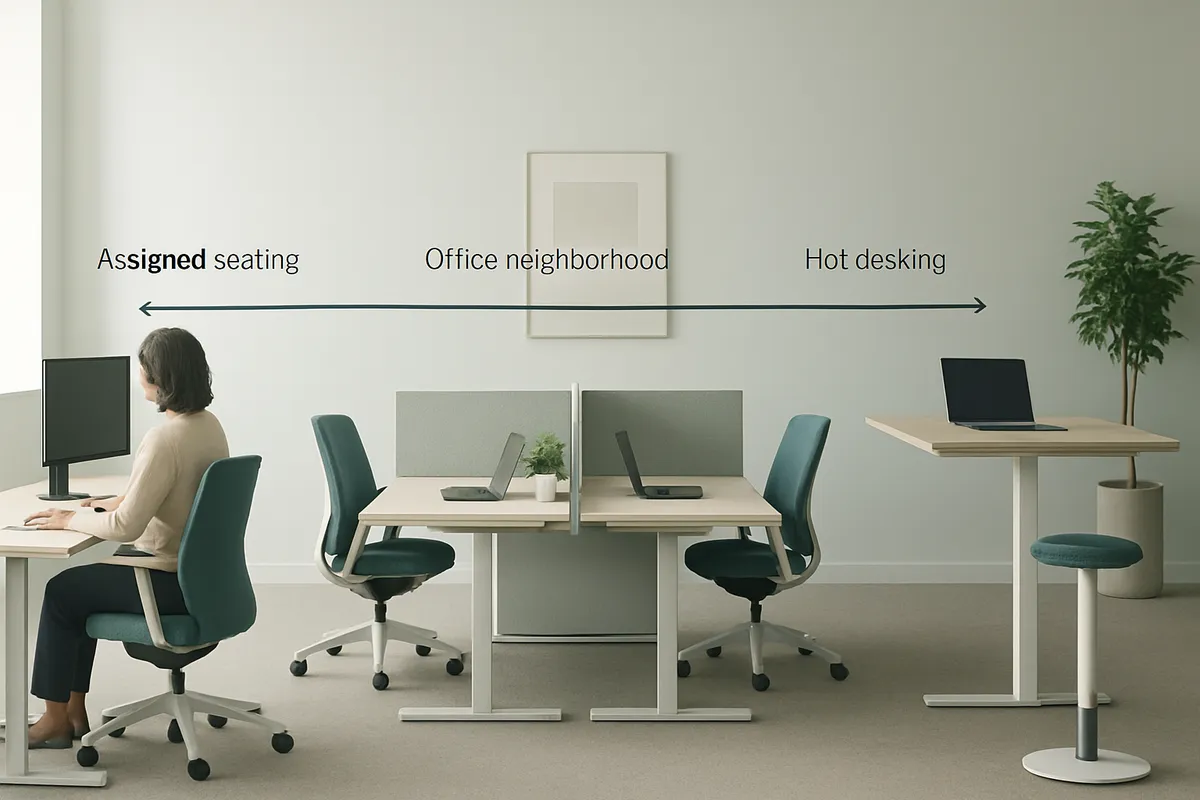
Office neighborhoods sit between two extremes: assigned seating locks one desk to one person, hot desking opens every desk to everyone, and neighborhoods zone space by team while leaving individual desks flexible [4].
Assigned seating is the traditional model, each employee gets a permanent desk whether they show up five days a week or one. That guarantees a seat but produces low utilization, since most hybrid teams average well under full attendance across the week. Hot desking swings the opposite way: any employee can book any desk, which maximizes space efficiency but strips out team grouping entirely. Neighborhoods split the difference. Desks within a zone rotate among the team assigned to that zone, so employees still have a home base without every seat being permanently claimed [5].
Assigned seating forces a company to lease enough desks for peak headcount, even though actual daily attendance on a hybrid schedule runs far lower than the total roster. That gap between desks paid for and desks used is where real estate budgets leak. Neighborhoods let a company right-size the desk count within each zone against real attendance patterns for that team, then reallocate the freed square footage to conference rooms, collaboration areas, or a smaller overall footprint [3]. For corporate real estate leaders under pressure to justify every square foot, this is the difference between guessing at headcount and sizing space to observed behavior. Platforms like Upflex support this shift directly, its UnifyAI engine forecasts attendance with 97% accuracy, which gives workplace teams the data to size neighborhoods correctly instead of estimating.
Hybrid schedules leave assigned desks empty most of the week, and companies are done paying for that idle capacity. Once a team is on-site two or three days a week, a permanent one-to-one desk ratio stops making financial sense, but leadership also doesn't want to lose the sense of team identity that comes with sitting near your own group [1]. Pure hot desking solves the space-efficiency problem but introduces a new one: without any grouping, colleagues scatter across the floor, spontaneous collaboration drops, and team cohesion suffers [4]. Office neighborhoods close that gap, teams keep a defined zone and proximity to each other, while the desks inside that zone stay flexible enough to match actual attendance instead of a fixed roster.
Office neighborhoods cut real estate waste, reduce the coordination overhead of hybrid teams, and give employees a consistent sense of place without locking anyone to a fixed desk.
The real estate case is the most direct. When facilities teams group departments or project teams into right-sized zones rather than provisioning a desk for every employee's theoretical headcount, they can consolidate activity onto fewer floors or wings and release the rest of the lease footprint entirely [4]. That's a different math than traditional seating plans, which assume everyone might show up on any given day and therefore reserve space accordingly. Neighborhoods let a facilities team look at actual attendance patterns by team and shrink the footprint around the zones that are consistently underused, rather than trimming evenly across a floor that's 40% empty on any given Tuesday.
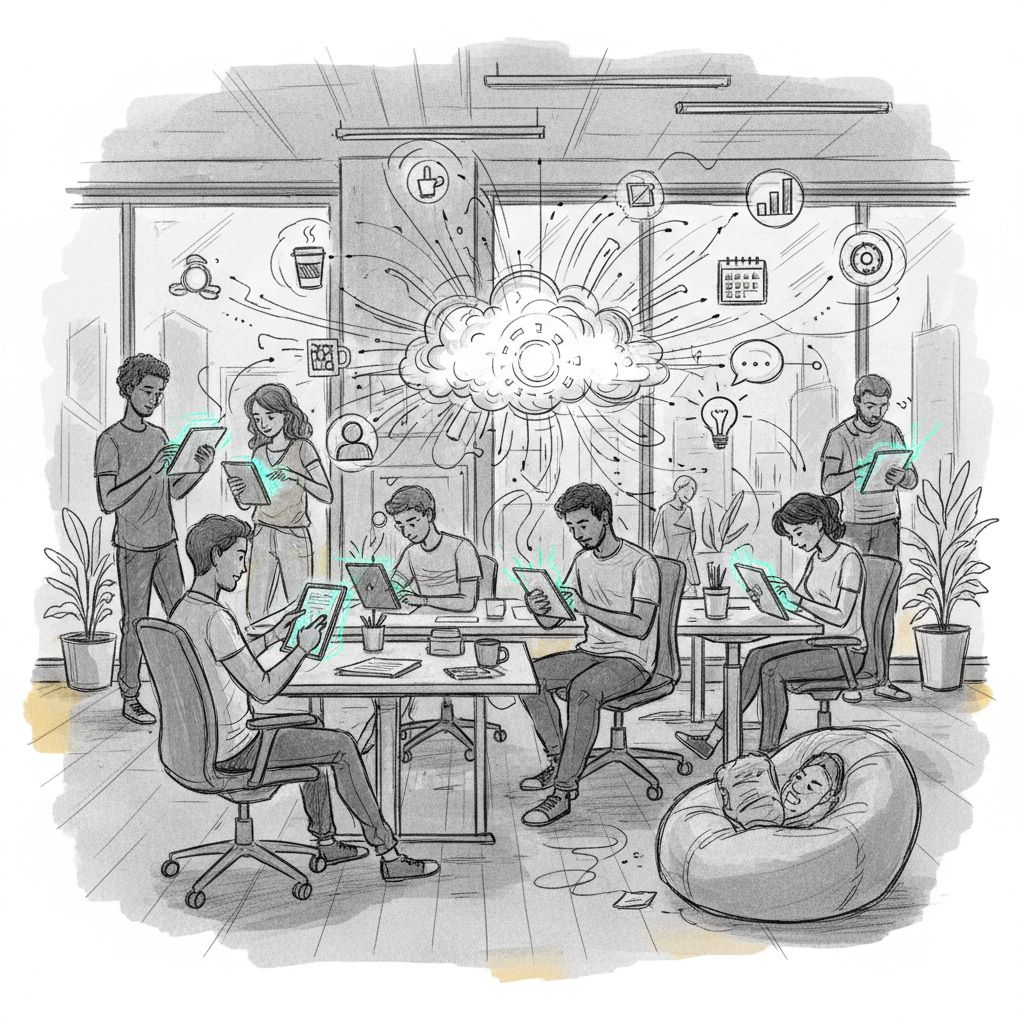
Collaboration improves for a more mundane reason: people know where to find each other. Fully randomized hot desking means a colleague could be anywhere, which pushes teams into a cycle of Slack messages just to locate a teammate before a five-minute conversation can happen [5]. A defined neighborhood removes that step. Teams get proximity even when individual desk assignments within the zone stay flexible, which is the balance neighborhood seating aims to strike between structure and freedom [5].
Neighborhoods give hybrid employees a consistent "home" area and familiar neighbors, which counters the isolation many report under pure hot desking [1].
Unassigned seating without any team structure can leave employees uncertain where they belong, and that uncertainty erodes the sense of belonging research on hybrid work has flagged as a real driver of whether people bother making the commute at all [1]. A neighborhood restores a version of that belonging: the desk itself isn't assigned, but the zone, the neighbors, and the general rhythm of who's around are predictable. That predictability is a retention lever, not just a comfort feature, employees who know the office will deliver a specific value each time they come in are more likely to keep showing up.
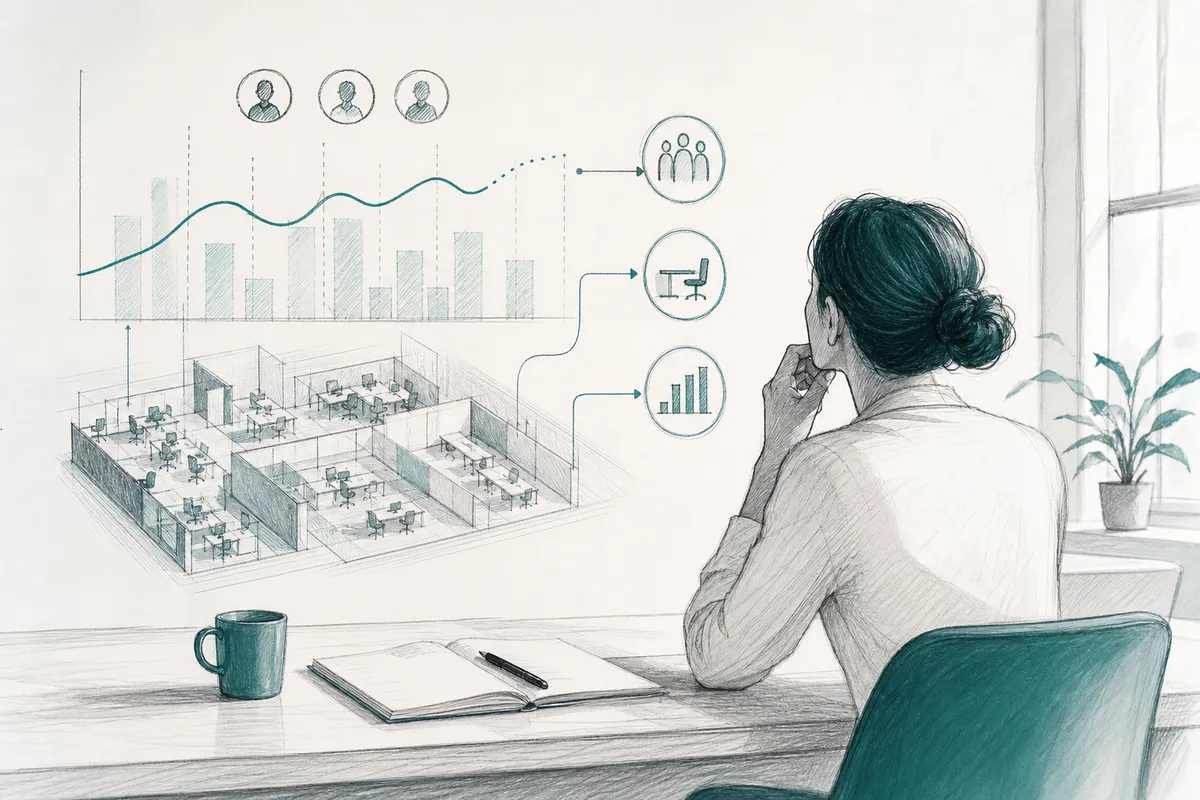
Track space utilization rate per zone, the reduction in unused square footage after consolidation, and employee sentiment on how easy collaboration feels.
Utilization by zone tells you whether a neighborhood is sized correctly or whether it's still carrying excess capacity worth reclaiming. Square footage reduction, tracked before and after a neighborhood-based consolidation, is the hard real estate signal finance leaders will ask for. Sentiment data, pulled from pulse surveys or exit interviews, indicates whether the coordination benefits are actually landing with employees, since the collaboration case for office neighborhoods only holds if people feel it. Upflex pairs UnifyAI's attendance forecasting with desk booking data specifically to surface these zone-level utilization patterns, so real estate teams can see which neighborhoods are consolidation candidates before a lease renewal forces the decision.
None of this runs on autopilot. Left unmanaged, a neighborhood can calcify into the same rigid assigned seating hybrid work was supposed to replace, with empty desks reserved out of habit rather than need. Office neighborhoods work as a living structure that gets revisited as team sizes and attendance patterns shift, not as a floor plan set once and forgotten.
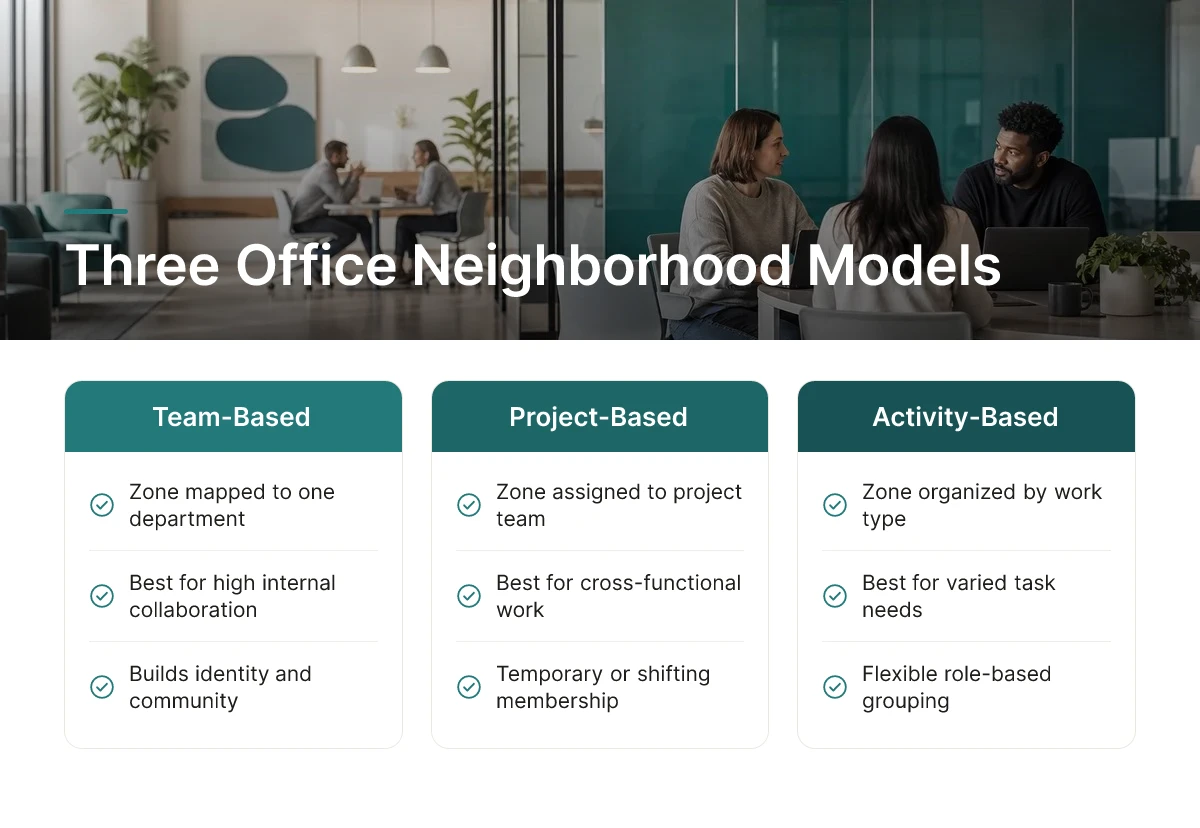
Three neighborhood models dominate in practice, team-based, project-based, and activity-based, and most hybrid organizations end up blending at least two of them.
A team-based neighborhood is a zone permanently mapped to one department, such as marketing or engineering, and it works best for groups with high internal collaboration needs. Visix describes office neighborhoods this way: designated areas that group employees by role, function, or project team to build identity and community [4]. Sales, customer support, and other departments that rely on constant back-and-forth communication tend to do well with a fixed home base they can return to every visit.
Project-based neighborhoods work differently. They're temporary zones formed around a cross-functional initiative, a product launch, a client engagement, a merger integration team, and they disband once the project wraps. Matrixed organizations, where employees report to a functional manager but spend most of their week on a shared initiative, benefit from this model because it puts the people solving the same problem next to each other instead of scattered across departmental zones.
Activity-based neighborhoods drop team identity from the equation entirely. Instead, they organize space around the type of work happening: focus zones for heads-down tasks, collaboration zones for group work, phone-booth style areas for calls. OfficeSpace frames this as activity-based working, flexible work zones designed around work style rather than reporting lines, adjustable anytime with self-service tools [2]. This model suits organizations where daily tasks vary widely and no single department needs a permanent claim on any one zone.
Remote employees need visibility into a neighborhood's rhythm, not just a booking button. A desk booking system that shows which days a given office neighborhood is busiest lets a remote worker pick the day their teammates will actually be there, rather than guessing and showing up to an empty zone. Gettactic notes that neighborhood seating gives teams proximity while still letting employees book flexible desks within an assigned area [5], that same visibility is what makes the model work for someone commuting in only once or twice a week.
Upflex approaches this by pairing desk booking with attendance forecasting, so workplace leaders can see projected co-attendance for a neighborhood before the week starts, not after. Many hybrid organizations settle on a blended structure: team-based neighborhoods for daily identity, plus one shared activity-based zone across teams for quiet, focus-intensive work that doesn't belong to any single department.
Running office neighborhoods at scale requires four software capabilities: zone-based booking, occupancy data, a live floor plan, and utilization reporting built around zones instead of individual desks.
A spreadsheet and a floor plan diagram might work for a single 20-person floor. They break down fast once a company manages multiple buildings, several teams per floor, and hybrid schedules that shift week to week. That's the gap purpose-built workplace platforms are meant to close.
At minimum, a platform managing office neighborhoods needs desk and zone booking so employees can reserve space within their assigned area rather than anywhere in the building [5]. It also needs occupancy sensors or check-in data to confirm who actually showed up, not just who booked a desk.
A floor plan interface showing real-time zone availability lets employees see, before they commute, whether their neighborhood has open capacity that day [2]. Reporting matters too, but it needs to roll up by zone, not by individual desk, since the goal is measuring how a team-based area performs, not tracking any one seat.
Attendance forecasting adds a layer facilities teams often lack: the ability to see which neighborhoods will run hot on Tuesday and which will sit half-empty on Friday, days before it happens. Upflex's UnifyAI engine forecasts attendance with 97% accuracy, which lets workplace teams resize or reassign zones before a popular neighborhood turns into a bottleneck of employees hunting for desks.
Three problems show up repeatedly. Employees drift back toward claiming "their" desk within a neighborhood, quietly recreating assigned seating inside a flexible zone. Manager buy-in is inconsistent, some reinforce the zone model with their teams, others ignore it. And data fragmentation sets in when booking software, badge readers, and calendar tools don't talk to each other, leaving facilities teams reconciling three sources to answer one question: who was actually here? The fix isn't more policy documents. It's clear, manager-communicated rules that the zone is the commitment, not the desk, paired with a platform that consolidates booking, occupancy, and forecasting into one dashboard instead of stitching together disconnected tools. Upflex's office orchestration dashboard unites booking, forecasting, and space data in a single view, which removes the reconciliation work that causes most neighborhood models to quietly fail after the first few months.
Software investment scales with portfolio complexity. A single-office company might get by with a budget-friendly booking tool, while a global enterprise managing dozens of buildings and thousands of hybrid employees typically needs an enterprise-grade platform that handles forecasting, booking, and reporting together.
Not necessarily, most neighborhoods use unassigned or semi-assigned desks within a shared team zone, not full open booking. Employees give up a personal desk but keep proximity to their team [5]. Some companies still reserve a handful of fixed desks for roles that need daily consistency, like reception or IT support, within the same zone.
Most companies plan for 0.6 to 0.8 desks per team member rather than a 1:1 ratio, reflecting typical hybrid attendance rates. The right ratio depends on actual attendance patterns, not headcount, teams with unpredictable schedules need buffer capacity, while highly synchronized teams can plan tighter. Attendance forecasting tools help set this ratio with data instead of guesswork.
Yes, neighborhoods scale down to a single floor by using furniture, sightlines, or light partitions instead of separate rooms to define zones [4]. A small office might carve out three or four neighborhoods along one open floor plan, each with its own seating cluster and shared touchdown space nearby.
Review neighborhood assignments quarterly, or immediately after a reorg, major hire wave, or lease change. Static floor plans age poorly against shifting team structures, a neighborhood built for a 12-person team six months ago may now serve 20. Utilization data, not calendar reminders alone, should trigger the review.
Office neighborhoods work when they're grounded in real attendance patterns, not guesswork about where teams should sit. Start by mapping which teams actually come in together and how often, then design zones around that behavior rather than the org chart. Pair the physical layout with booking rules that keep neighborhoods intact as teams grow or shift.
Upflex supports this with UnifyAI forecasting at 97% accuracy, so real estate and workplace leaders can size neighborhoods against real co-attendance data instead of static headcounts. As a next step, pull your last quarter's badge or booking data and check whether current seating zones still match how teams are actually showing up.
Explore more from our content library: