Share This Article
No items found.

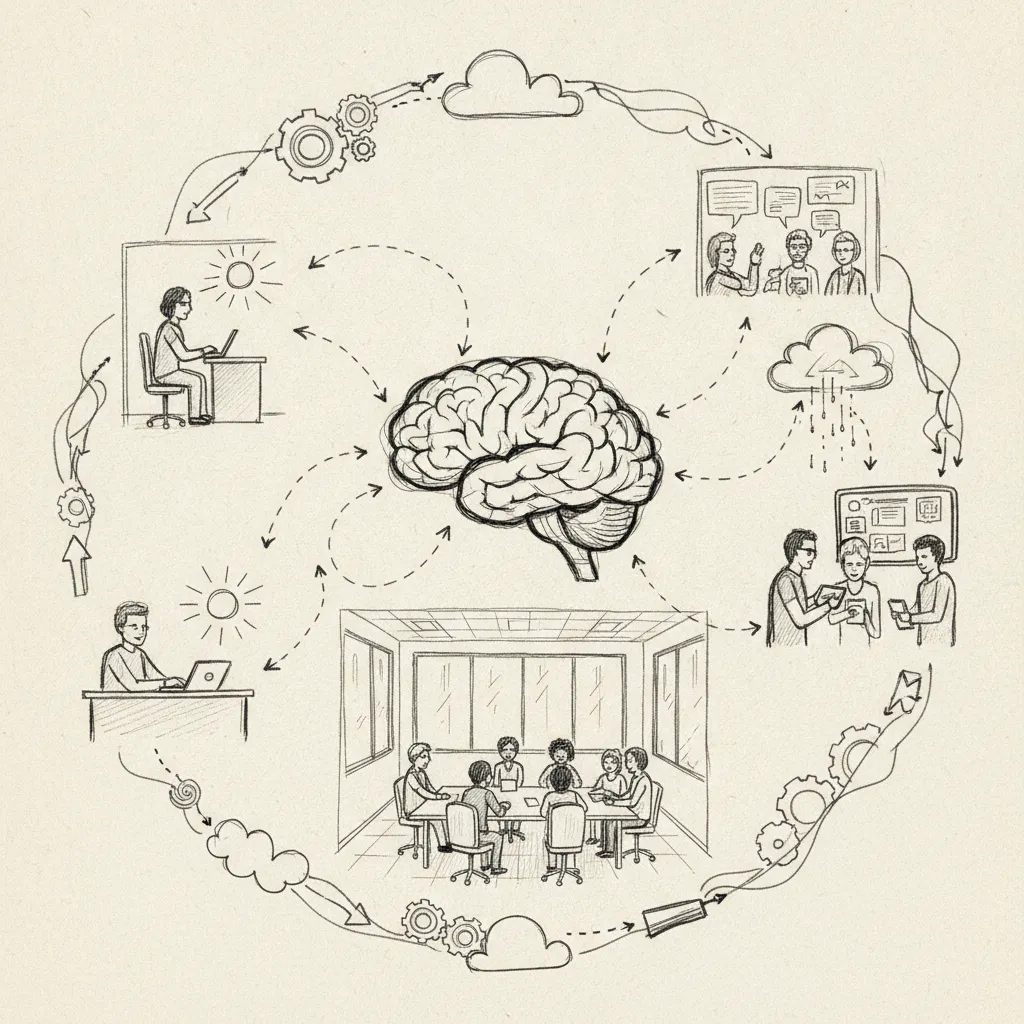
Understanding how to optimize hybrid work is essential. To optimize hybrid work, align your schedule structure to role type, equip teams with integrated desk-booking and collaboration tools, and track utilization metrics weekly. The teams that get this right, cutting real estate costs by 40%+ while maintaining or improving output, do three things consistently: they set clear in-office expectations by department, measure actual attendance against forecasts, and eliminate friction in the physical workspace experience.
Match your hybrid schedule to each role's collaboration needs, not company preference, and you'll see co-attendance and output improve within weeks.
A blanket "three days in, two days remote" policy ignores how differently roles actually function. Sales teams thrive on in-person energy and synchronous deal cycles; engineering squads need protected blocks of uninterrupted focus time. Applying the same structure to both costs you productivity in one direction or the other.
Before assigning any schedule type, map each department's collaboration dependency score: rate how much the role relies on real-time interaction (client calls, whiteboard sessions, live handoffs) versus async output (code commits, written analysis, design reviews). High-dependency roles get a fixed hybrid structure; low-dependency roles get flexible hybrid. That single decision framework prevents the most common scheduling mistake enterprises make. According to the University of Washington's guidance on creating a successful hybrid environment, establishing clear expectations around when and where employees work is foundational to any effective hybrid program.
The 3/2/2 model, three office days, two remote days, two off, suits collaborative roles where momentum builds through in-person contact. Sales teams, account managers, and cross-functional project leads typically perform better on this structure because their work compounds through face-to-face relationship-building.
Engineering teams often perform better on a 2/3 split, with three remote days reserved as protected deep-work time. Fixed hybrid schedules work for roles requiring synchronous collaboration; flexible hybrid, where employees choose their own in-office days, suits async-heavy squads where output matters more than presence.
Anchor days are the mechanism that makes either model work at scale. Designating Tuesday through Thursday as company-wide in-office days guarantees team overlap without mandating every day. Teams that adopt shared anchor days report 88% co-attendance achievement, the difference between a policy that looks good on paper and one that actually gets people in the same room.
"The most effective hybrid schedules are built around the work, not around tradition. When organizations align in-office days with genuine collaboration needs, both engagement and output improve measurably." — Dr. Lynda Gratton, Professor of Management Practice, London Business School
Customer-facing roles require a different anchor logic entirely. Schedule in-office days around peak client contact windows, not internal preference. If your highest call volume hits Monday and Wednesday mornings, those are your anchor days for customer service teams, regardless of what the rest of the company does.
Knowing how to optimize hybrid work at the role level is where most enterprises stall. Upflex's UnifyAI engine forecasts attendance with 97% accuracy, giving Corporate Real Estate and HR leaders the data to validate whether each department's schedule is actually producing the co-attendance outcomes the business needs, before a lease renewal forces the question.
To optimize hybrid work, you need four integrated layers: desk booking, calendar sync, secure remote access, and a single communication platform.
Tool sprawl is the single biggest productivity killer in hybrid setups. Every disconnected system adds 15–20 minutes of daily friction per employee, and most hybrid offices accumulate that friction fast by layering point solutions on top of each other instead of consolidating. According to HR Consulting Group's analysis of hybrid work optimization strategies, organizations that consolidate their technology stack around a core set of integrated tools report significantly higher employee satisfaction and lower administrative overhead than those running fragmented systems.
Your core stack needs desk and room booking software, calendar integration (Google Workspace or Microsoft 365), a VPN with split-tunneling for remote workers, and one communication platform, Slack or Microsoft Teams.
The booking-to-calendar integration is the piece most teams underinvest in. When employees can see exactly who plans to be in the office on a given day before they decide to commute, voluntary attendance rises without any mandate. Upflex connects desk booking directly to calendar systems so your team can coordinate in-office days around actual co-attendance data, its UnifyAI engine forecasts attendance with 97% accuracy, giving employees a reliable picture of who will be there.
Keep integrations to the minimum set that covers booking, communication, and access control. Adding a disconnected tool for each function compounds the friction rather than reducing it. For practical examples of how leading companies have structured their hybrid technology environments, Archie's breakdown of successful hybrid work models and best practices offers useful benchmarks across industries.
"Hybrid work technology should be invisible to the employee — it should remove barriers, not create new ones. When your tools require training just to book a desk, you've already lost the battle for adoption." — Nick Bloom, Professor of Economics, Stanford University and co-founder of WFH Research
Remote workers accessing company systems from third-party spaces, coworking locations, cafes, hotel lobbies, are your highest-risk security vector. Enforce mobile device management (MDM) across all endpoints, require multi-factor authentication (MFA) on every remote access point, and audit VPN logs quarterly to catch anomalies before they become incidents.
The compliance layer is equally non-negotiable. A remote employee working from a different state or country can trigger payroll tax nexus, local labor law obligations, or GDPR data residency requirements your legal team didn't anticipate. HR and legal should audit employee work locations annually, not just at onboarding, to stay ahead of those exposures. Establishing a documented remote work policy that specifies approved work locations and device requirements is a practical first step that many organizations overlook until a compliance issue forces the conversation.
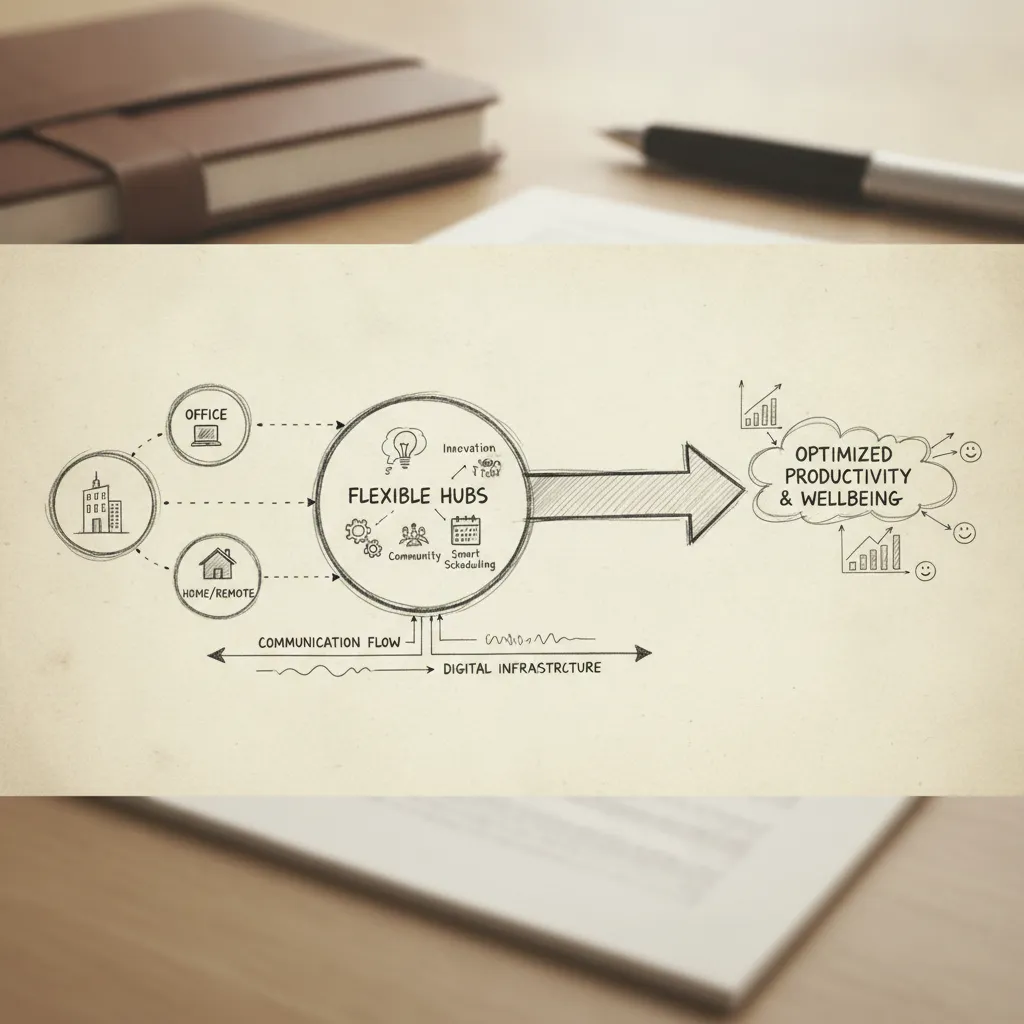
Track five core KPIs, utilization rate, forecast accuracy, eNPS, output-per-employee, and real estate cost per productive seat, to know if your hybrid setup is delivering.
Start with office utilization rate. A healthy hybrid office runs at 60–75% peak occupancy; anything below 40% consistently signals over-leased real estate. Companies that acted on that signal have cut portfolio costs by 40%+ without reducing headcount, a direct payoff from treating utilization as a managed metric rather than a passive observation.
Attendance forecast accuracy is the second KPI that separates structured hybrid programs from ad-hoc ones. Best-in-class platforms like Upflex achieve 97% forecast accuracy through UnifyAI, which means space can be allocated to match actual demand rather than worst-case assumptions. Pair that with a monthly employee Net Promoter Score (eNPS) or pulse survey to catch satisfaction drops before they become attrition.
Productivity measurement must be role-specific. For sales teams, compare pipeline velocity and call volume on office days versus remote days. For engineering, track sprint completion rates and pull-request merge frequency by work location. Aggregated averages obscure what role-level data reveals.
The fifth KPI, real estate cost per productive seat, ties space spend directly to output. Calculate it quarterly and feed the result into your hybrid health check: compare planned versus actual in-office days, survey team leads on collaboration quality, and cross-reference badge or desk-booking data against output metrics.
Organizations that moved from ad-hoc hybrid to structured, data-tracked hybrid reported a 23% reduction in unplanned absenteeism and a 17% improvement in cross-team project delivery speed within six months. Those results did not come from mandating more office days, they came from measuring the right things and adjusting the model based on evidence.
That distinction matters when you consider how to optimize hybrid work at scale. The organizations that improved fastest ran a formal quarterly review cycle, not an annual one. They compared forecast attendance against actual badge data, reviewed output metrics by team, and made incremental policy adjustments, treating hybrid as an operating system to tune, not a policy to set and forget.
"Organizations that treat hybrid work as a dynamic system — one that requires regular measurement and adjustment — consistently outperform those that set a policy and assume the work is done." — Brian Elliott, Executive Leader, Future Forum (Slack)
Most hybrid work failures trace back to five repeatable mistakes, each one fixable once you know what to look for.
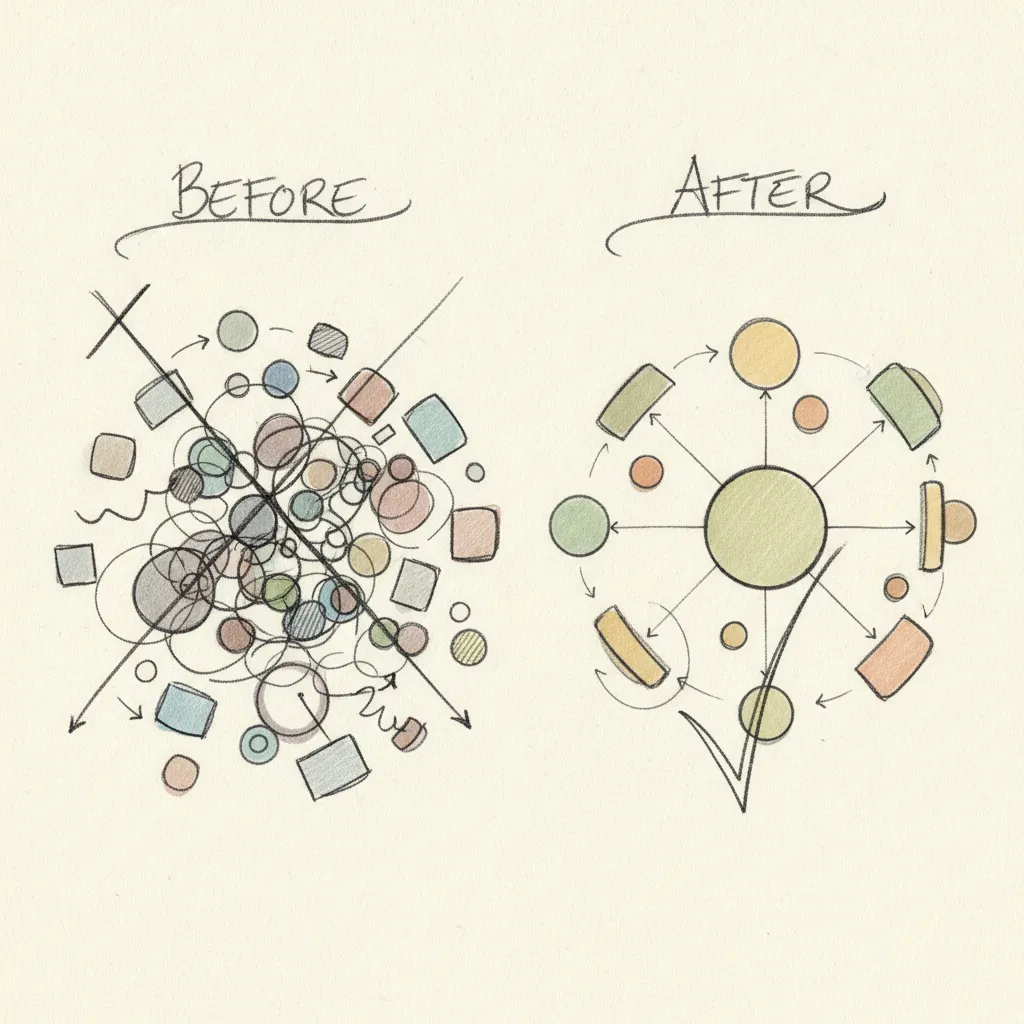
The four pillars of hybrid working are flexibility, technology, culture, and space. Flexibility defines when and where employees work. Technology ensures remote and in-office employees collaborate without friction, think video conferencing, shared documents, and desk booking tools. Culture sets the norms that keep distributed teams aligned and included. Space covers how physical offices are designed and sized to match actual attendance patterns, not legacy headcount assumptions.
A structured two-to-three day in-office anchor works well for teams of this size [2]. Designate specific days, Tuesday through Thursday is the most common pattern, as shared in-office days so the whole team overlaps at least once a week. Reserve Mondays and Fridays for remote-focused work. Use attendance forecasting to confirm actual presence before committing to meeting-heavy agendas, so you're not planning around desks that sit empty.
Maintaining culture in a hybrid model requires intentional design, not passive hope [3]. Set explicit norms around communication, meeting inclusion, and recognition that apply equally to remote and in-office employees. Schedule regular all-hands sessions, team rituals, and in-person collaboration days that give remote employees a reason to come in, not a mandate. Track co-attendance rates to confirm teams are actually meeting face-to-face often enough to build working relationships.
The main advantages are greater employee flexibility, reduced commute burden, and lower real estate costs when space is right-sized to actual usage [1]. The main disadvantages are coordination complexity, uneven employee experiences between remote and in-office staff, and the risk of proximity bias, where in-office employees receive more visibility and advancement opportunities. Both sets of outcomes are manageable, but only if your scheduling, space, and communication policies are built deliberately rather than left to chance.
Establish a defined overlap window, typically two to four hours, during which all team members are expected to be available, regardless of location. Outside that window, default to async communication: recorded meetings, shared documents, and written updates. For employees who travel or work across multiple cities, access to on-demand workspaces removes the productivity loss of working from a hotel room or coffee shop. Upflex's global workspace network gives traveling employees access to professional spaces in cities where your company holds no lease.
Optimizing hybrid work comes down to three decisions: set clear in-office expectations backed by data, design your physical space around measured attendance rather than assumed headcount, and give employees the tools to coordinate presence without relying on manual scheduling.
The companies that get this right don't guess, they forecast. Attendance data drives real estate decisions, and real estate decisions drive cost outcomes. Upflex's UnifyAI engine predicts office attendance with 97% accuracy, which means your space planning is built on evidence, not intuition.
As a concrete next step, audit one office location: pull the last 90 days of badge or booking data, calculate your actual utilization rate, and compare it against your current lease commitment. That gap is your optimization opportunity.
Explore more from our content library: