Share This Article
No items found.

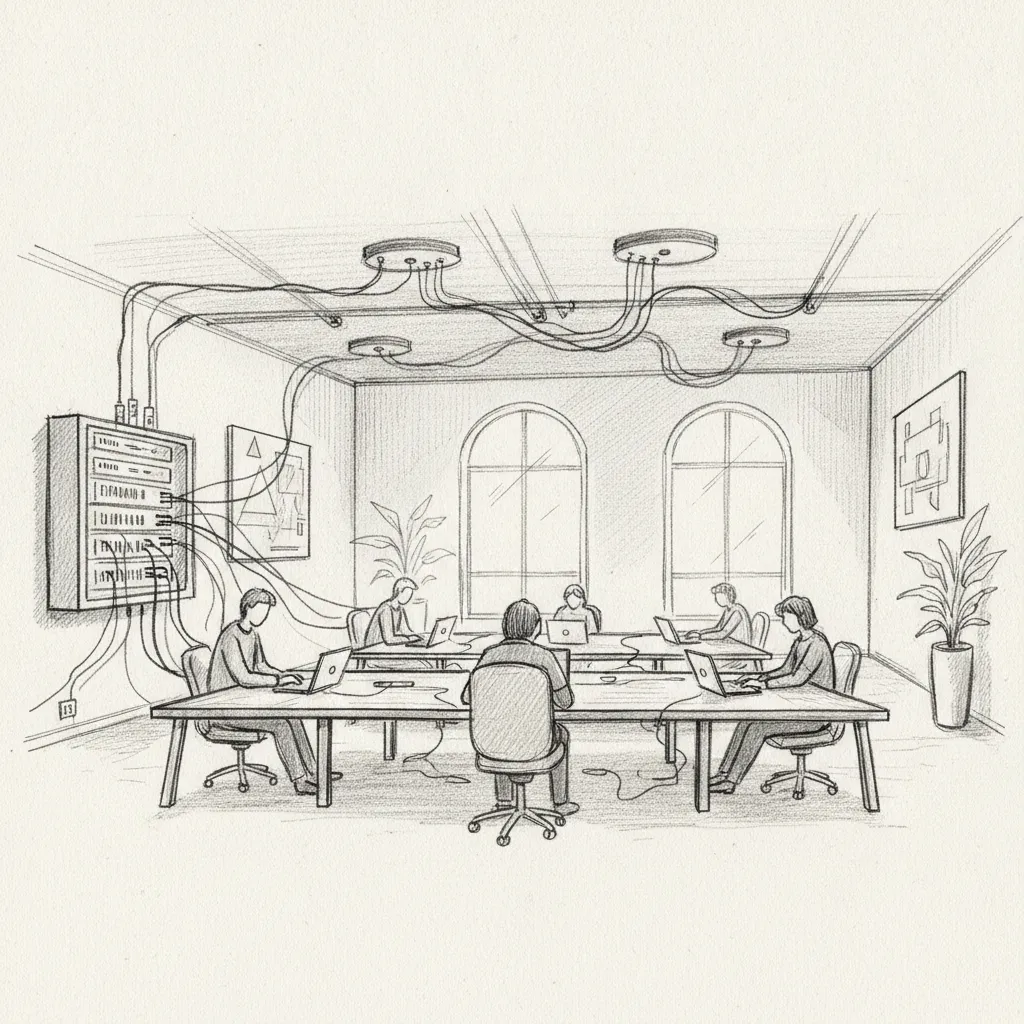
Office network solutions are the hardware, software, and connectivity frameworks that link devices, users, and data within a workplace environment. They form the backbone of every productive office, from a single-location SMB to a global enterprise with hundreds of distributed sites. A well-designed office network isn't just about internet access — it's about enabling secure, reliable communication across every workstation, conference room, and remote endpoint your team uses.
As hybrid work has become the dominant operating model for enterprises worldwide, the demands placed on office networks have changed fundamentally. Your employees aren't just sitting at fixed desks anymore. They're hot-desking on Tuesdays, working from a coworking space on Thursdays, and dialing into video calls from three different time zones. The network has to keep up with all of it.
This guide covers everything you need to know about office network solutions in 2026: how they work, which types fit which environments, the most common pitfalls, and the best practices that enterprise IT and real estate leaders are using right now to build networks that actually support hybrid work at scale.
Office network solutions are integrated systems of hardware, software, protocols, and services that enable devices and users within a workplace to communicate, share resources, and access the internet securely and reliably.
Every office network, regardless of size, is built from a common set of components. Understanding these building blocks is the first step to making smart infrastructure decisions.
Not all office networks are built the same way. The right architecture depends on your organization's size, locations, and how your teams actually work.
| Network Type | Best For | Key Characteristic |
|---|---|---|
| LAN (Local Area Network) | Single-site offices | High speed, low latency within one building |
| WAN (Wide Area Network) | Multi-location enterprises | Connects geographically dispersed offices |
| WLAN (Wireless LAN) | Flexible, hot-desk environments | Cable-free connectivity via Wi-Fi access points |
| SD-WAN (Software-Defined WAN) | Cloud-first enterprises | Centrally managed, optimizes traffic across links |
| VPN | Remote and hybrid workers | Secure encrypted tunnel to office resources |
According to RUCKUS Networks, the most common examples of networking solutions in enterprise environments include wireless networks, VPNs, LANs, and WANs — and most modern offices deploy a combination of all four [3].
Office network solutions work by routing data packets between connected devices using standardized protocols, with hardware managing physical connections and software controlling traffic, security, and performance at every layer.
Most office networks operate on a client-server model. Clients are the devices your employees use — laptops, smartphones, printers, and IP phones. Servers are the machines (or cloud instances) that store data, run applications, and manage shared resources like printers and file systems.
When an employee opens a file stored on the company server, their laptop (the client) sends a request across the network. The router directs that request to the correct destination. The server responds by sending the file back through the same infrastructure. This entire exchange happens in milliseconds — when the network is properly designed.
In practice, the process involves several distinct layers:
Pro Tip: Don't design your office network for today's headcount. Design it for 150% of your peak concurrent users. In hybrid environments, attendance spikes on certain days — and a network that performs fine on a quiet Wednesday will buckle on a busy Tuesday when everyone comes in at once.
Traditional office networks were designed for predictable, fixed occupancy. Hybrid work breaks that assumption completely. According to Cisco's hybrid work networking guidance, modern office networks must now securely extend connectivity to wherever employees work — whether that's the main office, a satellite location, a coworking space, or a home office [4].
This creates new requirements that didn't exist five years ago:
For enterprises using platforms like Upflex, the network layer is inseparable from the workplace intelligence layer. AI that forecasts who's coming in and when — such as Upflex's UnifyAI engine, which delivers 97% attendance forecast accuracy — depends on a network that can handle real-time data flows from desk booking systems, badge readers, and space sensors.
The best office network solutions for 2026 combine wired reliability with wireless flexibility, cloud management, and security frameworks that protect distributed workforces without creating friction for end users.
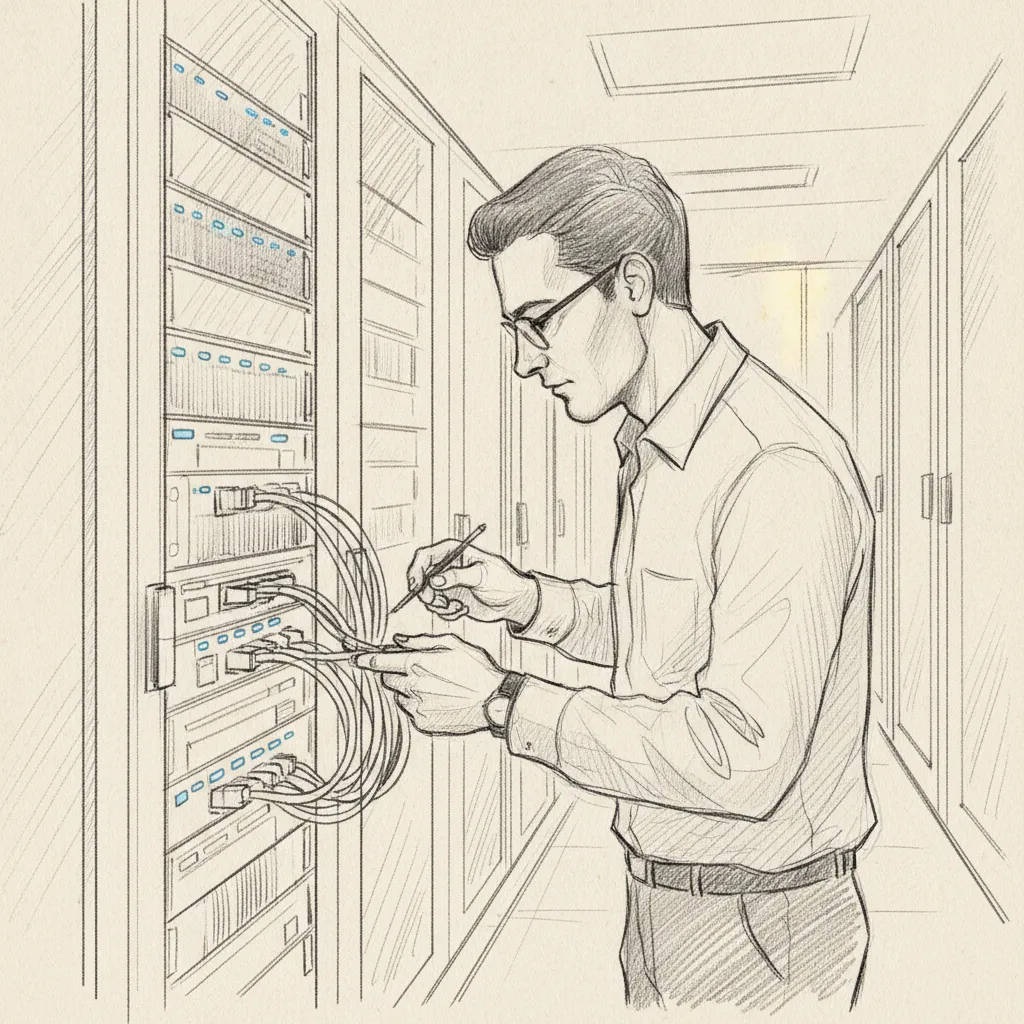
Wireless LAN (WLAN) infrastructure is the most visible component of any modern office network. Enterprise-grade Wi-Fi 6 and Wi-Fi 6E access points (the latest wireless standards as of 2026) deliver significantly higher throughput and lower latency than their predecessors, making them essential for offices where video conferencing, cloud applications, and IoT devices all compete for bandwidth.
Key considerations for enterprise Wi-Fi deployment include:
For organizations exploring hardware options, community discussions on platforms like Reddit's networking community consistently recommend enterprise-grade solutions for scalability and built-in security features, even for smaller office environments [5].
SD-WAN (Software-Defined Wide Area Network) has become the standard architecture for enterprises managing multiple office locations. Instead of relying on expensive dedicated MPLS circuits, SD-WAN intelligently routes traffic across multiple internet connections — broadband, LTE, fiber — choosing the best path for each application in real time.
The business case is compelling. Research on business network solutions shows that SD-WAN deployments typically reduce WAN costs by 30-50% while improving application performance, particularly for cloud-hosted tools [6].
For hybrid enterprises, SD-WAN also simplifies the management of satellite offices and flex spaces. IT can onboard a new location in hours rather than weeks, which matters when your real estate footprint is changing as you optimize your portfolio.
Pro Tip: If your organization is consolidating office locations as part of a real estate optimization strategy, SD-WAN makes the network side of that consolidation significantly easier. You can spin up connectivity at a new flex space or coworking location without waiting for a dedicated circuit to be provisioned.
For organizations looking to deepen their understanding of networking terminology and architecture options, the Fluum AI Glossary provides clear definitions of key networking and workplace technology concepts.
Security is no longer a bolt-on consideration for office network solutions. Zero-trust architecture (ZTA) — a framework that assumes no user or device should be trusted by default, regardless of whether they're inside or outside the network perimeter — has become the recommended approach for enterprise networks in 2026.
The FCC's guidance on business network solutions underscores the importance of robust security frameworks for enterprise connectivity, particularly as more employees access corporate resources from external locations [7].
Core zero-trust components include:
The most common challenges with office network solutions include insufficient bandwidth planning, poor wireless coverage, security gaps from unmanaged devices, and the growing complexity of supporting hybrid workforces across multiple locations.
A common mistake is sizing bandwidth for average occupancy rather than peak occupancy. In hybrid environments, attendance is uneven by design. A floor that's 30% occupied on Monday might hit 80% on Wednesday, and a network sized for the average will fail on the busy days.
The solution is data-driven capacity planning. Organizations using workplace management platforms can use attendance forecasts to anticipate peak network demand and provision accordingly. At Upflex, we've found that enterprises with accurate attendance forecasting — the kind that UnifyAI delivers at 97% accuracy — can right-size both their physical space and their network infrastructure with confidence, rather than over-provisioning out of uncertainty.
Other common capacity mistakes include:
The hybrid office introduces security challenges that fixed-location networks never faced. Employees connect from home networks, coworking spaces, hotels, and airports. Each of those connections is a potential attack vector.
According to Les Olson IT's analysis of optimized office networks, an unoptimized network with security gaps is one of the most significant risks to business continuity — and the cost of a breach consistently exceeds the cost of proper network infrastructure investment [8].
One pitfall to watch for: shadow IT. Employees who find the corporate VPN too slow or cumbersome will route around it using personal hotspots or unsanctioned cloud services. The fix isn't stricter enforcement — it's building a network that's fast and reliable enough that employees don't want to bypass it.
Pro Tip: Run a quarterly network audit that includes a review of connected devices. Unmanaged personal devices, forgotten IoT gadgets, and rogue access points are among the most common entry points for network intrusions. Most enterprise network management platforms can flag these automatically if configured correctly.
The best practices for office network solutions in 2026 center on designing for flexibility, building security into every layer, and integrating network infrastructure with workplace management data to support intelligent real estate decisions.

Network design should follow the work model, not the other way around. For hybrid enterprises, that means building infrastructure that performs equally well whether 20% or 80% of your workforce is in the office on any given day.
Practical steps to achieve this:
Network infrastructure decisions don't happen in isolation from real estate decisions. If you're consolidating office locations — a move that enterprises using Upflex achieve with 40%+ reductions in real estate spend — your network architecture needs to support that transition without service disruption.
Industry analysts suggest that enterprises which align their network refresh cycles with their real estate review cycles achieve better outcomes than those that treat IT and real estate as separate budget silos. The network is, in effect, a real estate asset. It determines which spaces are usable and how productively.
Key alignment considerations include:
For comprehensive guidance on network services and types, Plow Networks' overview of business network services provides a useful taxonomy of the eleven primary network service categories that enterprises typically need to evaluate [9].
Managed IT service providers can also play a significant role in this alignment. Elite Network Solutions and similar managed service providers offer end-to-end network design, deployment, and ongoing management — a practical option for organizations that don't want to build large internal IT teams [10].
An office network works by connecting devices — laptops, phones, printers, servers, and IoT equipment — through a combination of wired switches, wireless access points, and routers. Data travels as packets across this infrastructure, directed by routing protocols (most commonly TCP/IP) to the correct destination. In enterprise environments, a firewall controls what traffic enters and exits, while network management software monitors performance and security across all connected devices in real time. Most modern offices layer multiple network types: a wired LAN for fixed workstations, a WLAN for mobile devices, and a VPN or SASE solution for remote and hybrid workers connecting from outside the office.
For small businesses, the best office network solutions typically combine a business-grade router, a managed switch, and one or more enterprise Wi-Fi access points. Cloud-managed platforms from established networking vendors allow even small IT teams to manage the full network from a single interface. Key priorities for small offices include reliable internet uplink, WPA3 wireless security, and a guest network that keeps visitor traffic isolated from business systems. Results may vary based on office size, building construction, and the number of concurrent users, so a site survey before deployment is always recommended.
SD-WAN (Software-Defined Wide Area Network) is a network architecture that uses software to intelligently route traffic across multiple internet connections, optimizing performance and reducing costs compared to traditional dedicated circuits. You likely need SD-WAN if your organization operates multiple office locations, relies heavily on cloud applications, or needs centralized IT management across a distributed network. For single-location offices with straightforward connectivity needs, a standard broadband connection with a quality router may be sufficient. SD-WAN becomes particularly valuable when consolidating office locations or managing hybrid work across many sites.
Office network solutions support hybrid work by extending secure, reliable connectivity beyond the physical office to wherever employees work. This includes VPN or SASE solutions for home and remote access, cloud-managed access points that IT can administer without being on-site, and dynamic bandwidth allocation that handles variable daily occupancy. The most effective hybrid network strategies integrate with workplace management platforms — like Upflex's AI-powered office orchestration system — so that attendance forecasting, desk booking, and network capacity planning all draw from the same data. That integration is what separates a reactive IT approach from a proactive one.
Enterprise office network solutions should include a hardware firewall, WPA3 wireless encryption, multi-factor authentication (MFA) for all remote access, network segmentation to isolate guest and IoT traffic from corporate systems, and continuous device monitoring. Zero-trust architecture (ZTA) — which verifies every user and device before granting access, regardless of location — is the recommended security framework for hybrid enterprises as of 2026. Regular firmware updates, intrusion detection systems (IDS), and encrypted DNS are additional layers that reduce exposure to common attack vectors.
Bandwidth requirements depend on the number of concurrent users, the applications they use, and the types of devices connected. As a general baseline, plan for 25-50 Mbps per concurrent user in a cloud-heavy, video-conferencing-intensive environment — then add overhead for IoT devices, shared printers, and background processes. In hybrid offices, size for peak occupancy, not average occupancy. An office that averages 40% occupancy but peaks at 75% on certain days needs bandwidth provisioned for the peak. Workplace platforms that forecast attendance with high accuracy make this planning significantly more precise.
A LAN (Local Area Network) connects devices within a single physical location — typically one floor, building, or campus. It's the internal network your employees use to share files, access local servers, and communicate within the office. A WAN (Wide Area Network) connects multiple LANs across different geographic locations — for example, linking your New York headquarters to your London office and your Singapore hub. Most enterprise organizations operate both: a LAN at each site and a WAN (often implemented via SD-WAN) to connect all sites into one unified corporate network.
Office network solutions are no longer just an IT concern. They're a strategic asset that directly determines whether your hybrid workplace functions as designed or fails at the most inconvenient moments. A well-architected network supports attendance forecasting, desk booking, video collaboration, and real estate data collection — all the systems that modern enterprises depend on to make intelligent decisions about their space.
The organizations getting this right in 2026 are the ones treating network infrastructure as part of their broader workplace optimization strategy, not as a separate technical silo. They're aligning network capacity with attendance forecasts, integrating connectivity planning with real estate portfolio decisions, and choosing solutions that scale with the flexibility their hybrid teams require.
Upflex helps enterprises do exactly that. By combining AI-powered attendance forecasting through UnifyAI with access to the world's largest on-demand workspace network, Upflex gives corporate real estate and IT leaders the data they need to right-size both their physical space and their supporting infrastructure. The result is a workplace that's productive, secure, and cost-efficient — whether your team is in the office, working remotely, or anywhere in between.
Explore more from our content library: