Share This Article
No items found.

A meeting room scheduling system gets used when it removes friction from booking rather than adding a new app people have to remember. The winning approach connects booking directly to the calendar tool your team already uses (Outlook or Google Calendar), shows real-time availability on in-room displays, and lets people reserve a room in two clicks or less. Success depends less on features and more on rollout: pick one integration point, train people in context, and track utilization data from week one so you can adjust before habits calcify around workarounds like empty-room squatting or double-booked spreadsheets.
Before you configure a single room, confirm five things are in place: your calendar system of record, a full room inventory, a per-floor champion, a decision on in-room hardware, and a map of adjacent workplace tools.
A meeting room scheduling system works on top of your calendar platform, not instead of it. Decide now whether Microsoft 365 or Google Workspace is the organization's system of record, every room, every booking rule, and every integration downstream depends on that answer. Trying to run a scheduling layer that fights your calendar platform for authority is one of the fastest ways to stall a rollout before it starts.
Next, audit what you actually have. Walk every floor and log room capacity, installed AV equipment, and, critically, which rooms are already being managed informally through shared spreadsheets, sticky notes on doors, or a standing Slack thread. Those informal systems point to your highest-friction rooms; they're usually the first ones to break once real scheduling data exposes double-bookings and phantom reservations [3].
Buy-in matters as much as configuration. Name one internal champion per floor or department before launch, someone who can answer "how do I book this room for recurring Tuesdays" on day one instead of every question routing to IT. This single step prevents the support bottleneck that kills adoption momentum in the first two weeks [2].
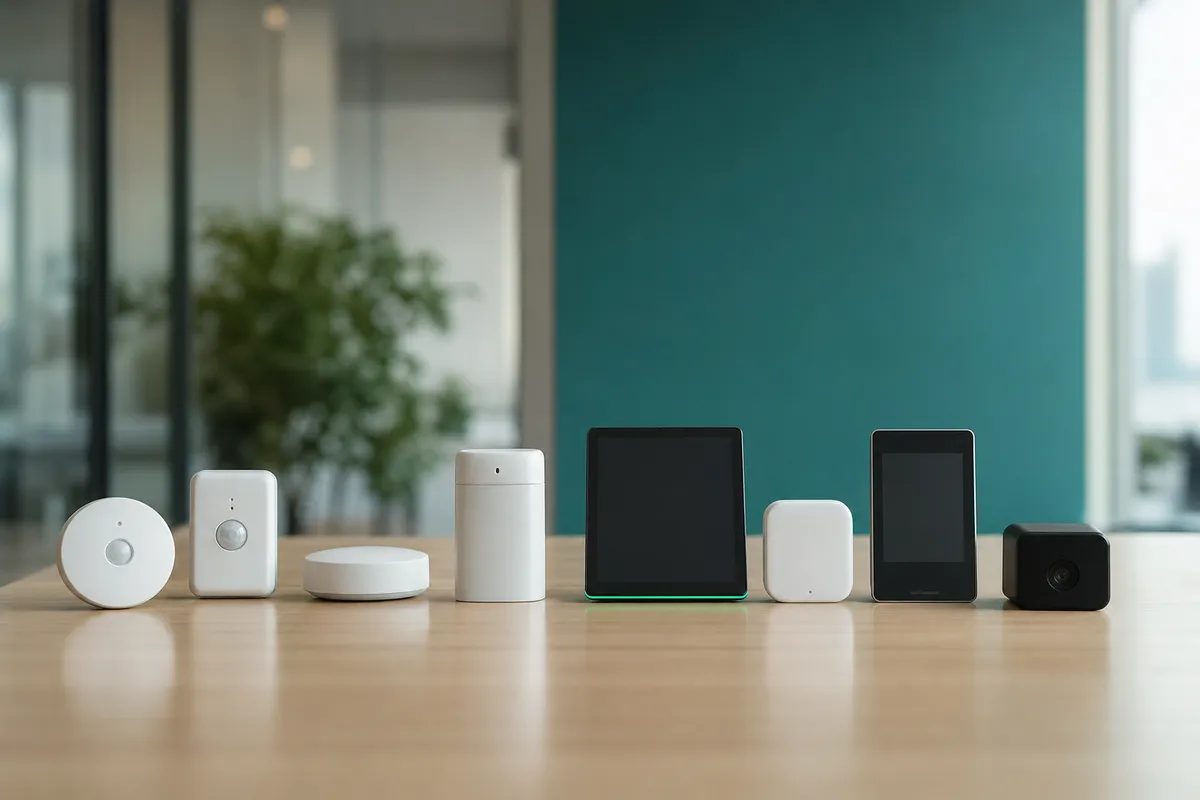
Decide early whether in-room tablets or displays are in scope for the initial rollout or a phase-two addition. This is a budget and timeline decision, not just a hardware one, displays add installation time and per-room cost, and some teams launch with calendar-only booking before adding hardware once usage patterns are clear.
Finally, list the workplace tools your scheduling system has to coexist with: visitor management, desk booking, access control. Upflex's office orchestration approach, for example, unites desk booking and attendance forecasting with room scheduling in one dashboard, which only works cleanly if you've mapped these dependencies before configuration begins.
Configuration decisions, not features, determine whether a meeting room scheduling system gets adopted or gets ignored after the first month. Get the rules, channels, and permissions wrong and employees quietly go back to email threads and sticky notes on doors.
Start with per-room booking rules, because a single policy applied to every space creates friction in both directions. Set up each room type deliberately:
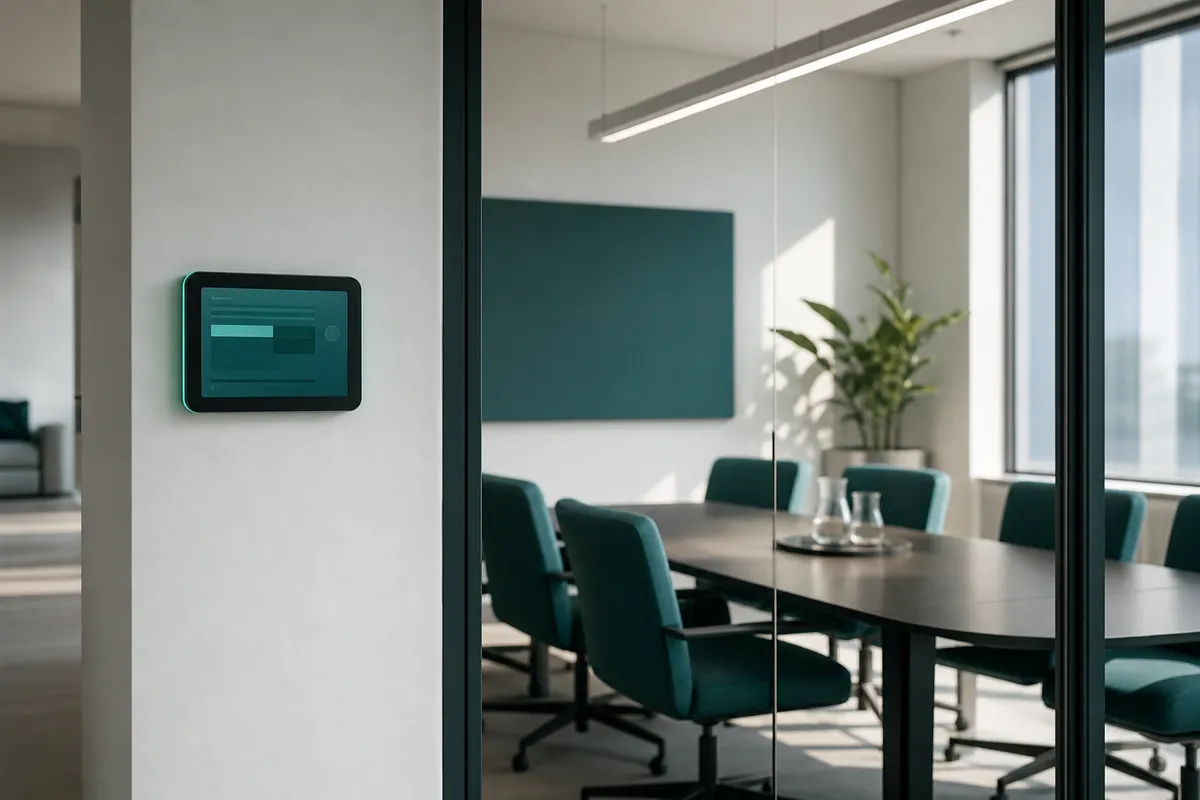
Offer all three access points, because each one serves a different moment in an employee's day and none substitutes for the others. Someone planning next Tuesday's client meeting books from a web browser at their desk. Someone walking down the hall five minutes before a call needs the mobile app or an in-room touch display to grab whatever's free right now [1]. A system restricted to desktop-only booking misses the walk-up use case entirely, and that gap is exactly where employees revert to sticking a laptop in an empty room and hoping nobody complains. In-room displays also solve a visibility problem web calendars can't: anyone passing by can see at a glance whether a room is free, booked, or about to turn over, without opening an app first.
Whatever mix you choose, three capabilities need to work from day one, not in a later phase: real-time availability synced across every channel, support for recurring bookings for standing meetings, and a visible log of who booked what room and when. That last point matters for accountability, when double-bookings or no-shows happen, facilities and workplace teams need to trace the booking back to a name, not guess [2][3].
Before rollout, confirm single sign-on through your existing identity provider (Okta, Azure AD, or equivalent) so room booking doesn't require a separate login employees will forget or reuse weak passwords for. Also confirm the vendor's data handling practices align with SOC 2 or GDPR, since booking data reveals employee location and meeting patterns, information worth protecting the same way you'd protect HR or payroll systems.
Set permissions at their most restrictive on launch day, then loosen them as patterns emerge. Starting open and clamping down later reads to employees as a punishment for misuse; starting restrictive and opening access as trust builds reads as normal rollout, a difference that shapes whether your team sees the tool as theirs or as IT's latest mandate.
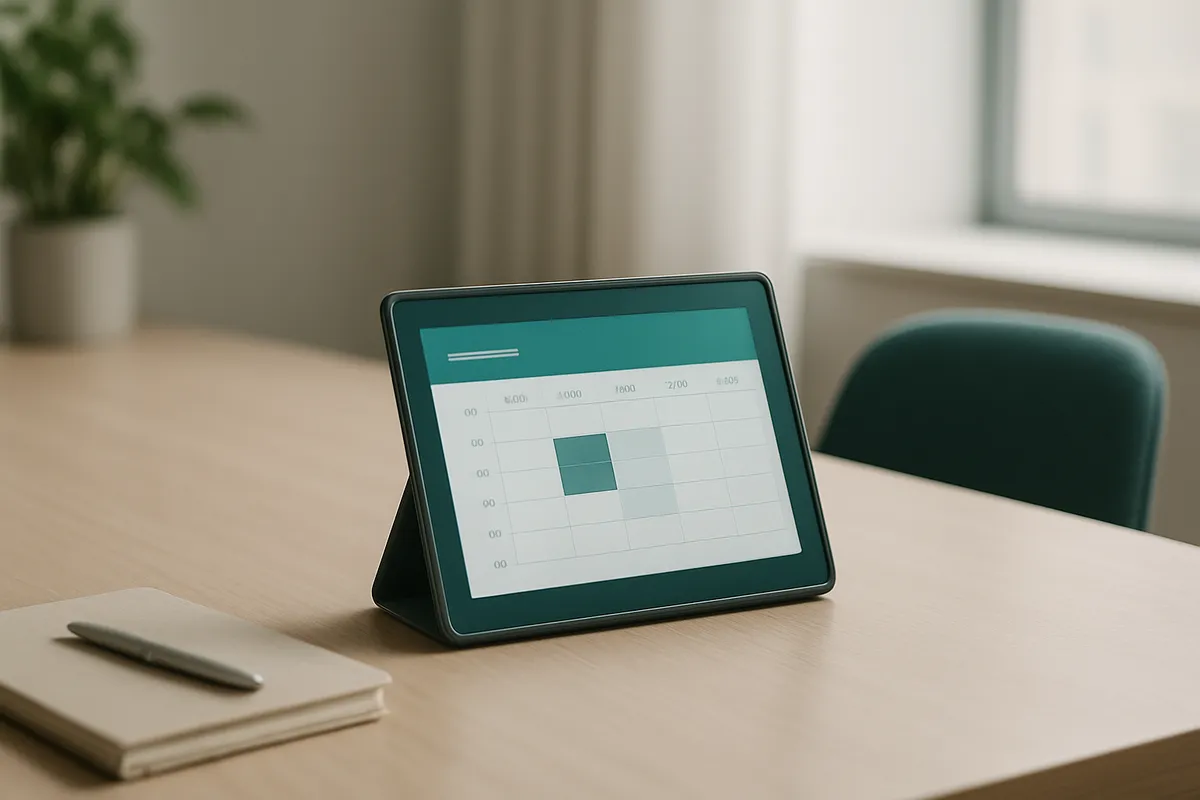
A meeting room scheduling system only earns trust if a room booked inside it shows up instantly in Outlook or Google Calendar, and the reverse holds too, any gap between the two breaks adoption fast.
Employees do not open a separate app to check room status throughout the day. They live in their calendar. If a booking made through the scheduling tool takes even a few minutes to appear on the shared calendar, someone else will book the same room, show up, and find it occupied. After that happens twice, people stop trusting the system and go back to walking the floor to find an open room, which defeats the purpose of implementing one at all.
The technical link point in most environments is the calendar resource mailbox, a dedicated Microsoft 365 or Google Workspace account representing each room, with its own availability, capacity, and booking permissions [1]. Modern scheduling platforms treat each room as one of these calendar resources, so a reservation locks the slot across every surface an employee might use: a web portal, a mobile app, a calendar add-in, or a display mounted outside the door [1].
Two failure points show up repeatedly during rollout. The first is sync delay: if updates take longer than a few seconds to propagate, double-bookings happen even with a technically correct integration. The second is permission mismatch, calendar admins and room admins are often different people with different access levels, and a room added on one side without matching permissions on the other silently breaks sync for that room alone.
The scheduling system also should not operate as an island. It needs to feed data into broader workplace management tools, desk booking, floor plans, occupancy sensors, so facility teams see one picture of space usage rather than reconciling exports from separate systems. Upflex's office orchestration dashboard unites room and desk booking, attendance forecasting, and space data in a single interface rather than requiring manual cross-referencing. Organizations running multiple calendar platforms, often after a merger or across regions, typically need an API or middleware layer to keep all systems synchronized consistently.
Confirm success by comparing booking data against actual occupancy, not by counting logins or assuming a quiet rollout means a smooth one.
A meeting room scheduling system can report high booking volume while rooms sit empty. That gap, not the booking count alone, tells you whether people have actually changed behavior.
Pull three numbers weekly for the first two months: booking rate, actual occupancy (from badge swipes or room sensors where you have them), and no-show rate. A room booked 80% of the time but occupied 40% of the time points to ghost bookings, employees reserving space as a habit or a hedge, then skipping or canceling late. Set an automatic release rule so unclaimed bookings free up after 10 minutes; this single change often does more for perceived availability than any training session.
Watch for a pattern that looks like two separate problems but is one: some rooms sitting at low utilization while others get double-booked constantly. That's not a tool failure, it's a room-mix or capacity mismatch. If your four-person huddle rooms are packed and your 12-person conference rooms are empty, the fix is reallocating space, not switching software.
This is where booking data starts doing double duty. The same utilization reports that validate adoption also feed the real estate conversation, identifying an underused floor, a conference room type nobody wants, or a wing that could be consolidated ahead of a lease renewal. Upflex's forecasting layer, UnifyAI, is built for exactly this handoff, turning day-to-day booking patterns into the kind of utilization evidence corporate real estate teams bring to a renewal or redesign decision, with a track record of supporting real estate footprint reductions of 40% or more at organizations that acted on the data.
Set realistic timeframes. A single floor or department can show clear usage patterns within two to three weeks. A multi-building enterprise rollout needs a longer window, plan on a full quarter before drawing conclusions, since adoption spreads unevenly across teams and locations.
Data won't catch everything. Run a short employee pulse survey at 30 and 90 days asking about ease of booking, room-finding friction, and whether displays and calendar sync are working as expected. Combine both to see the full picture.
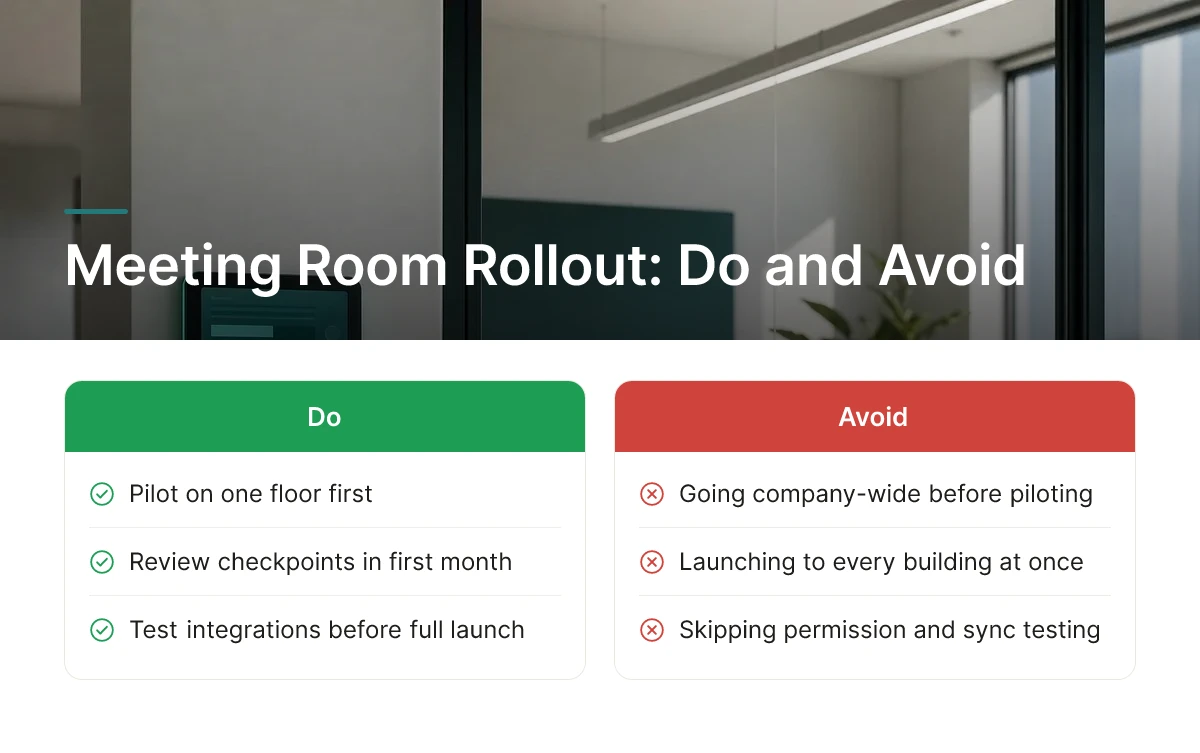
Most rollout failures trace back to five decisions made before a single room gets booked, and every one of them is avoidable with a short pilot and a review checkpoint in the first month.
Launching a meeting room scheduling system to every building at once hides integration and permission bugs until they hit every employee simultaneously. A calendar sync error, a room-display misconfiguration, or a permissions mismatch on one floor is a quick fix. The same bug discovered across twelve offices on day one is a trust problem. Pilot on a single floor or building for two to four weeks, fix what breaks, then expand.
A feature checklist tells you what a platform can do, not whether it fits how your organization actually operates. An enterprise-grade system with approval chains, visitor management, and portfolio analytics can overwhelm a 40-person office that just needs three conference rooms booked without double-entry. Conversely, a lightweight scheduler built for one site often buckles once it has to handle multi-building capacity rules, floor-specific permissions, or room-equipment variables. Size the tool to your current footprint and expected growth, not to a vendor's longest spec sheet.
A one-time announcement email gets skimmed or ignored; in-context training at the room, in the moment, is what actually changes behavior. Pair the room display with a two-minute walkthrough during the pilot week, not a company-wide memo sent once.
No-show and double-booking patterns in the first weeks are diagnostic data, not noise to tolerate. Use them to retune auto-release windows and approval rules before habits harden around the broken defaults.
Base subscription price is one line item; hardware for room displays, integration effort with existing calendar systems, and the support tier you actually need make up the real cost [4]. Upflex frames this decision around total office spend rather than a single license fee, since the goal is portfolio-level savings, not just a cheaper booking tool.
Employees ignore tools that don't fit their existing calendar habits, so adoption usually fails at the point of friction, not at launch. The biggest barriers are requiring a separate app instead of integrating with Outlook or Google Calendar, unclear room availability data, and no visible display outside the room. Change management and a short training period matter as much as the software itself.
A single-office rollout can go live in one to two weeks, while a multi-country enterprise deployment typically takes two to three months. Timelines depend on how many calendar systems need to sync, how many rooms require hardware displays, and whether the rollout includes broader workplace management features like desk booking or attendance forecasting alongside room scheduling.
Enterprise teams generally need platforms with portfolio-wide analytics, IWMS integration, and governance controls across many locations, while growing or distributed workplaces prioritize ease of setup and flexibility. For global hybrid teams, the better fit combines internal room and desk booking with access to an on-demand workspace network, so traveling or remote employees aren't left without options when no company office is nearby, a gap platforms like Upflex are built to close.
Pricing models vary widely, per-room, per-user, and flat-rate plans each shift cost differently as your organization scales. Some vendors publish per-space pricing starting around budget tiers for small deployments [4], while others charge per booking with no seat fees [5]. Total cost of ownership should also factor in hardware for room displays, integration work, and the cost of underused space the system fails to surface.
A meeting room scheduling system only pays off when three things line up: real calendar integration, room-level utilization data, and a rollout plan employees don't have to think twice about. Treat the booking tool as one input into a bigger decision, whether your real estate portfolio matches how your hybrid teams actually show up. Platforms that pair attendance forecasting with room and desk booking, like Upflex, turn that data into a case for consolidating space rather than just filling calendars.
Next step: pull your current room utilization numbers for the last 30 days and compare them against actual headcount in the building before you shortlist any vendor.
Explore more from our content library: