Share This Article
No items found.

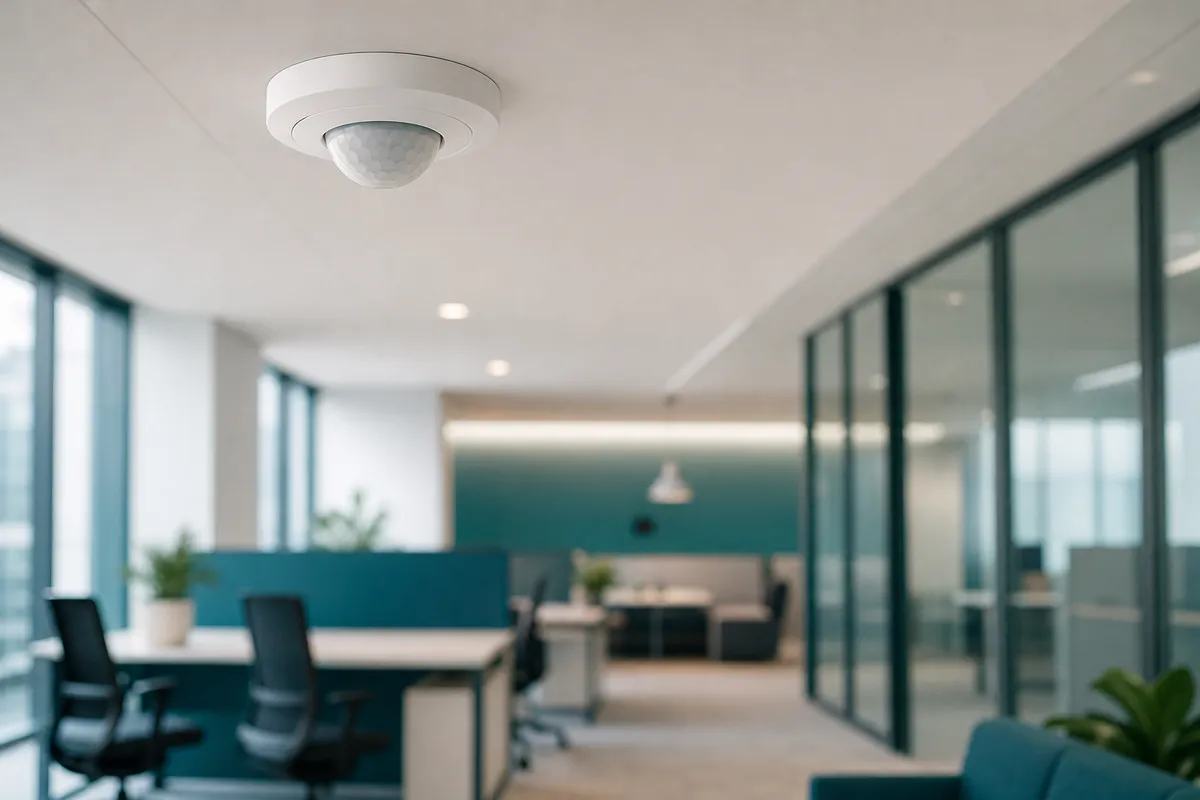
Choosing occupancy sensor technology for your floors comes down to matching sensor capability to what you actually need to decide: which desks and rooms to cut, how to rebalance space across a hybrid week, and where to consolidate your portfolio. The right choice integrates sensor data with a workplace optimization platform so raw presence counts turn into utilization metrics, booking recommendations, and real estate decisions, not just a dashboard of green and red dots. Prioritize platforms that combine sensor input with booking and badge data, respect employee privacy, and show a clear path to cost reduction before you commit to hardware.
Before evaluating a single sensor vendor, write down the business question you're actually answering, otherwise you'll end up with data nobody acts on.
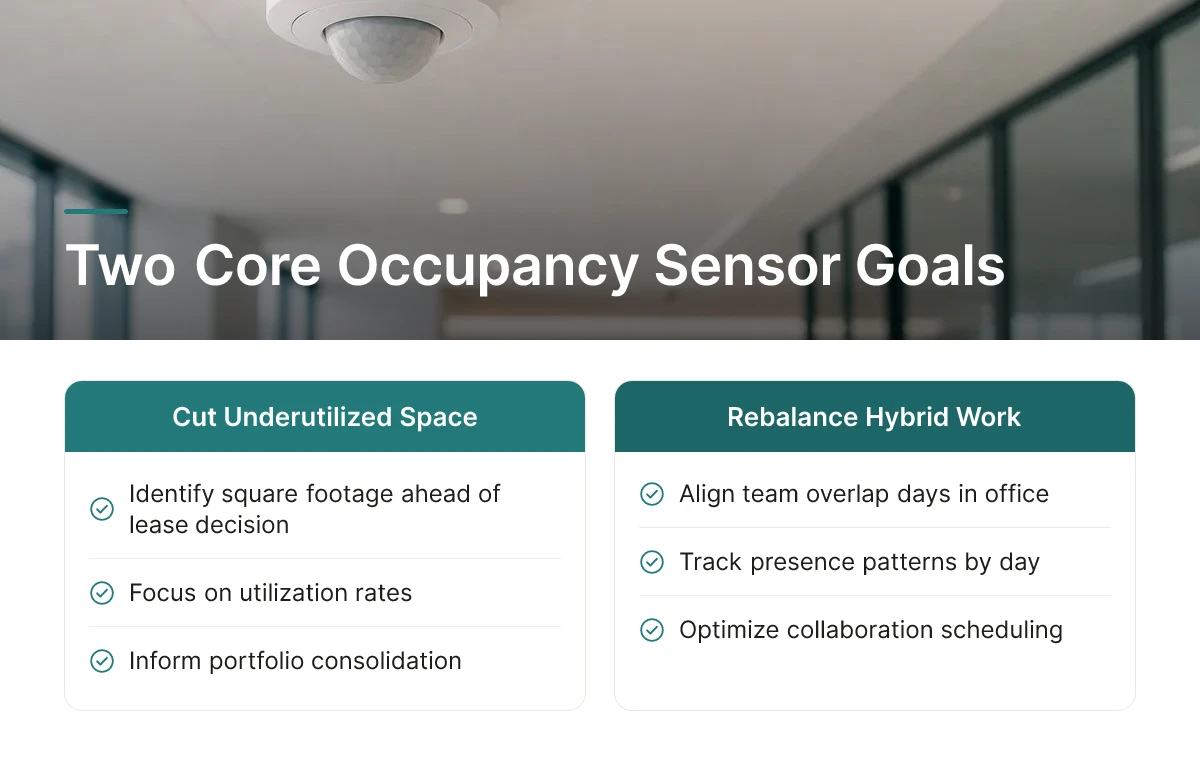
Most corporate real estate teams land in one of two camps. Some are trying to cut underutilized square footage ahead of a lease decision. Others are trying to rebalance a hybrid work week so teams actually overlap in the office on the same days. A fair number are doing both at once, which is fine, but each goal points to a different metric, a different sensor placement strategy, and a different reporting cadence. Occupancy sensor technology can support either objective, but it can't tell you which one matters more to your organization this year.
A sound sensor decision rests on a few pieces of information you should already have, or can get quickly:
Skipping this step is how organizations end up installing hardware before agreeing on what to measure. Peak occupancy, average daily utilization, and co-attendance, the share of a team actually in the office together, are three different numbers that lead to three different conclusions about the same floor. A sensor network tuned for peak-occupancy alerts won't necessarily produce the co-attendance view your HR leaders need to judge whether a hybrid policy is working. Define the metric first, then let it dictate sensor density, placement, and refresh rate.
This also isn't a call corporate real estate makes alone. IT and security need to sign off on network access and data handling. Facilities teams own the install and maintenance. Workplace experience and HR leaders care about how the data gets used, particularly whether it informs desk policy in ways employees will perceive as fair. A platform like Upflex, which pairs attendance forecasting with desk booking and real estate portfolio data, works best when these stakeholders agree up front on what occupancy sensor technology needs to prove before a single device is installed.
A sensor is only as useful as the decisions it supports, judge occupancy sensor technology by how well its data flows into your workplace optimization platform, not by specs in isolation.
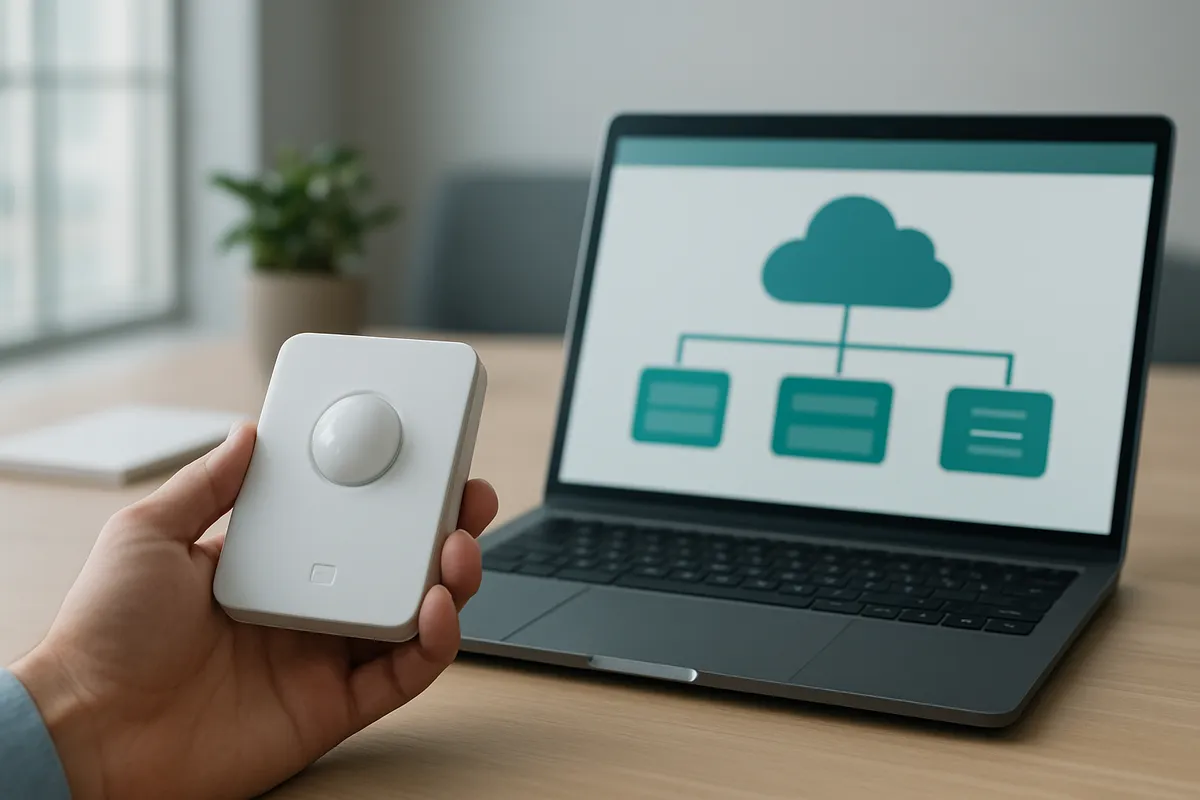
Corporate real estate teams often buy sensors first and figure out integration later. That order causes problems. A sensor network that logs presence but can't feed your booking system, your forecasting engine, or your portfolio reporting is a data silo, not a decision tool.
Raw motion or presence detection tells you whether a space is occupied right now, nothing more. Advanced occupancy analytics go further, segmenting data by individual desk, meeting room, floor zone, and time of day, so you can see that the third floor runs at 30% utilization on Mondays but 85% on Wednesdays [3]. That distinction matters because real estate decisions, consolidating a floor, renegotiating a lease, redesigning a layout, require pattern-level insight, not a single occupied/vacant signal. Short-term sensor studies that run for three, six, or nine months are designed to produce exactly this kind of granular, decision-grade dataset [1].
Sensor data creates the most value when it trains forecasts, not just logs history. Instead of reporting that a room was occupied for 40 minutes yesterday, the data should help predict who is coming in, when, and where next week. Upflex's UnifyAI engine processes attendance inputs and utilization data to forecast office attendance with 97% accuracy, turning sensor signals into automated coordination recommendations rather than static reports.
Check two things before you commit to a sensor vendor: data granularity and refresh rate. Same-day desk booking decisions need near real-time feeds, minutes, not hours. Quarterly portfolio planning can run on historical aggregates refreshed weekly. Buying real-time hardware for planning you only do once a quarter wastes budget; relying on batch data for daily booking frustrates employees who show up to a "available" desk that's occupied.
Also confirm the sensor vendor offers open APIs or native integrations. Manual CSV exports and reconciliation break down fast across multi-site, multi-vendor portfolios [2]. Finally, weigh accuracy trade-offs between PIR, ultrasonic, or camera-based sensors only in terms of how they affect confidence in a specific decision, a 90%-accurate signal that updates live often beats a 99%-accurate signal that updates overnight.
Translate sensor readings into real estate decisions by cross-referencing badge-in counts, booking records, and sensor-confirmed occupancy over at least four to six weeks before touching a floor plan.
A single week of data rarely tells the truth. Badge data shows who entered the building, not who actually sat at a desk. Booking data shows who reserved a space, not who showed up. Occupancy sensor technology closes that gap by confirming presence at the desk or room level in real time, which is why comparing all three data sets, rather than trusting any one in isolation, is what reveals which zones are genuinely underused versus simply under-booked in the system.
Once the data is reliable, set target metrics that each point to a different decision. Average daily occupancy tells you whether a floor is a candidate for consolidation. Peak-day occupancy, often Tuesday through Thursday [3], tells you the minimum capacity you cannot cut without creating a seating crunch on your busiest days. Desk-to-employee ratio translates both into a concrete booking policy, such as moving from 1:1 seating to a shared ratio that reflects actual attendance rather than headcount on paper.
Roll out sensor-informed changes in phases, starting with a single pilot floor rather than the full portfolio at once. Run the pilot for a full billing or reporting cycle, validate the sensor data against known attendance patterns your facilities team already trusts, and only then expand floor by floor or site by site.
Change management matters as much as the technology. Tell employees plainly why sensors are installed, what they measure (desk and room occupancy, not individual identity), who can see the data, and how booking rules will change as a result. Upflex pairs this kind of utilization data with its desk booking and space management workflows, so the booking ratio adjustment and the data that justifies it live in the same system rather than a separate spreadsheet. Done well, this process typically points toward meaningful space consolidation and lower energy use per square foot, without a rigid mandate forcing people back to desks nobody wants.
Confirm every sensor and platform in your rollout reports aggregate presence data, not identifiable personal data, before you flip the switch on a single floor.
This distinction is the center of your compliance posture, not a footnote. Occupancy sensor technology that counts desks or zones as occupied or vacant falls outside most restrictive data protection rules, while badge-level or camera-based systems that track named individuals trigger GDPR and CCPA obligations around consent, data subject rights, and lawful basis for processing. Vendors like PointGrab build sensor categories specifically around anonymized counting rather than identity capture, because aggregate data answers the real estate question, how many people used this floor on Tuesday, without the legal exposure of personal tracking [2].
Decide who sees what before deployment, not after an employee asks. Aggregated utilization dashboards, floor-level or zone-level counts, should be available to facilities, real estate, and workplace teams running portfolio decisions. Individual-level data, where it exists at all, should be restricted to a narrow security or IT function with a documented business reason, and most organizations have no legitimate reason to retain it beyond a short operational window.
Transparency isn't just a compliance checkbox, it's what keeps employees from treating sensors as surveillance, which is the fastest way to undermine trust in a hybrid work program.
Ask direct questions before signing: Where is data stored, and does residency match the regulatory requirements of each country in your portfolio? Is data encrypted in transit and at rest? Is data ever sold, shared, or used to train third-party models outside your contract? A vendor that can't answer clearly is a governance risk, regardless of how good the sensor hardware is.
Multi-country portfolios add a layer of complexity worth planning for early. Privacy expectations and enforcement vary by jurisdiction, and a sensor deployment that clears review in one country may need adjusted consent language or data handling in another. Upflex's workplace optimization platform is built around aggregated utilization and attendance forecasting rather than individual tracking, which keeps the real estate optimization conversation focused on space decisions instead of personal data risk.
Most failed rollouts trace back to five predictable errors, all avoidable with a short audit before budget gets committed.
Run your plan against this checklist before signing a purchase order.
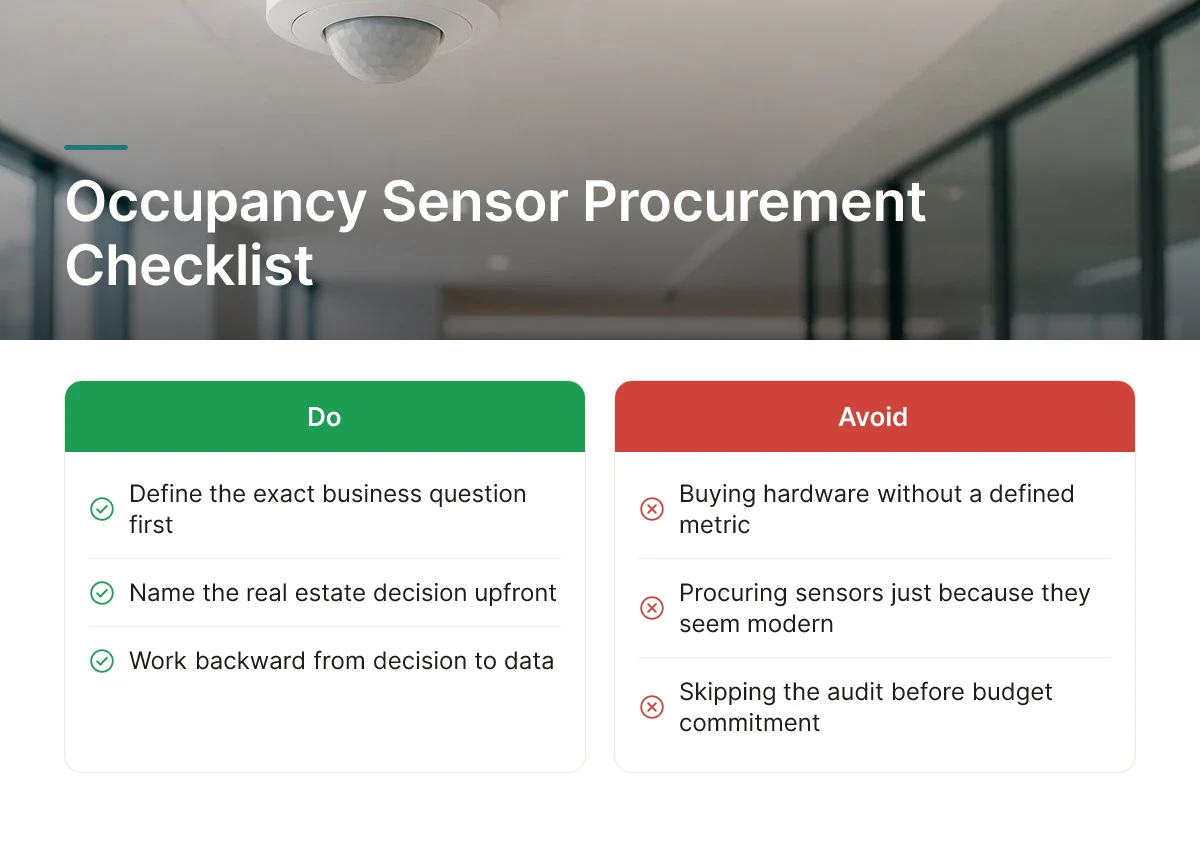
Track peak-day occupancy, average weekly utilization, desk-to-employee ratio, and co-attendance rates against team targets. Most hybrid offices run at roughly 42% average weekly occupancy with sharp peaks midweek [3], so measure both the peak and the average separately. Cost per unused workstation is also worth tracking, since it ties utilization directly to budget impact [3].
Smaller deployments favor peel-and-stick, non-invasive sensors that install fast without electrical work, while large multi-building portfolios often justify integrated systems with facility-wide analytics [1]. Short-term sensor studies spanning three to nine months give workplace teams enough data to size the investment before committing to a permanent system [1]. Facility type matters too, open-plan floors, enclosed meeting rooms, and phone booths each call for different sensor placement and density [2].
Real-time data shows exactly which desks, rooms, and zones sit empty by day and hour, replacing guesswork with evidence. With hybrid occupancy swinging from 31% on Fridays to 82% on Wednesdays in typical enterprise data [3], visibility across the full week reveals which floors or buildings can be consolidated without disrupting the teams that actually show up.
Aggregate occupancy counts rather than tracking identifiable individuals, and disclose sensor use and data retention policies clearly to employees. Favor sensor technologies that count presence without capturing images or biometric data, and align collection practices with ESG and workplace compliance reporting requirements [5]. Governance should separate space-utilization analytics from any system capable of identifying a specific person's location.
Most organizations need at least four to six weeks of continuous data before patterns become reliable enough to act on, since a single week can be skewed by holidays, offsites, or one-off events. Short-term studies running three to nine months give a fuller picture for portfolio-level decisions. Expect the earliest actionable insight to cover booking versus actual usage, with consolidation-level conclusions following once enough weekly cycles have been captured.
Occupancy data only pays off when it feeds a decision loop: measure utilization, forecast attendance, then act on both. Facilities running at 42% average weekly occupancy while paying for 100% of the footprint [3] represent the clearest case for consolidation, but only if the underlying data separates peak days from average days. Pair that sensor data with attendance forecasting rather than treating it as a standalone lighting or HVAC tool. Start by pulling four weeks of occupancy data from your busiest and quietest floors, then compare it against UnifyAI's forecast for the same period to see where your real estate spend and actual usage diverge.
Explore more from our content library: