Share This Article
No items found.


Employee location intelligence is the practice of collecting, analyzing, and acting on data about where employees work — across offices, remote sites, and third-party spaces — to optimize real estate portfolios, hybrid scheduling, and workforce planning. Unlike basic GPS tracking, employee location intelligence layers spatial analytics onto HR, occupancy, and labor-market data to surface patterns that drive measurable cost and productivity outcomes. Companies using it report real estate reductions exceeding 30% and significant gains in space utilization accuracy.
Employee location intelligence integrates spatial data — where people work — with workforce data about who, when, and why, to produce strategic insights rather than a map of positions.
The distinction is important. A map tells you where 200 employees sat last Tuesday. Location intelligence tells you which floors are consistently underused, which teams never overlap in person, and whether your lease in Austin still makes sense given where your talent actually lives. The output is a decision, not a dot on a screen.
Four data types form the foundation of any location intelligence system, and each adds a distinct analytical layer.
Raw signals from these sources are aggregated and anonymized before analysis. That process converts individual location records into team-level or floor-level patterns — the unit of analysis that matters for real estate decisions, not the unit that raises privacy concerns [1]. According to the U.S. General Services Administration's workplace innovation resources, federal agencies are increasingly applying occupancy analytics to right-size their real estate portfolios, a signal that the discipline has crossed into mainstream institutional practice.
GPS answers one question: where is this person right now? Employee location intelligence answers a different set of questions entirely — what patterns does workforce distribution create over time, what do those patterns cost, and what risks do they introduce?
A GPS system flags that a field technician is on-site. A location intelligence platform identifies that your Chicago office runs at 34% occupancy on Mondays and Fridays, that commute-pattern modeling shows 60% of your workforce lives within 12 miles of a cheaper submarket, and that labor-market proximity scoring suggests a satellite location would reduce both real estate spend and average commute time [1].
The three analytical outputs enterprise buyers prioritize are space utilization rates, commute-pattern modeling, and labor-market proximity scoring for real estate decisions. Each one connects location data to a budget line, which is why corporate real estate and finance leaders treat this discipline as a portfolio tool, not a monitoring tool.
Collecting workforce location data is legal in most jurisdictions, but only when employers meet specific regulatory requirements before deployment, not after.
Under GDPR, location data qualifies as personal data, which means your organization needs a lawful basis to process it. Legitimate interest alone rarely clears the bar for employee monitoring — explicit consent or contractual necessity is the safer legal ground. A Data Protection Impact Assessment (DPIA) is mandatory before any employee location intelligence program goes live in the EU or UK. The European Data Protection Board's guidelines on processing personal data through monitoring technologies provide authoritative direction on what constitutes a compliant basis for workplace data collection.
CCPA extends comparable rights to California-based employees: the right to know what location data is collected, the right to request deletion, and the right to opt out of any sale of that data. Employers must update privacy notices and build a documented data inventory before deployment, not as an afterthought.
Sector-specific rules add another layer. HIPAA restricts how location data is stored and accessed in healthcare settings, while FINRA imposes additional controls in financial services. If your workforce spans both industries, you may need to maintain separate data-handling protocols for each.
The clearest dividing line is aggregation. Anonymized, opt-in check-in data carries far lower legal and retention risk than continuous GPS tracking or keystroke-level monitoring. Privacy-first approaches — where data reflects team-level patterns rather than individual movements — are also easier to defend to regulators and employees alike.
Three requirements apply to any compliant rollout, regardless of jurisdiction:
"Transparency is not just a legal requirement — it is the foundation of employee trust. Organizations that explain clearly what data is collected, why, and how it benefits workers will see far higher adoption and far fewer compliance incidents than those that treat disclosure as a checkbox." — Dr. Ann Cavoukian, Executive Director, Global Privacy & Security by Design Centre
Organizations that skip these steps don't just face regulatory fines — they lose the employee trust that makes any location program function at all. For more information, see Glossary.

Most enterprise rollouts of employee location intelligence complete in 3–5 months, moving through three distinct phases: data audit, API integration, and dashboard calibration.
The implementation arc follows a predictable sequence. Weeks 1–4 focus on a data audit: identifying every source that holds employee, space, or scheduling data — HRIS platforms, badge systems, CAFM tools, and ERP records. This phase surfaces the mismatches that derail later work.
Weeks 4–12 cover API integration with HRIS, ERP, and space-management platforms. Three failure points consistently add 2–4 weeks each when left unaddressed: mismatched employee IDs across HRIS and badge systems, inconsistent floor-plan data in CAFM tools, and missing API connectors for legacy ERP platforms. Catching these in the audit phase — not mid-integration — is what keeps projects on schedule.
Weeks 12–16 shift to dashboard calibration and manager training. Teams configure reporting views, set utilization thresholds, and run briefings so managers understand what the data shows — and what it doesn't. According to SHRM's workforce planning resources, organizations that invest in manager training during technology rollouts achieve significantly higher adoption rates and faster time-to-value than those that treat training as optional.
When the system knows which teams cluster on which days, schedulers can assign neighborhoods, reduce desk-booking conflicts, and hit co-attendance targets. Upflex cites 88% co-attendance achievement as a benchmark outcome when attendance forecasting and space coordination work together.
The employee experience upside is concrete. Workers who see real-time space availability and book desks near their team report higher satisfaction — location intelligence shifts from a compliance tool into a daily-use productivity feature.
Change management determines whether any of this sticks. Adoption rates drop sharply when location intelligence rolls out without manager briefings and a clear answer to the question every individual contributor asks first: what does this do for me?
Employee location intelligence consistently delivers three categories of return: real estate cost reduction, space utilization accuracy, and workforce planning precision.
Real estate savings are the headline metric. Companies that act on location intelligence data to consolidate underutilized space report portfolio spend reductions exceeding 30–40% — Upflex's own benchmark for clients who complete portfolio consolidation is 40%+ [1]. For a global enterprise carrying $20M in annual lease obligations, that figure represents $8M or more recovered without a single headcount reduction.
Space utilization data makes the case concrete. When sensor-based occupancy data replaces badge-swipe estimates, organizations typically discover that 20–40% of their leased space runs below 40% capacity on any given day [1] — a gap that badge data alone cannot surface. That invisible waste is where consolidation decisions get made.
Workforce planning gains are less visible but equally material. Labor-market location data identifies where talent pools are concentrated relative to your current office footprint. When real estate and HR teams use that data together, they can co-locate offices with hiring pipelines, reducing time-to-fill rates and cutting relocation costs that compound across dozens of annual hires.
Two segmented examples illustrate the pattern. A mid-market professional services firm using occupancy analytics identified two underused floors in a city-center lease and exited them at renewal, redirecting that spend to headcount. A distributed tech company analyzed commute-pattern data across its regional hubs and consolidated three satellite offices into one right-sized location, eliminating redundant facility costs without affecting team access.
The investment in a location intelligence platform sits in the mid-range to premium/enterprise cost tier, but payback is typically measured in months, not years, once lease savings are surfaced. That makes it a capital-efficiency decision, not a discretionary one.
The right platform depends on whether you need to track field workers in real time, map indoor space usage, or analyze labor markets — three distinct problems that require three different tool categories.
Most enterprise buyers conflating these categories end up purchasing a real-time GPS product when their actual need is a workforce location analytics platform that aggregates spatial and labor-market data for strategic planning. That mismatch wastes budget and delays the decisions that actually matter: lease consolidation, headcount location strategy, and portfolio right-sizing.
Platforms split into three functional categories. Real-time GPS and geofencing tools confirm building-level presence — they tell you whether an employee arrived on site, not where inside the building they sat. These suit field and deskless workforces where the key question is "did they show up at the client location?"
Indoor positioning systems — using Bluetooth Angle of Arrival (AoA), Ultra-Wideband (UWB), or Wi-Fi RTLS — resolve to room or desk level. They suit large campuses and manufacturing sites where individual space assignments and floor-level utilization drive decisions. Geofencing confirms presence; indoor positioning informs space design.
Workforce location analytics platforms sit in a third category entirely. They aggregate spatial data, labor-market signals, and commute modeling to support strategic planning — the buyer is typically a Corporate Real Estate or HR leader, not an operations manager. Platforms like Upflex's UnifyAI engine sit in this tier, combining attendance forecasting with utilization data to support portfolio consolidation decisions.
When evaluating any employee location intelligence platform, apply five criteria in this order:
Before committing to an enterprise rollout, run a structured 60-day proof of concept on one floor or one regional office. This surfaces integration gaps early and gives employees time to build trust in the system before it scales across the portfolio.
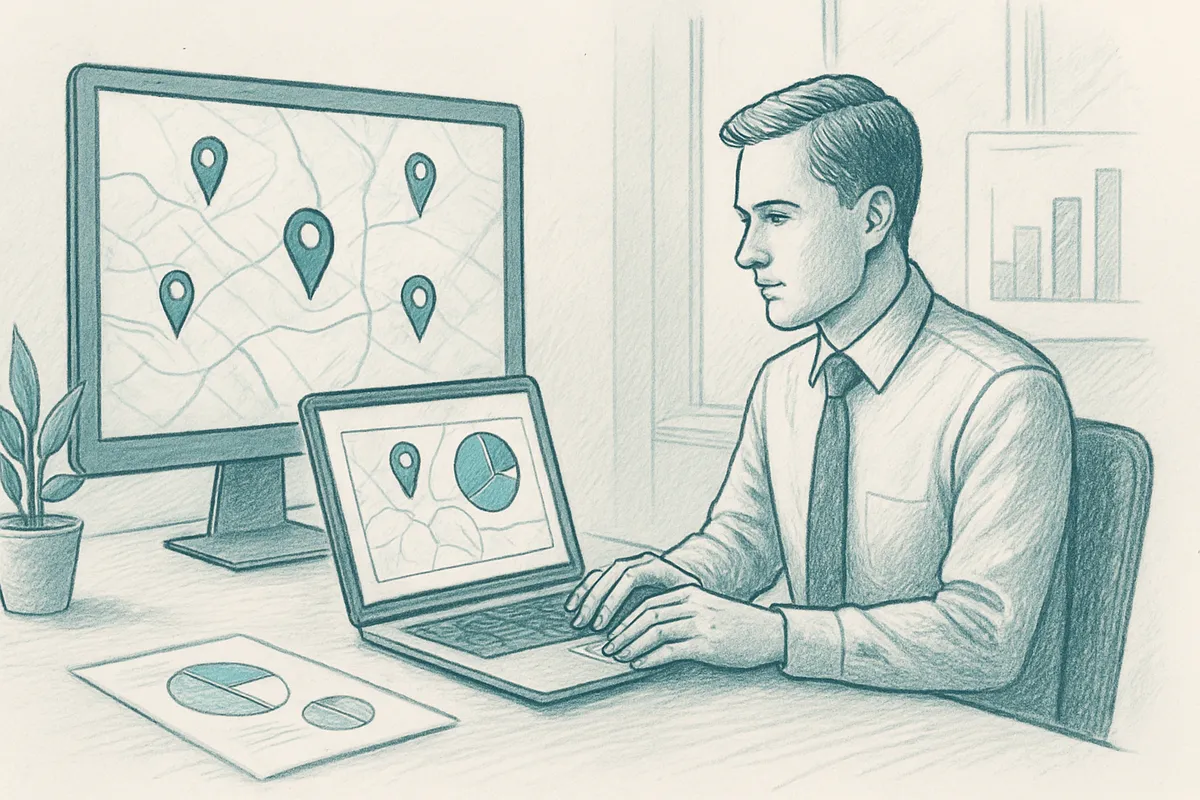
Yes, employee location intelligence is particularly valuable for distributed teams because it maps where talent is concentrated, not just where offices exist. For fully remote organizations, it identifies which cities or regions hold the highest density of employees, informing decisions about where to open hub offices, which on-demand workspace markets to activate, and how to structure regional hiring. Platforms like Upflex apply this data to match distributed employees with third-party workspaces in their local markets, reducing isolation without requiring a fixed office lease.
Location data should be stored in encrypted, access-controlled systems and retained only as long as a documented business purpose requires it [1]. Most enterprise privacy frameworks, including GDPR in Europe and CCPA in California, require organizations to define retention periods in advance and delete data once that period expires. A 90-day rolling retention window is a common starting point for workplace utilization data, though compliance teams should confirm the appropriate period based on jurisdiction and data type.
No, app installation on personal devices is one method, but not the only one. Many workplace platforms collect location signals through badge readers, desk booking systems, Wi-Fi network logs, or calendar integrations rather than GPS tracking on personal phones [1]. This distinction matters for employee trust: passive, opt-in systems tied to work tools are generally better received than persistent mobile tracking. Organizations should disclose exactly which signals they collect and give employees a clear way to review that data.
Workforce location intelligence focuses on where your existing employees are and how they use physical space, while labor market intelligence focuses on where external talent pools are concentrated [1]. The two disciplines are complementary: labor market intelligence might reveal that a high density of qualified engineers lives in Austin, Texas, while workforce location intelligence tells you how many of your current Austin-based employees are using local workspaces and on which days. Together, they inform both hiring strategy and real estate portfolio decisions.
Success is measured across three dimensions: space efficiency, workforce outcomes, and compliance health. On the space side, track average occupancy rates before and after deployment, the percentage of leased square footage running below target utilization, and any lease costs eliminated or renegotiated based on data. For workforce outcomes, monitor co-attendance rates, desk-booking satisfaction scores, and time-to-fill for roles in targeted hiring markets. Compliance health is measured by audit readiness — whether your data inventory, retention schedules, and subject-access request processes are documented and current.
Employee location intelligence gives corporate real estate and HR leaders a factual basis for decisions that used to rely on gut instinct — where to place offices, how much space to hold, and whether hybrid attendance targets are actually being met. The clearest path to value runs through three actions: establish an aggregated, privacy-compliant data baseline before drawing any conclusions; connect location signals to attendance forecasting so you can act on patterns rather than just observe them; and tie utilization data directly to lease decisions.
If your team is approaching a lease renewal or a portfolio consolidation decision, run a 90-day utilization audit using your current booking and badge data. Then benchmark what you find against Upflex's documented outcome of 40%+ real estate spend reduction to identify where your portfolio has room to right-size.
Explore more from our content library: