Share This Article
No items found.

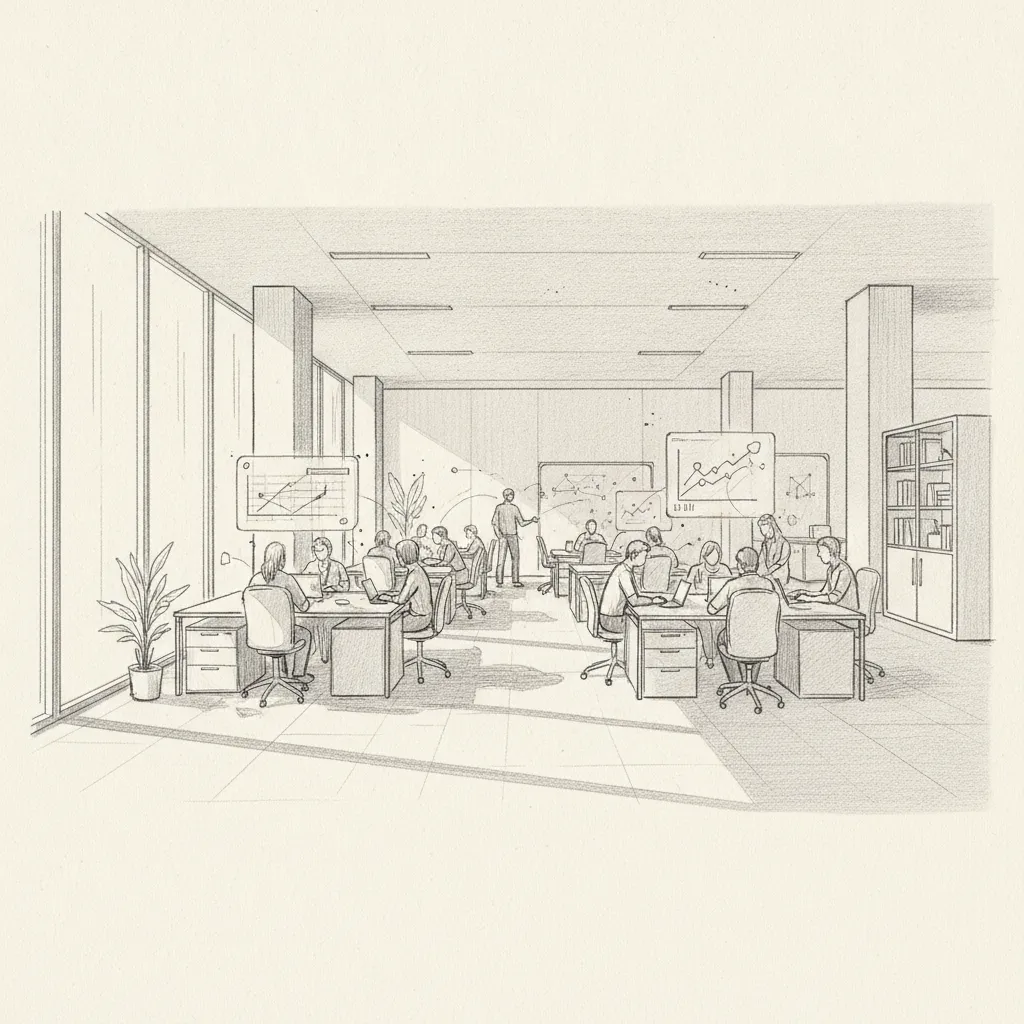
A workplace management platform is software that centralizes office space planning, desk booking, attendance coordination, and real estate optimization into a single system. The best platforms go further, using AI to forecast who's coming in and when, so your team stops guessing and starts making data-driven decisions about every square foot you pay for. This article covers what these platforms do, what separates the strong ones from the mediocre ones, and how to choose the right fit for your organization in 2026.
Real estate is typically a company's second-largest operating cost after payroll. Yet most enterprises are running at 30–50% office utilization [1], paying full price for space that sits empty most of the week. A purpose-built workplace management platform is the operational layer that closes that gap.
A workplace management platform is an integrated software system that helps organizations plan, manage, and optimize how physical office space is used across a hybrid workforce. It combines desk booking, space analytics, attendance forecasting, visitor management, and real estate reporting into one unified interface.
The term covers a wide range of tools, so it's worth being precise. At minimum, a credible platform handles:
Industry analysts at UC Today note that the most competitive platforms in 2026 are those combining booking functionality with predictive analytics, rather than treating them as separate tools [3].
This distinction matters. Workforce management software (used by HR and operations teams) focuses on employee scheduling, time tracking, and labor compliance [4]. A workplace management platform, by contrast, focuses on the physical environment: the spaces, the desks, the floors, and the real estate decisions that flow from how those spaces are used. Some enterprise suites attempt to cover both, but the use cases and buyers are typically different.
Pro Tip: Before evaluating any platform, map your core pain point. If your problem is predicting who shows up, you need attendance forecasting. If your problem is lease decisions, you need portfolio analytics. Most platforms do one well and the other adequately — know your priority before you demo.
The right workplace management platform for your organization depends on which features directly address your most expensive operational problems. Not every feature on a vendor's checklist earns its keep.
According to a 2026 rankings report from WorldMetrics, the highest-rated hybrid workplace management tools share a consistent set of capabilities [5]:
A common mistake organizations make is prioritizing features that look impressive in demos but deliver little operational value. Sensor-based occupancy counting, for example, produces granular data that many teams never act on. Badge-swipe integrations often create false confidence because they capture entry, not actual desk usage. Focus on outputs (decisions you can make) rather than inputs (data you can collect).
Platforms like Tactic describe the all-in-one approach well: the goal is one platform that eliminates the need for separate tools for desks, rooms, visitors, and analytics [6].
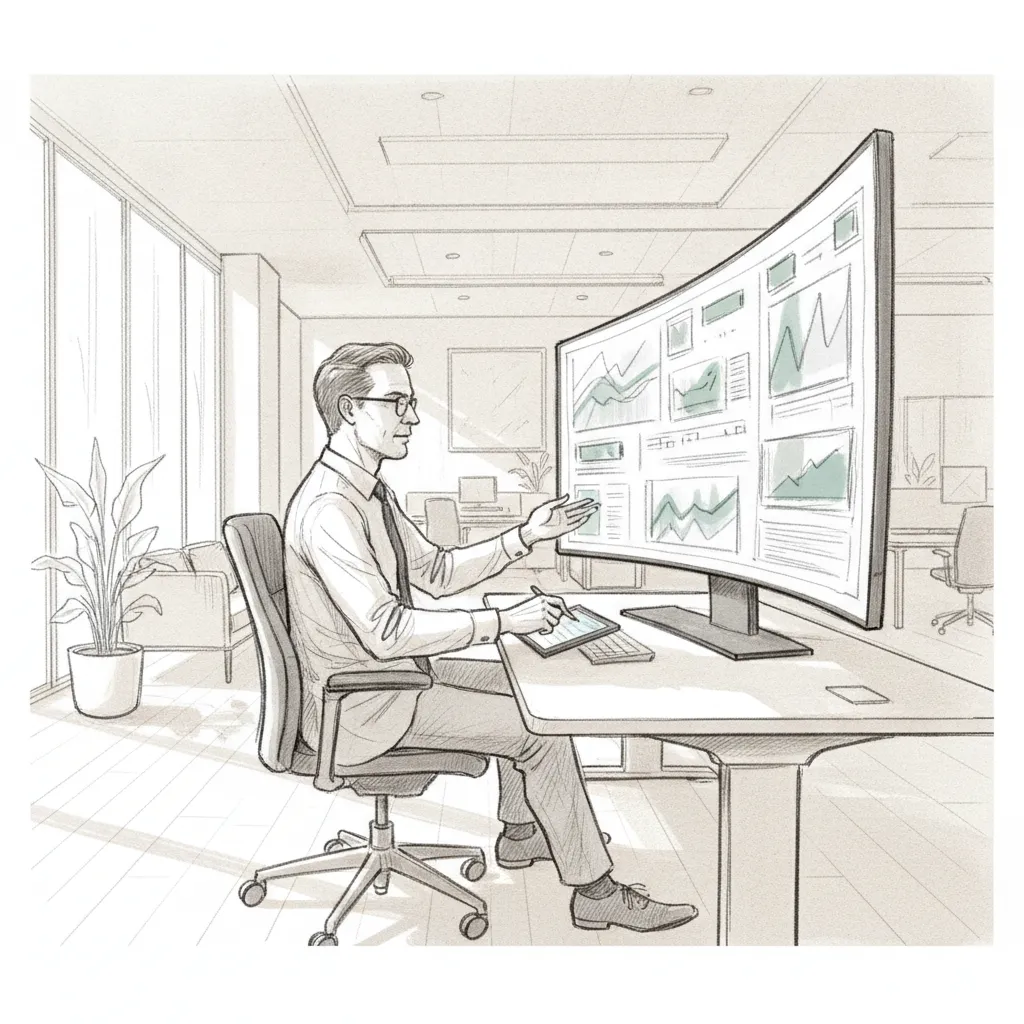
AI-powered attendance forecasting is the single biggest differentiator separating leading workplace management platforms from legacy tools in 2026. Platforms that can predict office attendance with high accuracy give real estate teams a planning edge that desk booking software alone never could.
Traditional desk booking is reactive: an employee decides to come in, then books a desk. That model does nothing to solve the coordination problem (your team arrives on different days) or the utilization problem (you still can't predict demand in advance).
Predictive workplace orchestration flips the model. The platform analyzes historical attendance patterns, team structures, calendar data, and scheduling inputs to forecast who will be in the office, when, and where. That forecast drives automated coordination: nudging team members to align their days, surfacing available spaces, and flagging underutilized zones for reconfiguration.
At Upflex, we've found that organizations using AI-powered forecasting reduce the gap between predicted and actual attendance to under 3%, compared to 20–30% variance typical of manual scheduling approaches. Upflex's UnifyAI engine, which powers attendance forecasting across the platform, delivers 97% forecast accuracy, giving corporate real estate leaders the confidence to make lease decisions based on what will actually happen, not what happened last quarter.
The business case for AI-driven workplace management is straightforward. When you can forecast attendance accurately, you can right-size your real estate portfolio with confidence. Organizations using Upflex have achieved 40%+ reductions in real estate spend without reducing headcount or mandating rigid in-office schedules. That's the number CFOs want to see.
Industry research from People Managing People confirms that the top office space management platforms in 2026 are evaluated primarily on their ability to eliminate wasted space and optimize hybrid work environments, not just on booking convenience [7].
For organizations exploring how communication tools integrate with workplace coordination, platforms like Wasaphi offer complementary messaging infrastructure that can support employee-facing workplace notifications and coordination workflows.
Pro Tip: When evaluating AI forecasting claims, ask vendors for their methodology and accuracy benchmarks on real customer data. "AI-powered" is a marketing phrase; "97% forecast accuracy across 500+ enterprise deployments" is a verifiable claim. Demand the latter.
Not all this methods are built for the same buyer or use case. Understanding the category structure helps you eliminate options that don't fit your scale or complexity.
| Platform Type | Primary Use Case | Best For | Key Limitation |
|---|---|---|---|
| Desk booking tools | Reservation management | SMBs, single-office teams | No forecasting or portfolio analytics |
| IWMS (Integrated Workplace Management Systems) | Facilities and real estate ops | Large enterprises with complex portfolios | Rigid, slow to implement, weak on hybrid coordination |
| AI-powered workplace optimization platforms | Forecasting, coordination, portfolio optimization | Global enterprises managing hybrid teams | Higher investment; requires data inputs to perform |
| On-demand workspace marketplaces | Flexible workspace access for distributed teams | Remote-first or traveling employees | No office orchestration or owned-space management |
| Unified hybrid platforms (booking + network + AI) | End-to-end workplace optimization | Enterprises with owned offices and distributed teams | Fewer vendors in this category as of 2026 |
The IWMS category (Integrated Workplace Management System, a comprehensive suite for managing real estate, facilities, and workplace operations) has historically dominated enterprise procurement. But as hybrid work patterns have made attendance unpredictable, legacy IWMS tools have struggled to keep up. They were built for a world where headcount determined space requirements. That world no longer exists for most organizations [8].
The most significant structural gap in the market, as of 2026, is between platforms that manage your owned office space and platforms that provide access to external workspaces. Most tools do one or the other. The operational reality for global enterprises is that you need both: a way to optimize the offices you're paying for, and a way to give employees access to professional workspaces in locations where you don't have a lease.
Upflex addresses this directly. The platform combines AI-powered office orchestration for your own offices with access to the world's largest on-demand workspace network, giving employees a great place to work wherever they are without requiring additional long-term leases. That's the unified model that eliminates the coordination gap between your real estate portfolio and your distributed workforce.
Pro Tip: If your organization has employees in cities where you don't have an office, calculate how much those employees spend on ad-hoc coworking memberships or coffee shop days annually. That number often justifies a unified platform subscription on its own.
Choosing the right this strategy comes down to matching the platform's core strength to your organization's most urgent and expensive operational problem. Here's a structured decision framework.
Research from Robin highlights that workplace management software adoption succeeds when it automates workflows that employees previously handled manually, rather than adding new administrative steps [8]. That's the adoption test: does the platform make it easier for employees to do what they'd do anyway, or does it create new friction?
For organizations comparing options, the DeskFlex 2026 comparison of top platforms provides a useful feature-by-feature breakdown across desk booking, room scheduling, and analytics capabilities [9].
| Cost Category | What to Evaluate | Common Oversight |
|---|---|---|
| Subscription fee | Per-seat vs. per-location pricing | Costs scale unexpectedly with headcount growth |
| Implementation | IT hours, data migration, integrations | Underestimated by 2–3x in most procurement cycles |
| Training and adoption | Change management, employee onboarding | Platforms with poor UX require ongoing support costs |
| Real estate savings offset | Documented reduction in portfolio costs | Often excluded from ROI calculations presented to CFO |
| Network access value | Cost vs. ad-hoc coworking spend for distributed staff | Rarely quantified before purchase decision |
A work management platform is software that centralizes how organizations plan, coordinate, and track work across teams and projects. A this approach specifically focuses on the physical environment: managing office space, desk booking, attendance forecasting, and real estate utilization. The two terms are related but distinct. Work management tools (like project trackers) organize tasks; the practices optimize the physical and hybrid infrastructure people work within.
At minimum: desk and room booking, space utilization analytics, hybrid attendance coordination, visitor management, and portfolio-level reporting. The strongest platforms in 2026 also include AI-powered attendance forecasting, team co-attendance tracking, mobile booking interfaces, and access to on-demand workspace networks for employees outside primary office locations. The more of these features that exist in a single system, the less data gets lost between tools.
AI improves workplace management by shifting the model from reactive booking to predictive orchestration. Instead of waiting for employees to book desks, AI forecasts who will be in the office, when, and where, based on historical patterns, team structures, and calendar data. That forecast enables automated coordination, smarter space configuration, and data-driven lease decisions. Platforms like Upflex achieve 97% attendance forecast accuracy using this approach, which translates directly into measurable real estate savings.
An IWMS (Integrated Workplace Management System) is a legacy enterprise suite covering real estate, facilities management, maintenance, and compliance. It's comprehensive but rigid, and was built for static headcount models rather than hybrid work. A modern this practice is typically SaaS-based, faster to deploy, and built specifically for hybrid attendance patterns, AI forecasting, and dynamic space allocation. The two categories overlap but serve different operational priorities and procurement timelines.
Yes, and this is the primary financial case for enterprise adoption. By providing accurate utilization data and attendance forecasts, these platforms give corporate real estate and finance leaders the evidence they need to consolidate or exit underperforming leases. Organizations using AI-powered workplace optimization have documented reductions of 40%+ in real estate spend. Results vary depending on current portfolio utilization, lease flexibility, and the accuracy of the platform's forecasting engine.
Some vendors offer free tiers with limited functionality, typically capped at a small number of desks or users and without advanced analytics or AI features. For organizations managing multiple offices, distributed teams, or complex real estate portfolios, free tiers are rarely sufficient. The operational value of a this method comes from its data depth and forecasting accuracy, both of which require full platform access and sufficient historical data to function well.
Implementation timelines vary significantly by platform type and organizational complexity. SaaS-based platforms typically deploy in 4–12 weeks for a single office, including integrations with calendar tools and HR systems. Enterprise-wide rollouts across multiple locations can take 3–6 months. Legacy IWMS implementations often run 6–18 months. The fastest deployments happen when organizations pilot in one location first, validate adoption and data quality, then expand. Skipping the pilot phase is one of the most common and costly mistakes in workplace tech procurement.
The this strategy category has matured significantly in recent years, but the gap between basic desk booking tools and genuinely intelligent workplace optimization platforms is wider than ever. Organizations still running on spreadsheets, badge data, or point-solution booking tools are leaving real money on the table every month, in the form of underutilized square footage they're paying full price for.
The strongest platforms in 2026 do three things well: they forecast attendance accurately, they coordinate team co-presence automatically, and they give employees access to professional workspaces wherever they are. That combination is what turns a this approach from a convenience tool into a strategic asset for your real estate portfolio.
Upflex is built specifically for this challenge. By combining UnifyAI-powered attendance forecasting (97% accuracy), desk booking and space management, and access to the world's largest on-demand workspace network, Upflex gives corporate real estate, finance, and HR leaders a single platform to optimize every workspace decision. The result: 40%+ reduction in real estate spend and 88% co-attendance achievement, with the data to back it up in any CFO conversation.
Explore more from our content library: