Share This Article
No items found.

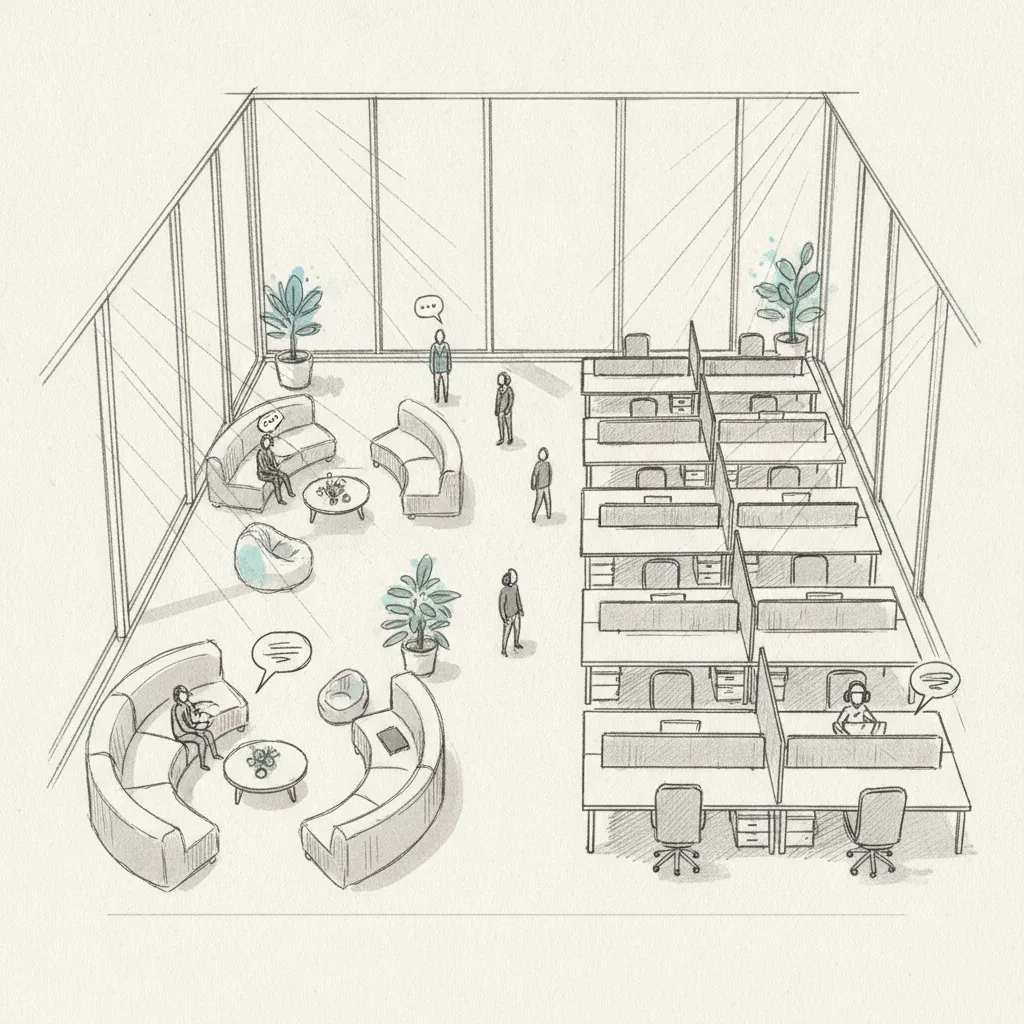
The most effective office space planning tips share a common thread: they start with data, not guesswork. A well-planned office aligns physical space with how your teams actually work, reduces wasted square footage, and supports both focused individual work and meaningful collaboration. For hybrid organizations in 2026, that alignment has never mattered more.
Enterprise real estate costs remain one of the top three operating expenses for large organizations. Yet research consistently shows that average office utilization sits between 30% and 50% on any given day [1]. That gap between what you're paying for and what your teams are actually using represents a direct, addressable cost. The tips in this article are drawn from established space planning frameworks, published guidelines from leading institutions, and real-world outcomes achieved by organizations that have rethought their office footprint. This is particularly relevant for office space planning tips.
Whether you're redesigning a headquarters, consolidating multiple locations, or simply trying to make a single floor work harder, these office space planning tips will give you a structured, actionable path forward.
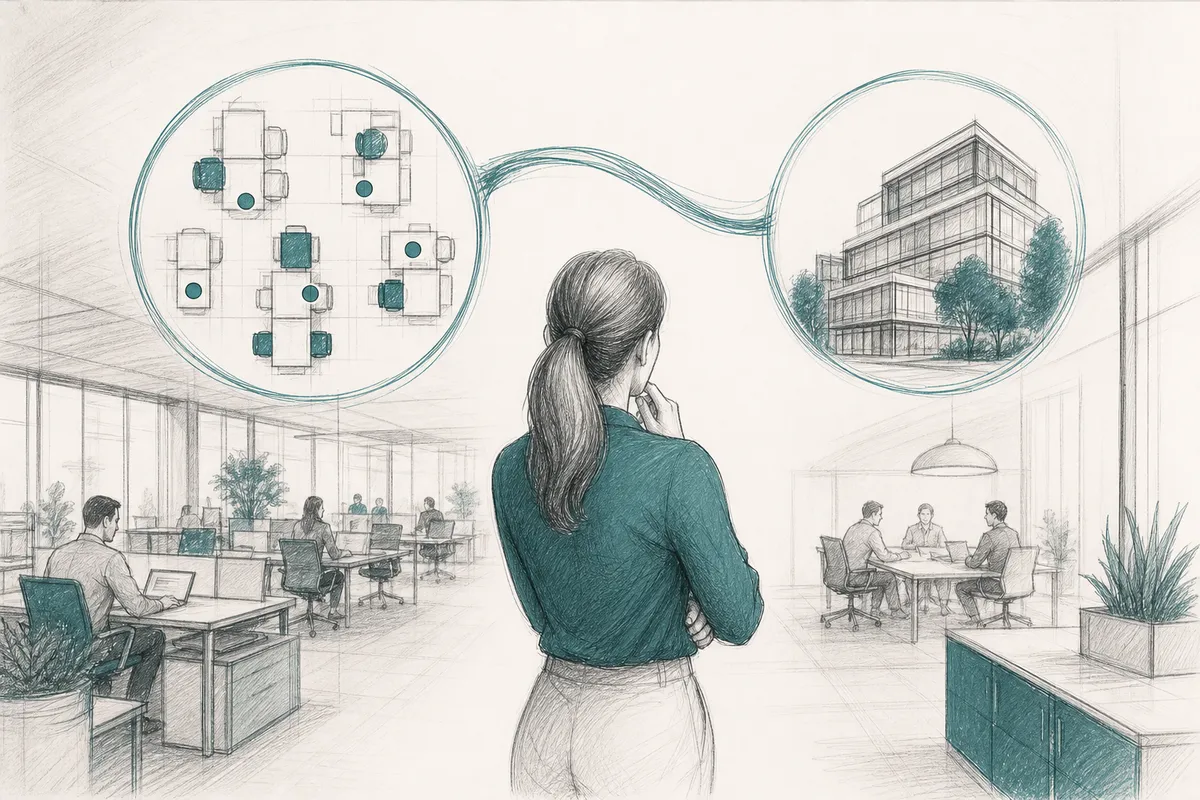
Effective office space planning begins with measuring how your space is actually used before making any layout decisions. Most organizations discover that their intuitions about peak usage are significantly off once they look at real occupancy data.
A common mistake is designing around headcount rather than actual attendance patterns. A team of 50 people doesn't necessarily need 50 desks if they're operating on a hybrid schedule where peak in-office attendance is 30 on any given Tuesday. The UC San Diego Administrative Space Planning Guidelines recommend establishing baseline utilization metrics before any redesign begins, noting that space decisions made without data frequently result in either overcrowding or chronic underuse [2].
Useful data points to gather include:
Once you have utilization data, you can establish a desk-to-employee ratio that reflects reality. Many organizations operating hybrid models now run ratios of 0.6 to 0.8 desks per employee rather than the legacy 1:1 standard [3]. That shift alone can justify significant footprint reduction.
AI-powered attendance forecasting tools take this further. Upflex's UnifyAI engine, for example, predicts office attendance with 97% accuracy, giving corporate real estate leaders the confidence to right-size space based on what will actually happen rather than what happened last quarter. That kind of forecast accuracy is the difference between a data-driven consolidation decision and an expensive guess.
Pro Tip: Run your utilization analysis across at least 8 consecutive weeks to capture seasonal variation and avoid making permanent space decisions based on atypical periods like summer or major project sprints.
A balanced office space plan allocates square footage across distinct zone types that serve different work modes, rather than defaulting to a single open-plan layout. When considering office space planning tips, this point stands out.
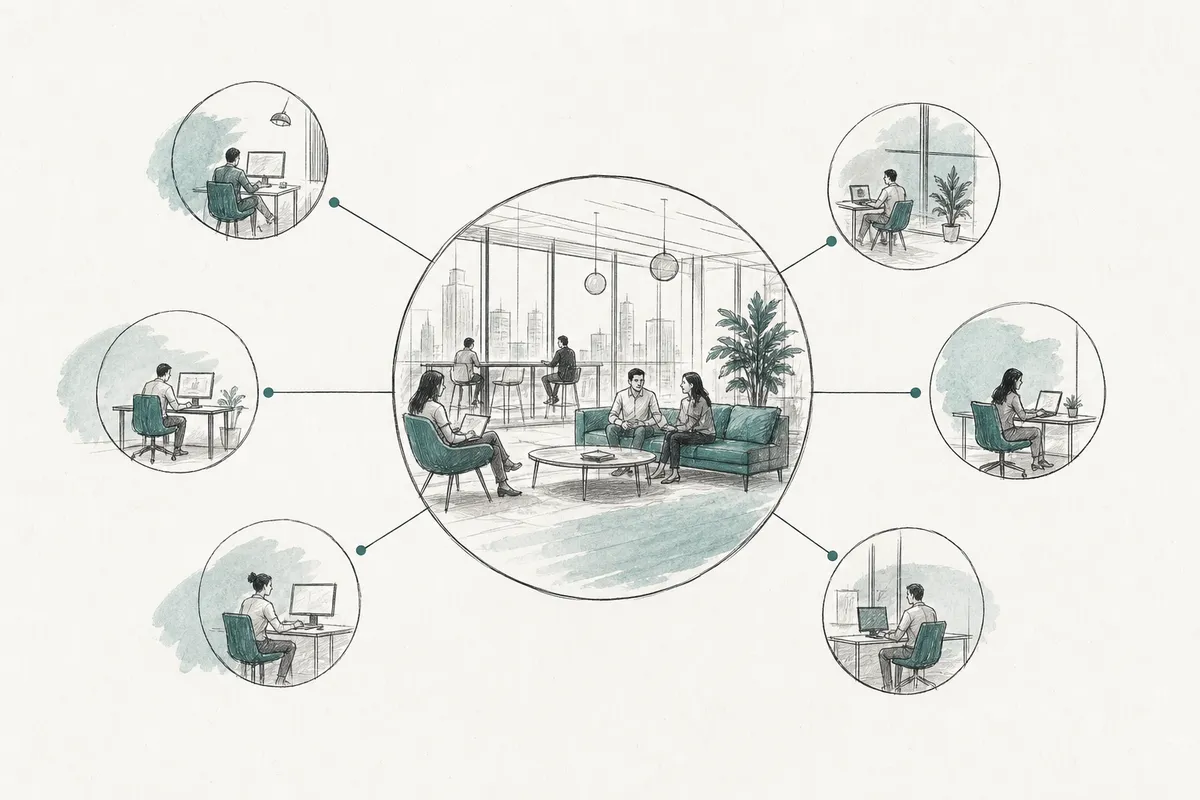
Research from MIT Sloan Management Review identifies two competing objectives in workspace planning: cost reduction and worker productivity [1]. A well-designed space mix addresses both simultaneously. The four zones every modern office needs are:
UNICEF's Office Space Standards and Guidelines recommend that space allocations explicitly account for both individual and group work modes, with private spaces making up no less than 15% of total usable floor area in knowledge-work environments [4].
Not every team needs the same zone ratio. A legal or finance team may need 60% focus space and 20% private rooms. A creative or product team might flip that ratio, prioritizing collaboration zones. Survey your employees about their primary work activities before finalizing any allocation.
One pitfall to watch for: building out beautiful collaboration zones that nobody uses because there aren't enough quiet spaces for individual work. In practice, employees will avoid the office entirely if they can't find a place to concentrate. Balance is non-negotiable.
Pro Tip: Use a simple activity-based working (ABW) survey with your employees before finalizing zone ratios. Ask what percentage of their in-office time is spent on focused work, collaborative tasks, and calls or video meetings. The answers will often surprise you.
Established space standards give you defensible benchmarks for square footage allocation per person, per role, and per zone type, which is essential when presenting a consolidation case to your CFO.
Space standards have shifted considerably since 2020. The following table reflects current benchmarks used by leading organizations and institutional guidelines as of 2026 [5] [2]: For those exploring office space planning tips, this matters.
| Space Type | Traditional Standard | Hybrid-Optimized Standard (2026) |
|---|---|---|
| Open-plan workstation | 75–100 sq ft per person | 50–75 sq ft per person |
| Private office | 150–250 sq ft | 100–150 sq ft (shared/bookable) |
| Small meeting room (2–4 people) | 100–150 sq ft | 80–120 sq ft |
| Large conference room (8–12 people) | 250–400 sq ft | 200–300 sq ft |
| Phone booth / focus pod | Not standard | 25–40 sq ft per unit |
| Breakout / social lounge | 15–20 sq ft per employee | 20–30 sq ft per employee |
These figures are starting points, not rigid rules. Your actual allocation will depend on your industry, lease constraints, and the nature of your team's work. The Berkeley Division of Academic Planning recommends validating benchmarks against your organization's specific density targets and departmental needs before applying them at scale [5].
For organizations working with workspace technology partners like Katech to integrate smart building systems, these benchmarks also inform sensor placement, HVAC zoning, and energy management decisions, making them valuable beyond just furniture layout.
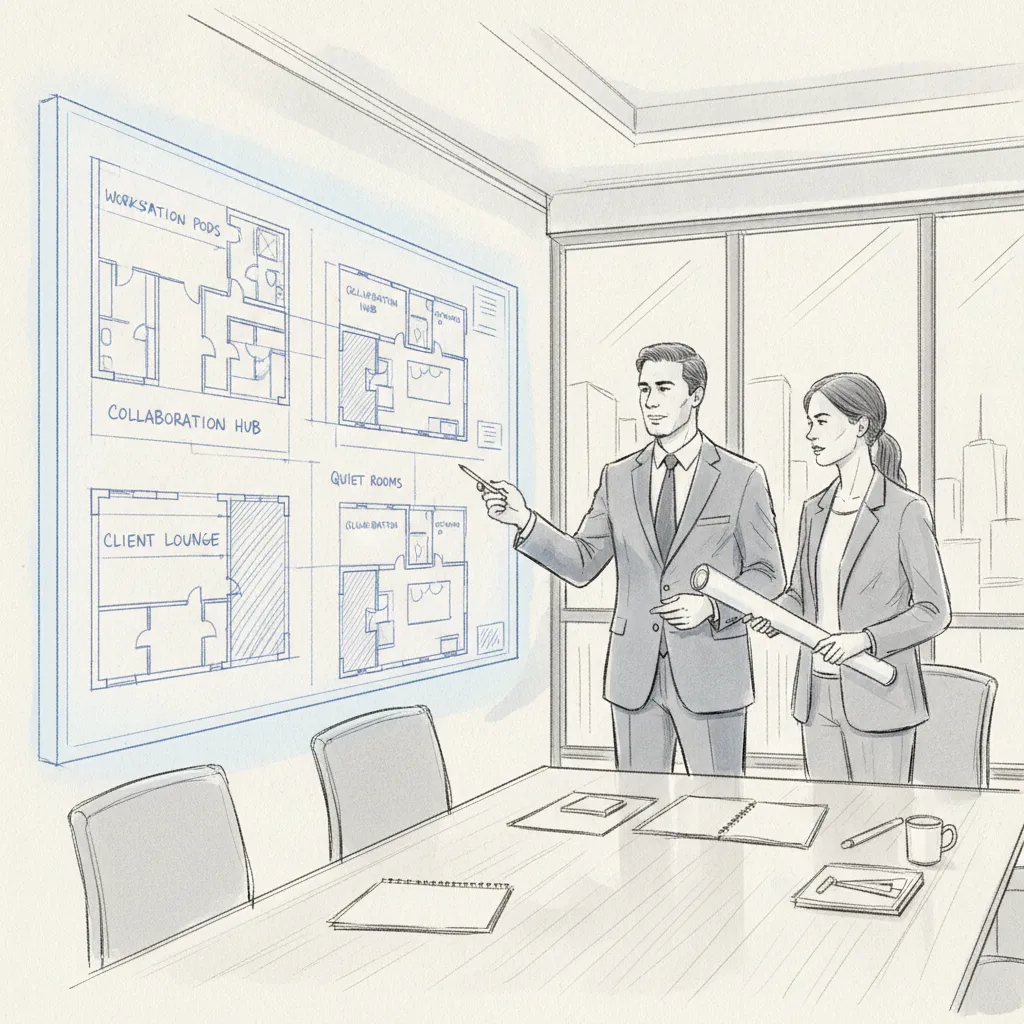
Office space planning tips that ignore ergonomics and environmental quality produce spaces that employees actively avoid, which defeats the entire purpose of maintaining an office in a hybrid model.
Ergonomics (the science of designing workspaces to fit the people using them) directly affects both health outcomes and productivity. Poor ergonomic design contributes to musculoskeletal disorders, reduced concentration, and increased absenteeism. Key ergonomic considerations include:
Industry analysts suggest that organizations investing in ergonomic workstation design see measurable reductions in employee sick days and self-reported discomfort, with some studies citing productivity gains of 10–15% in knowledge work environments [6].
Natural light is consistently ranked as the top workplace amenity by employees across industries. Positioning workstations perpendicular to windows (rather than facing or backing them) reduces glare while maximizing daylight exposure. Where natural light is limited, full-spectrum LED fixtures at 500–750 lux are the recommended standard for task lighting [7].
Biophilic design (incorporating plants, natural materials, and views of nature) has been shown to reduce stress and improve cognitive function. Even modest interventions, like potted plants near workstations or a living wall in a social zone, produce measurable wellbeing benefits. This directly impacts office space planning tips outcomes.
Acoustic planning is equally critical. Open-plan offices generate significant ambient noise that disrupts focused work. Solutions include:
Technology infrastructure should be treated as a foundational layer of office space planning, not an afterthought that gets addressed after furniture is in place.
A hybrid-optimized office needs technology that supports both in-person and remote participants equally. This means investing in video conferencing infrastructure that eliminates the "second-class remote participant" experience. Every meeting room, regardless of size, should have:
According to Matterport's corporate office planning research, technology integration failures are one of the leading causes of employee dissatisfaction with redesigned offices, particularly in hybrid environments where employees expect the same experience regardless of where they're working [8].
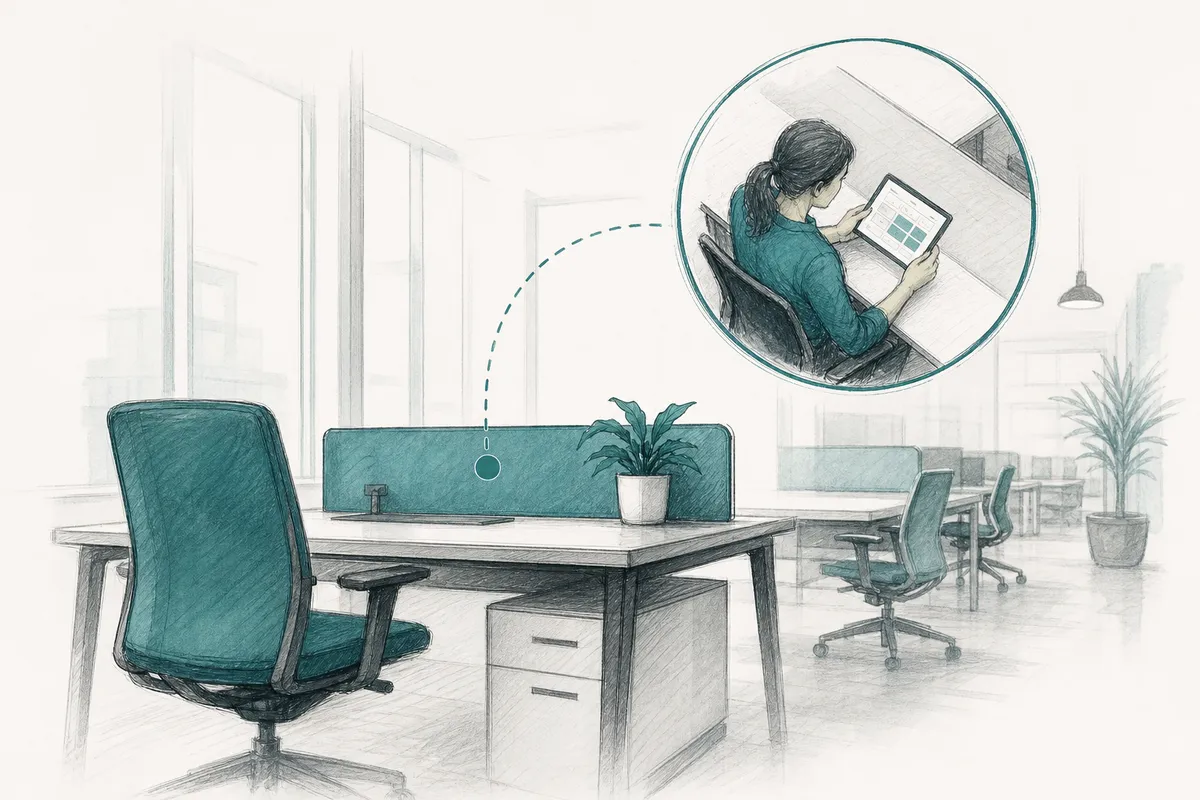
Desk booking software (platforms that allow employees to reserve specific workstations in advance) has become a standard component of hybrid office infrastructure. These systems serve two purposes: they give employees certainty about where they'll sit on office days, and they generate the utilization data that informs ongoing space planning decisions.
The most effective implementations go beyond simple reservation. At Upflex, we've found that organizations achieve the best outcomes when desk booking is paired with AI-powered attendance forecasting. Knowing that 47 people are likely to come in next Thursday, rather than just knowing that 30 have booked desks, allows facilities teams to prepare the right zones, activate the right floors, and avoid the frustrating experience of employees arriving to find no available seats despite the office being technically half-empty. This is particularly relevant for office space planning tips.
Pro Tip: When specifying power and data infrastructure for a new layout, always over-provision by at least 20%. Adding floor boxes and cable management after furniture is installed costs three to five times more than doing it during the initial fit-out. Plan for where the office will be in three years, not where it is today.
Rigid office layouts become liabilities within two to three years as teams grow, shrink, or shift their working patterns. Building adaptability into your space plan from the start protects your investment and reduces future renovation costs.
The shift from fixed to flexible office furniture represents one of the most significant changes in workplace design thinking over the past decade. Modular furniture systems allow organizations to reconfigure zones without construction work. Demountable partition walls (non-structural walls that can be relocated without major disruption) offer the privacy benefits of enclosed spaces without the permanence of traditional construction [9].
Key flexibility principles to build into your plan:
Organizations that went through rapid hiring cycles followed by restructuring between 2022 and 2025 learned an expensive lesson: offices designed for peak headcount become costly and demoralizing when teams shrink. The solution is to design for your expected steady-state occupancy with the ability to activate additional capacity quickly.
This is precisely where on-demand workspace networks add strategic value. Rather than maintaining excess square footage as a buffer, organizations can direct overflow employees to a global network of third-party workspaces on the days when in-office attendance spikes. Upflex customers who adopt this model have documented real estate spend reductions of 40% or more while maintaining 88% team co-attendance achievement, a metric that captures whether the right people are actually in the office on the same days.
Office space planning in 2026 treats employee wellbeing and environmental sustainability as core design requirements, not optional enhancements. Organizations that treat the office as a destination worth commuting to see measurably higher voluntary attendance rates. When considering office space planning tips, this point stands out.
Wellness-centered design goes beyond ergonomic chairs. It encompasses the full sensory and psychological experience of being in the space. Practical elements to incorporate include:
The Leadership in Energy and Environmental Design (LEED) certification framework provides a structured approach to sustainable office design. Even organizations not pursuing formal certification benefit from applying LEED principles to their space planning process. Key sustainability considerations include:
Research from the Singapore Office Renovation guidelines indicates that organizations applying sustainability principles to their space plans see energy cost reductions of 15–30% compared to conventionally designed offices of equivalent size [10].

The most sophisticated office space planning tips for 2026 address the coordination layer of hybrid work, not just the physical environment. A beautifully designed office that employees can't navigate efficiently on hybrid days fails to deliver its potential value.
Co-attendance (the rate at which team members who need to collaborate are actually in the office on the same days) is the metric that determines whether your office investment generates a return. A common scenario: an organization invests in a redesigned collaborative floor, but because employees self-schedule their in-office days independently, the people who need to work together are rarely there at the same time.
Solving this requires a coordination layer above the physical space plan. Tools that forecast which teams will be in on which days, and that nudge employees toward aligned schedules, directly improve co-attendance rates. Upflex's UnifyAI technology achieves 88% co-attendance rates for its customers, compared to industry averages that fall well below 60% without active coordination [11].
A complete office space planning strategy in 2026 accounts for the spaces your employees use outside your owned offices. Remote employees, traveling team members, and employees in cities without a company office all need professional workspace options. Integrating access to an on-demand workspace network into your portfolio means you're not paying for fixed square footage in every city where you have employees. For those exploring office space planning tips, this matters.
The most effective approach treats your owned offices and external on-demand workspaces as a single managed portfolio. That unified view, enabled by platforms like Upflex, gives corporate real estate leaders the data to make informed decisions about where to maintain leases, where to reduce footprint, and where to rely on flexible capacity instead.
| Planning Approach | Traditional Office | Hybrid-Optimized with On-Demand Network |
|---|---|---|
| Desk-to-employee ratio | 1:1 or higher | 0.6–0.8:1 |
| Overflow capacity | Maintained as fixed lease | Accessed via on-demand network |
| Attendance forecasting | Manual or badge-based retrospective | AI-powered, 97% accuracy |
| Real estate cost outcome | Fixed, often underutilized | 40%+ reduction documented |
| Co-attendance rate | Unmanaged, often below 50% | 88% achievement with coordination tools |
The right office space planning strategy depends on your organization's size, hybrid work model, real estate portfolio complexity, and budget. Use this decision framework to identify your starting point.
Consider the following questions before committing to a planning approach:
Small offices (under 50 employees) benefit most from the ergonomics, lighting, and zone-mix tips in this article. The investment in AI-powered forecasting tools pays off most clearly at 100+ employees, where the complexity of coordinating hybrid schedules across multiple teams exceeds what spreadsheets and calendar tools can manage.
For global enterprises managing portfolios across multiple cities or countries, the strategic priority is a unified view of real estate utilization that spans owned offices and external workspaces. That's where platforms combining office orchestration with on-demand workspace network access deliver the clearest ROI.
The best practices in office space planning combine data-driven utilization analysis with a balanced zone mix that supports focus work, collaboration, and private conversations. Start by measuring actual occupancy rather than designing for headcount, establish clear space allocation benchmarks per role and zone type, prioritize ergonomics and natural light, and build flexibility into the layout so the space can adapt as team sizes and work patterns evolve. In hybrid environments, pairing physical space planning with AI-powered attendance forecasting ensures your layout reflects how people actually use the office, not how you assume they will. This directly impacts office space planning tips outcomes.
Effective office space planning follows a structured sequence: collect utilization data first, define your space mix based on actual work activities, apply established square footage benchmarks, design for ergonomics and environmental quality, and build technology infrastructure into the plan from the start. Critically, engage employees in the process through activity-based working surveys before finalizing any zone ratios or furniture specifications. The most common failure in office planning is skipping the data collection phase and designing based on assumptions that don't reflect how the team actually works. For hybrid organizations, these office space planning tips should also account for how on-demand workspace access can supplement your owned footprint on high-attendance days.
For 30 employees in a hybrid work model, the answer depends on your peak concurrent attendance rather than total headcount. If your peak in-office day sees 20 employees, you need space for 20, not 30. Using current hybrid-optimized benchmarks of 50–75 sq ft per open-plan workstation, plus approximately 20–25% additional area for meeting rooms, social zones, and circulation, a hybrid team of 30 with 20 peak concurrent users would need roughly 1,500–2,000 sq ft of usable floor area. Traditional benchmarks of 100 sq ft per employee (which would suggest 3,000 sq ft for 30 people) typically overestimate the space needed for hybrid teams and result in chronic underutilization.
Activity-based working (ABW) is a workplace design philosophy that removes assigned desks and instead provides a variety of space types matched to different work activities. Rather than every employee having one fixed workstation, an ABW office offers focus booths for deep work, open collaboration tables for team tasks, lounge seating for informal discussion, and private rooms for calls. ABW directly affects space planning by shifting the design question from "how many desks do we need?" to "what mix of zone types do our employees' activities require?" Organizations that implement ABW correctly typically see desk ratios drop to 0.6–0.7 per employee while employee satisfaction with the workspace increases.
Office space plans should be reviewed formally at least annually, with utilization data reviewed quarterly. Major triggers for an unscheduled review include significant headcount changes (growth or reduction of more than 15%), a shift in hybrid work policy, a lease renewal decision within 18 months, or a significant change in the nature of the team's work (such as a shift from individual project work to more collaborative product development). Organizations using real-time occupancy sensors and desk booking analytics can monitor utilization continuously and make incremental adjustments more frequently, reducing the need for costly large-scale redesigns.
The most common mistakes in office space planning include: designing for headcount rather than actual peak attendance; over-investing in collaboration zones without providing adequate quiet focus space; neglecting acoustic design in open-plan layouts; treating technology infrastructure as an afterthought rather than a foundational layer; and failing to build flexibility into the layout so it can adapt over time. A less obvious but equally costly mistake is planning the physical space without addressing the coordination layer, meaning the tools and processes that ensure the right people are in the office on the same days. A beautifully designed collaborative floor that's used by different teams on different days doesn't deliver its intended value.
The most effective office space planning tips for 2026 go well beyond furniture arrangement and lighting choices. They start with utilization data, apply defensible space standards, design for the full range of human work activities, and build coordination tools into the strategy from day one.
For corporate real estate leaders, the stakes are high. Real estate remains one of your organization's largest cost lines, and the hybrid work model has permanently changed the relationship between headcount and square footage. Getting the space plan right means having the data to make confident decisions, not just about how to arrange the floor, but about how much floor you actually need.
Upflex brings together AI-powered attendance forecasting, desk booking and space management, and access to the world's largest on-demand workspace network in a single platform. Organizations using Upflex have reduced real estate spend by 40% or more while achieving 88% team co-attendance, giving both the CFO and the CHRO the numbers they need. If your next lease renewal is approaching, or if you're simply tired of paying for space that sits empty three days a week, the right office space planning strategy starts with better data and smarter coordination.
Explore more from our content library: