Share This Article
No items found.

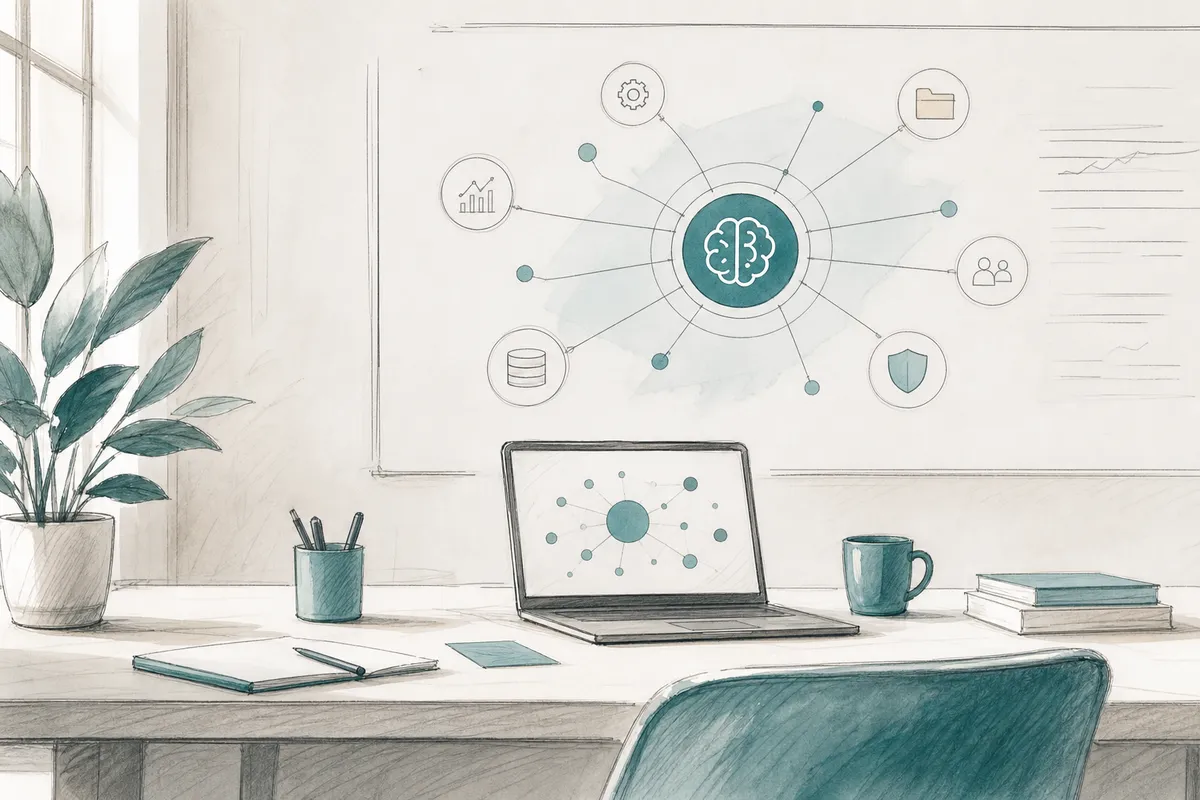
AI workspace orchestration is the automated coordination of physical workspaces, digital tools, and workforce scheduling through AI-driven systems that predict demand, allocate resources, and adapt in real time. Where manual planning reacts to occupancy after the fact, orchestration anticipates it, routing employees to the right desks, floors, or locations before they arrive. The result is measurable: lower real estate overhead, higher space utilization, and coordinated team attendance without administrative friction.
AI workspace orchestration combines a coordination layer that sequences data and decisions with the physical-digital environment it governs, desks, rooms, and on-demand locations.
An AI orchestration system is the decision engine: it sequences tasks, agents, and data flows across connected systems to produce a coordinated output [2]. Think of it as the conductor, it doesn't play an instrument, it directs everything that does.
An AI workspace is what that conductor governs: the physical and digital environment where work happens, assigned desks, bookable meeting rooms, third-party on-demand locations, and the collaboration tools employees use daily.
When the two combine, the orchestration system reads signals from the workspace, badge data, calendar entries, booking history, and writes back to it in the form of automated assignments, notifications, and recommendations. The environment becomes self-adjusting rather than static.
The core mechanic runs in three steps: ingest, predict, act. The system pulls attendance signals, calendar data, and historical occupancy patterns, runs a forecasting model against them, then automatically assigns or recommends spaces and notifies employees, closing the loop between prediction and action.
This is what separates orchestration from a passive desk-booking app. A booking tool waits for an employee to search and claim a desk. An orchestration layer surfaces the right workspace before the employee opens an app, acting first, not responding after.
Co-attendance optimization is the mechanism that makes this commercially meaningful. The system doesn't simply fill seats; it clusters teammates on the same days and floors, turning raw occupancy data into actual collaboration outcomes. Upflex's UnifyAI engine, for example, forecasts attendance with 97% accuracy and tracks whether teams hit co-attendance targets, an 88% achievement rate across its customer base.
Orchestration also targets a persistent waste problem: a significant share of booked spaces go unused because employees state intent but don't follow through. By matching supply to predicted demand rather than stated intent, this approach reduces that gap and recovers capacity that would otherwise sit empty.
Intelligent workspace coordination platforms split into three architectural categories, enterprise-integrated, standalone, and open-source, each making a different trade-off between depth and speed to value.
Enterprise-integrated platforms bundle orchestration inside broader IT, facilities, or real estate management suites. They inherit existing data connections but often carry legacy constraints, rigid configuration, slow update cycles, and pricing at the premium/enterprise tier. Total cost of ownership includes significant change-management effort alongside licensing fees.
Standalone tools, purpose-built for occupancy forecasting and scheduling, sit on top of existing calendar and HR systems via API. The depth of that integration directly determines forecast quality: a platform pulling only calendar data produces shallower predictions than one connected to badge access, HR scheduling, and space-utilization feeds. Upflex's UnifyAI engine, for example, draws on multiple data inputs to reach 97% attendance forecast accuracy. Standalone tools typically occupy a mid-range pricing tier and deliver faster time-to-value than either alternative.
Open-source or composable frameworks offer the most flexibility but shift the orchestration burden entirely to internal engineering teams. The engineering-cost overhead, building, maintaining, and securing custom agent pipelines, is the real price, not the licensing fee.
A meaningful capability gap separates basic from advanced platforms. Basic tools automate desk booking. Advanced AI workspace orchestration platforms coordinate multiple specialized agents, a space agent, a scheduling agent, a policy agent, that negotiate with each other in real time. For large, multi-site portfolios, that negotiation layer is what prevents conflicting bookings, policy violations, and wasted capacity across locations.
Two organizational signals point toward open-source: a dedicated internal engineering team and a requirement for highly custom agent logic that no off-the-shelf product supports. Every other signal, lease pressure, speed-to-value requirements, limited IT bandwidth, points toward a purpose-built platform.
Portfolio size also matters. A single-site team with predictable attendance patterns can function on a basic booking tool. A distributed enterprise managing dozens of offices across time zones needs agent-coordination depth, data-warehouse integration, and a governance layer that enforces policy automatically, capabilities that only advanced standalone or enterprise-integrated platforms provide.
When evaluating platforms, consider the following key differentiators:
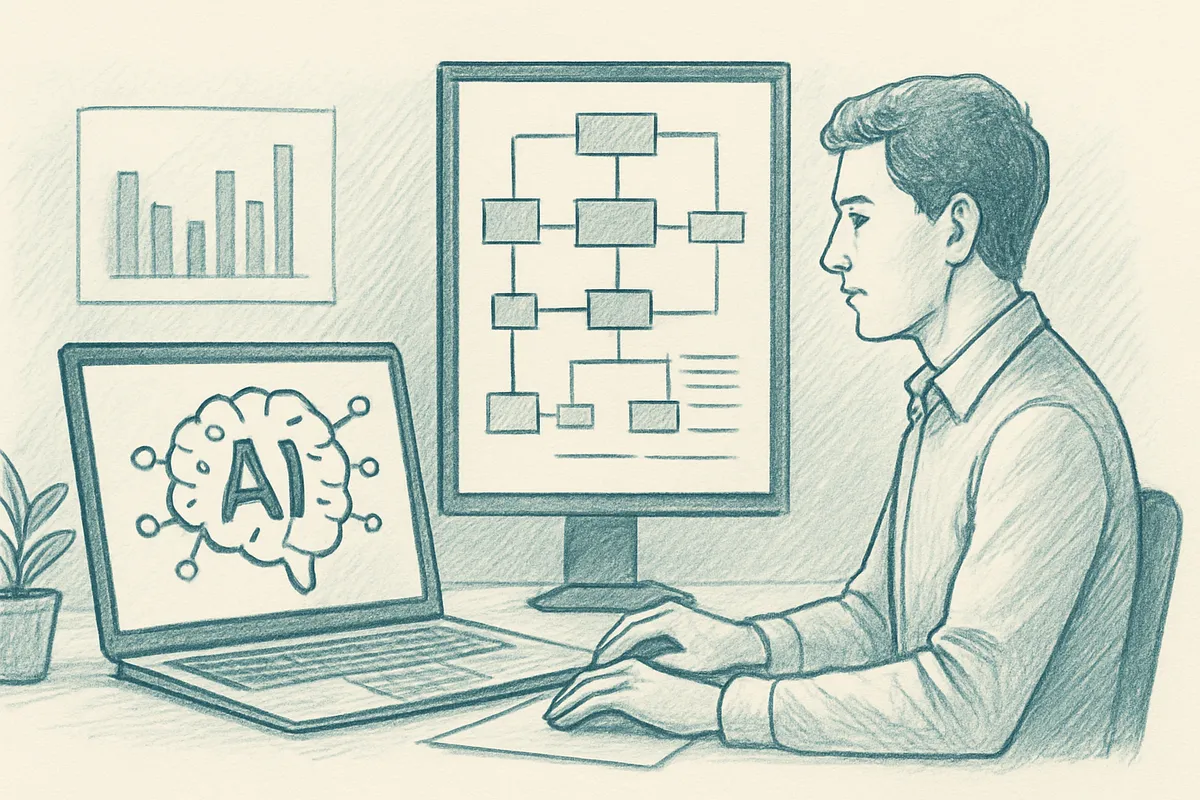
Successful deployment follows five sequential stages: data unification, system integration, phased rollout, policy configuration, and change management.
Stage 1, Data Foundation. Before any orchestration layer can forecast attendance accurately, your organization needs clean, unified signals: badge entry records, calendar data, HR headcount rosters, and floor plans. Fragmented data sources are the most common reason implementations stall, when badge data lives in one system and calendar data in another, the forecasting model trains on noise, not reality.
Stage 2, Integration Mapping. Identify every system that must feed the orchestration layer before you configure a single workflow. The key decision at each touchpoint is whether a native connector exists or whether you need a custom API build, native connectors are faster to deploy but less flexible when your data schema is non-standard.
Stage 3, Phased Rollout. Start with one floor or one location. A controlled pilot surfaces edge cases, recurring all-hands days, seasonal attendance spikes, hybrid policy exceptions, that break models trained only on average occupancy. Upflex's UnifyAI engine, for example, reaches 97% attendance forecast accuracy precisely because it ingests real scheduling inputs rather than relying on historical averages alone.
Stage 4, Policy Configuration. Orchestration systems enforce rules: minimum in-office days, team anchor days, visitor protocols. These must be encoded before go-live. Retroactive policy changes force model retraining and erode confidence in the platform's recommendations across your real estate portfolio.
Stage 5, Change Management. Employees resist systems that feel like surveillance. Frame orchestration as a coordination benefit, "your team is already in on Tuesday", rather than a compliance tool. That framing difference determines adoption rates more reliably than any feature set.
Three system categories carry the most integration weight. Your ERP feeds headcount and cost-center data, which the orchestration layer uses to map team structures to physical space. Your CRM flags client-visit scheduling, so the system can anticipate demand spikes on days when external visitors arrive. Your data warehouse supplies historical occupancy records, the baseline the model refines over time.
At each touchpoint, the API-vs-native-connector decision comes down to data freshness requirements. Real-time headcount changes, a new hire, a team restructure, need API-level sync. Historical occupancy data can typically run on a nightly batch pull from the warehouse without degrading forecast quality [2].
This category of platform generates measurable return through three distinct mechanisms: real estate consolidation, overhead reduction, and recovered collaboration time.
Accurate occupancy forecasting exposes chronic underutilization at the floor or building level, not just across the portfolio as a whole. That granularity matters because lease consolidation and subletting decisions require defensible, location-specific data, not portfolio-wide averages. Upflex's UnifyAI engine forecasts attendance with 97% accuracy, which gives corporate real estate leaders the evidence base to present a consolidation case to the CFO without relying on badge data alone.
Procurement fragmentation compounds the problem. When teams manage hybrid work through multiple ad-hoc workspace subscriptions, unmanaged day passes, and overlapping facility contracts, duplicate spend accumulates quietly. Centralizing demand through a single orchestration platform eliminates that redundancy, and removes the coordination overhead that fragmented vendor relationships create.
Uncoordinated hybrid schedules produce a subtler cost: employees commute in and find their collaborators are remote. Co-attendance optimization directly addresses this by aligning team presence on the same days, recovering collaboration hours that would otherwise be lost to the "empty office" effect. Upflex clients report reaching 88% co-attendance achievement as a benchmark outcome.
TCO extends well beyond the platform fee. Weight four components equally: licensing or engineering cost, integration effort with existing HR and real estate systems, ongoing model maintenance as attendance patterns shift, and change-management investment to drive employee adoption. Platforms that look affordable at the licensing stage often carry the heaviest integration and change-management costs, account for all four before comparing options.
Track three leading indicators first: forecast accuracy rate, space utilization rate, and co-attendance achievement rate. These validate that the orchestration model is working before you claim downstream wins.
Two lagging indicators, real estate cost per head and employee satisfaction with in-office days, confirm business impact, but only after the leading indicators are stable. Claiming cost reduction before the forecast model is proven conflates correlation with causation and weakens the business case when leadership scrutinizes it.
Most deployments fail not at launch but in the months after, when data goes stale, policies shift, and adoption quietly erodes the signal quality the system depends on.
Stale training data. Models trained on pre-hybrid attendance patterns, say, five-day office weeks from 2019, will misforecast demand in a two-day hybrid environment. A one-time historical import is not enough. Prevention requires a continuous retraining pipeline that ingests current badge swipes and calendar data on a rolling basis, so the model reflects how your teams actually work today.
Policy drift. When your organization introduces new anchor days, reduces headcount, or opens a new office, the orchestration rules rarely update in sync. The system then optimizes for a reality that no longer exists. Assign a policy-change governance process, every workplace policy update should trigger a review of the orchestration admin layer before it goes live.
Integration breakage. An ERP upgrade or a calendar API deprecation can silently break a data feed without surfacing an error anywhere visible. End-to-end health checks miss this. Monitor every individual pipeline with alerting thresholds so a broken feed triggers an immediate notification, not a downstream forecast anomaly discovered weeks later.
Low employee adoption. When employees bypass the system and book desks informally, the demand signal degrades and forecast accuracy drops. The fix combines UX simplicity, booking in three taps, not ten, with light policy enforcement that makes the official channel the path of least resistance.
Treat this as a living system, not a deployment event. Assign a named owner, schedule quarterly model reviews, and instrument every data pipeline, not just the dashboard. Platforms like Upflex build continuous attendance retraining into UnifyAI precisely because the organizations that sustain a significant reduction in real estate spend are the ones that maintain the system, not just the ones that launched it.
The following practices distinguish high-performing long-term deployments from those that stall after launch:
Traditional desk booking lets employees reserve a seat; AI workspace orchestration predicts who will show up, coordinates team schedules, and adjusts space allocation automatically. A desk booking tool is reactive, it records a reservation. An orchestration system is predictive, it uses attendance data, calendar signals, and behavioral patterns to recommend which days teams should be in, which desks to assign, and whether to activate overflow space before demand peaks.
Most enterprise deployments reach operational status within six to twelve weeks, depending on the number of office locations and the complexity of existing HR and calendar integrations. Initial data connections, calendar systems, badge access, existing booking tools, drive most of the timeline. Platforms like Upflex, which integrate with Microsoft 365 and Google Workspace, tend to compress that window because they work within tools your teams already use daily.
The core inputs are calendar and scheduling data, badge or access-control records, and existing desk reservation logs. Secondary signals, employee location preferences, team reporting structures, and historical attendance patterns, improve forecast precision over time. Upflex's UnifyAI engine, for example, combines these inputs to reach 97% attendance forecast accuracy, which is the threshold at which automated space recommendations become reliable enough to drive real estate portfolio decisions.
The strongest return on investment comes at organizations with 500 or more employees across multiple locations, where the cost of underutilized space is large enough to justify the platform investment. Smaller organizations with a single office and predictable attendance patterns typically don't generate enough scheduling complexity to benefit from AI-driven coordination. Mid-market companies approaching a lease renewal or managing teams across two or more cities are the natural entry point for this category.
Well-designed orchestration platforms aggregate signals at the team or floor level rather than tracking individual employees in real time. The system uses calendar entries, badge swipe aggregates, and booking history to build attendance models, not continuous location surveillance. Organizations should confirm that any platform they evaluate complies with applicable data protection regulations, such as GDPR, and offers configurable data-retention policies that align with internal privacy standards.
AI workspace orchestration is not a desk booking upgrade, it is a data infrastructure decision that determines whether your real estate portfolio reflects how your teams actually work. The organizations seeing the clearest results treat attendance forecasting and space allocation as connected systems, not separate tools. Three actions follow from that: audit your current data inputs to confirm they can feed a forecasting model, set a measurable co-attendance target before you buy any platform, and tie your next lease renewal decision to utilization data rather than headcount assumptions.
If you want to see what that looks like in practice, request a utilization audit through Upflex, it maps your current office usage against your real estate footprint and surfaces where consolidation is already justified by the numbers.
Explore more from our content library: