Share This Article
No items found.

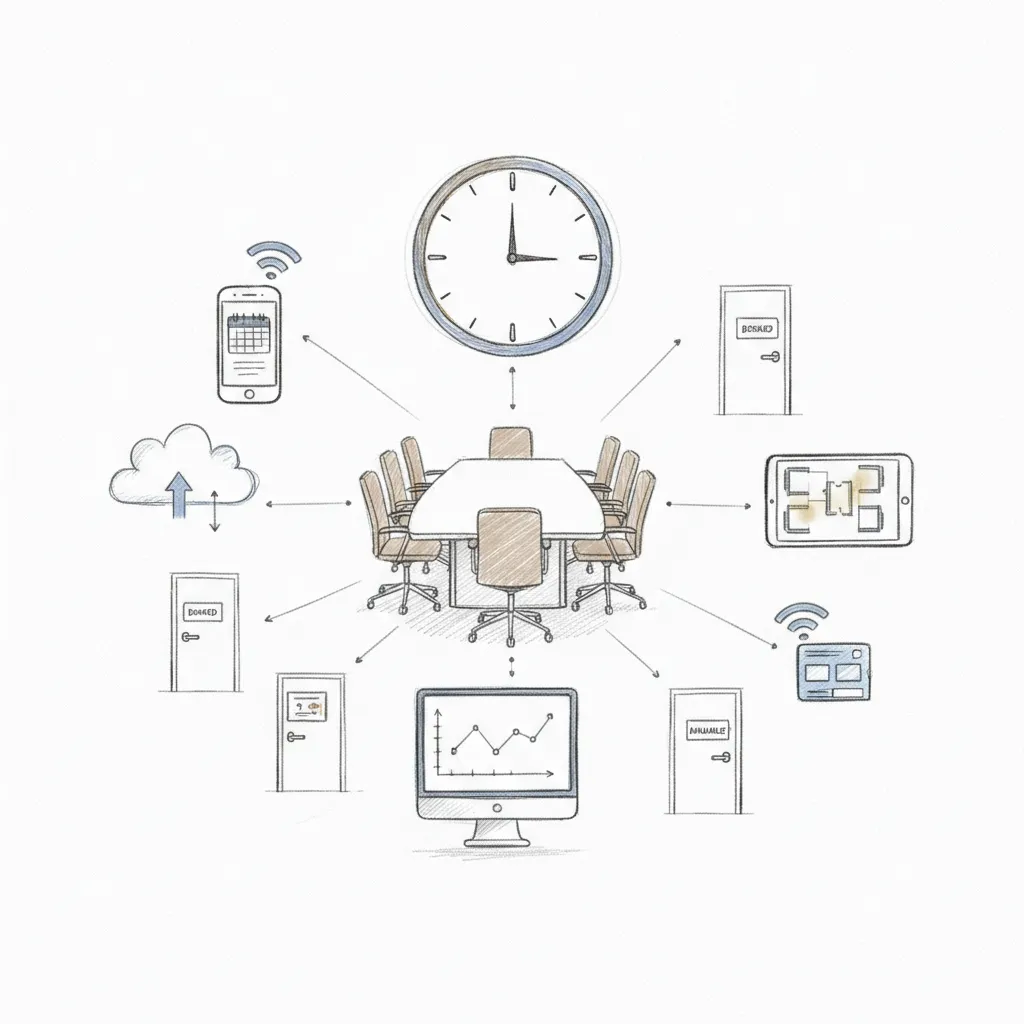
Meeting room scheduling software automates how teams book, manage, and release conference rooms, replacing manual calendar juggling with real-time availability, automated check-ins, and utilization analytics. The best platforms integrate directly with Microsoft 365, Google Workspace, Slack, and Zoom, cutting no-show rates by up to 40% and recovering hours of wasted space per week. For hybrid teams, the right tool also surfaces who's coming in and when, so room supply matches actual demand.
Meeting room scheduling software replaces manual calendar coordination with real-time automated booking, confirmation, and utilization tracking across your office spaces.
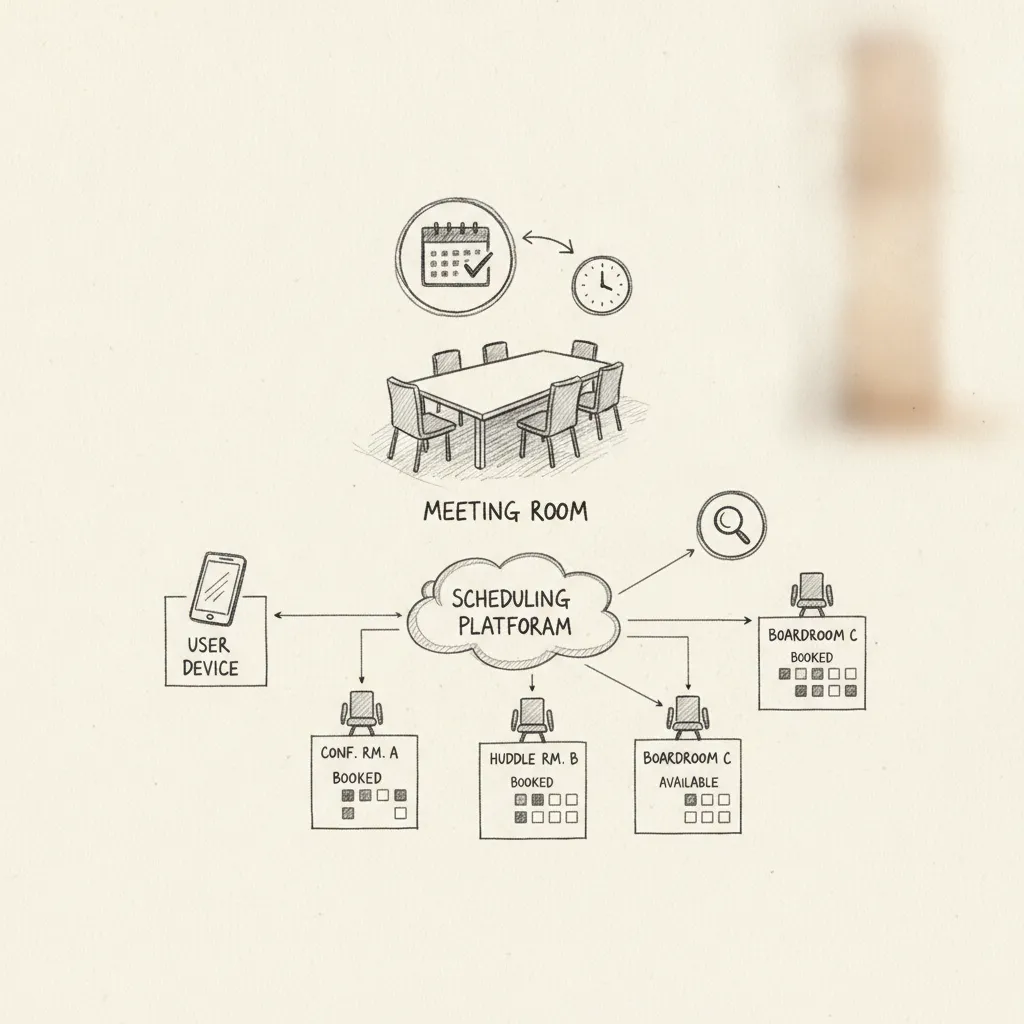
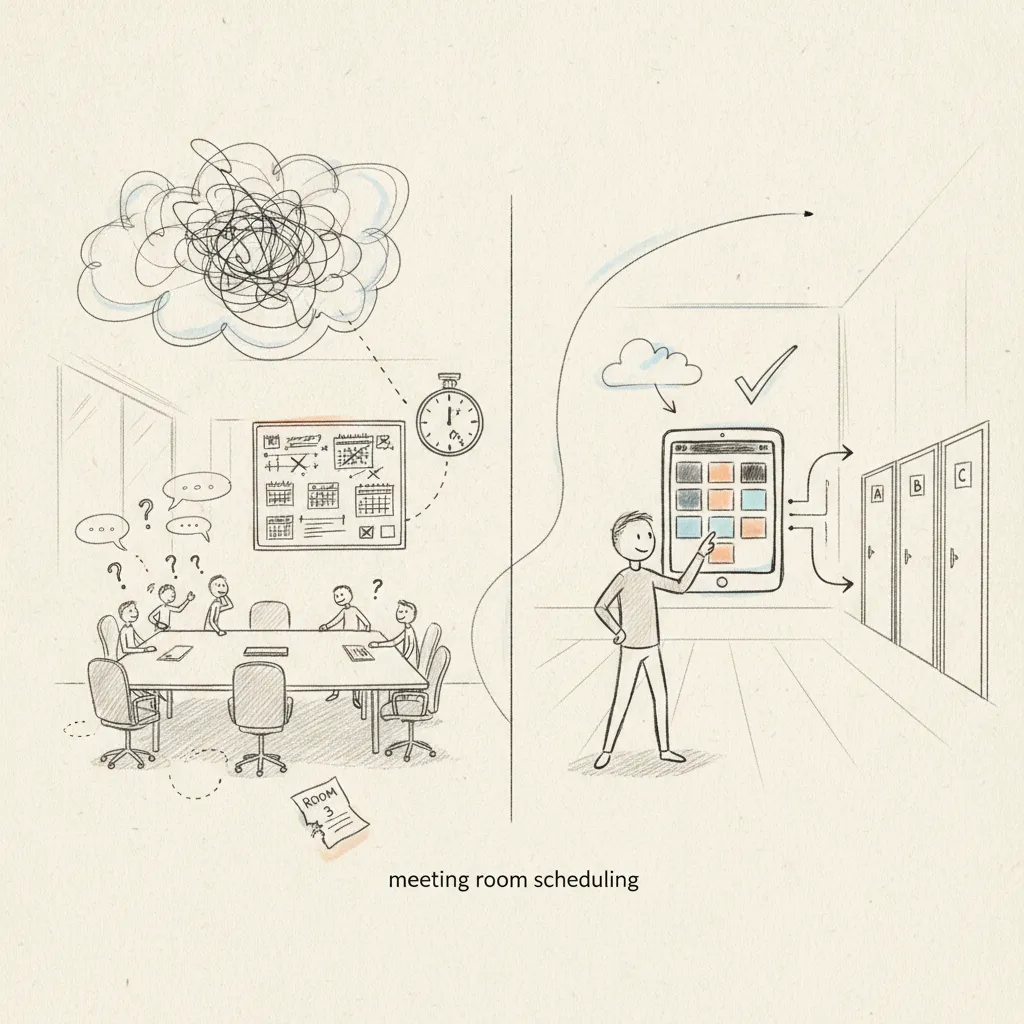
Manual calendar management produces three predictable failures: double-bookings, ghost meetings where rooms sit empty after no-shows, and email chains that resolve too slowly to be useful. Automated room booking eliminates all three, an employee searches available rooms by capacity or AV equipment, books in seconds, receives a confirmation, and checks in via app, QR code, or door panel. No back-and-forth required.
According to workplace research, up to 40% of booked rooms go unused on any given day in hybrid offices, a direct cost to real estate budgets that manual systems cannot detect or recover. As the U.S. General Services Administration notes in its workspace guidance, optimizing space utilization is one of the highest-impact levers available to facilities managers.
"The biggest waste in corporate real estate isn't empty desks — it's booked rooms that nobody shows up to. Automated release mechanisms alone can recover 20–30% of your effective room capacity." — Dr. Marie Puybaraud, Global Head of Research, JLL Corporate Solutions
Hybrid offices create a specific mismatch: a room booked for 10 people when only 3 show up, or no rooms available when a full team comes in unannounced. Neither scenario is visible until it's already a problem.
Modern platforms address this by layering utilization analytics on top of booking data, turning every reservation and check-in into real estate intelligence that informs decisions about room mix, floor allocation, and portfolio size.
The core problems that meeting room scheduling software solves include:
Upflex delivers 40%+ real estate savings and 97% attendance forecast accuracy, making it an office orchestration platform, not just a room calendar.
The engine behind those numbers is UnifyAI, which forecasts who is coming in, when, and where before demand spikes. Room supply gets allocated proactively, so your facilities team isn't scrambling the morning a full department shows up unannounced. That forecasting layer is what separates Upflex from tools that only react to bookings already made.
The differentiator no comparable tool matches: Upflex connects employees to a global on-demand workspace network spanning 80+ countries. Distributed or traveling employees book rooms in coworking spaces through the same interface they use for their home office, no separate app, no expense report for a day pass.
Best for: Corporate Real Estate leaders and hybrid-first enterprises managing multi-site portfolios who need demand forecasting and external workspace access, not just internal room calendars.
Upflex integrates with Microsoft 365, Google Workspace, Slack, and Zoom, and is both SOC 2 certified and GDPR compliant, meeting the procurement bar most enterprise IT teams require.
Robin gives IT and Facilities teams granular space analytics, utilization by floor, room type, and time of day, going well beyond basic booking logs.
That analytics depth is Robin's core strength. Teams can identify which conference rooms are chronically overbooked, which sit empty by 2 p.m., and how utilization shifts across a multi-floor footprint, data that supports real consolidation decisions rather than guesswork.
Robin's native Microsoft Teams integration lets employees book rooms directly from a Teams chat or channel without switching apps, a meaningful reduction in friction for Microsoft-first organizations. The platform also handles hot-desking and room booking in a single interface, useful for enterprises trying to cut their tool count.
Best for: IT and Facilities teams at 500+ employee companies managing complex, multi-floor office environments.
The differentiator the top-ranking review sites underplay: Robin's "neighborhood" feature lets teams claim defined zones of the office on specific days, reducing the coordination overhead that makes hybrid scheduling feel chaotic. It's a structural fix, not just a cosmetic one.
"Space analytics are no longer a nice-to-have — they're the foundation of any credible hybrid workplace strategy. Without utilization data, you're making million-dollar real estate decisions based on gut feel." — Janet Pogue McLaurin, Global Director of Workplace Research, Gensler
Skedda handles complex booking rules, notice periods, buffer times, role-based access, making it more configurable than most enterprise room booking tools.
That configurability matters most outside the standard corporate office. Universities, co-working operators, and multi-use facilities can set different rules for different room types: a lecture hall might require 48 hours' notice; a phone booth can be booked 10 minutes out. Most enterprise tools don't support that kind of granularity without custom development.
Skedda's interactive floor map lets users click directly on a visual layout to book a room, rather than selecting from a dropdown list. In large or unfamiliar buildings, that reduces booking errors and speeds up the process for first-time users.
Best for: Universities, co-working spaces, and multi-use facilities where rooms serve different functions on different days. Pricing starts lower than Robin for small-space operators, making it relevant for budget-conscious buyers.
The standout differentiator: Skedda supports public-facing booking pages, so external guests or members can self-serve without needing an internal account, a capability purpose-built for operators who serve people outside their own organization.
Joan's e-paper display panels run on battery power for up to 6 months, require no power cables at the door, and can be deployed across an office in hours without an electrician.
Traditional digital screens at room entrances draw continuous power, require wall-mounted cabling, and produce screen glare in bright corridors. E-paper displays draw near-zero power between screen refreshes, are readable in direct sunlight, and have no glare, a practical advantage in high-traffic areas where lighting conditions vary.
Joan's panels sync with Google Calendar, Outlook, and Microsoft 365, reflecting room availability in real time without manual updates. When a meeting ends early or a booking is cancelled, the display updates automatically.
Best for: Mid-size offices of 50–500 employees that want polished physical room signage without committing to a full platform overhaul or a complex infrastructure project.
Joan's specific differentiator: the panels double as wayfinding displays, showing floor maps and room locations alongside booking status. Software-only tools can show you a room is available; Joan's hardware tells a visitor exactly where to find it.
Officely is the strongest choice when your team already lives in Slack or Microsoft Teams and won't adopt a separate app. Employees book rooms with a slash command or a single button click, no separate login, no new tab, no context switching required.
That frictionless experience shows up in the numbers: Officely reports 80%+ weekly active usage among its customers, compared to an industry average of roughly 40% for standalone booking apps [1]. When booking happens inside the tool people already have open all day, adoption takes care of itself.
Officely also handles desk booking alongside room booking, covering the full hybrid office coordination problem from one interface. Its standout differentiator is social context: before you book a desk or room, Officely shows you who else is planning to come in that day. That visibility drives voluntary attendance without mandates, employees choose to come in because they can see their teammates will be there.
Best for: Tech-forward SMBs and scale-ups where Slack or Teams functions as the operating system of the business.
Yoffix is the specialist pick for European companies that need documented GDPR data residency and deep Microsoft 365 integration in a single room scheduling platform. The platform is hosted on German servers, making data residency a documented procurement feature rather than a legal afterthought.
Its Microsoft 365 integration runs bidirectionally across Exchange, Teams, and Outlook calendars with sub-60-second sync latency, bookings made in Yoffix appear in Outlook immediately, and calendar blocks created in Outlook release rooms automatically.
Yoffix also supports works council compliance workflows common in German and Dutch enterprises, a requirement most US-headquartered tools don't address at all. That alone makes it the default candidate for regulated European businesses in finance, healthcare, or legal where procurement teams scrutinize data handling documentation. For context on European data protection requirements, the European Data Protection Board publishes authoritative guidance on GDPR compliance obligations that procurement teams should reference when evaluating vendors.
Its specific differentiator: built-in shift planning alongside room booking. For manufacturing or retail head offices running non-standard work patterns, that combination removes the need for a separate scheduling tool entirely.
Best for: European enterprises in regulated industries where data sovereignty is a hard procurement requirement.
Awaio is the fastest path to a functioning room booking system, no panels to procure, no firmware to manage, no hardware warranty to track. A printed or displayed QR code on the door is the only physical installation required.
Yes, and Awaio is the clearest proof. The booking flow takes under 10 seconds: an employee scans the QR code with their smartphone, sees real-time room availability, then books or checks in on the spot. No app download is required.
That zero-hardware approach cuts total cost of ownership significantly. There's no panel procurement budget, no per-device firmware update cycle, and no hardware warranty management to coordinate with IT. Setup time runs in minutes per room, not days, making Awaio the right call when speed matters more than polish.
For offices already running meeting room scheduling software on other floors, Awaio works well as a lightweight extension to satellite locations or pilot spaces before a full hardware rollout is approved.
Best for: Startups, satellite offices, and companies piloting room scheduling before committing to hardware investment.
YAROOMS is built for companies that don't want to replace their room booking platform every time they double headcount. Its pricing model charges per room, not per user, so cost stays predictable as your team grows, unlike per-seat models that penalize you for hiring.
Multi-location management runs from a single admin panel. Adding a new office in a new city doesn't require a separate contract or a new platform instance, you configure it within the same account. That matters for Series B–D companies and mid-market firms moving fast across geographies who need enterprise-grade features without enterprise procurement timelines.
YAROOMS also includes a visitor management module alongside room booking, handling external guest check-in for meeting rooms that regularly host clients or partners. Its specific differentiator is a carbon footprint tracker tied directly to office attendance and room usage data, giving sustainability teams the granular numbers they need for ESG reporting without a separate data pull.
Best for: Growth-stage and mid-market companies with active hiring plans and ESG reporting obligations.
The right meeting room scheduling software depends on five variables: your integration stack, hardware posture, compliance requirements, budget model, and rollout timeline. Work through each before you shortlist. According to Archie's in-depth review of 30+ meeting room booking software platforms, integration depth and compliance certifications are the two factors most commonly underweighted during initial vendor evaluation.
Step 1, Map your integration stack first. If your team runs on Microsoft 365, prioritize tools with native Exchange and Teams sync, bidirectional, not one-way. If you're on Google Workspace, verify bidirectional Google Calendar sync before evaluating anything else. A booking system that doesn't write back to your calendar creates double-booking risk immediately.
Step 2, Decide on your hardware posture. E-paper panels like Joan deliver polished room signage for client-facing offices. QR-code-only systems like Awaio get you live in minutes with zero hardware spend. Software-only works if you already have screens mounted at room doors. Don't buy hardware you don't need. For a detailed comparison of hardware-integrated solutions, Logitech's room booking solutions page outlines how display hardware integrates with scheduling software in practice.
Step 3, Calculate ROI before you sign. Unused meeting rooms in a 50-person office cost an estimated $15,000–$40,000 per year in wasted space. A booking system that recovers 30% of that capacity pays for itself in under 90 days at most mid-market price points. For larger portfolios, the math improves sharply, Upflex customers managing full office portfolios have documented 40%+ reductions in real estate spend by pairing attendance forecasting with space utilization data.
Step 4, Check compliance requirements. European companies need documented GDPR data residency, ask vendors for their data processing agreements and server location certificates before procurement. US enterprises in healthcare or finance should require SOC 2 Type II certification as a baseline. The NIST Cybersecurity Framework provides a useful reference for evaluating vendor security posture beyond basic certification checkboxes.
Step 5, Pilot before you roll out. Start with one floor or one office. Software-only deployments realistically take 2–6 weeks from contract to live. When hardware procurement is involved, panels, displays, or access control integration, budget 6–12 weeks. Any vendor quoting faster timelines for a hardware rollout across multiple floors is underselling the complexity.
"Successful workplace technology adoption hinges on reducing friction to near zero. If employees need to open a new app, create a new login, or change their existing workflow, adoption rates drop by half — regardless of how good the software is." — Dr. Leesman, Workplace Experience Research, Leesman Index
Pricing ranges from free tiers for small teams to $10–$25 per room per month for mid-market tools, with enterprise contracts often negotiated annually. Entry-level tools like Skedda offer free plans with limited rooms [1]. Enterprise platforms, those with AI forecasting, utilization analytics, and portfolio management, typically require custom pricing. Budget for implementation, hardware (room displays), and integration costs alongside the software license, as these can equal or exceed the base subscription in year one.
Most enterprise-grade room booking platforms maintain SOC 2 Type II certification and GDPR compliance, but you must verify this directly with each vendor before signing. Ask for their current SOC 2 report date, data residency options, and data processing agreements. Platforms targeting European companies, such as Yoffix [1], typically prioritize GDPR controls. For global enterprises, also confirm whether the vendor supports regional data storage to meet local regulatory requirements.
Check-in features require attendees to confirm their booking on arrival, typically via a room display or mobile app, and automatically release the room if no one checks in within a set window, often 5–15 minutes. This directly recovers space that would otherwise sit empty for the full booked duration. Logitech's auto-book and release feature [2] is one example of this mechanism in practice. Organizations with high no-show rates report meaningful gains in effective room utilization after enabling automated release.
Yes, most leading room booking platforms support two-way sync with both Google Calendar and Microsoft Outlook [1]. Bookings made in the scheduling tool appear in employees' calendars, and calendar invites can trigger room reservations automatically. Confirm that the integration is bidirectional, not read-only, and check whether your IT team needs to grant admin-level calendar API access during setup, as this is a common deployment delay.
Room booking software manages reservations for shared meeting spaces, conference rooms, and collaborative areas, typically with capacity, AV equipment, and catering attributes. Desk booking software manages individual workstations in hot-desking or hoteling environments. Many modern platforms, including Officely, Robin, and YAROOMS, combine both functions in a single interface, which reduces tool sprawl and gives facilities teams a unified view of how the entire office footprint is being used on any given day.
The right meeting room scheduling software solves three concrete problems: it eliminates double-bookings, recovers space lost to no-shows through automated release, and gives you utilization data to make real estate decisions with confidence rather than guesswork.
For teams managing hybrid attendance across multiple offices, the stakes are higher. Attendance forecasting, not just room booking, determines whether your office footprint matches actual demand. Upflex's UnifyAI engine predicts attendance with 97% accuracy and pairs that data with desk booking and on-demand workspace access, giving corporate real estate leaders a single platform to right-size their portfolio.
Start by auditing your current room utilization rate. If it's below 60%, your next step is a demo focused on forecasting and automated release, not just booking UI.
Explore more from our content library: