Share This Article
No items found.

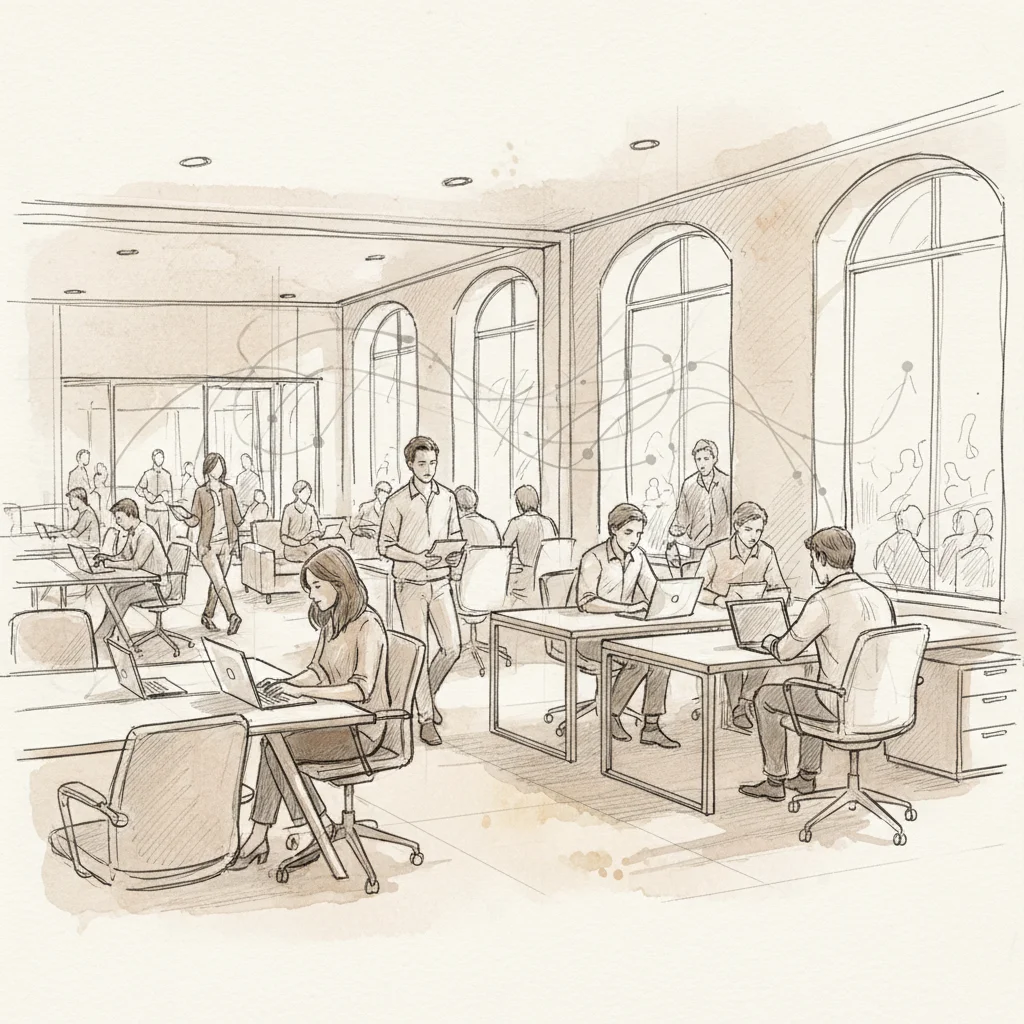
Half your office sits empty on a Tuesday. The other half has employees circling the floor looking for somewhere to sit. This is the paradox of hybrid work, and it's exactly the problem that hot desking software was built to fix. As of 2026, organizations managing distributed teams can't afford to rely on spreadsheets, email chains, or badge-swipe guesswork to allocate space.
Hot desking software is a digital platform that enables employees to reserve unassigned workstations on demand, while giving workplace leaders real-time visibility into space utilization. It replaces static seating arrangements with flexible, data-driven desk allocation. The result is a leaner real estate footprint and a better employee experience.
This guide covers how hot desking software works, what to look for in a platform, how it compares to traditional desk assignment, and the best practices that enterprise teams are using right now to cut costs without cutting the workplace experience.
Hot desking software is a workplace management tool that lets employees book available desks in real time, replacing permanent assigned seating with a shared, reservation-based system. It gives companies accurate utilization data and gives employees the flexibility to choose where they work each day.
Traditional office design assumed every employee needed a dedicated desk, five days a week. Hybrid work destroyed that assumption. With most enterprise teams coming in two or three days a week at most, paying for a 1:1 desk-to-employee ratio is simply wasted capital.
Hot desking (sometimes called "desk hoteling" when reservations are made in advance) solves this by creating a shared pool of workstations that any employee can claim. According to SHRM, demand for hot desking and hoteling software has grown significantly as return-to-office initiatives collide with the realities of hybrid attendance patterns [1].
The software layer is what makes this operationally viable at scale. Without it, shared desking devolves into first-come-first-served chaos. With it, you get:
These two terms are often used interchangeably, but there's a meaningful distinction. Hot desking typically refers to walk-in, unassigned use of any available desk. Desk hoteling refers to advance reservations, similar to booking a hotel room. Most modern hot desking platforms support both models [2].
According to OfficeSpace, organizations can restrict concurrent bookings to keep certain desks as floating (hot desking) while allowing recurring reservations for others (hoteling) [3]. This hybrid configuration is increasingly common in enterprise deployments.
| Feature | Hot Desking | Desk Hoteling |
|---|---|---|
| Booking Method | Walk-in / same-day | Advance reservation |
| Desk Assignment | Fully unassigned | Reserved for a period |
| Best For | High-mobility teams | Predictable hybrid schedules |
| Planning Horizon | Day-of | Days or weeks ahead |
| Analytics Value | Real-time utilization | Demand forecasting |
Hot desking software works by connecting employee scheduling inputs to a live inventory of available workstations, then surfacing that availability through a mobile app, web portal, or calendar integration so employees can book a desk before they arrive.
From the employee's perspective, the process is straightforward. From the operations side, there's a lot happening underneath. Here's how a typical enterprise deployment works:
Platforms like Deskbird emphasize that real-time floor plan visibility and calendar integrations are the two most critical features for driving employee adoption [4]. If booking a desk takes more than 30 seconds, adoption rates drop sharply.
Basic hot desking software tells you where people sat yesterday. More advanced platforms predict where people will sit tomorrow. This is where AI-powered office orchestration changes the equation entirely.
Upflex's UnifyAI engine, for example, forecasts office attendance with 97% accuracy by processing scheduling signals, historical patterns, and team coordination data. Instead of reacting to who shows up, workplace leaders can proactively configure space, coordinate team co-attendance, and make real estate decisions based on what will actually happen. That's the difference between a booking tool and a workplace optimization platform.
Pro Tip: Look for hot desking software that includes auto-release functionality. If an employee books a desk but doesn't check in within 15-20 minutes of their scheduled start time, the system should automatically free that desk for others. This single feature can recover 10-15% of nominally "booked" capacity on any given day.
Industry analysts at Slashdot note that the best hot desk booking platforms in 2026 go beyond simple reservation management to include occupancy analytics, neighborhood management, and integrations with visitor management and room booking systems [5].
Hot desking software delivers measurable benefits across real estate cost reduction, employee experience, and operational efficiency, making it one of the highest-ROI workplace technology investments available to enterprise teams in 2026.
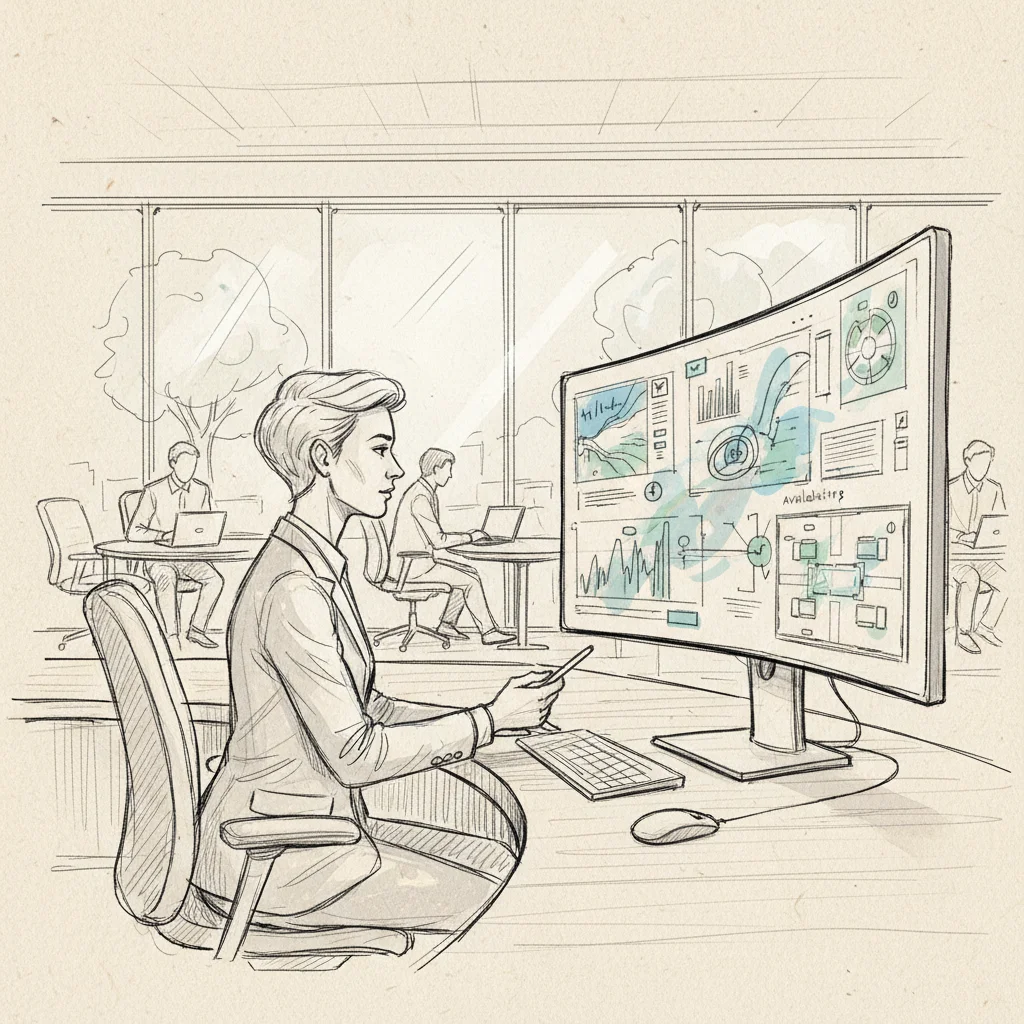
This is the headline benefit, and the numbers are compelling. When you replace a 1:1 desk ratio with a shared model, you can typically reduce your desk inventory by 30-50% without reducing employee capacity. Upflex customers have achieved 40%+ reductions in real estate spend by combining hot desking software with AI-powered attendance forecasting that gives them the confidence to actually right-size their portfolios.
The math is simple: if 500 employees come in on a rotating basis with peak attendance of 300 on any given day, you need roughly 300 desks, not 500. That's 200 desks worth of floor space you're no longer paying for.
A common misconception is that hot desking creates a worse employee experience. Done poorly, it does. Done well, with the right software, it's often better than assigned seating.
According to Gable, the best hot desking platforms in 2026 include features that let employees see where their teammates are sitting before they arrive, making spontaneous collaboration easier, not harder [6].
At Upflex, we've found that co-attendance (the percentage of a team that's in the office on the same day) is a more meaningful metric than raw occupancy. Our platform achieves 88% co-attendance rates for teams using coordinated scheduling, which is the outcome HR leaders actually care about.
Pro Tip: Don't measure your hot desking program by desk utilization alone. Track co-attendance rates by team. A desk that's 60% utilized but always occupied by different individuals from different teams is delivering far less value than one occupied by the same team collaborating together.
Hot desking software fails most often not because of the technology, but because of poor configuration, inadequate change management, or choosing a tool that doesn't match the organization's actual hybrid work patterns.
Ghost bookings (reservations made but never used) are the single biggest operational failure mode in hot desking deployments. In practice, employees book a desk "just in case" and then don't show up, or they forget to cancel. The result is a floor that looks fully booked in the system but is visibly half-empty in reality.
Solutions include:
A common mistake is treating this strategy as a purely technical rollout. In reality, removing assigned seats is a cultural change, and it needs to be managed as one. Research from SHRM notes that employee resistance is the most frequently cited barrier to successful hot desking adoption [1].
Best practices for change management include:
One pitfall to watch for: deploying this approach without configuring team neighborhoods. When employees can't find their teammates, frustration builds fast. Most platforms, including Envoy and Robin, support zone-based neighborhood configurations that preserve team proximity even in a fully unassigned environment [7][8].
| Pitfall | Root Cause | Solution |
|---|---|---|
| Ghost bookings | No check-in enforcement | Auto-release + reminders |
| Employee resistance | Poor change management | Pilot + communicate "why" |
| Team fragmentation | No neighborhood zoning | Configure team zones |
| Underused data | No analytics review cadence | Monthly utilization reviews |
| Over-booking on peak days | No attendance forecasting | AI-powered demand prediction |
The organizations getting the most value from the practice in 2026 share a few common practices: they treat desk booking as one layer of a broader workplace optimization strategy, they use data to drive decisions, and they pair their internal desk inventory with flexible access to external workspaces.
Spend time on setup before you go live. The configuration decisions you make in week one shape employee behavior for months. Key decisions include:
Platforms reviewed by Archie and People Managing People consistently rank interactive floor plans and amenity filtering as the top features for driving day-one adoption [9][10].
Your this practice is generating utilization data every single day. Most organizations look at it quarterly, if at all. The teams that extract the most value review utilization weekly and tie it directly to real estate planning cycles.
Specific metrics to track:
Pro Tip: Before your next lease renewal, pull 12 months of peak occupancy data from your hot desking software. If your peak day utilization never exceeds 70% of your current desk inventory, you have a quantified business case for consolidation. That single data point is worth more in a CFO conversation than any workplace survey.
Our team at Upflex recommends pairing your internal this method with access to an on-demand workspace network for employees who work remotely or travel frequently. This eliminates the need to sign satellite leases or maintain underused regional offices, while still giving employees a professional workspace wherever they are. The combination of owned-office optimization and flexible external access is what allows enterprises to cut real estate spend by 40%+ without reducing the quality of the employee experience.
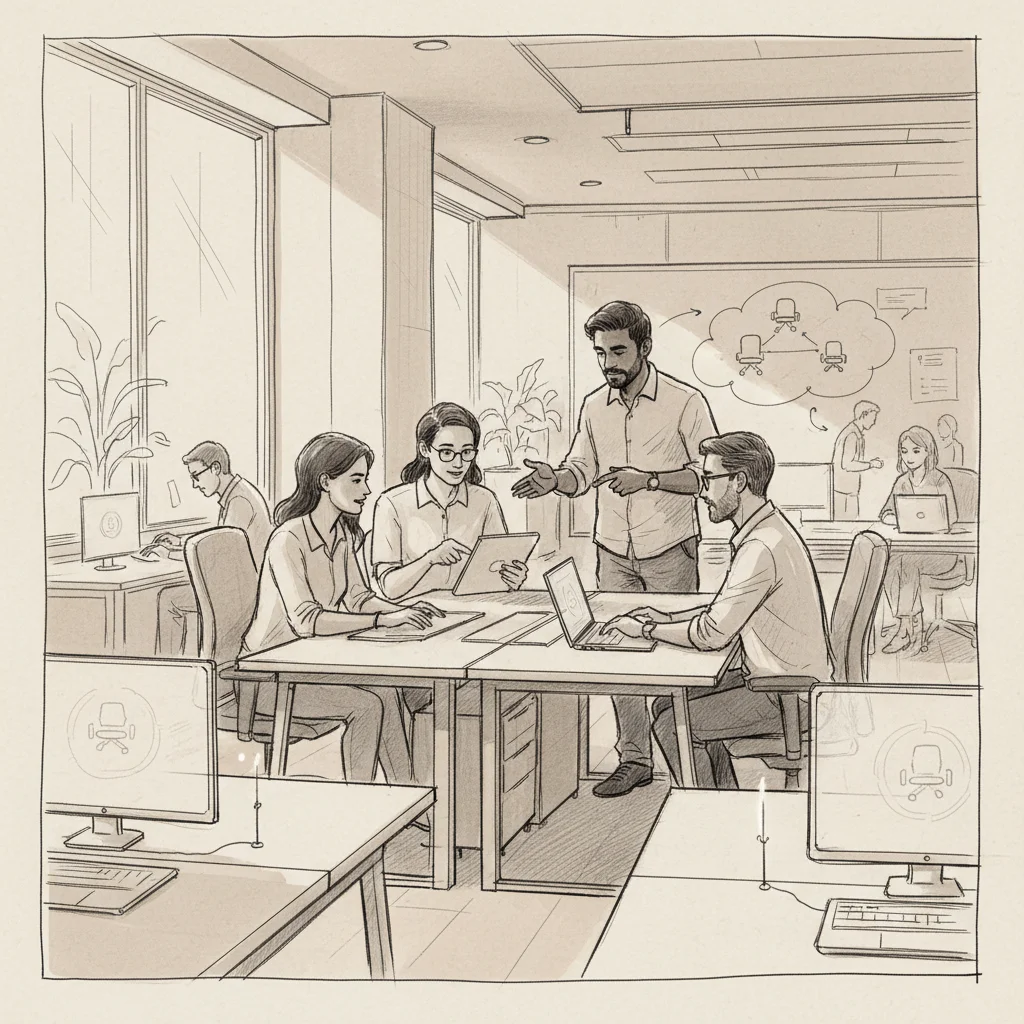
Hot desking is not only still relevant in 2026, it's more structured and software-driven than ever. The shift is away from chaotic, first-come-first-served arrangements toward coordinated, reservation-based desk sharing managed through dedicated platforms. While some organizations have reintroduced partial assigned seating for specific roles, the majority of enterprise hybrid programs rely on some form of shared desk inventory. The difference today is that this strategy provides the coordination layer that makes shared desking genuinely functional rather than frustrating, with AI-powered forecasting, neighborhood zoning, and real-time availability maps replacing the old walk-in-and-hope approach.
A hot desking system is a combination of workplace policy and technology that replaces permanently assigned employee workstations with a shared, bookable pool of desks. Modern hot desking systems include a software platform for reservations, floor plan visualization, check-in enforcement, and utilization analytics, plus an administrative layer for configuring zones, desk ratios, and booking rules. The most advanced systems, like Upflex, extend beyond desk booking to include AI-powered attendance forecasting, team co-attendance coordination, and integration with on-demand external workspace networks, giving enterprises a complete picture of their real estate utilization across owned and third-party locations.
Microsoft offers a basic bookable desks feature within Microsoft Teams, available on desktop for Windows and Mac, which allows employees to reserve workstations that have been configured by an IT administrator. As of 2026, this functionality is relatively limited compared to dedicated this approach: it lacks advanced floor plan mapping, utilization analytics, neighborhood zoning, and AI-powered demand forecasting. Most enterprises using Microsoft 365 supplement Teams' native booking capability with a dedicated workplace management platform that integrates with their Microsoft environment while providing the full feature set that enterprise-scale hot desking requires.
The most important features for enterprise the practice are interactive floor plan maps with real-time availability, calendar integration (Microsoft 365 and Google Workspace), mobile check-in with auto-release for no-shows, team neighborhood configuration, amenity filtering, and utilization analytics. For larger organizations, AI-powered attendance forecasting, co-attendance tracking, and integration with visitor management and room booking systems are also critical. Platforms reviewed by Gitnux consistently highlight floor plan visualization and calendar sync as the top adoption drivers. The right platform depends on your organization's size, hybrid work model, and whether you need access to external workspaces for remote or traveling employees.
Several platforms offer free tiers or trials for this practice, typically suitable for small teams or single-location deployments. Options frequently cited in communities like Reddit's r/sysadmin include Skedda, which has a limited free plan, and Tactic, which offers trial access. For enterprise deployments with multiple locations, complex analytics requirements, and AI-powered forecasting, free tiers are generally insufficient. The ROI calculation for paid platforms is usually straightforward: if the software enables even a 10% reduction in your real estate footprint, the subscription cost is covered many times over.
Most enterprise this method integrates with Microsoft 365 and Google Workspace for calendar sync and single sign-on, with Slack and Microsoft Teams for booking notifications and check-in reminders, and with access control systems for badge-based check-in. Advanced platforms also integrate with IWMS (Integrated Workplace Management Systems) like Archibus or Planon, HR systems for employee directory data, and visitor management platforms. When evaluating integrations, prioritize your calendar platform first (since that's where employees already manage their schedules), then your communication tool, then your access control system.
The empty-office problem and the can't-find-a-desk problem are two sides of the same coin, and this strategy is the mechanism that resolves both. By replacing static assigned seating with a data-driven, reservation-based model, organizations can align their physical footprint with how their teams actually work rather than how they used to work.
The platforms that deliver the most value in 2026 go beyond simple booking. They forecast demand, coordinate team co-attendance, and generate the utilization evidence that corporate real estate leaders need to make confident portfolio decisions. That's the difference between a scheduling tool and a genuine workplace optimization platform.
Upflex combines AI-powered office orchestration with access to the world's largest on-demand workspace network, giving enterprise teams a single platform to manage their owned offices and their distributed workforce. With 97% attendance forecast accuracy and documented outcomes of 40%+ real estate cost reduction, the business case for upgrading your this approach is clear. Your next lease renewal is coming. The data you collect today will determine the decision you make then.
Explore more from our content library: