Share This Article
No items found.

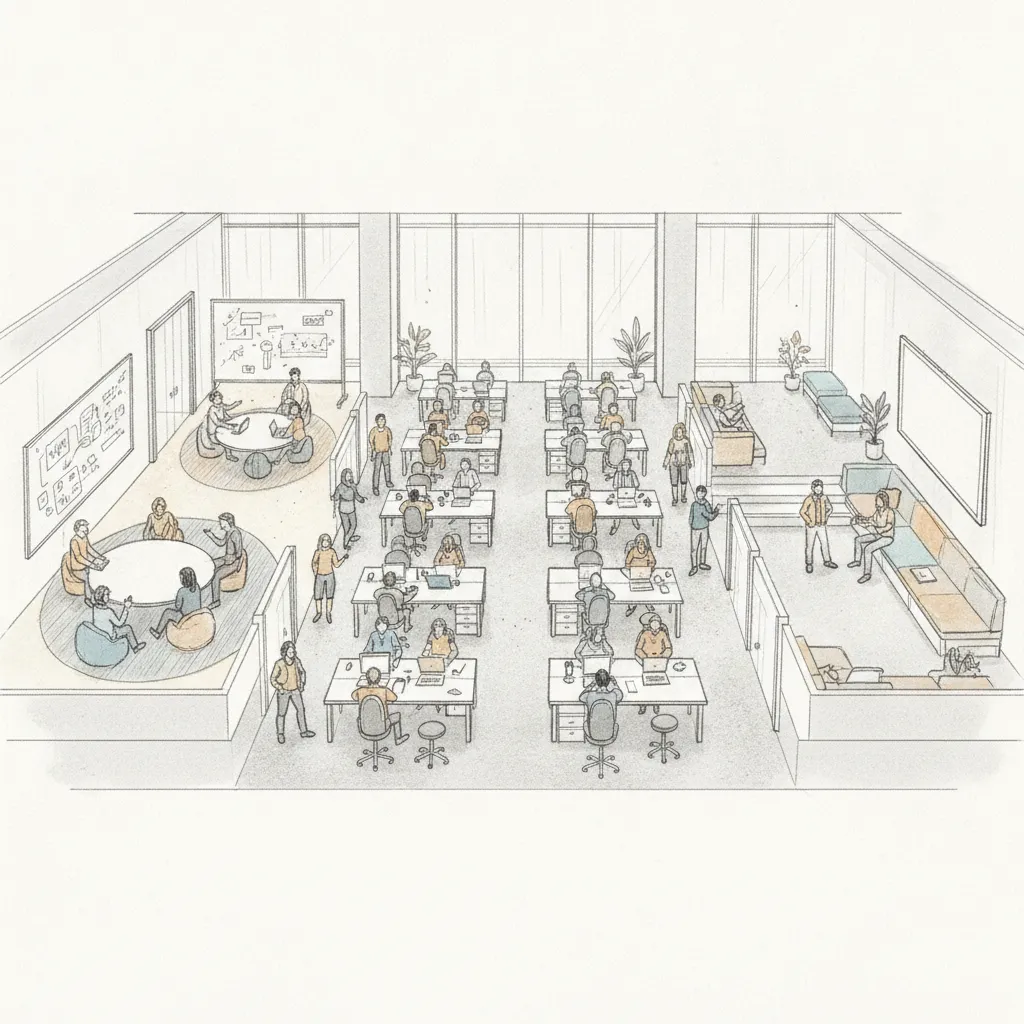
Flexible workspace management is the systematic process of planning, allocating, and optimizing office space so that organizations can adapt their physical footprint to actual employee demand rather than fixed assumptions. Done well, it cuts real estate spend by 40% or more, eliminates underutilized square footage, and gives hybrid teams the right space at the right time. This guide walks you through exactly how to build that capability, step by step.
Effective flexible workspace management requires the right data, tools, and organizational alignment before you configure a single desk or policy. Skipping this stage is the single most common reason enterprise rollouts stall within 90 days.
A few industry-specific terms come up constantly in this space. Desk hoteling refers to reserving a desk in advance, as opposed to hot-desking (first-come, first-served). Space utilization rate is the percentage of available seats actually occupied during working hours. IWMS stands for Integrated Workplace Management System, the legacy category of software that flexible workspace platforms are increasingly replacing or supplementing. And co-attendance is the metric that measures whether team members are physically present on the same days, which is the actual goal of most return-to-office programs.
Pro Tip: Pull at least 90 days of badge access data before setting any space ratios. Averages built on less than a quarter of data will almost always underestimate peak-day demand and leave your employees without seats on Tuesdays and Wednesdays.
Auditing space utilization means measuring how much of your office is actually used, when, and by whom, so that every subsequent decision is grounded in evidence rather than assumption.
Research from EHL Hospitality Insights confirms that enterprises operating hybrid models consistently see office utilization rates well below 50%, meaning the average enterprise is paying full price for space that sits empty more than half the time [2]. That number is your baseline, and it's the figure you'll take to your CFO to justify the investment in a proper flexible workspace management system.
A SaaS company we're familiar with ran this audit and discovered that three full floors in their European headquarters averaged under 18% utilization on Mondays and Fridays. Armed with that data, they renegotiated two subleases within a single quarter, recovering significant annual spend without a single layoff or policy mandate.
| Zone Type | Typical Utilization Rate (2026) | Optimization Priority |
|---|---|---|
| Individual desks (assigned) | 28–42% | High — convert to hoteling |
| Meeting rooms (6+ seats) | 18–30% | High — right-size or subdivide |
| Collaborative/lounge zones | 35–55% | Medium — monitor and expand if needed |
| Phone booths / focus pods | 60–75% | Low — often undersupplied |
| Reception / lobby | Variable | Low — functional, not optimizable |
A workspace management policy is the written ruleset that governs how employees book, use, and vacate space, and it's the foundation that prevents your flexible setup from collapsing into chaos within weeks.
The most effective policies in 2026 share a common structure. They specify:
According to the Global Workspace Association, organizations that document overflow protocols before they're needed resolve capacity conflicts 3x faster than those that improvise [3]. That's a meaningful operational difference when your office hits an unexpected spike on a Wednesday.
One pitfall to watch for: policies that are so flexible they give employees no reason to coordinate. If everyone can come in any day with no advance notice, teams end up scattered, and the co-attendance rate, the percentage of team members present on the same day, collapses. The best hybrid policies build in lightweight coordination nudges, such as designated anchor days for each team, without mandating rigid schedules.
Pro Tip: Set your no-show cancellation window at 30 minutes post-start-time. Organizations using 60-minute windows lose an average of 12% of bookable capacity daily to ghost reservations — seats that are technically booked but physically empty all morning.
Choosing the right flexible workspace management software determines whether your policy stays theoretical or becomes operational. The platform needs to handle desk booking, attendance forecasting, and portfolio analytics, ideally in a single interface.
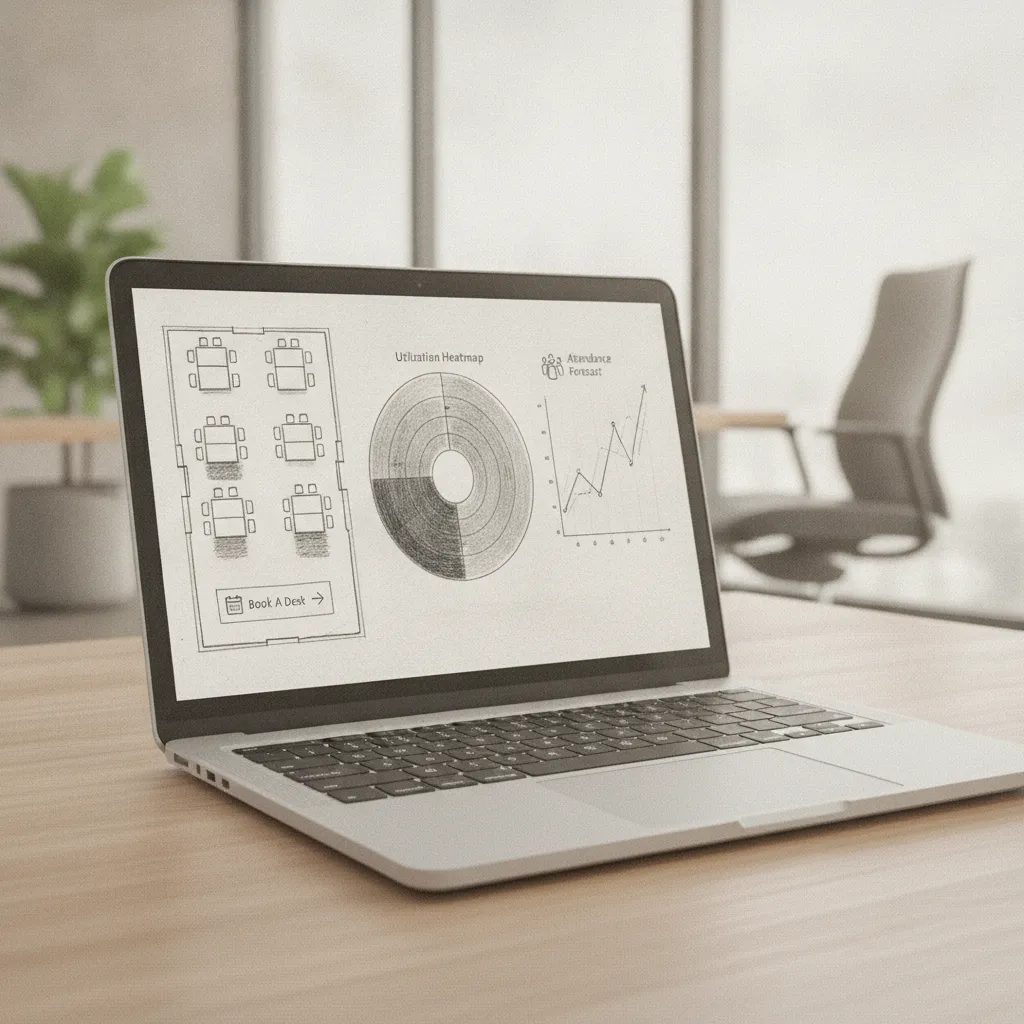
Industry analysts at G2 identify desk booking, space analytics, and integration with calendar tools as the three most-requested features in flexible workspace management software as of 2026 [4]. But for enterprise buyers, the evaluation criteria go further:
At Upflex, we've found that the biggest gap in most enterprise tool stacks isn't desk booking (most organizations have something for that) but attendance forecasting. Knowing where people sat yesterday is a reporting function. Knowing who's coming in tomorrow, and automatically coordinating their teammates to be there on the same day, is an orchestration function. Those are categorically different capabilities.
Upflex's UnifyAI engine addresses this directly. It's an AI that forecasts who's coming in, when, and where, with 97% attendance forecast accuracy, and then automates the coordination so that teams actually achieve co-attendance rather than just hoping for it. Customers using this approach have reached 88% co-attendance achievement, a number that would be nearly impossible to hit with manual scheduling alone.
For organizations thinking about how digital strategy intersects with workplace community building, the principles outlined in resources on Community Management Digital Strategy apply directly to how you design employee-facing workspace communications and adoption campaigns.
| Capability | Basic Tools | Mid-Tier Platforms | AI-Powered Platforms (e.g., Upflex) |
|---|---|---|---|
| Desk booking | ✓ | ✓ | ✓ |
| Space utilization reporting | Basic | ✓ | ✓ (real-time) |
| Attendance forecasting | ✗ | Limited | ✓ (97% accuracy) |
| Team co-attendance coordination | ✗ | ✗ | ✓ (automated) |
| On-demand external workspace access | ✗ | ✗ | ✓ (global network) |
| Portfolio consolidation analytics | ✗ | Limited | ✓ |
Implementing desk booking workflows means configuring your platform to reflect your physical layout, your policy rules, and your team neighborhoods, then rolling it out in a way that drives adoption rather than resistance.
In practice, the pilot phase surfaces edge cases your policy didn't anticipate. One global financial services firm found during their pilot that their "30-minute no-show release" rule was triggering on employees who arrived on time but hadn't checked in via the app because they didn't realize check-in was required. A simple push notification reminder at T-minus-15 resolved 90% of those false releases.
Adoption is where most flexible workspace management rollouts succeed or fail. The technology rarely breaks. The human behavior does. Effective adoption programs share three characteristics:
Integrating on-demand workspace access means giving employees a way to book professional workspaces outside your owned offices, which is essential for hybrid teams spread across cities, countries, or time zones.
Not every employee lives near a company office. And even those who do sometimes need a professional environment in a different city for a client meeting or a focused work sprint. Forcing those employees to work from a coffee shop or home is a productivity and experience problem. Forcing the company to sign long-term leases in every city where employees live is a cost problem.
On-demand workspace networks solve both problems. Employees get access to professional, bookable workspaces wherever they are. The company pays only for what's used, with no lease commitment. According to research cited by Colliers, demand for flexible workspace solutions grew significantly through 2024–2026 as enterprises sought to reduce fixed real estate obligations while maintaining geographic coverage [5].
The practical implementation involves three steps:
Pro Tip: When evaluating on-demand workspace networks, prioritize depth of inventory in your top 10 employee-density cities over total global location count. A network with 5,000 locations but only 3 in your employees' actual cities delivers worse ROI than one with 1,500 locations distributed where your people actually are.
Portfolio optimization means using the utilization data your flexible workspace management system generates to make evidence-based decisions about which leases to renew, renegotiate, consolidate, or exit.
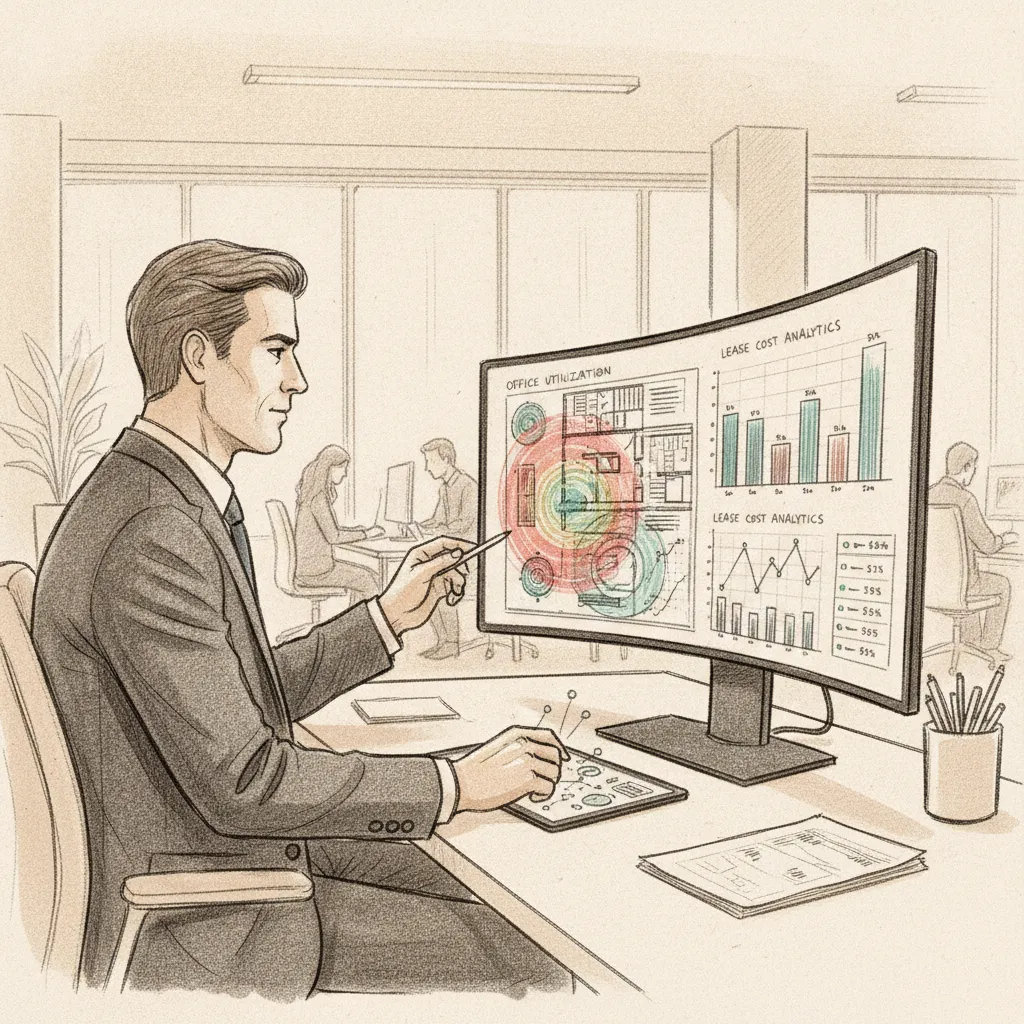
This is where the operational work pays off financially. After 90–180 days of running your flexible workspace system, you'll have a utilization dataset that answers the questions your CFO and real estate team have been asking:
According to the EFC India report on flexible workspaces and enterprise real estate, companies that base lease decisions on 90+ days of utilization data consistently achieve greater cost reductions than those that rely on headcount ratios alone [6]. The difference is that utilization data captures actual behavior, not planned behavior, and those two numbers diverge significantly in hybrid environments.
Our team at Upflex recommends a phased approach to consolidation. In phase one, exit or sublease the lowest-utilization locations while expanding on-demand workspace access in those areas. In phase two, right-size mid-utilization locations by renegotiating square footage at lease renewal. In phase three, reinvest a portion of the savings into higher-quality, better-located space that employees actually want to come to. This sequence produces the 40%+ reduction in real estate spend that Upflex customers document, without creating the employee experience backlash that comes from abrupt, unplanned cuts.
Flexible workspace management fails in predictable ways. Knowing the failure modes in advance lets you design around them rather than discover them mid-rollout.
A common mistake is relying on a single data source for utilization reporting. Badge data undercounts occupancy (employees badge in but move to different floors). Sensor data overcounts if calibration is off. Calendar data reflects intent, not presence. The most reliable utilization picture combines at least two data sources and reconciles them weekly. Platforms that ingest multiple data streams and normalize them automatically save significant analyst time and produce more defensible numbers for lease negotiations.
A flexible workspace is any physical work environment configured to adapt to changing organizational needs rather than fixing employees to permanent, assigned desks or locations. This includes hot-desking, desk hoteling, activity-based working, and on-demand access to third-party coworking or serviced office spaces. Unlike traditional offices with long-term fixed leases, flexible workspaces allow companies to scale their footprint up or down based on actual attendance, headcount changes, or project demands, giving both cost efficiency and employee choice.
Awfis Space Solutions Ltd. is an Indian flexible workspace provider and one of the largest coworking operators in India by number of centers. Founded in 2015 and headquartered in Mumbai, Awfis offers managed offices, coworking memberships, and enterprise workspace solutions across major Indian cities including Bengaluru, Delhi, Hyderabad, and Chennai. The company went public on the Indian stock exchanges in 2024 and positions itself primarily as a domestic flexible workspace operator, distinct from global platforms that combine office orchestration with international on-demand workspace networks.
Flexible work management is the operational practice of coordinating where, when, and how employees work across a mix of locations, including company offices, remote settings, and on-demand external workspaces. It encompasses policy design, technology deployment (desk booking, attendance forecasting, space analytics), and real estate portfolio decisions. Effective flexible workspace management goes beyond simply allowing employees to choose their location: it uses data and AI to forecast attendance, coordinate team co-presence, and continuously optimize the physical and financial resources the organization commits to workspace.
The most useful metrics fall into three categories. Financial metrics include cost per seat, real estate spend as a percentage of revenue, and savings from lease consolidations. Operational metrics include space utilization rate (occupied seats divided by available seats), booking adoption rate, and no-show rate. Employee experience metrics include co-attendance achievement (the percentage of team members present on the same day) and satisfaction scores tied specifically to the workspace experience. A program that scores well on all three is genuinely working. One that cuts costs but destroys co-attendance has optimized for the wrong outcome.
There's no universal answer, but the calculation should be based on your peak-day occupancy, not your average. If your busiest day brings in 65% of employees, your desk ratio should be at or above 0.65:1, with a buffer of 10–15% for guests and unplanned spikes. Organizations that set ratios based on average occupancy (which is often 35–45% in hybrid environments) frequently create capacity crises on high-attendance days, which erodes employee trust in the flexible workspace system and drives people back to demanding assigned desks.
AI improves flexible workspace management primarily through attendance forecasting and automated coordination. Rather than reacting to who showed up yesterday, AI-powered platforms predict who will come in tomorrow, which days will be peak days, and which teams need to be nudged to align their schedules. This shifts workspace management from reactive to proactive. Platforms like Upflex achieve 97% attendance forecast accuracy through their UnifyAI engine, which means space allocation, desk availability, and even external workspace procurement can be calibrated in advance rather than managed in real time under pressure.
Hot-desking is a first-come, first-served model where employees take any available desk when they arrive, with no advance reservation. Desk hoteling requires employees to book a specific desk in advance, similar to reserving a hotel room. Hoteling gives organizations better utilization data, reduces no-show waste, and allows employees to choose desks near their teammates. Hot-desking is simpler to administer but produces less data and more frustration on high-demand days. Most enterprise flexible workspace management programs migrate from hot-desking to hoteling within the first year of operation.
Flexible workspace management isn't a facilities trend. It's a financial and operational discipline that, done correctly, produces measurable results: lower real estate costs, better team coordination, and a workplace experience that actually competes with working from home.
The steps in this guide build on each other deliberately. You audit first, then set policy, then choose technology, then configure workflows, then extend access to distributed employees, and finally use the data you've accumulated to make defensible portfolio decisions. Skipping steps produces the fragmented, frustrating hybrid environments that give flexible work a bad reputation.
Upflex brings all of these capabilities into a single platform. UnifyAI handles attendance forecasting with 97% accuracy and automates the coordination that turns individual flexibility into team co-attendance. The on-demand workspace network covers employees wherever they are. And the portfolio analytics give Corporate Real Estate leaders the utilization data they need to reduce real estate spend by 40% or more, with numbers they can actually defend to a CFO.
If your organization is approaching a lease renewal, launching a return-to-office initiative, or simply trying to stop paying for space that no one uses, flexible workspace management is the capability you need. The tools and the playbook exist. The question is whether you build it reactively or proactively.
Explore more from our content library: