Share This Article
No items found.

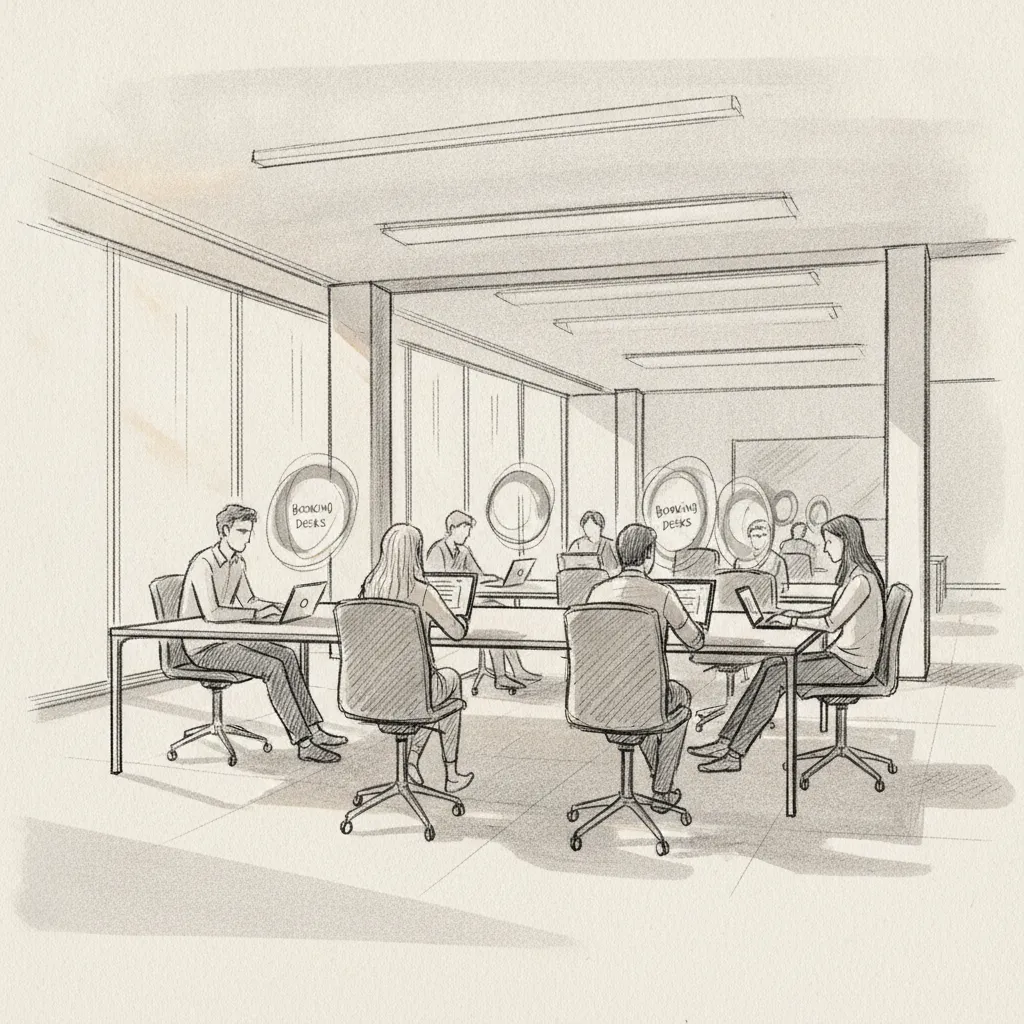
Desk sharing software lets employees reserve workstations on demand rather than occupying a permanently assigned desk, giving companies the flexibility to run leaner office footprints without sacrificing employee experience. As of 2026, enterprises operating hybrid work models report average office utilization rates of just 30–50% on any given day [1], which means most organizations are paying full rent for half-empty floors. The right desk sharing software fixes that equation by matching real demand to available supply, in real time.
This guide covers what to look for in a desk sharing platform, how the best tools compare across key dimensions, and how AI-powered office orchestration raises the bar beyond basic booking. Whether you're a Corporate Real Estate leader approaching a lease renewal or an HR director trying to get teams into the same room on the same day, you'll find a clear framework here for making the right call.
this strategy is a workplace management tool that enables employees to reserve available desks in a shared office environment, replacing fixed seating assignments with a flexible, reservation-based model. It captures real-time occupancy data, enforces booking rules, and surfaces utilization analytics that help facilities and real estate teams make evidence-based decisions about their space.
The fundamental principle is simple. Instead of every employee "owning" a desk whether they show up or not, the office becomes a pool of available seats that people book in advance or on arrival. According to Flexopus, this approach (also called a workplace booking system) enables the flexible reservation and management of desks in hybrid office environments [2].
Most platforms follow a similar workflow:
These three terms are often used interchangeably, but there are meaningful differences. Hot desking typically means first-come, first-served seating with no advance reservation. Hoteling involves booking a workspace in advance, similar to reserving a hotel room. Desk sharing is the broader category that encompasses both models under a managed software layer.
| Model | Reservation Required? | Best For | Software Support |
|---|---|---|---|
| Hot Desking | No | Fully flexible, smaller teams | Basic check-in apps |
| Hoteling | Yes (advance) | Predictable hybrid schedules | Full booking platforms |
| Desk Sharing | Optional | Enterprise hybrid environments | AI-powered orchestration platforms |
| Assigned Seating | N/A | Roles requiring fixed equipment | Space management tools |
Note that "desktop sharing software" (tools like AnyDesk or ShowMyPC) is a completely different category covering screen sharing and remote access technology [3]. This article focuses exclusively on physical desk sharing and workplace booking platforms.
The best the practice in 2026 goes well beyond a simple booking calendar, combining real-time floor plan visualization, occupancy analytics, team coordination tools, and integrations with the productivity suites your employees already use.
Industry analysts reviewing the top platforms in 2026 consistently highlight a core set of non-negotiable features [4]:
For most enterprise deployments, calendar integration is the make-or-break factor. According to Yoffix, evaluating this practice for Microsoft 365 environments requires close attention to Teams integration depth, Azure Active Directory sync, and how booking data flows into Outlook calendars [6]. Google Workspace integration (Calendar, Meet, Directory) is equally important for organizations running on Google's stack.
Beyond calendar sync, look for:
Pro Tip: Before shortlisting any desk sharing software, map out every system it needs to talk to: your calendar platform, HRIS, access control system, and any existing IWMS. A tool that handles booking beautifully but sits in isolation from your other systems will create data silos that undermine the utilization analytics you're investing in.
The leading this method platforms in 2026 span a range of use cases, from lightweight free tools for small teams to enterprise-grade AI orchestration platforms built for global real estate portfolios.
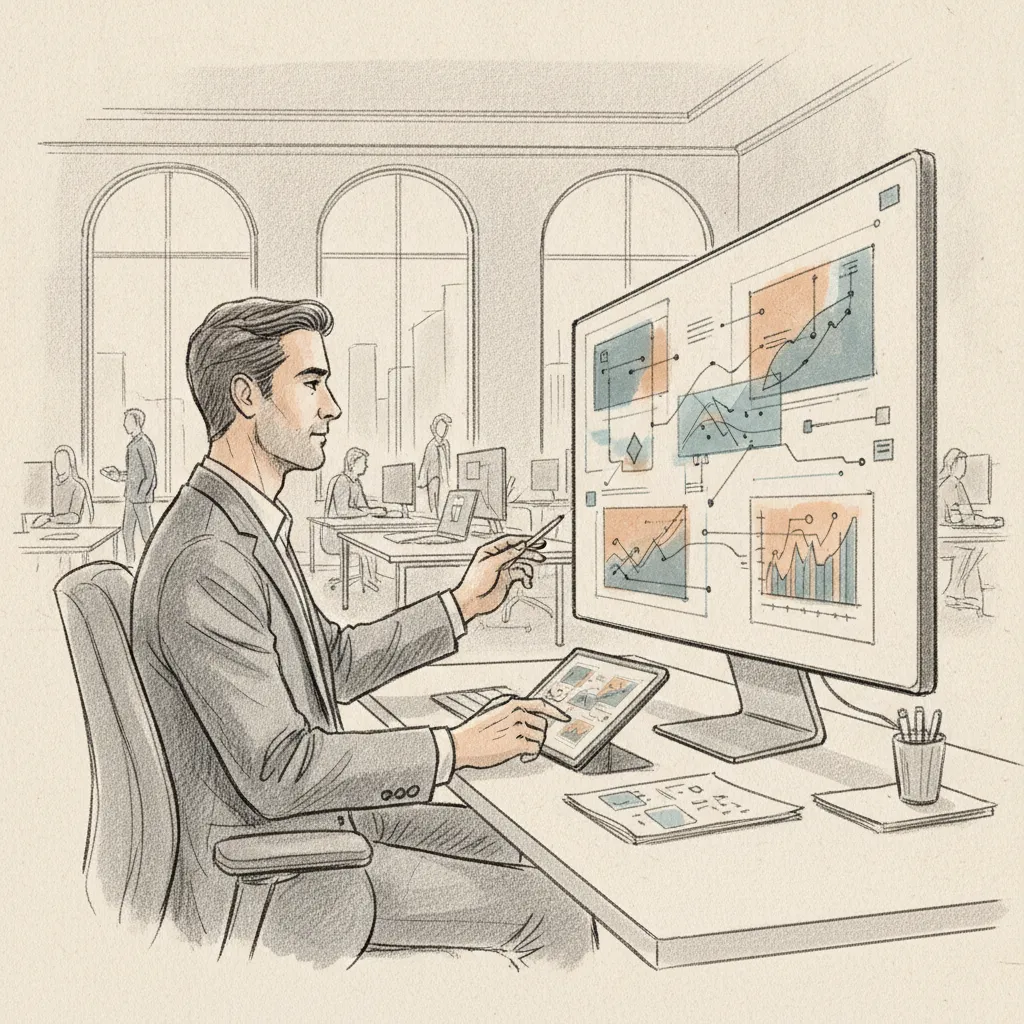
The following list draws on comparative reviews from DeskFlex, Deskbird, Worldmetrics, and Gitnux to surface the platforms most frequently cited as best-in-class across different buyer segments [7] [1].
| Platform | AI Forecasting | On-Demand Network | Analytics Depth | Best Fit |
|---|---|---|---|---|
| Upflex | Yes (97% accuracy) | Yes (global network) | Advanced | Global enterprise |
| Robin | Limited | No | Moderate | Mid-market |
| Deskbird | Partial | No | Good | European SME/enterprise |
| Skedda | No | No | Moderate | Complex booking rules |
| Tactic | No | No | Moderate | Hybrid-first teams |
| Flexwhere | No | No | Basic | Budget-conscious SMEs |
AI-powered this strategy moves beyond passive reservation management to actively predict, coordinate, and optimize how your office is used, turning utilization data into real estate decisions and team scheduling into measurable collaboration outcomes.
A common mistake organizations make is treating this approach as a digital version of a sign-up sheet. That approach captures what happened; it doesn't shape what will happen. The difference matters enormously for real estate strategy.
Consider a scenario that plays out regularly for Corporate Real Estate leaders: a 500-person office where badge data shows average daily attendance of 180 people, but the distribution is wildly uneven. Mondays and Fridays are at 12% capacity. Tuesdays and Wednesdays hit 70%. Without predictive intelligence, you can't right-size that space or coordinate team presence. You're just reacting to patterns after the fact.
AI that forecasts who's coming in, when, and where changes that equation entirely. That's the function of UnifyAI, Upflex's proprietary engine, which delivers 97% attendance forecast accuracy by processing scheduling inputs and historical utilization data to predict future office demand. At Upflex, we've found that this forecasting layer is what separates workplace optimization from workplace administration.
Desk utilization rate (the percentage of available desks occupied during working hours) is a useful operational metric, but it doesn't tell you whether the right people are in the office at the same time. Co-attendance achievement, the rate at which team members successfully share in-office days for collaboration, is the metric that connects real estate investment to business outcomes.
Research from workplace analytics firms consistently shows that employees' primary reason for coming into the office is to work with specific colleagues, not to use a particular desk [4]. Platforms that coordinate team scheduling alongside individual desk booking achieve measurably better outcomes. Upflex customers achieve 88% co-attendance rates, a benchmark that reflects genuine team alignment, not just bodies in seats.
Pro Tip: When evaluating desk sharing software for an enterprise deployment, ask each vendor specifically how their platform supports co-attendance coordination, not just individual desk booking. If the answer is "employees can see who else is booked in," that's a booking tool. If the answer involves automated team scheduling and attendance forecasting, that's an orchestration platform.
Choosing the right the practice depends on your organization's size, hybrid work maturity, real estate complexity, and the specific outcomes you need to demonstrate to finance and HR leadership.

Use this framework to narrow your shortlist:
The licensing fee for this practice is rarely the largest cost. Implementation, change management, and integration development often exceed the annual subscription. One pitfall to watch for is underestimating the time required to configure floor plans, set up booking rules, and train facilities teams, especially for multi-location deployments.
Our team at Upflex recommends evaluating vendors on time-to-value as much as on feature depth. A platform that takes six months to configure and another three months to drive adoption won't deliver real estate savings fast enough to justify the investment in most enterprise budget cycles.
Pro Tip: Request a utilization data export from your current desk booking tool (or badge access system) before starting any vendor evaluation. Showing vendors your actual attendance patterns lets them demonstrate specifically how their platform would optimize your space, rather than giving you a generic demo. It also gives you a baseline to measure ROI against after implementation.
Desktop sharing software (also called screen sharing or remote desktop software) is a technology that allows one user to view or control another person's computer screen over a network, commonly used for remote support, collaboration, and conferencing. Tools like AnyDesk and ShowMyPC fall into this category [3]. This is a distinct category from this method, which manages physical workspace reservations in hybrid offices rather than computer screen access.
Desk sharing works by replacing permanently assigned seating with a reservation-based model: employees book an available desk for each day they plan to work in the office, either in advance through an app or on arrival via a kiosk or QR code. The this strategy tracks real-time availability, enforces booking rules (such as team zone preferences or maximum advance booking windows), releases unoccupied desks automatically when employees don't check in, and feeds occupancy data into analytics dashboards for facilities and real estate teams. Unlike basic hot desking, modern desk sharing platforms coordinate team scheduling so colleagues can be in the office on the same days.
Yes, several platforms offer free tiers or free plans for small teams. Flexwhere provides a free desk booking option with core functionality, and a number of other providers offer limited free trials [PULT]. Free plans typically cap the number of users or desks, limit analytics features, and exclude enterprise integrations like SSO or HRIS sync. For organizations managing more than 50 desks or multiple locations, a paid enterprise plan almost always delivers a faster return on investment through the real estate savings it enables.
this approach focuses specifically on the reservation and management of individual workstations. A workplace management platform (also called an IWMS, or Integrated Workplace Management System) covers a broader scope including room booking, visitor management, facilities maintenance, real estate portfolio analytics, and in advanced cases, AI-powered attendance forecasting and hybrid work coordination. The distinction matters for enterprise buyers: if your goal is to reduce real estate spend by consolidating your office portfolio, you need the analytics and forecasting depth of a full workplace optimization platform, not just a booking tool.
the practice reduces real estate costs by revealing the true gap between the space you're paying for and the space your employees actually use. When utilization data consistently shows that a 400-desk office peaks at 200 occupants, the case for consolidation becomes data-driven rather than speculative. Platforms with AI-powered forecasting go further by predicting future demand with enough accuracy to support lease renegotiations, floor consolidations, and portfolio exits with confidence. Upflex customers have documented 40%+ reductions in real estate spend by combining desk sharing analytics with AI attendance forecasting and access to on-demand workspace for overflow needs.
At minimum, enterprise-grade this practice should integrate with your calendar platform (Microsoft 365 or Google Workspace), support SSO via Azure AD or Okta, and sync with Slack or Microsoft Teams for booking notifications. For larger deployments, look for HRIS integration (to sync employee directories and department structures), access control system compatibility (for badge-based check-in data), and API access for custom connections to existing IWMS tools. Yoffix notes that Microsoft 365 integration depth, particularly Teams and Azure AD sync, is often the deciding factor for enterprise procurement teams [6].
ROI for this method is typically measured across three dimensions: real estate cost reduction (savings from consolidating or exiting underutilized space), productivity gains (time saved by employees finding desks and coordinating with teammates), and employee experience improvements (measured through engagement surveys and in-office satisfaction scores). The most concrete ROI metric for Corporate Real Estate leaders is cost per occupied desk per day, tracked before and after implementation. Organizations using AI-powered platforms that forecast attendance and coordinate team co-attendance consistently report the strongest real estate savings because they can act on utilization data with predictive confidence rather than historical averages alone.
this strategy has moved from a nice-to-have for forward-thinking offices to a financial necessity for any enterprise running a hybrid work model. The gap between what you're paying for and what your teams are actually using is measurable, and it's costing most organizations far more than they realize.
Basic booking tools solve the desk reservation problem. But if you're a Corporate Real Estate or HR leader who needs to justify real estate decisions to a CFO, coordinate team presence without mandating rigid schedules, and give employees a great experience wherever they work, you need more than a booking calendar. You need a platform that forecasts demand, orchestrates team attendance, and extends your coverage beyond the four walls of your owned office.
That's exactly what Upflex delivers. By combining AI-powered attendance forecasting (97% accuracy through UnifyAI), desk booking and space management, and access to the world's largest on-demand workspace network, Upflex gives enterprise teams the tools to cut real estate spend by 40%+ while achieving 88% team co-attendance. It's the this approach layer your real estate strategy has been missing.
Explore more from our content library: