Share This Article
No items found.

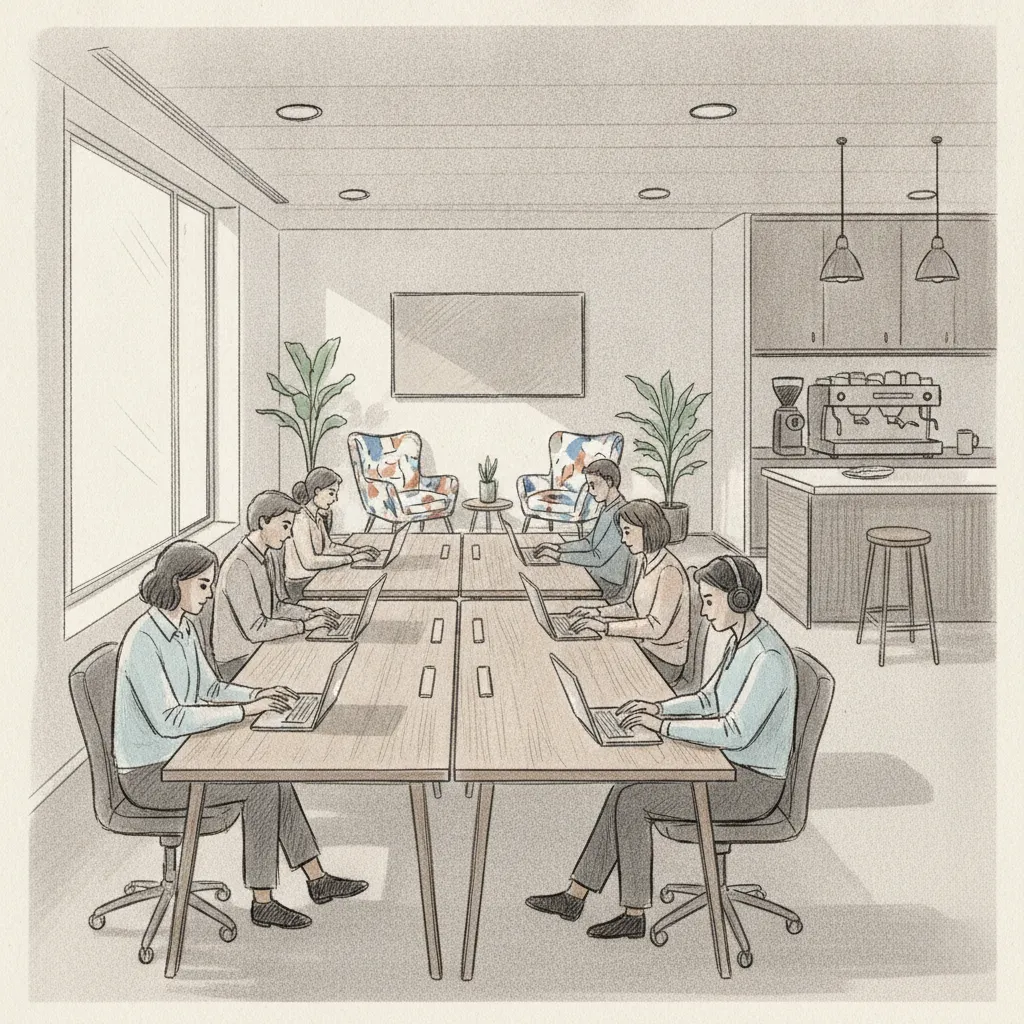
Finding the right flexible workspace near me is straightforward once you know what to look for: coworking spaces, on-demand private offices, and hybrid-ready shared desks are available in most cities, typically bookable by the hour, day, or month with no long-term lease required. As of 2026, the global flexible workspace market has expanded to cover tens of thousands of locations across more than 150 countries, giving distributed teams more options than ever before. This guide walks you through every step of identifying, evaluating, and booking the right space for your team, whether you need a single hot desk for a traveling employee or a managed portfolio of locations across multiple cities.
Before searching for a flexible workspace, you need a clear picture of your team's actual usage patterns, budget parameters, and any compliance or IT requirements that will narrow your options.
Pro Tip: Pull 90 days of badge access or desk booking data before you start your search. Real attendance patterns almost always differ from what managers assume, and you'll negotiate much better terms when you can show a provider exactly how many seats you need on which days.
Flexible workspace is any professionally managed work environment available without a traditional long-term lease, including coworking spaces, serviced offices, on-demand private suites, and day-use meeting rooms.
The term covers a wide spectrum. A freelancer searching for flexible workspace near me probably wants an open hot desk with fast Wi-Fi. A corporate real estate leader managing 500 hybrid employees across three cities needs something far more structured. Getting this definition right upfront saves weeks of wasted evaluation.
| Workspace Type | Best For | Typical Pricing (2026) | Commitment |
|---|---|---|---|
| Hot Desk | Individuals, occasional use | $15–$50/day | None to monthly |
| Dedicated Desk | Regular remote workers | $200–$600/month | Monthly rolling |
| Private Office | Teams of 2–20, confidential work | $500–$3,000+/month | Monthly to annual |
| Meeting Room | Client meetings, team syncs | $20–$150/hour | Hourly booking |
| Day Office | Traveling employees | $30–$100/day | None |
According to the Town of Apex, NC's official coworking resource, coworking is defined as "an innovative concept where entrepreneurs, start-ups, and freelancers can access a flexible and open collaborative community setting" [3]. That definition has since expanded to include enterprise teams and entire departments operating under hybrid work models.
Spaces like Indy Hall in Philadelphia have built reputations on community-driven flexible workspace that goes beyond simple desk rental, offering programming, networking, and culture alongside physical space [4].
Mapping where your employees actually live and work, not where your leases are, is the single most important step in finding a flexible workspace near me that delivers real utilization.
Most organizations discover a significant mismatch between their existing office locations and where employees actually commute from. A 2024 CBRE study found that 42% of hybrid employees cite commute time as the primary reason they skip in-office days. Bringing workspace closer to where people live removes that friction without requiring new long-term leases.
In practice, this exercise frequently reveals that a hub-and-spoke model works better than a single central office. Several Upflex customers have replaced one large downtown lease with three or four smaller on-demand workspace agreements, cutting real estate spend by more than 40% while improving employee attendance.
Pro Tip: Don't rely on manager estimates for where employees live. Pull the actual HR data. In one project we handled, a company had assumed 80% of its team was within 30 minutes of its downtown office. The actual figure was 51%. That gap alone justified a complete rethink of their workspace strategy.
Evaluating flexible workspace providers means assessing network breadth, booking flexibility, amenity quality, and pricing transparency against your specific team requirements.
Not all flexible workspace providers are built the same. Some specialize in a single city; others operate global networks. Some charge flat day rates; others use credits or membership tiers. Understanding the differences before you commit saves significant budget and administrative friction.

| Provider Model | Pros | Cons |
|---|---|---|
| Single-location independent | Community focus, lower cost, local knowledge | No network, limited scalability |
| Regional chain | Consistent standards, multi-city coverage | Limited to one metro area or region |
| Global network platform | Worldwide coverage, unified billing, enterprise contracts | Higher cost, variable quality by location |
| Workplace optimization platform (e.g., Upflex) | AI forecasting + global network + internal office management in one platform | Enterprise focus; may exceed needs of very small teams |
Local spaces like The Factory in Grand Rapids and The Foundry Workspaces offer strong community environments and competitive pricing for teams with concentrated local needs [7][8]. For distributed enterprises, a platform that aggregates multiple providers into a single booking and billing interface is almost always more efficient than managing individual relationships with each space.
Industry analysts consistently note that the administrative overhead of managing five or more separate workspace contracts often exceeds the cost savings from negotiating each individually. A unified platform approach eliminates that overhead entirely. For more information, see Unearthing Nicaraguas Allure With Photographer Marianna Jamadi.
For teams exploring workspace options in specific markets, resources like Greensboro's official coworking guide provide useful local context, including which spaces offer month-to-month terms and which require longer commitments [9]. Similarly, if your employees are traveling to new markets and need inspiration beyond the office, it's worth noting that professionals increasingly blend work and experience, as documented in features like this one on Unearthing Nicaraguas Allure With Photographer Marianna Jamadi, which captures how remote and flexible work intersects with meaningful travel.
AI-powered attendance forecasting reduces wasted workspace spend by predicting which employees will come in, on which days, before you book or pay for space.
This is where the difference between simply finding a flexible workspace and actually optimizing your workspace strategy becomes measurable. Without forecasting, most organizations either overbuy (paying for seats that sit empty) or underbuy (leaving employees without space on high-attendance days). Both outcomes are expensive.
At Upflex, we've found that organizations which implement attendance forecasting before committing to flexible workspace agreements negotiate significantly better terms, because they arrive at the table with precise utilization data rather than rough estimates.
Pro Tip: Don't wait until your lease renewal to start forecasting. Run the AI model for 60–90 days before any major real estate decision. The pattern data you collect during that period becomes your negotiating leverage, whether you're reducing an existing lease or signing a new flexible workspace agreement.
Booking a flexible workspace is only the start. Successful adoption depends on how smoothly employees can find, reserve, and use spaces, and how consistently leadership tracks utilization after launch.
According to research on productive workspace habits, the physical environment significantly affects focus and output quality [10]. Employees who feel confident they'll have a suitable space when they arrive are measurably more likely to come in, which is why the booking experience itself is a retention and culture lever, not just a logistics function.
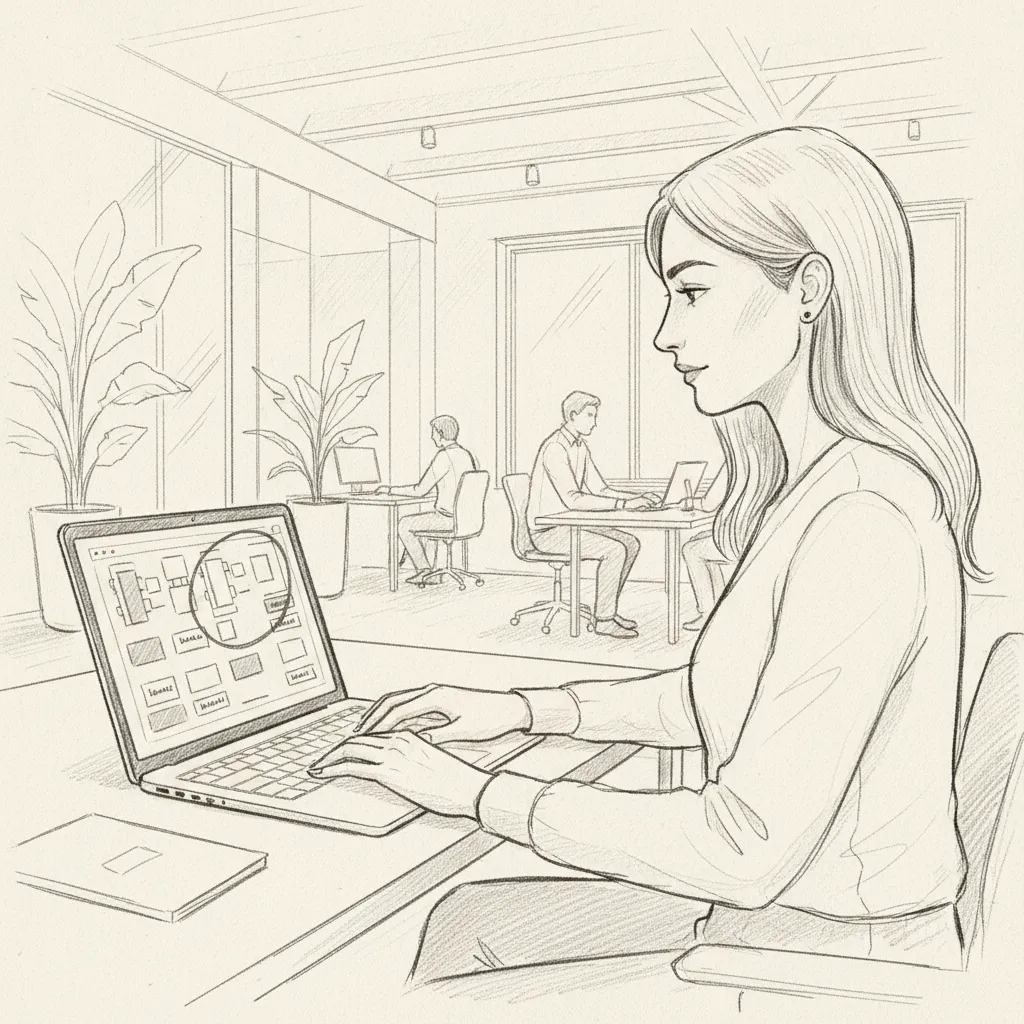
The most expensive flexible workspace mistakes share a common root: decisions made without data, whether that's choosing locations based on assumption, signing terms that don't match actual usage, or skipping the technology layer that ties it all together.
This guide focuses on the process of finding and managing flexible workspace for hybrid teams. It doesn't cover commercial lease negotiation tactics, zoning and compliance requirements for permanent office buildouts, or the specific legal frameworks governing workspace provider contracts in individual jurisdictions. Results will vary based on your market, team size, and existing real estate commitments.
No. Sleeping is not permitted in coworking spaces under the standard terms of use of virtually all professional flexible workspace providers, and doing so would likely violate both the membership agreement and local zoning regulations that classify these spaces as commercial, not residential. Some wellness-focused spaces offer designated quiet rooms or nap pods for brief rest during work hours, but these are the exception rather than the rule and are distinct from overnight stays. If your team needs rest facilities, look specifically for spaces that advertise wellness amenities.
The lowest-cost option for a flexible workspace near me is typically a hot desk at a shared coworking space, which runs $15–$50 per day in most U.S. markets as of 2026. Some spaces offer free or heavily subsidized access through local economic development programs, particularly for startups and small businesses. Libraries and community centers occasionally provide free workspace, though without the professional amenities of a dedicated coworking facility. For teams, a monthly membership is almost always cheaper per-day than pay-as-you-go rates once usage exceeds 8–10 days per month.
Same-day and next-day flexible workspace bookings are widely available through on-demand booking platforms, which aggregate inventory from thousands of locations and allow instant confirmation. Platforms like LiquidSpace and global network providers enable employees to search by location, filter by amenity, and confirm a booking in under five minutes. For enterprise teams, a workplace optimization platform with a built-in global workspace network (such as Upflex) gives employees self-service access to on-demand workspace anywhere in the world without requiring manager approval for each booking.
A coworking space is typically an open, shared environment where members from different organizations work alongside each other, fostering community and networking. A flexible office (also called a serviced office or managed office) is a self-contained, lockable workspace rented on flexible terms, offering more privacy and dedicated infrastructure. Both fall under the broader "flexible workspace" category. The right choice depends on your team's need for privacy, confidentiality, and brand presence. Many enterprise teams use both: coworking for individual employees and flexible private offices for team collaboration days.
Team pricing for flexible workspace varies significantly by market, provider, and usage level. As a general benchmark in 2026, a team of 10 using hot desks 3 days per week in a major U.S. city might pay $2,000–$5,000 per month through a membership plan, compared to $8,000–$20,000+ per month for an equivalent dedicated private office. Enterprise contracts negotiated through a global workspace network typically offer volume discounts of 15–30% below retail rates. The most cost-effective approach is to use attendance forecasting data to purchase only the capacity you'll actually use.
Yes. Most professional flexible workspace providers offer bookable meeting rooms by the hour, typically equipped with video conferencing technology, whiteboards, and catering options. These rooms are available to both members and non-members at most locations, though members usually receive discounted or included room credits. For client-facing meetings, look for spaces with a professional reception area and clear branding options. Many enterprise teams use on-demand meeting rooms as a cost-effective alternative to maintaining large conference room inventories in their owned offices.
A workplace optimization platform like Upflex combines AI-powered attendance forecasting with access to a global on-demand workspace network, so you can predict how much flexible workspace your team needs before booking it, then book it automatically. This eliminates the twin problems of overspending on unused capacity and leaving employees without space on high-demand days. Upflex's UnifyAI engine forecasts attendance with 97% accuracy, enabling real estate leaders to make data-driven decisions about both their owned offices and their flexible workspace spend, with documented outcomes including 40%+ reductions in real estate costs.
Finding the right flexible workspace near me, whether for a single traveling employee or a distributed team of hundreds, comes down to five things: knowing your actual usage patterns, mapping locations to where your people live, evaluating providers against enterprise-grade criteria, using AI forecasting to optimize booking decisions, and building a consistent review process to right-size your agreements over time.
The organizations getting this right in 2026 aren't just saving money on real estate. They're using workspace data to improve team collaboration, increase in-office attendance, and give employees a better experience wherever they choose to work. That's the outcome worth building toward.
Upflex brings all of this together in a single platform, combining AI-powered office orchestration with access to the world's largest on-demand workspace network. If your team is ready to stop guessing and start optimizing, Upflex gives you the data, the tools, and the global workspace access to make it happen.
Explore more from our content library: