Share This Article
No items found.

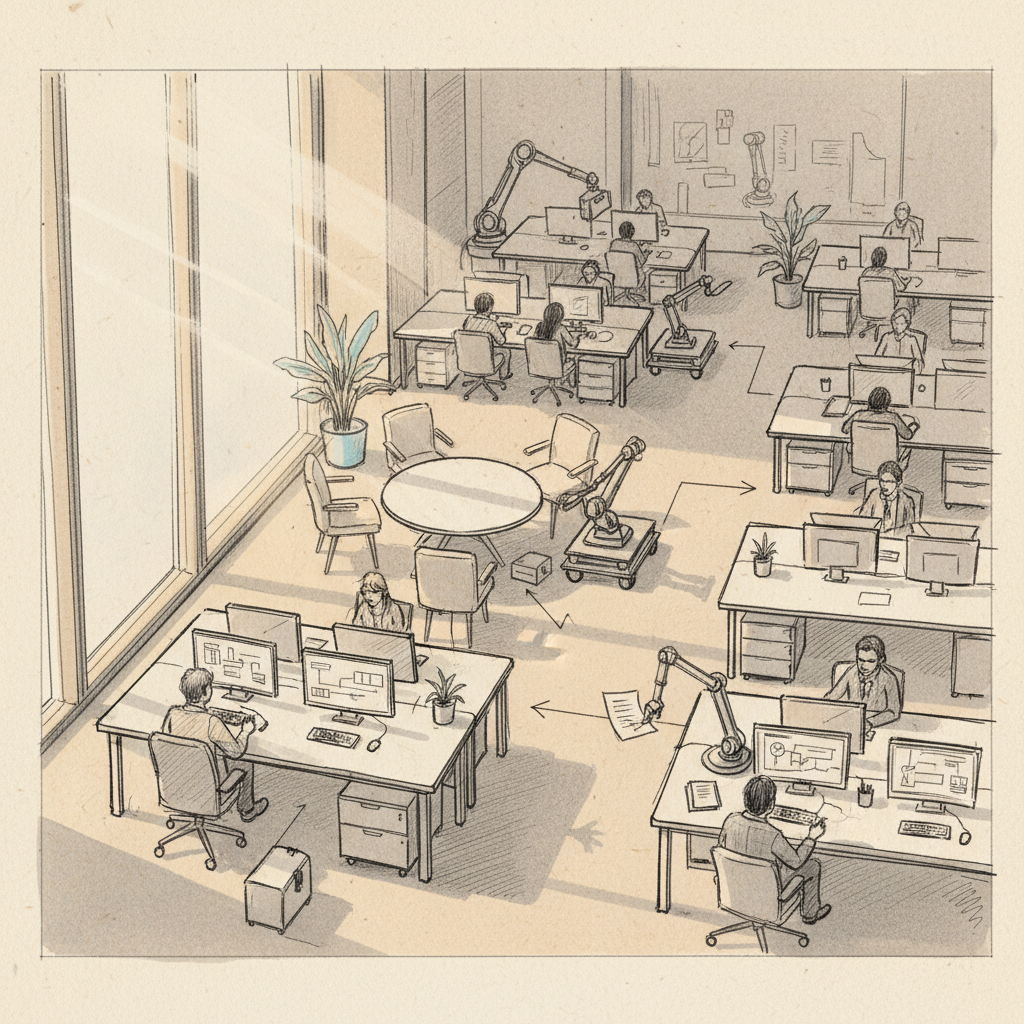
Your office floor is half-empty on a Tuesday. You're still paying full rent. Meanwhile, your team is guessing which days to come in, and nobody's coordinating with anyone. That's the problem workplace automation was built to solve. Workplace automation is the use of software, AI, and connected systems to perform repetitive business tasks and coordinate work processes without manual intervention. It reduces friction, eliminates guesswork, and frees your people to focus on work that actually requires human judgment. This guide covers exactly how workplace automation works in 2026, what benefits you can realistically expect, where organizations go wrong, and how to build a strategy that delivers measurable results.
Workplace automation is the application of technology, including software algorithms, AI engines, and networked hardware, to execute business processes that would otherwise require manual human effort. It spans everything from scheduling and desk booking to attendance forecasting and real estate portfolio management.
The U.S. Government Accountability Office defines workplace automation broadly as any system that reduces the need for human labor in completing predictable, rule-based tasks [1]. That definition has expanded significantly. As of 2026, automation reaches well beyond factory floors and into knowledge work: HR workflows, finance approvals, facilities management, and hybrid office coordination are all fair game.
Automation isn't a single technology. It exists on a spectrum, from simple rule-based triggers to sophisticated AI-driven orchestration. Understanding where your organization sits on that spectrum helps you set realistic expectations.
| Automation Level | Technology | Workplace Example | Complexity |
|---|---|---|---|
| Basic | Rule-based scripts | Auto-reply emails, form routing | Low |
| Intermediate | RPA (Robotic Process Automation) | Payroll processing, invoice matching | Medium |
| Advanced | AI and machine learning | Attendance forecasting, space optimization | High |
| Orchestration | AI + integrated platforms | Real estate portfolio management, hybrid coordination | Very High |
Research from McKinsey indicates that up to 60% of occupations have at least 30% of activities that are technically automatable with current technology [2]. That's not a future projection. That's the reality your competitors are already acting on.
For corporate real estate and HR leaders specifically, the pressure is acute. Hybrid work has created a disconnect between the space you're paying for and the space your teams actually use. Workplace automation closes that gap by replacing manual guesswork with data-driven coordination.
Workplace automation works by capturing data from existing systems, processing it through rules or AI models, and triggering actions or recommendations without requiring a human to initiate each step. The inputs vary, but the underlying logic is consistent: sense, analyze, act.
According to ScreenCloud's analysis of enterprise automation deployments, the most effective implementations connect at least three data sources, typically calendar systems, badge or access data, and desk booking platforms, before applying any automation logic [3]. Disconnected data is the single biggest reason automation projects underperform.
Modern workplace automation platforms follow a recognizable architecture. Here's how the process typically unfolds in a hybrid office context:
This closed-loop architecture is what separates genuine workplace automation from basic desk booking tools. Booking tells you where someone sat yesterday. Automation tells you who's coming tomorrow and coordinates the rest of the team around that prediction.
RPA (Robotic Process Automation, software that mimics human actions to execute rule-based tasks) handles structured, repetitive processes well. Think invoice processing or onboarding checklists. But RPA breaks when inputs vary or context changes.
AI-driven orchestration goes further. It handles ambiguity, learns from new data, and adjusts outputs dynamically. For hybrid workplace coordination, where attendance patterns shift weekly and team structures change constantly, AI orchestration is the more durable choice. MIT Sloan research confirms that automation augments expertise in knowledge-work settings rather than simply replacing task execution [4].
For a deeper look at how no-code automation tools fit into this picture, the guide on What Is Automation With Zapier And Ai offers useful context on connecting workflow tools without engineering resources.
Pro Tip: Before selecting any automation platform, map your current data sources first. An AI engine is only as accurate as the data feeding it. If your calendar system, badge data, and desk booking tool don't integrate, your automation outputs will reflect those gaps directly.

The measurable benefits of workplace automation fall into three categories: cost reduction, productivity improvement, and employee experience. Done right, all three move simultaneously.
Cisco Meraki's research on workplace automation identifies higher productivity, cost savings, and reduced human error as the top three documented outcomes across enterprise deployments [5]. The data from real deployments backs this up consistently.
For corporate real estate leaders, the most compelling case for automation is financial. When you can accurately forecast which days your teams will actually use the office, you can make confident decisions about your lease portfolio. Upflex customers achieve 40%+ reductions in real estate spend by using AI-powered utilization data to right-size their portfolios rather than relying on gut instinct or lagging badge data.
Productivity gains from workplace automation aren't just about doing things faster. They're about eliminating the coordination overhead that drains knowledge workers' time. According to Indeed's workplace research, employees in automated environments spend significantly less time on administrative tasks and more time on high-value work [6].
The employee experience dimension matters too. When automation coordinates team schedules so that colleagues are in the office on the same days, co-attendance improves. Upflex's platform achieves 88% co-attendance rates for teams using AI-driven coordination, compared to the unpredictable attendance patterns most hybrid organizations still live with.
Industry analysts at Aspen University's research division note that contrary to early fears, automation in knowledge-work settings tends to create new roles in data analysis and process design rather than eliminating positions outright [7].
Pro Tip: Frame your workplace automation business case around three numbers: current cost per square foot, current utilization rate, and projected utilization after automation. CFOs respond to the gap between those first two figures. That gap is your savings opportunity.
Most it failures trace back to a small set of predictable mistakes. Knowing them in advance is the cheapest form of risk management available.
From experience working with enterprise teams, the most common failure mode isn't technology. It's scope. Organizations automate a single function in isolation, like desk booking, without connecting it to attendance data or space utilization reporting. The result is a booking tool that tells you where people sat, not a system that helps you plan for tomorrow.
A common misconception is that this method requires a full technology overhaul before delivering value. In practice, most enterprises can start with existing calendar and HR data and layer automation on top. A phased approach, starting with attendance forecasting and desk booking before moving to full portfolio optimization, reduces implementation risk substantially.
Another pitfall: assuming that automation eliminates the need for human judgment in space decisions. Stanford HAI research is clear that automation augments human decision-making in complex environments rather than replacing it [8]. Your real estate team still needs to interpret the data. Automation just ensures the data is accurate and timely.
One limitation worth acknowledging: results vary significantly based on organizational size, data maturity, and leadership commitment to adoption. Automation delivers its best outcomes in organizations where data governance is already reasonably strong.
The organizations seeing the strongest results from this strategy in 2026 share a consistent set of practices. These aren't theoretical. They're drawn from what's working in real deployments across global enterprises managing hybrid teams.
At Upflex, we've found that the most successful implementations follow a four-phase framework: assess, connect, automate, optimize. Each phase builds on the last and creates a foundation for the next.
Pro Tip: Don't wait for a perfect data environment to start. Our team at Upflex recommends beginning with whatever calendar and scheduling data you already have. Even imperfect data produces better forecasts than manual estimation, and the model improves quickly once it has real attendance feedback to learn from.
Business News Daily's analysis of enterprise automation trends confirms that organizations combining AI forecasting with flexible workspace access consistently outperform those using either approach alone [9]. The combination is what produces the 40%+ real estate savings that justify the investment.
Comeen's research on space management automation also highlights that integrating occupancy sensors with booking systems produces 25-35% more accurate utilization data than booking records alone, which directly improves portfolio decision quality [10].
| Practice | Impact Area | Expected Outcome | Time to Value |
|---|---|---|---|
| AI attendance forecasting | Space planning | 97% forecast accuracy | 30-60 days |
| Automated desk booking | Employee experience | Reduced friction, higher satisfaction | Immediate |
| Co-attendance coordination | Team collaboration | 88% co-attendance achievement | 60-90 days |
| Portfolio consolidation | Real estate cost | 40%+ spend reduction | 6-18 months |
| On-demand workspace access | Distributed teams | Eliminated satellite lease costs | 30 days |
The 5 D's of automation is a practical framework for identifying which tasks are best suited for this approach: Dull (repetitive, low-stimulation work like data entry), Dirty (unpleasant or hazardous physical tasks), Dangerous (high-risk activities where human error has serious consequences), Difficult (tasks requiring precision beyond typical human capability), and Delay-intensive (processes where waiting time dominates and throughput can be improved through automation). For knowledge workers and hybrid office environments, the Dull and Delay-intensive categories are most relevant, covering scheduling, desk booking, attendance coordination, and reporting workflows that consume disproportionate administrative time.
this examples span every business function. In HR, automated onboarding workflows route documentation and system access requests without manual intervention. In finance, invoice matching and expense approval flows run on rules-based triggers. In facilities and real estate, AI-powered platforms like Upflex automate attendance forecasting, desk booking, team co-attendance coordination, and utilization reporting. Customer-facing automation includes chatbots and ticketing systems. The most strategically valuable examples in 2026 are those that combine data from multiple sources, such as calendar systems, badge data, and booking tools, to produce predictive outputs rather than just reactive records.
The right tool depends on the function you're automating. For enterprise workflow automation, UiPath and Workato handle complex, cross-system orchestration at scale. For no-code workflow connections, Zapier and Make.com are widely used for connecting SaaS tools without engineering resources. For hybrid workplace coordination specifically, Upflex's AI-powered platform addresses the full stack: attendance forecasting via UnifyAI, automated desk booking, co-attendance tracking, and on-demand workspace access through a single interface. The distinction that matters most is whether a tool automates isolated tasks or orchestrates connected workflows. Isolated task tools save time; orchestration platforms change how you make decisions.
The most significant disadvantages of it include high upfront implementation costs, dependency on data quality (poor inputs produce poor outputs), and change management challenges when employees resist new systems. Automation can also create skill gaps if organizations don't invest in retraining workers whose tasks are automated away. One limitation worth acknowledging is that rule-based automation breaks when processes change, requiring ongoing maintenance. Research from Stanford HAI confirms that automation impacts are uneven across roles, with some positions augmented and others significantly disrupted, making thoughtful deployment planning essential.
The economic research is more nuanced than headlines suggest. MIT economist David Autor's work, cited by Stanford HAI, shows that automation replaces specific tasks within jobs rather than eliminating entire roles in most knowledge-work settings. The American Economic Association's research confirms that automation complements labor by raising output and creating demand for new categories of work, even as it displaces specific task categories. In practice, organizations that deploy this method typically redeploy affected employees toward higher-value analytical and strategic functions rather than reducing headcount, particularly when the automation targets administrative coordination rather than core professional judgment.
Implementation timelines depend on scope and data readiness. Basic workflow automation, such as automated email routing or calendar integrations, can be live within days using no-code tools. AI-powered attendance forecasting and desk booking platforms typically require 30 to 60 days to integrate with existing systems and produce reliable outputs. Full real estate portfolio optimization, where automation data informs lease consolidation decisions, plays out over 6 to 18 months as utilization data accumulates and leadership builds confidence in the forecasts. Starting with a focused use case and expanding from there consistently outperforms attempting a comprehensive rollout on day one.
this strategy isn't a future state. It's a present competitive advantage. The organizations that are cutting real estate costs by 40%+, achieving 88% team co-attendance, and making confident portfolio decisions at lease renewal aren't guessing. They're using AI-powered systems that turn raw scheduling and utilization data into actionable, accurate predictions.
The gap between organizations that automate their workplace coordination and those still managing hybrid work through spreadsheets and badge reports is widening every quarter. The technology is mature. The ROI is documented. What's left is the decision to start.
Upflex combines AI-powered office orchestration with access to the world's largest on-demand workspace network, giving corporate real estate, finance, and HR leaders a single platform to forecast attendance, coordinate teams, manage desk booking, and optimize their real estate portfolio. If your lease renewal is coming up and you don't have accurate utilization data to back your decision, that's the problem this approach solves. Start there.
Explore more from our content library: