Office space optimization has become a critical business imperative as organizations navigate the complexities of hybrid work models and rising real estate costs. Learning how to optimize office space effectively can reduce overhead expenses by up to 40% while simultaneously improving employee satisfaction and productivity. This comprehensive guide provides actionable strategies that can be implemented within 2-4 weeks, requiring minimal upfront investment but delivering substantial long-term returns.
The challenge isn't simply about cramming more desks into existing space. Modern office optimization involves creating flexible, data-driven environments that adapt to changing work patterns and employee needs. With commercial real estate costs averaging $30-50 per square foot annually in major markets as of 2026, every square foot must justify its existence through measurable value creation.
What You'll Need for Successful Office Space Optimization: how to optimize office space
Successfully optimizing your office space requires specific tools, data, and stakeholder alignment before beginning any physical changes. The foundation of effective space optimization lies in understanding current usage patterns and establishing clear objectives for improvement.
Essential Tools and Resources
- Space utilization tracking software - Digital platforms that monitor desk occupancy, meeting room usage, and foot traffic patterns
- Floor plan analysis tools - CAD software or specialized workplace planning applications for layout modifications
- Employee feedback platforms - Survey tools to gather input on workspace preferences and pain points
- Budget allocation - Typically 10-15% of annual real estate costs for optimization initiatives
- Cross-functional team - Representatives from HR, IT, facilities, and finance departments
The University of North Carolina's facilities services department emphasizes that successful space optimization begins with comprehensive data collection about current usage patterns [1]. Without baseline metrics, it's impossible to measure improvement or justify investment decisions.
Prerequisites and Preparation Steps
- Conduct a thorough space audit documenting current square footage allocation
- Analyze employee attendance patterns over the past 6-12 months
- Review lease agreements and building constraints that may impact redesign options
- Establish key performance indicators (KPIs) such as cost per employee, utilization rates, and satisfaction scores
- Secure leadership buy-in and budget approval for proposed changes
Pro Tip: Start with a pilot area rather than attempting to optimize the entire office at once. This allows you to test strategies and refine your approach before scaling to larger spaces.
Step 1: Analyze Current Space Utilization Patterns
Analyzing your current space utilization provides the data foundation necessary for making informed optimization decisions. This step involves collecting quantitative metrics about how employees actually use existing workspace compared to theoretical capacity.
Implementing Usage Tracking Systems
Modern space optimization relies heavily on occupancy sensors, badge swipe data, and booking system analytics to understand real usage patterns. Research from London Business School indicates that most offices operate at only 60-70% capacity even during peak hours [2].
- Deploy occupancy sensors - Install IoT devices that track desk and meeting room usage without compromising privacy
- Analyze badge access data - Review entry/exit patterns to identify peak usage times and underutilized areas
- Monitor booking systems - Examine meeting room reservations versus actual usage to identify ghost bookings
- Conduct observational studies - Perform periodic walk-throughs during different times to validate sensor data
The data collection period should span at least 4-6 weeks to account for seasonal variations and special events. Focus on identifying patterns rather than anomalies, as optimization decisions should be based on consistent usage trends.
Creating Usage Heat Maps
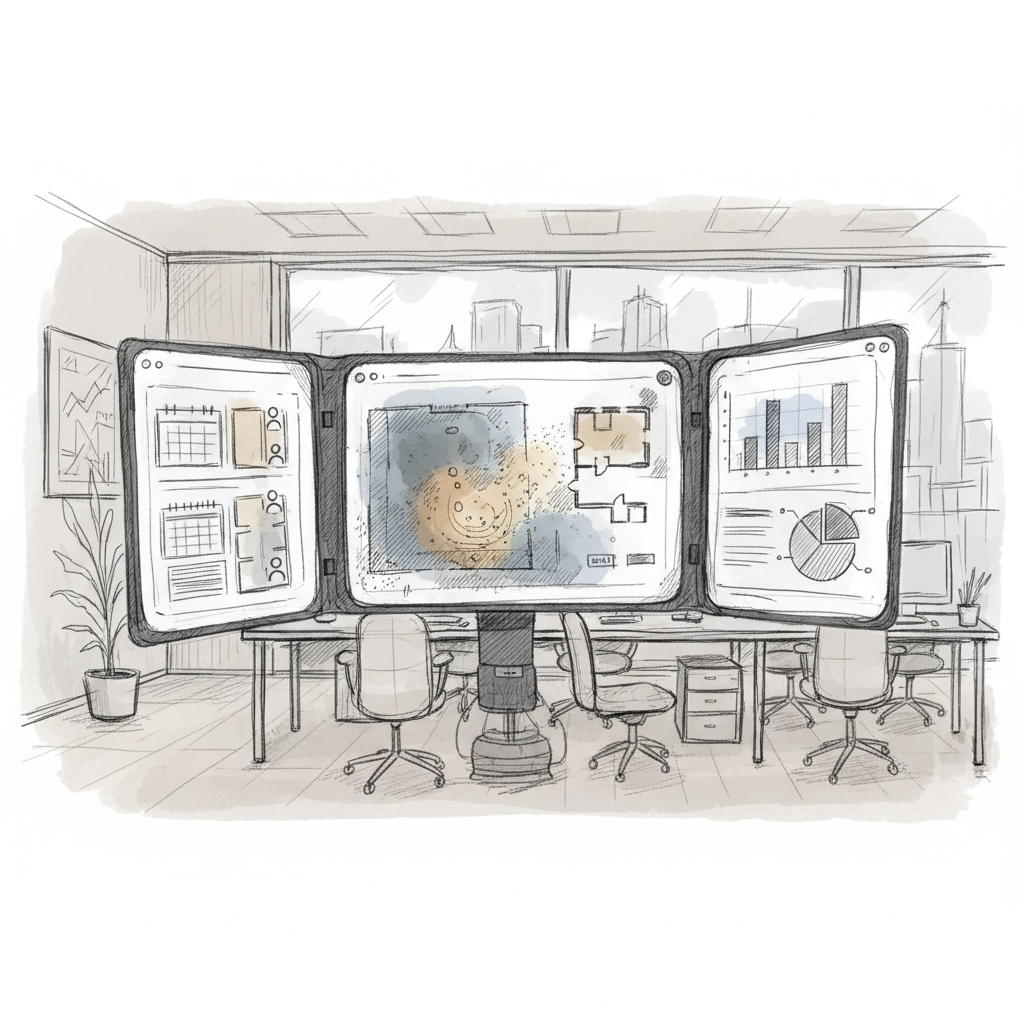
Transform raw utilization data into visual heat maps that clearly show high-traffic areas, underutilized zones, and optimal placement for different functions. These visualizations become powerful tools for communicating findings to stakeholders and justifying proposed changes.
| Space Type |
Typical Utilization Rate |
Optimization Opportunity |
Priority Level |
| Individual Desks |
40-60% |
Hot-desking implementation |
High |
| Meeting Rooms |
30-50% |
Booking policy refinement |
Medium |
| Collaboration Areas |
20-40% |
Redesign for flexibility |
High |
| Storage Areas |
70-90% |
Digital transformation |
Low |
Step 2: Design Flexible Workspace Zones
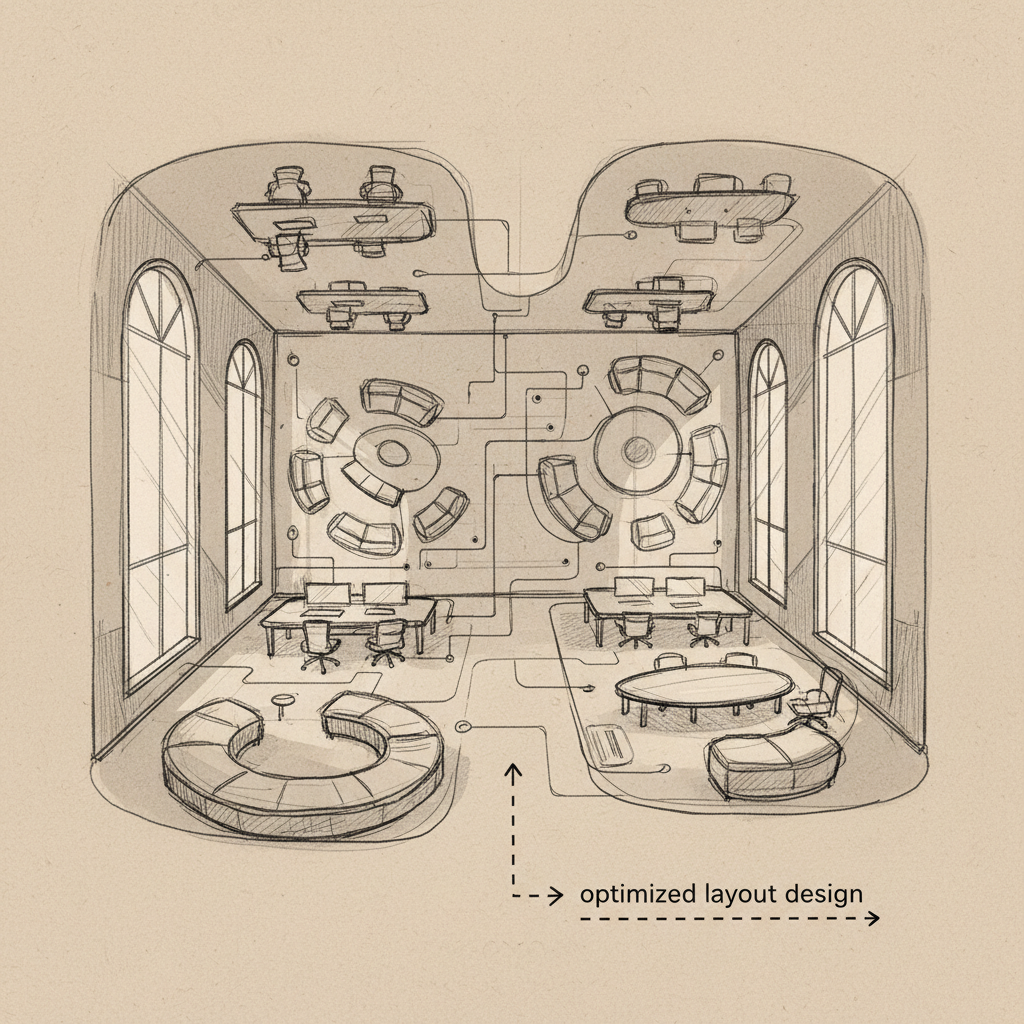
Designing flexible workspace zones involves creating distinct areas that serve multiple functions while adapting to changing needs throughout the day. This approach maximizes space efficiency by eliminating single-purpose areas that remain empty for extended periods.
Establishing Activity-Based Working Areas
Activity-based working (ABW) represents a fundamental shift from assigned seating to purpose-driven space allocation. Envoy's research shows that organizations implementing ABW typically achieve 20-30% space savings while improving employee satisfaction [3].
- Focus zones - Quiet areas designed for concentrated individual work with minimal distractions
- Collaboration spaces - Open areas with moveable furniture supporting team projects and brainstorming
- Social hubs - Informal meeting areas that encourage spontaneous interactions and relationship building
- Phone booths - Private spaces for confidential calls and virtual meetings
- Learning areas - Flexible spaces equipped with presentation technology for training and knowledge sharing
The key to successful ABW implementation lies in providing 20-30% more activity spaces than the maximum expected occupancy. This ensures employees can always find appropriate workspace without frustration or productivity delays.
Implementing Modular Furniture Solutions
Modular furniture systems enable rapid reconfiguration of spaces based on changing needs without requiring construction or significant downtime. These systems typically pay for themselves within 18-24 months through improved space efficiency and reduced reconfiguration costs.
Pro Tip: Choose furniture with integrated technology capabilities such as built-in power outlets and wireless charging surfaces. This reduces cable clutter and enables flexible positioning without proximity to wall outlets.
- Select furniture systems with standardized connection methods for easy reconfiguration
- Invest in mobile storage solutions that can be repositioned as needed
- Choose height-adjustable surfaces that accommodate both sitting and standing work preferences
- Implement color-coding or visual cues to help employees quickly identify different zone types
Step 3: Optimize Technology Infrastructure for Space Efficiency
Optimizing technology infrastructure reduces physical space requirements while enabling new ways of working that weren't possible with legacy systems. Modern technology solutions can eliminate entire categories of space needs while improving functionality.
Deploying Wireless and Cloud-Based Systems
The shift to wireless and cloud-based systems eliminates much of the physical infrastructure that traditionally consumed valuable office space. Server rooms, extensive cabling, and dedicated IT equipment areas can be significantly reduced or eliminated entirely.
- Cloud migration - Move servers and storage to cloud providers, freeing up dedicated IT space
- Wireless networking - Implement robust WiFi 6 or 7 systems that support high-density usage
- Digital display systems - Replace printed materials and bulletin boards with digital signage
- Mobile device management - Enable BYOD policies that reduce the need for dedicated device storage
- Virtual desktop infrastructure - Allow employees to access full desktop environments from any device
According to Mayo Clinic's ergonomics guidelines, proper technology setup not only saves space but also reduces workplace injuries and improves employee comfort [4]. The integration of ergonomic considerations into technology deployment creates dual benefits.
Integrating Space Management Software
Space management software provides real-time visibility into space usage and enables dynamic allocation based on actual demand rather than static assignments. These platforms typically integrate with existing building systems and employee directories for seamless operation.
| Software Feature |
Space Optimization Benefit |
Typical ROI Timeline |
Implementation Complexity |
| Desk Booking |
30-40% reduction in required desks |
6-12 months |
Low |
| Room Scheduling |
25% increase in meeting room utilization |
3-6 months |
Medium |
| Occupancy Analytics |
Data-driven space planning decisions |
12-18 months |
Medium |
| Visitor Management |
Elimination of dedicated reception areas |
6-12 months |
Low |
At Upflex, we've found that organizations using integrated space management platforms achieve 97% accuracy in attendance forecasting, enabling precise space allocation and significant cost savings.
Step 4: Implement Data-Driven Space Allocation
Data-driven space allocation uses real-time analytics and predictive modeling to assign space resources based on actual usage patterns rather than traditional hierarchical or departmental boundaries. This approach can increase space efficiency by 35-50% while improving employee satisfaction.
Establishing Dynamic Space Assignment
Dynamic space assignment moves beyond fixed desk assignments to fluid allocation based on daily needs, project requirements, and collaboration patterns. The University of Arizona's research indicates that optimal noise levels of 50 decibels significantly impact space effectiveness [5].
- Predictive analytics - Use historical data to forecast space demand and proactively allocate resources
- Real-time adjustments - Enable space managers to respond to unexpected changes in occupancy or requirements
- Project-based allocation - Assign space based on active projects rather than permanent departmental structures
- Seasonal optimization - Adjust space allocation to accommodate predictable fluctuations in usage patterns
- Cross-functional zones - Create spaces that serve multiple departments based on usage analytics
The key to successful dynamic allocation lies in maintaining a buffer of 15-20% unassigned space to accommodate unexpected needs and prevent overcrowding during peak periods.
Measuring and Adjusting Performance
Continuous measurement and adjustment ensure that space optimization efforts deliver sustained results rather than temporary improvements. Establish monthly review cycles to assess performance against established KPIs and make necessary adjustments.
- Track space utilization rates across all zones and time periods
- Monitor employee satisfaction scores through regular surveys and feedback sessions
- Calculate cost per employee and compare against industry benchmarks
- Analyze collaboration patterns to ensure space design supports team effectiveness
- Review energy consumption and environmental impact metrics
Pro Tip: Implement a feedback loop where space usage data automatically triggers recommendations for layout adjustments. This proactive approach prevents problems before they impact productivity.
Step 5: Create Multi-Purpose Areas and Storage Solutions
Creating multi-purpose areas maximizes space utility by designing environments that serve multiple functions throughout the day or week. This approach can reduce total space requirements by 25-35% while maintaining full functionality for all intended uses.
Designing Convertible Spaces
Convertible spaces use moveable partitions, flexible furniture, and integrated technology to transform function based on immediate needs. These areas might serve as individual workspaces during the morning and collaborative areas during the afternoon.
- Moveable wall systems - Install tracks that allow walls to be repositioned quickly without tools
- Stackable furniture - Choose seating and tables that can be easily stored when not needed
- Integrated AV systems - Install ceiling-mounted projectors and wireless presentation capabilities
- Flexible lighting - Implement systems that can be adjusted for different activities and moods
- Acoustic solutions - Use moveable sound-absorbing panels to create appropriate noise environments
The most successful convertible spaces can transition between configurations in less than 15 minutes, making them practical for daily use rather than just special events.
Optimizing Storage and Reducing Clutter
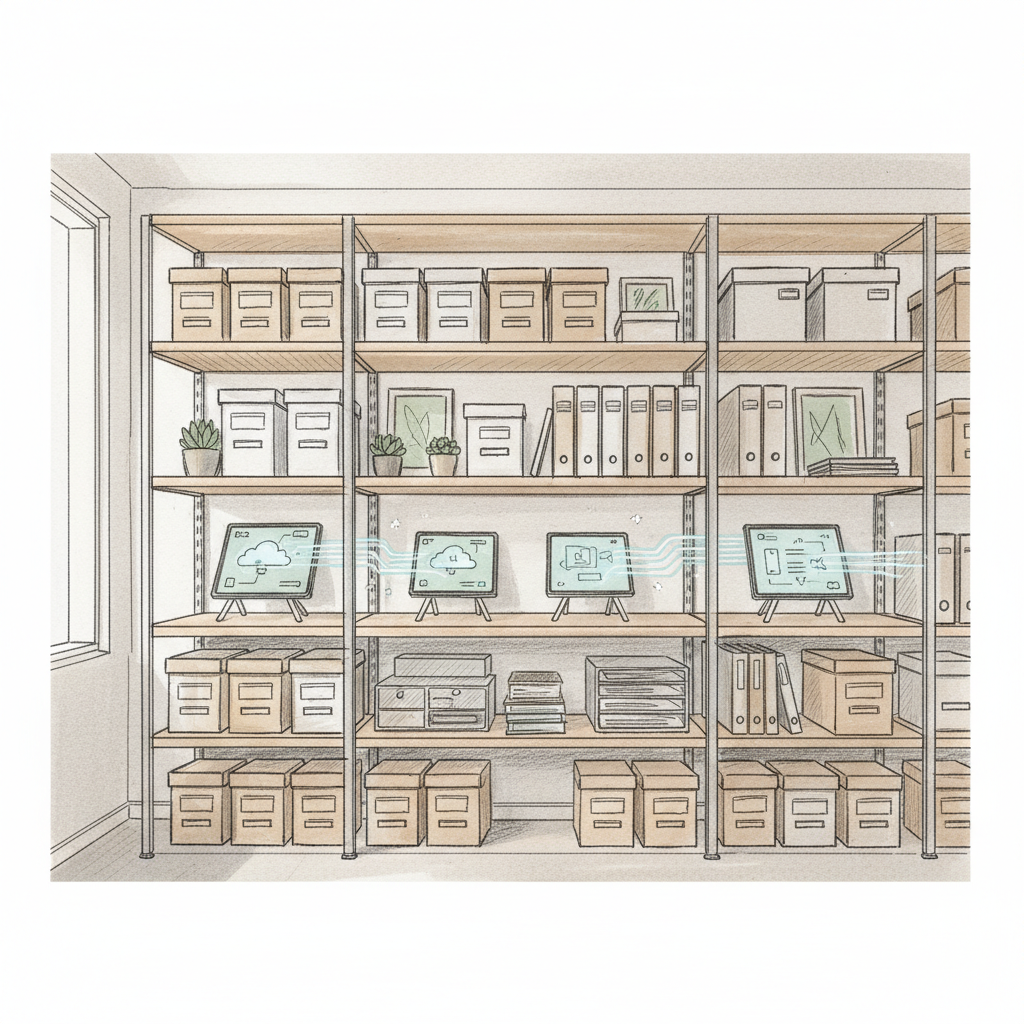
Effective storage optimization can reclaim 10-20% of office space by eliminating unnecessary items and implementing efficient organization systems. The goal is to maintain easy access to essential materials while minimizing visual and physical clutter.
According to UTC's business optimization research, proper desk height and storage accessibility directly impact both space efficiency and employee productivity [6]. The integration of ergonomic principles with storage design creates compound benefits.
| Storage Type |
Space Savings Potential |
Implementation Cost |
Maintenance Requirements |
| Digital Document Management |
80-90% |
Medium |
Low |
| Vertical Storage Systems |
40-60% |
Low |
Low |
| Mobile Storage Units |
30-40% |
Medium |
Medium |
| Shared Resource Libraries |
50-70% |
Low |
High |
Common Mistakes to Avoid in Office Space Optimization
Understanding common pitfalls prevents costly mistakes and ensures optimization efforts achieve intended results. These mistakes often stem from focusing on short-term savings rather than long-term functionality and employee satisfaction.
Overlooking Employee Input and Change Management
The most frequent mistake in space optimization is implementing changes without adequate employee consultation and change management support. Research consistently shows that employee resistance can undermine even the best-designed optimization initiatives.
- Insufficient communication - Failing to explain the rationale and benefits of space changes
- Lack of pilot testing - Implementing large-scale changes without testing concepts in smaller areas
- Ignoring workflow patterns - Designing spaces that look efficient but disrupt established work processes
- Inadequate training - Not providing sufficient instruction on new systems and space usage protocols
- Missing feedback mechanisms - Failing to create channels for ongoing input and adjustment requests
Successful optimization requires 3-6 months of change management support, including regular check-ins, adjustment periods, and continuous communication about progress and benefits.
Technology Integration Failures
Technology integration failures occur when organizations focus on space reduction without ensuring that technology systems can support new ways of working. These failures often become apparent only after implementation, requiring costly corrections.
- Inadequate WiFi coverage in reconfigured spaces leading to connectivity dead zones
- Insufficient power outlets in flexible seating areas causing extension cord hazards
- Poor acoustic design in open areas making video calls difficult or impossible
- Incompatible software systems that don't integrate with space management platforms
- Security vulnerabilities created by increased mobility and device sharing
Pro Tip: Conduct technology stress tests during peak usage periods before finalizing space configurations. This identifies potential issues when they're easier and less expensive to address.
Sources & References
- University of North Carolina Facilities Services, "Optimizing Office Space", 2026
- London Business School, "How to Create an Ideal Office Space", 2026
- Envoy, "5 Strategies for Optimizing Your Office Space", 2026
- Mayo Clinic, "Office Ergonomics: Your How-To Guide", 2026
- University of Arizona, "How to Optimize Your Workspace for Sound and Overall Comfort", 2026
- UTC Business Blog, "15 Tips to Optimize Your Home Office Setup", 2022
Frequently Asked Questions
1. What is the best way to maximize office space?
Understanding how to optimize office space is essential. The most effective approach combines activity-based working with data-driven space allocation. Start by analyzing current usage patterns, then implement flexible zones that serve multiple purposes throughout the day. This typically reduces space requirements by 30-40% while improving functionality and employee satisfaction.
2. How much can organizations save through office space optimization?
Well-executed optimization initiatives typically reduce real estate costs by 25-45% while maintaining or improving productivity. The exact savings depend on current utilization rates, lease terms, and implementation scope. Most organizations see positive ROI within 12-18 months of implementation. This is particularly relevant for how to optimize office space.
3. What technology is essential for modern office space optimization?
Essential technologies include occupancy sensors for usage tracking, space management software for booking and allocation, robust wireless networks to support mobility, and integrated AV systems for flexible meeting spaces. Cloud-based solutions eliminate the need for dedicated server rooms and reduce infrastructure requirements.
4. How do you measure the success of office space optimization?
Key metrics include space utilization rates (target 70-80%), cost per employee, employee satisfaction scores, and collaboration frequency. Track these monthly and compare against baseline measurements taken before optimization. Successful initiatives show improvement across all metrics within 6-12 months. When considering how to optimize office space, this point stands out.
5. What are the biggest challenges in implementing office space optimization?
The primary challenges include employee resistance to change, technology integration complexity, and balancing cost savings with functionality. Success requires comprehensive change management, pilot testing, and continuous feedback collection. Allow 3-6 months for full adoption and adjustment.
6. How does hybrid work impact office space optimization strategies?
Hybrid work enables significant space reduction through desk sharing and flexible scheduling. Organizations can typically reduce assigned seating by 40-60% while maintaining capacity for peak attendance days. This requires sophisticated booking systems and accurate attendance forecasting to prevent overcrowding. For those exploring how to optimize office space, this matters.
7. What role does employee feedback play in space optimization?
Employee feedback is critical for identifying pain points, validating design decisions, and ensuring adoption of new systems. Conduct surveys before, during, and after optimization initiatives. Regular feedback sessions help identify issues early and demonstrate that employee concerns are valued and addressed.
Learning how to optimize office space effectively requires balancing data-driven decision making with employee needs and organizational culture. The strategies outlined in this guide provide a comprehensive framework for reducing costs while improving functionality and satisfaction. Success depends on thorough planning, stakeholder engagement, and continuous measurement and adjustment.
The investment in office space optimization typically pays for itself within 18 months through reduced real estate costs, improved productivity, and enhanced employee retention. As hybrid work models continue to evolve in 2026, organizations that master space optimization will maintain competitive advantages through lower overhead costs and more attractive work environments.
Organizations seeking to implement these strategies should start with pilot areas, gather comprehensive usage data, and prioritize employee communication throughout the process. The combination of flexible design, smart technology, and data-driven management creates offices that adapt to changing needs while maximizing every square foot of investment.
About the Author
Written by the SaaS experts at Upflex. Our team brings years of hands-on experience helping businesses with SaaS, delivering practical guidance grounded in real-world results.
Recommended Articles
Explore more from our content library: