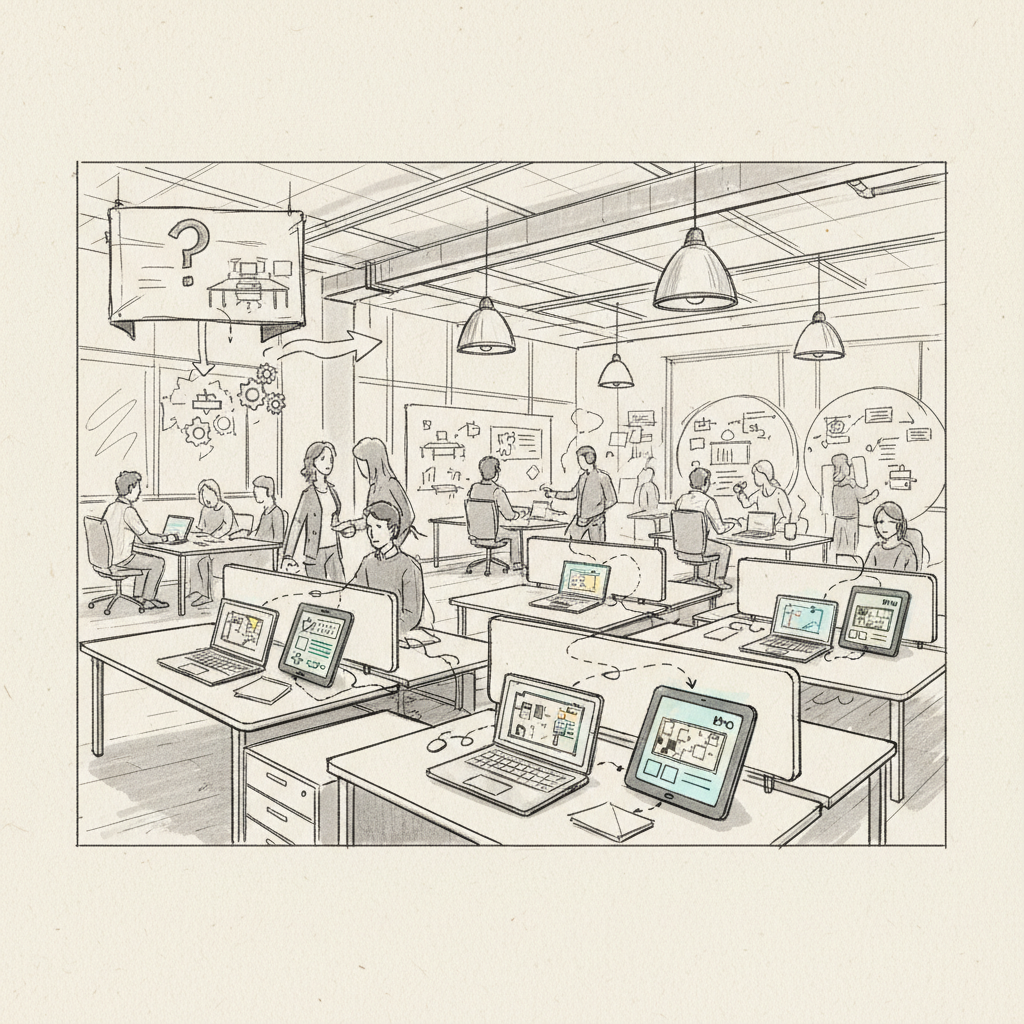
Hot desking has transformed from a cost-cutting measure to a strategic workplace optimization tool. Learning how to implement hot desking effectively can reduce real estate costs by up to 40% while improving employee satisfaction and collaboration [1]. This comprehensive guide walks you through the complete implementation process, from initial planning to ongoing optimization. You'll discover proven strategies, avoid common pitfalls, and create a flexible workspace that supports hybrid work patterns. The entire implementation typically takes 4-8 weeks, depending on your organization's size and complexity.
What You'll Need for Hot Desking Implementation: how to implement hot desking
Before diving into how to implement hot desking, you'll need specific tools, technology, and organizational buy-in to ensure success. The foundation of any hot desking program relies on three core components: robust technology infrastructure, clear policies, and adequate physical workspace design.
Essential Technology Requirements
Your hot desking implementation requires several key technology components:
- Desk booking software with real-time availability tracking
- Mobile app access for on-the-go reservations
- Digital wayfinding or desk location systems
- Cloud-based collaboration tools and file storage
- Wireless network infrastructure capable of handling increased device density
- Universal docking stations or USB-C hubs at each workstation
Pro Tip: Test your wireless network capacity before implementation. Hot desking can increase device density by 30-50% in popular areas, potentially overwhelming existing infrastructure.
Organizational Prerequisites
Successful hot desking implementation requires organizational readiness across multiple departments:
- Executive leadership commitment and clear communication strategy
- IT department involvement for technical setup and ongoing support
- Facilities management coordination for space planning and equipment
- HR partnership for policy development and change management
- Budget allocation for technology, furniture, and potential renovation costs
Research from the Society for Human Resource Management indicates that organizations with strong change management processes see 73% higher hot desking adoption rates [2].
Physical Space Assessment
Evaluate your current workspace to determine hot desking feasibility:
| Space Factor |
Minimum Requirement |
Optimal Configuration |
| Desk-to-employee ratio |
0.6:1 |
0.7:1 |
| Power outlets per desk |
2 outlets |
4+ outlets with USB |
| Storage lockers |
0.5:1 ratio |
1:1 ratio |
| Meeting room capacity |
15% of total headcount |
20% of total headcount |
Step 1: Analyze Current Space Utilization
Understanding your existing workspace patterns forms the foundation of successful hot desking implementation. This analysis reveals peak usage times, underutilized areas, and employee behavior patterns that inform your hot desking strategy.
Conduct Comprehensive Space Audits
Begin by measuring actual desk occupancy across different times and days. Many organizations discover that traditional offices operate at only 40-60% capacity on average days [3]. Use occupancy sensors, badge data, or manual counts to track:
- Daily peak occupancy periods (typically 10 AM - 3 PM)
- Weekly patterns showing Monday and Friday variations
- Department-specific usage differences
- Meeting room utilization rates
- Common area and collaborative space usage
Identify Employee Work Patterns
Survey employees about their current work habits and preferences. Key questions should cover:
- How many days per week do you work in the office?
- What are your typical arrival and departure times?
- Which office areas do you use most frequently?
- What equipment or amenities are essential for your productivity?
- How often do you collaborate with teammates in person?
Pro Tip: Use anonymous surveys to get honest feedback about workspace preferences. Employees often provide more candid responses about productivity challenges when anonymity is guaranteed.
Calculate Optimal Desk Ratios
Based on your utilization data, determine the appropriate desk-to-employee ratio. The Berkeley Center for Healthy Workplaces recommends starting conservatively with a 0.7:1 ratio for organizations new to hot desking [4]. This provides buffer capacity while employees adapt to the new system.
Consider these factors when calculating ratios:
- Peak occupancy days (usually Tuesday through Thursday)
- Seasonal variations in office attendance
- Department-specific requirements for specialized equipment
- Growth projections for the next 12-18 months
Step 2: Design Clear Policies and Guidelines
Creating comprehensive hot desking policies ensures consistent implementation and user adoption. Well-defined guidelines eliminate confusion and establish expectations for both employees and management.
Establish Booking and Reservation Rules
Your hot desking policy should clearly outline the booking process and time limitations. Industry best practices suggest implementing these core rules:
- Maximum advance booking period (typically 1-2 weeks)
- Daily booking limits per employee
- Cancellation requirements and deadlines
- No-show policies with automatic cancellation after 30 minutes
- Desk sharing protocols for partial-day usage
Define Clean Desk Standards
Implement clear expectations for workspace cleanliness and organization. According to workplace management experts, clean desk policies are critical for hot desking success [5]. Your policy should specify:
- End-of-day cleaning requirements for all users
- Personal item storage limitations
- Provided cleaning supplies and sanitization expectations
- Consequences for policy violations
| Policy Element |
Recommended Standard |
Enforcement Method |
| Advance booking window |
14 days maximum |
System-enforced limits |
| Daily booking limit |
1 desk per employee |
Software restrictions |
| Cancellation deadline |
2 hours before start time |
Automated notifications |
| Clean desk compliance |
100% clear at day end |
Spot checks and feedback |
Address Privacy and Security Concerns
Hot desking implementation must account for data security and privacy requirements. Develop protocols for:
- Secure file storage and document handling procedures
- Computer screen privacy and automatic locking policies
- Personal item security and locker assignments
- Confidential conversation guidelines in shared spaces
- Visitor access and escort requirements
Step 3: Select and Configure Booking Technology
Choosing the right technology platform is crucial for learning how to implement hot desking successfully. The booking system serves as the central nervous system of your hot desking program, managing reservations, tracking usage, and providing valuable analytics.
Evaluate Desk Booking Software Options
Modern hot desking requires sophisticated software that integrates with your existing technology stack. Key features to prioritize include:
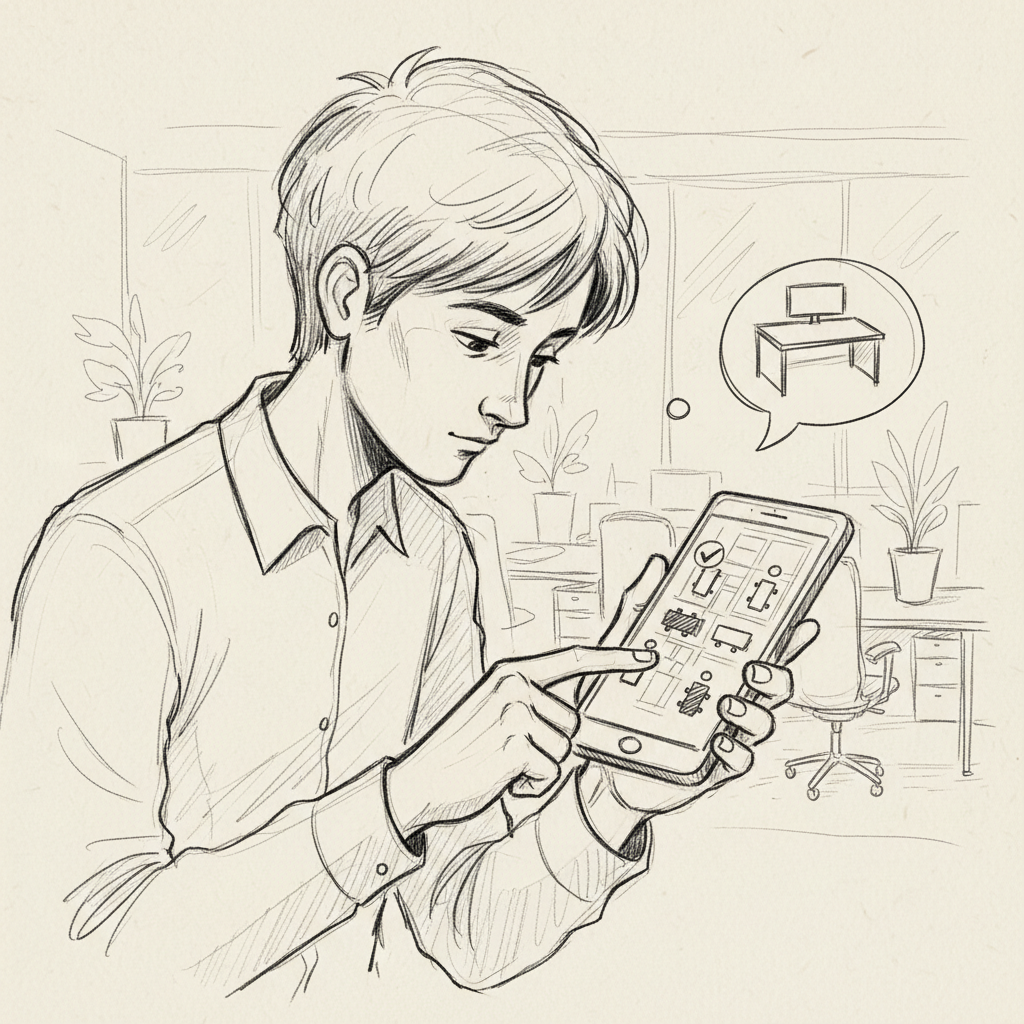
- Real-time availability tracking with visual floor maps
- Mobile app functionality for iOS and Android devices
- Integration capabilities with calendar systems (Outlook, Google Workspace)
- Analytics and reporting dashboards for utilization metrics
- Automated notifications and reminder systems
- Visitor management and guest booking features
Configure Integration Points
Successful hot desking implementation requires seamless integration across multiple systems. At Upflex, we've found that organizations with well-integrated booking platforms achieve 88% higher user adoption rates. Essential integrations include:
- Single sign-on (SSO) integration with corporate identity management
- Calendar synchronization for automatic meeting room coordination
- Badge access system integration for automatic desk assignment
- Facility management system connections for maintenance scheduling
- Analytics platform integration for comprehensive workplace insights
Pro Tip: Start with a pilot group of 20-30 employees to test your booking system before full deployment. This allows you to identify and resolve technical issues without disrupting the entire organization.
Implement User-Friendly Interfaces
The booking interface must be intuitive enough for employees to quickly find and reserve appropriate workspaces. Design considerations should include:
- Visual floor plan displays with real-time availability indicators
- Filtering options by location, amenities, and equipment
- Quick booking options for immediate desk needs
- Favorite desk saving functionality for preferred locations
- Check-in/check-out processes to confirm actual usage
Step 4: Prepare Physical Workspace Infrastructure
Transforming your office for hot desking requires strategic physical modifications that support flexible work patterns. The workspace must accommodate diverse work styles while maintaining professional standards and operational efficiency.
Standardize Workstation Equipment
Consistency across all hot desks ensures employees can work productively regardless of their chosen location. Each workstation should include:
- Adjustable monitor (24-inch minimum recommended)
- Ergonomic keyboard and mouse
- Universal docking station with multiple connectivity options
- Desk lamp with adjustable brightness
- Power strips with USB charging capabilities
- Cleaning supplies and sanitization materials
Design Flexible Storage Solutions
Since employees can't maintain permanent desk storage, alternative solutions become essential. Effective storage strategies include:
- Personal lockers assigned to individual employees
- Mobile pedestals that can move between workstations
- Shared storage areas for department-specific materials
- Digital document management systems to reduce paper storage needs
| Storage Type |
Recommended Ratio |
Typical Dimensions |
Best Use Case |
| Personal lockers |
1:1 employee ratio |
12" x 12" x 72" |
Personal items, jackets |
| Mobile pedestals |
0.3:1 desk ratio |
15" x 20" x 24" |
Active project files |
| Shared cabinets |
1 per 20 employees |
36" x 20" x 72" |
Department supplies |
| Touchdown storage |
0.1:1 desk ratio |
24" x 12" x 36" |
Temporary file storage |
Enhance Collaborative Spaces
Hot desking implementation often increases demand for meeting and collaboration areas. Workplace research shows that flexible seating arrangements can increase spontaneous collaboration by 42% [6]. Optimize these spaces by:
- Adding more small meeting rooms (2-4 person capacity)
- Creating phone booth areas for private calls
- Designing informal collaboration zones with comfortable seating
- Installing writable wall surfaces for brainstorming sessions
- Providing mobile whiteboards and presentation equipment
Step 5: Launch Pilot Program and Gather Feedback
Testing your hot desking implementation with a small group allows you to identify and resolve issues before organization-wide deployment. A well-structured pilot program provides valuable insights and builds confidence in the new system.
Select Representative Pilot Groups
Choose pilot participants that represent your organization's diversity in terms of:
- Department functions and work styles
- Technology comfort levels
- Office attendance patterns
- Seniority levels and management representation
- Physical workspace preferences
Industry experts recommend pilot groups of 15-25% of total employees for statistically meaningful feedback [7]. This size provides sufficient data while remaining manageable for troubleshooting.
Establish Clear Success Metrics
Define measurable objectives for your pilot program to evaluate hot desking effectiveness:
- Booking system utilization rates (target: 70%+ of available desks)
- User satisfaction scores (target: 4.0+ on 5-point scale)
- Technical issue frequency (target: <5% of bookings with problems)
- Space utilization efficiency (target: 15-20% improvement over assigned seating)
- Employee productivity self-assessments
Pro Tip: Schedule weekly feedback sessions during the first month of your pilot. Early intervention can prevent small issues from becoming major obstacles to adoption.
Monitor and Document Challenges
Systematic tracking of pilot program issues enables rapid resolution and informs full-scale implementation planning. Common challenges include:
- Booking system technical difficulties or user interface confusion
- Workspace equipment malfunctions or compatibility issues
- Policy violations or unclear guideline interpretations
- Storage solution inadequacies
- Collaboration space availability conflicts
Create a feedback loop that captures both quantitative metrics and qualitative employee experiences. This data becomes invaluable for refining your approach before broader deployment.
Common Mistakes to Avoid When Implementing Hot Desking
Learning how to implement hot desking successfully requires avoiding several critical pitfalls that can derail your program. Understanding these common mistakes helps you proactively address potential issues and ensure smooth adoption.
Technology-Related Missteps
Many organizations underestimate the technical complexity of hot desking implementation. Frequent technology mistakes include:
- Insufficient network infrastructure planning for increased device density
- Selecting booking software without adequate integration capabilities
- Failing to provide comprehensive user training on new systems
- Inadequate technical support during the transition period
- Overlooking mobile app functionality for remote booking needs
Research from the Interdisciplinary Center for Healthy Workplaces shows that 68% of failed hot desking implementations cite technology issues as primary obstacles [8].
Policy and Communication Failures
Clear communication and well-defined policies are essential for hot desking success. Organizations frequently struggle with:
- Implementing hot desking without adequate employee consultation or buy-in
- Creating overly complex booking rules that discourage usage
- Failing to address security and privacy concerns proactively
- Insufficient change management support during transition periods
- Lack of ongoing policy refinement based on user feedback
Physical Workspace Oversights
Workspace design mistakes can significantly impact hot desking effectiveness:
- Providing inconsistent equipment across workstations
- Inadequate storage solutions for personal and work materials
- Poor acoustic design leading to noise and distraction issues
- Insufficient cleaning and maintenance protocols
- Overlooking ergonomic considerations for diverse user needs
Pro Tip: Create a "hot desking champion" program with volunteer employees who can provide peer support and feedback during implementation. These champions often identify issues that management might miss.
Best Practices for 2026 Hot Desking Success
Modern hot desking implementation benefits from lessons learned over recent years and emerging workplace trends. Successful organizations in 2026 focus on employee experience, data-driven optimization, and flexible adaptation to changing work patterns.
Prioritize Employee Experience
Contemporary hot desking success depends on creating positive user experiences that rival or exceed traditional assigned seating. Key experience factors include:
- Intuitive booking interfaces that require minimal training
- Consistent, high-quality equipment across all workstations
- Adequate acoustic privacy and noise management
- Flexible workspace options for different work styles and tasks
- Reliable technical support and rapid issue resolution
Leverage Data Analytics for Optimization
Advanced analytics platforms provide insights that enable continuous improvement of hot desking programs. At Upflex, our UnifyAI technology delivers 97% attendance forecast accuracy, helping organizations optimize space allocation and reduce costs by up to 40%. Key metrics to monitor include:
- Real-time utilization patterns across different times and locations
- Employee booking behaviors and preferences
- Space efficiency improvements compared to traditional seating
- Cost savings from reduced real estate footprint
- Employee satisfaction and productivity indicators
Maintain Flexibility and Adaptability
Successful hot desking programs evolve based on changing organizational needs and employee feedback. Regular assessment and adjustment ensure long-term effectiveness:
- Quarterly policy reviews based on usage data and employee input
- Seasonal adjustments to accommodate varying attendance patterns
- Technology updates and feature enhancements
- Physical workspace modifications based on utilization trends
- Integration with broader workplace strategy initiatives
Sources & References
- Accruent, "What is Hot Desking — and How Can You Implement It?", 2026
- SHRM, "Viewpoint: Hot Desking Is Not Genuine Flexible-Work Model", 2023
- Envoy, "What is hot desking? How to do it right", 2026
- Berkeley Center for Healthy Workplaces, "Hot Desking? Now?", 2023
- Officely, "How to Create Hot Desk Guidelines That Work", 2026
- Zoom, "What is hot desking? Types, benefits, and how to make it work", 2026
- FloorPlan Mapper, "How to Implement Hot Desking: 8 Steps to Set Up a Flexible Office", 2026
- HR Daily Advisor, "Return to Office: Hot Desking and the Power of Flexible Workspaces", 2023
Frequently Asked Questions
1. How do you implement hot desking?
Understanding how to implement hot desking is essential. Implementing hot desking requires five key steps: analyzing current space utilization, designing clear policies, selecting booking technology, preparing physical infrastructure, and launching a pilot program. Start by measuring actual desk occupancy to determine optimal ratios, then establish booking rules and clean desk standards. Choose integrated software that connects with your existing systems, standardize workstation equipment, and test with a representative pilot group before full deployment.
2. What equipment is needed for hot desking?
Essential hot desking equipment includes adjustable monitors, ergonomic keyboards and mice, universal docking stations, desk lamps, and power strips with USB capabilities at each workstation. You'll also need personal lockers for employee storage, cleaning supplies for sanitization, and mobile collaboration tools like whiteboards. Standardizing equipment across all workstations ensures consistent productivity regardless of desk location.
3. What are the best hot desking practices?
Best hot desking practices include creating clear booking policies with advance reservation windows, implementing clean desk standards, providing consistent technology across workstations, and establishing adequate storage solutions. Successful programs also prioritize employee experience through intuitive booking systems, reliable technical support, and flexible workspace options. Regular feedback collection and data-driven optimization ensure continuous improvement.
4. How long does hot desking implementation take?
Hot desking implementation typically requires 4-8 weeks from planning to full deployment. This includes 1-2 weeks for space analysis and policy development, 2-3 weeks for technology setup and workspace preparation, and 2-3 weeks for pilot testing and refinement. Larger organizations or those requiring significant physical modifications may need additional time for construction and equipment installation.
5. What's the difference between hot desking and hoteling?
Hot desking typically operates on a first-come, first-served basis or simple booking system, while hoteling involves advance reservations with specific amenities and services. Hoteling often includes concierge services, personalized workspace setup, and premium amenities. Hot desking focuses on flexible, standardized workstations that any employee can use, making it more suitable for daily office operations.
6. How do you calculate the right desk-to-employee ratio?
Calculate desk ratios by analyzing peak occupancy data and hybrid work patterns. Most successful hot desking programs use 0.6:1 to 0.8:1 ratios, meaning 60-80 desks per 100 employees. Start conservatively with 0.7:1 for new implementations, then adjust based on actual utilization data. Consider peak days (typically Tuesday-Thursday), seasonal variations, and department-specific requirements when determining your optimal ratio.
7. What are common hot desking implementation challenges?
Common challenges include employee resistance to change, inadequate technology infrastructure, insufficient storage solutions, and poor communication about new policies. Technical issues with booking systems, inconsistent equipment across workstations, and inadequate cleaning protocols also create problems. Address these proactively through comprehensive change management, pilot testing, and continuous feedback collection during implementation.
Conclusion
Successfully learning how to implement hot desking requires careful planning, appropriate technology, and strong change management. The process involves analyzing current space utilization, developing clear policies, selecting integrated booking technology, preparing flexible workspace infrastructure, and testing with pilot programs before full deployment.
Modern hot desking implementations in 2026 benefit from advanced analytics platforms and AI-powered optimization tools that can predict attendance patterns and optimize space allocation. Organizations that follow these comprehensive implementation steps typically see significant cost savings, improved space utilization, and enhanced employee flexibility.
The key to successful hot desking lies in prioritizing employee experience while maintaining operational efficiency. By avoiding common implementation mistakes and following proven best practices, your organization can create a flexible workspace that supports hybrid work patterns and reduces real estate costs while maintaining productivity and employee satisfaction.
About the Author
Written by the SaaS experts at Upflex. Our team brings years of hands-on experience helping businesses with SaaS, delivering practical guidance grounded in real-world results.
Recommended Articles
Explore more from our content library: